


Screenpipe
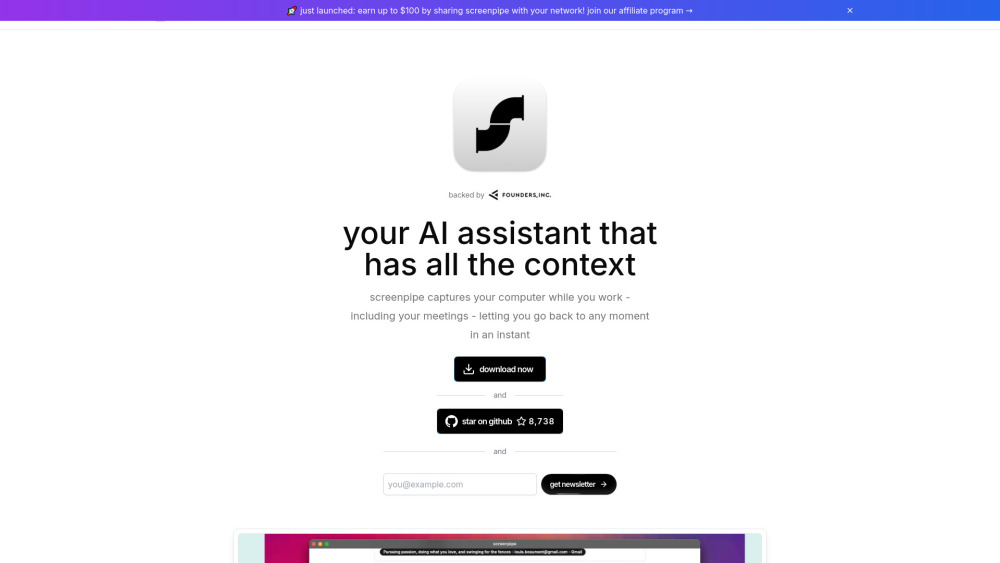


什么是Screenpipe?
Screenpipe 可在本地记录屏幕和音频历史,使过往工作内容可搜索。你可以回顾对话、了解自己在各个应用中的时间分配,并通过 MCP 和本地 API 为 AI 助手提供上下文。定时工作流可以根据捕获的历史记录生成会议纪要和工作总结。Screenpipe 支持 macOS、Windows 和 Linux。其源代码基于 Screenpipe 商业许可证提供。启用云端 AI、转录、同步和集成功能后,相关上下文可能会被发送到设备外。
如何使用 Screenpipe?
安装 Screenpipe,选择要录制的内容,并授予所需的录制权限。在应用中搜索已捕获的历史记录,或通过“设置 → 连接”或文档中的 MCP 配置连接 AI 助手。根据需求选择本地处理或云端处理。
Screenpipe 的核心功能
屏幕和音频捕获,以及本地历史记录存储
搜索捕获的屏幕文字和音频转录内容
通过 MCP 和本地 API 为 AI 助手提供访问能力
用于生成会议纪要和工作总结的定时工作流
支持无障碍文本捕获,并提供 OCR 备用方案和语音转录
控制录制内容,以及哪些 AI 服务可以接收上下文
Screenpipe 的使用案例
回顾对话,查找之前看到的信息
通过 MCP 为编程助手提供近期工作上下文
了解自己在各个应用和项目中的时间分配
根据录制的上下文生成会议纪要
通过定时工作流创建每日工作总结
来自 Screenpipe 的常见问题
什么是 Screenpipe?
我可以用 Screenpipe 做什么?
所有数据都会留在我的电脑上吗?
Screenpipe 是开源软件吗?
如何连接 AI 助手?
Screenpipe 支持邮箱 & 客户服务联系 & 退款联系等
更多联系, 访问 the contact us page()
Screenpipe 公司信息
Screenpipe 公司名字: Screenpipe .
Screenpipe 公司地理位置: .
更多关于Screenpipe, 请访问 the about us page().
Screenpipe 登录
Screenpipe 注册
Screenpipe 价格
Screenpipe 价格链接: https://screenpipe.com/pricing
Screenpipe Github
Screenpipe Github链接: https://github.com/screenpipe/screenpipe
Screenpipe 评价 (0)
Screenpipe 价格
免费版
0 美元
免费套餐,历史记录数量有限。当前限制请参阅 https://screenpipe.com/pricing。
基础版
请参阅当前价格
面向个人用户的付费套餐。月付和年付选项请参阅 https://screenpipe.com/pricing。
商业版
请参阅当前价格
面向团队的付费套餐,按席位计费。计费条款和包含的功能请参阅 https://screenpipe.com/pricing。
如需要最新的产品价格, 请访问这个链接查询最新价格: https://screenpipe.com/pricing
Screenpipe数据分析
Screenpipe 网站流量分析
地理位置
Top 1 国家/地区

Screenpipe 启动嵌入功能
使用网站徽章推动社区对 Toolify 启动的支持。它们很容易嵌入到您的主页或页脚。




社交媒体聆听