































Table of Contents
- Key Points
- Introduction to RetinaFace
- Installation and Setup
- Extracting Face Coordinates and Features
- Pros and Cons of RetinaFace
- FAQ
- Related Questions



Introduction to RetinaFace
What is RetinaFace?
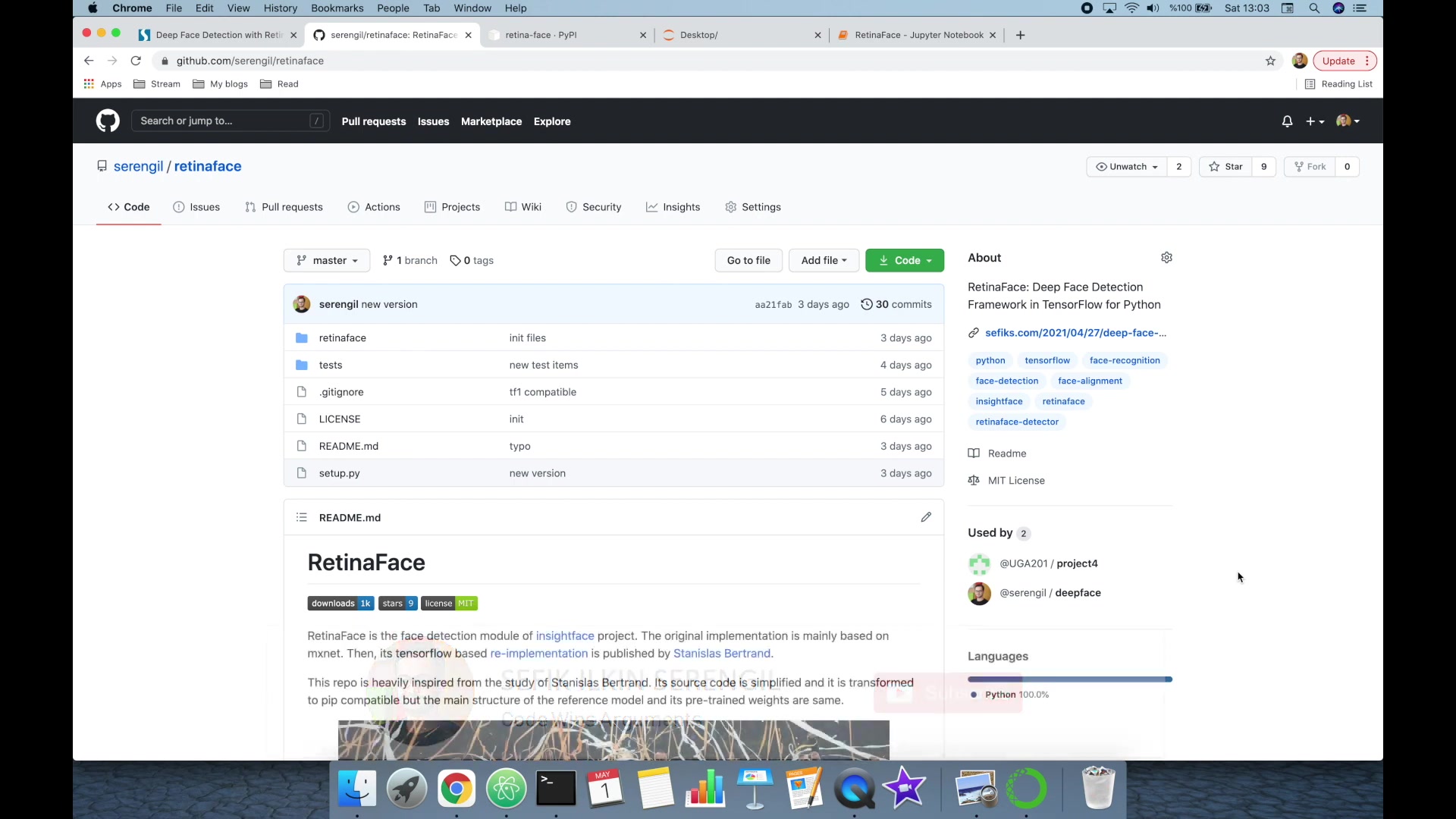
RetinaFace is a high-performance, single-stage face detector particularly useful in scenarios requiring fast and accurate face detection. It's a deep learning model designed to identify human faces in digital images. It differentiates itself from other face detection models through its speed, precision, and ability to handle varying face sizes and occlusions. This makes RetinaFace a valuable tool for real-time video analysis, security systems, and automated image tagging. The original RetinaFace implementation is based on Minet, but a TensorFlow-based re-implementation enhances its accessibility and integration with modern deep learning workflows. RetinaFace focuses on providing an efficient solution without sacrificing accuracy, appealing to applications where resources are limited, or speed is critical. Its design philosophy emphasizes simplicity and ease of use, allowing even developers with moderate experience to implement advanced face detection capabilities.
Key features of RetinaFace include:
- High accuracy in detecting faces across different poses and lighting conditions.
- Real-time processing capabilities, crucial for video applications.
- Easy integration into existing Python environments with minimal dependencies.
- A simple API that facilitates rapid development and deployment.
- An open-source license, allowing for customization and adaptation to specific project needs.
Applications of RetinaFace are widespread, including:
- Security and surveillance systems that automatically detect and track faces.
- Social media platforms that use face detection for tagging and content organization.
- Automated photo editing tools that rely on accurate face localization.
- Robotics and autonomous vehicles that use face detection for human-robot interaction.
- Biometric authentication systems that require precise face recognition.
RetinaFace's Open-Source Nature
The fully open-source nature of RetinaFace is a significant advantage. This allows developers and researchers to access, modify, and distribute the source code freely.
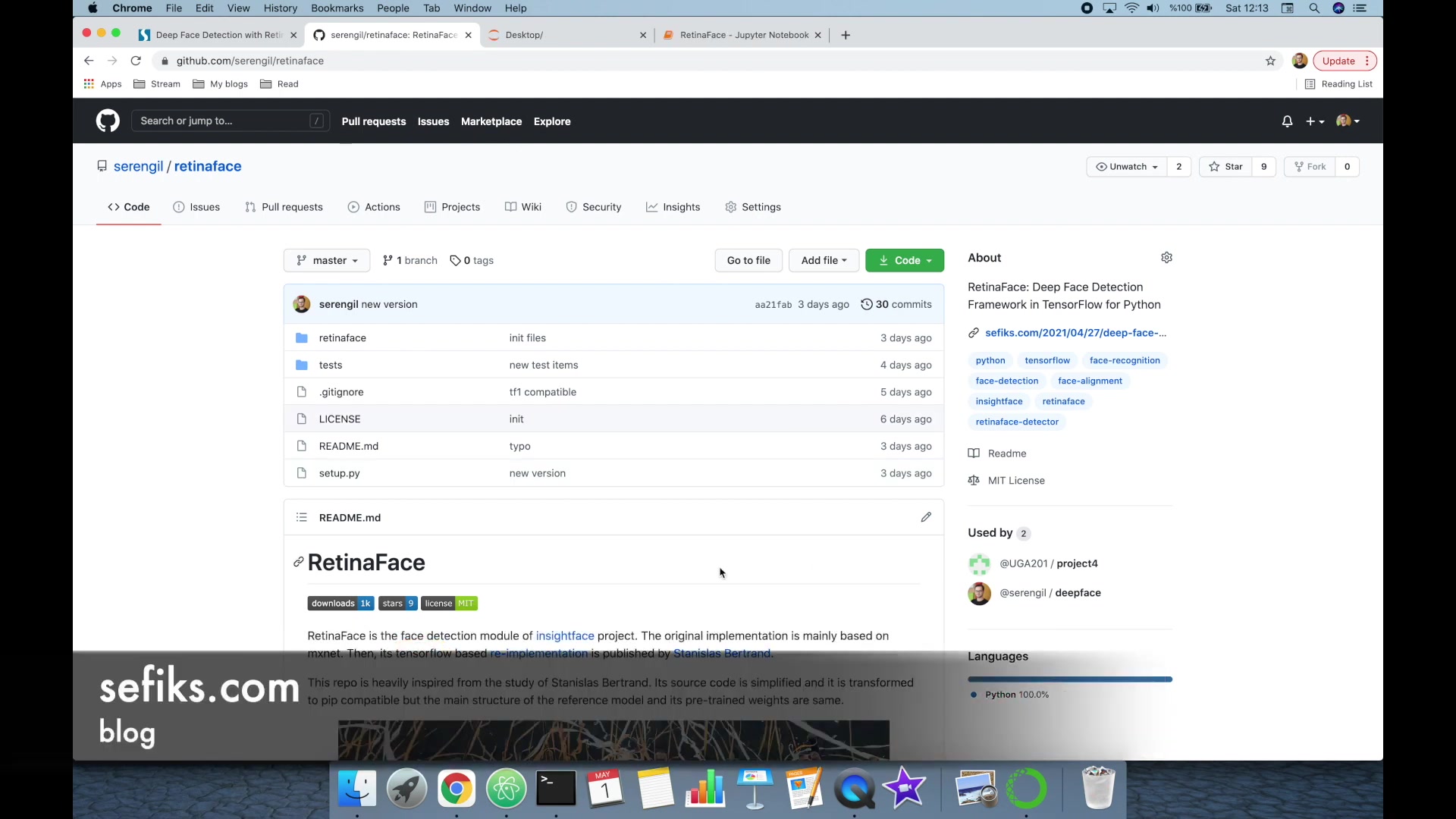
Open-source face detection frameworks like RetinaFace encourage community-driven development, which leads to continuous improvements and enhancements. Open-source licensing promotes transparency, enabling users to thoroughly inspect the code for security vulnerabilities or performance bottlenecks. The availability of the source code fosters better understanding and facilitates the adaptation of RetinaFace to specific research or industrial applications. Many developers prefer open-source solutions because they provide greater control and flexibility over the technology. Open-source projects often have vibrant communities that offer support, documentation, and pre-built tools, making integration easier. Open source also reduces dependency on proprietary software, leading to cost savings and long-term sustainability. RetinaFace's accessibility and adaptability make it a popular choice among those who want to leverage advanced face detection without the limitations of closed-source alternatives. Developers can easily extend functionality by integrating custom modules or algorithms, tailor the framework to specific hardware platforms, and contribute back to the community with their improvements. The collaborative nature of open source ensures that RetinaFace remains at the forefront of face detection technology. Its design also supports interoperability with other open-source tools, creating a rich ecosystem that enhances its overall usability.
Benefits of open-source software:
- Free access to source code for customization and modification.
- Community support and resources.
- Cost savings by avoiding proprietary licenses.
- Transparency and security through community code review.
- Interoperability with other open-source tools.
Installation and Setup
Installing RetinaFace via pip
The simplest method to install RetinaFace is by using pip, the Python Package installer. First, ensure that you have pip installed. If not, you can install it using python -m ensurepip --default-pip. Once pip is set up, open your terminal or command Prompt and execute the following command: pip install retina-face
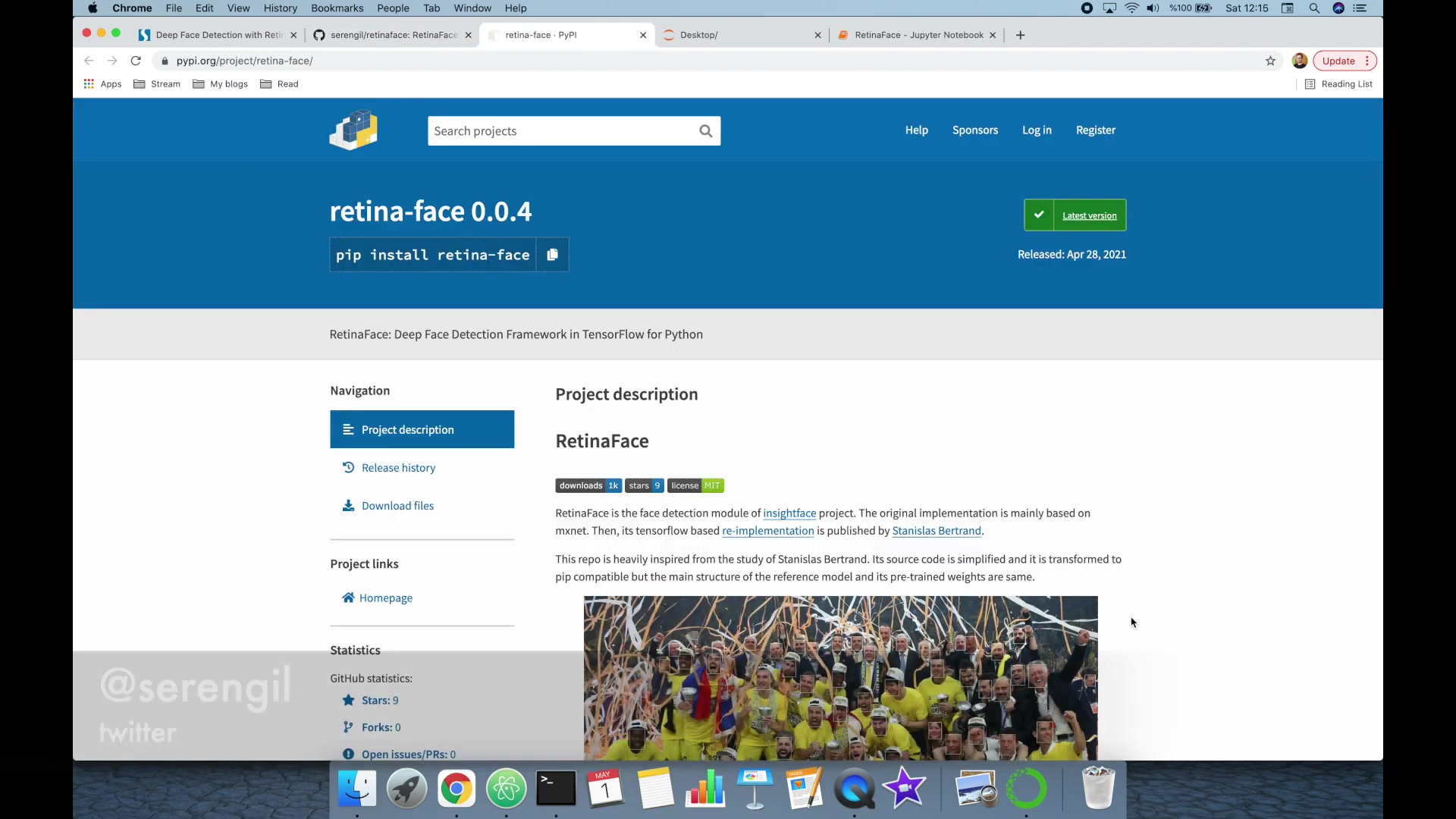
This command automatically downloads and installs RetinaFace and all its necessary dependencies. After the installation completes, you can verify it by importing the RetinaFace module in a Python script or interactive session. If the import is successful without any errors, RetinaFace has been installed correctly. Note that RetinaFace requires TensorFlow as a backend, so ensure TensorFlow is also installed either before or during the RetinaFace installation process. Pip typically handles this automatically, but you might need to install TensorFlow separately if you encounter any issues related to missing TensorFlow dependencies. It's advisable to use a virtual environment to manage dependencies and avoid conflicts with other Python packages installed on your system. A virtual environment isolates RetinaFace's dependencies, ensuring a consistent and reproducible setup. You can create a virtual environment using python -m venv <environment_name>, activate it with source <environment_name>/bin/activate on Linux or macOS, or <environment_name>\Scripts\activate on Windows, and then run the pip install command inside the activated environment. Keeping your RetinaFace installation up to date ensures that you benefit from the latest improvements, bug fixes, and security patches. You can update RetinaFace to the latest version using pip install --upgrade retina-face. This command checks for newer versions and updates the existing installation accordingly. Regularly updating RetinaFace is a best practice to maintain a stable and efficient face detection system.
Steps to install RetinaFace via pip:
- Ensure pip is installed:
python -m ensurepip --default-pip - Install RetinaFace:
pip install retina-face - Verify installation: Import RetinaFace in a Python script.
- Use virtual environments: To avoid dependency conflicts.
- Keep RetinaFace updated:
pip install --upgrade retina-face
Importing RetinaFace into Your Python Script
After successfully installing RetinaFace, you need to import it into your Python script to use its functionalities. The correct way to import RetinaFace is using the following statement: from retinaface import RetinaFace.
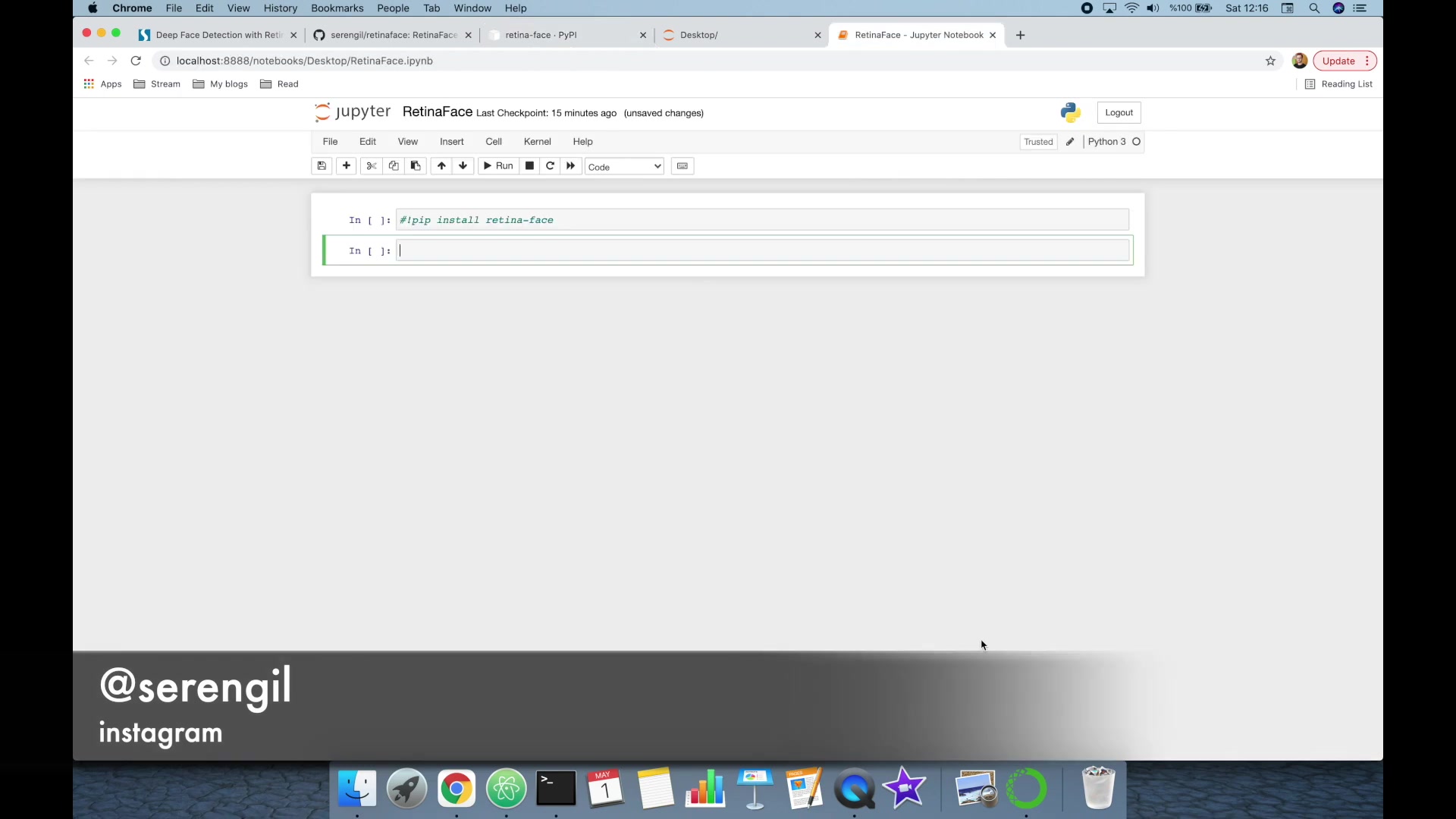
Make sure that the first letters of Retina and Face are uppercase when importing the module. This is crucial because Python is case-sensitive, and incorrect capitalization can lead to import errors. Once you have imported the module, you can create an instance of the RetinaFace class to access its methods and properties. This class encapsulates the face detection logic and provides methods to detect faces in images. The import statement ensures that all necessary classes and functions are available for use within your script. You can import RetinaFace globally at the beginning of your script, making it accessible throughout the entire code. Alternatively, you can import it locally within a specific function or class if you only need it in a limited scope. The choice depends on your project's structure and requirements. Proper import statements are essential for working with external libraries in Python, and RetinaFace is no exception. Double-checking the capitalization and ensuring the correct syntax can save you from common import-related issues. The import process also loads any additional modules or dependencies that RetinaFace requires, making them available for your application. By importing RetinaFace, you are bringing the power of advanced face detection into your Python environment, enabling you to perform sophisticated image analysis tasks. A well-structured import statement ensures that your code is readable, maintainable, and free from import-related errors.
Correct import statement:
from retinaface import RetinaFace
Incorrect import statements (examples):
from retinaface import retinafacefrom Retinaface import RetinaFaceimport retinaface
Basic Face Detection with RetinaFace
To perform basic face detection using RetinaFace, you need to load an image into your Python environment. RetinaFace expects an image path as input. After importing RetinaFace and defining the image path, you can use the detect_faces method to detect faces in the image.
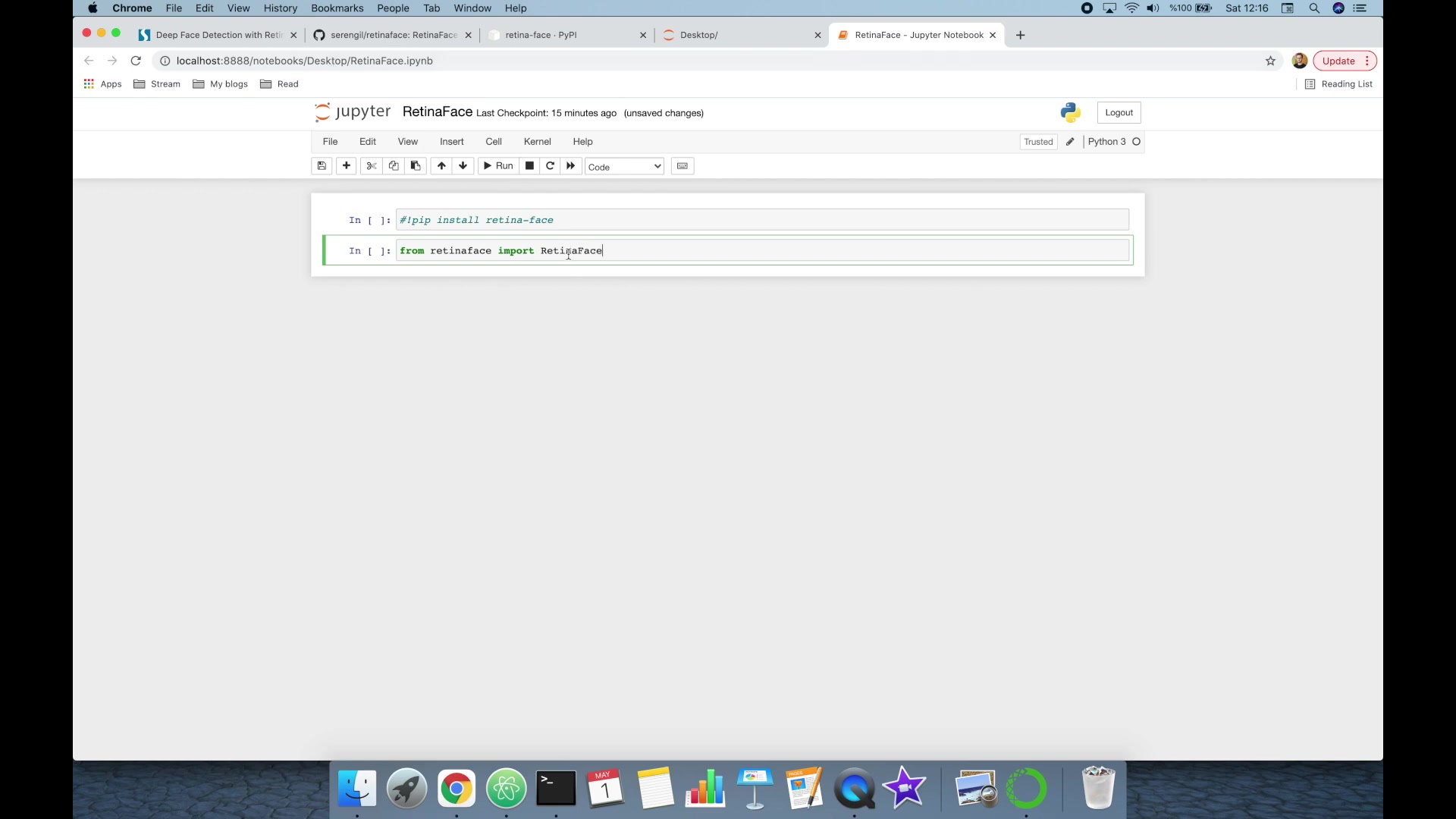
Here's an example of how to use the detect_faces method: obj = RetinaFace.detect_faces(img_path). In this example, img_path is the path to the image you want to analyze. The detect_faces method returns a dictionary containing information about the detected faces, including their coordinates, confidence scores, and facial landmarks. This dictionary provides a structured way to access the key attributes of each detected face. The returned object contains an entry for each detected face, with keys like face_1, face_2, and so on. Each face entry contains the bounding box coordinates (x1, y1, x2, y2), confidence score, and coordinates of facial landmarks like eyes, nose, and mouth. The confidence score indicates the model's certainty that it has detected a face, while the facial landmarks provide precise locations of key facial features. This detailed information enables various advanced applications, such as face alignment, facial expression analysis, and more. You can loop through the detected faces and extract the necessary information for further processing. It's important to handle the case where no faces are detected in the image. You can check if the returned dictionary is empty to determine if any faces were found. If no faces are detected, you can handle this case gracefully by displaying a message or taking alternative actions. The ability to perform basic face detection with RetinaFace is just the first step. The framework also offers advanced features such as facial recognition through its ArcFace extension, allowing you to build even more sophisticated applications. The basic face detection process provides a solid foundation for understanding how to use RetinaFace and its core functionalities.
Example of face detection:
- Import RetinaFace:
from retinaface import RetinaFace - Define image path:
img_path = "image.jpg" - Detect faces:
obj = RetinaFace.detect_faces(img_path)


Most people like






































Report
Please select a reason for reporting
- 13 Reasons to Switch from Snapchat to Text Messaging
- 7 Powerful Speech to Text Apps to Boost Productivity
- 10 Best Speech to Text Tools for Effortless Transcription
- 13 Free Tools to Easily Transcribe Audio to Text
- 15 Surprising Ways Google's Speech-to-Text Boosts Productivity
- 7 Best Free Online Audio to Text Transcription Tools
- 9 Tips to Transcribe Speech to Text Faster and Better
- 13 Best Speech to Text Software for Windows 10 in 2023
- 7 Tips for Choosing the Best Transcriber for Audio to Text
- 11 Reasons Why Dragon Speech-to-Text Apps are Game-Changers
- 6 Secrets to Enhance Your Speech to Text Transcription
- 6 Brilliant Ways to Boost Productivity with Talk-to-Text on Your MacBook
- 6 Ways Transcription Software Converts Audio to Text
- 8 Tips to Transcribe Speech to Text Like a Pro
- 6 Reasons IBM Watson Speech to Text is a Game-Changer
- 14 Powerful Ways Talk-to-Text Improves Your Workflow
- 12 Top Windows Speech-to-Text Software for Efficient Transcription
- 12 Game-Changing Benefits of Apple's Speech to Text Technology
- 9 Powerful Use Cases for AWS Speech to Text Technology
- 10 Easy Steps to Transcribe YouTube Videos to Text
- transcription audio en texte
- online audio transcription
- free audio file transcription
- free ai audio transcription
- audio transcription service
- audio transcription online free
- audio transcription free online
- audio to transcription software
- audio and transcript
- ai audio transcription free
- voice recording to text converter
- translate voice recording to text
- record voice to text
- audio recording to text converter
- voice recording and transcription
- chatgpt voice to text
- gmail voice to text
- speech to text reader
- speech to text ai free
- speech to talk
- Twitter/X API Alternatives for AI Agents and Developers in 2026
- ChatGPT Knows Ford. It Just Doesn't Quote Ford
- Meshy AI: How to Create 3D Models from Text and Images
- How SEO and Marketing Dashboards Empower Agencies to Drive Results
- How to Use AI Tools to Find Internal Linking Opportunities Across a Business Website
- Discover Your Perfect Haircut with AI Hairstyle Apps
- Free Reputation Calculator Tools: How They're Adapting to Score AI Visibility, Not Just Rankings
- Design Professional Flyers for Free on Your Phone
- Best Free Flyer Maker Apps for Android: Design Like a Pro
- How to Know If Your Business Is Ready for an AI Customer Service Agent
- Top 8 Live Chat Software for Small Businesses in 2023
- Download Website Source Code: A Comprehensive Guide
- Top 10 AI Marketing Tools Content Creators Need in 2025
- Top 5 Cold Email Software: Maximize Your Outreach in 2025
- Testing Audio-Visual Realism: An In-Depth Look at Modern Facial Re-Animation
- Inside Motion Sync: A Real-World Test of AI Character Animation
- Twitter/X API Alternatives for AI Agents and Developers in 2026
- Your Business Data Could Be Worth Up to $4M. Find Out Without Uploading a Single File.
- Can an eSIM Plan Save You Time During Travel Setup?
- AI Video Editor Review: A Hands-On Look at Prompt-Based Video Editing

Copyright ©2026 toolify