































Table of Contents
- Key Points
- Must-Know Open Source GitHub Projects Redefining Tech
- Projects Overview Table
- Getting Started: How to Use These Open Source GitHub Projects
- Pricing and Availability
- Open Source Face-Off: Pros and Cons Summary
- Unveiling the Core Features of these Open Source Projects
- Practical Use Cases Across Different Scenarios
- Frequently Asked Questions
- Dive Deeper: Related Questions to Explore Open Source Innovation



Must-Know Open Source GitHub Projects Redefining Tech
Kitten TTS: Ultra-Lightweight Expressive Text-to-Speech
In the realm of accessible technology, Kitten TTS emerges as a standout project on GitHub.
This ultra-lightweight text-to-speech model delivers high-quality, expressive speech while remaining incredibly compact. What sets Kitten TTS apart is its ability to run anywhere, even on CPUs, making it ideal for resource-constrained environments. It redefines the possibilities for Text-to-Speech technology.
Built as a developer preview, Kitten TTS is a state-of-the-art model under 25MB in size, powered by just 15 million parameters. That’s roughly 1/5 the size of similar models, like Coqui 82M. In practical terms, its CPU optimization gives it a leg up. You get real-time TTS, but without cloud dependency, so you can run it from a laptop, smartphone, or even low-end computer. This makes Kitten TTS the smallest, best-sounding TTS engine currently available.
Unlike cloud infrastructure, Kitten TTS needs no heavy lifting. This model also offers 8 vibrant voices (4 female, 4 male), each surprisingly expressive for such a tiny download. Plus, it’s completely open source, utilizing an Apache 2.0 license. That means zero licensing headaches or hidden fees and is perfect for both commercial and personal projects.
Teaching: Open-Source Information Retrieval Courses
For those passionate about education and information retrieval, the Teaching project on GitHub offers a treasure trove of open-source teaching materials.
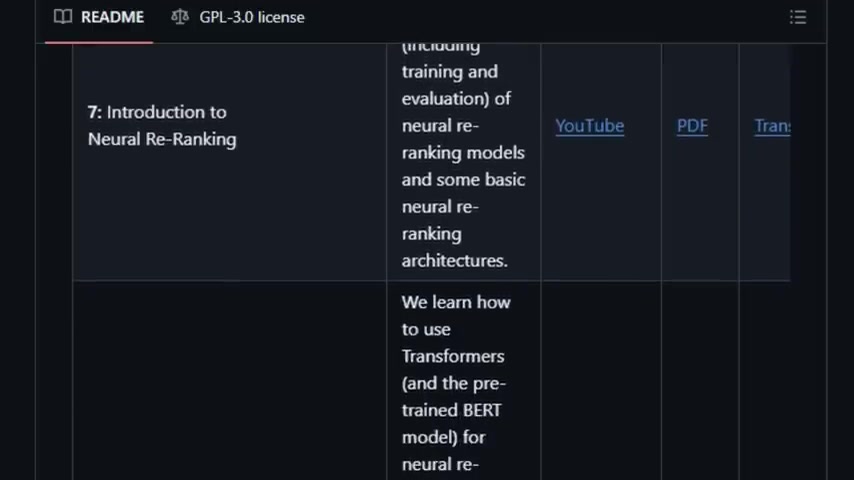
This repository stands out by presenting information retrieval concepts in an engaging and interactive manner. These materials come directly from TU Wien's award-winning courses and include lectures, recordings, slides, closed captions, and transcripts. The teaching material is suitable for exploring state-of-the-art IR topics like BERT-based retrieval, neural search, and evaluation metrics. One can see that it is more than just a resource; rather, it’s genuine, real-time, and fun for users. The structure also features course updates and Github discussions, where students can ask questions, sharpen their understanding, and collaborate. The Course's modern, inclusive edge delivers foundational concepts effectively and is offered free under a GPL 3.0 license, so it's easy for teachers and students to adopt and modify it.
FCOS: Fully Convolutional One-Stage Object Detection
FCOS (Fully Convolutional One-Stage Object Detection) represents a paradigm shift in object detection.
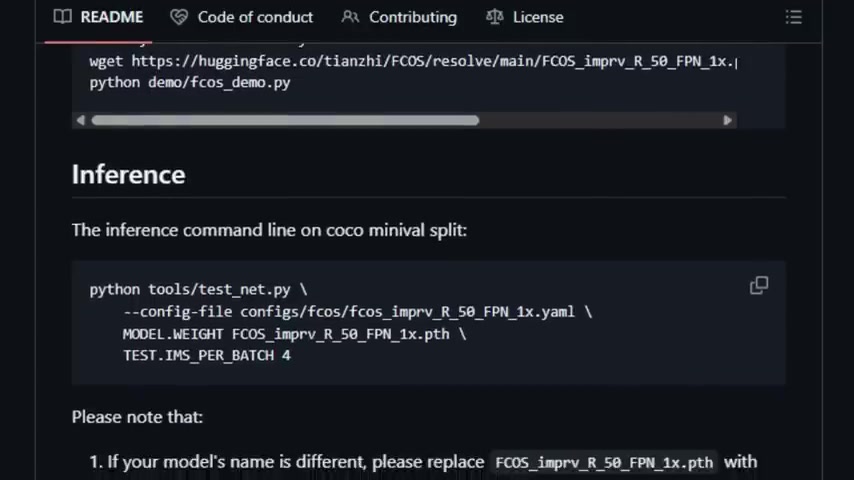
By stripping away the anchor box framework, FCOS treats every pixel as a potential detection point. This per-pixel prediction strategy mirrors semantic segmentation and simplifies the architecture.
One of the biggest advantages of FCOS is that it’s completely anchor-free. That eliminates the complicated computation associated with anchor boxes and all hyper-parameters of anchor boxes.
Despite its simplicity, FCOS achieves better performance than Faster R-CNN in controlled tests, and delivers faster training and testing. It’s a win/win combination.
Screen Coder: Advancing Visual-to-Code Generation
Turning UI screenshots into clean, editable HTML/CSS code is the promise of Screen Coder, an open-source GitHub project that makes front-end development easy. What makes Screen Coder unique is its multi-agent modular system. That brings visual understanding, adaptive code synthesis, and layout planning together for accurate, editable code. Instead of an image-to-code, one-shot model, Screen Coder breaks things into three easy stages: grounding, planning, and generation.
Here’s what those components look like:
-
Grounding: That means the system identifies the different elements within an image, tagging text fields, buttons, and images.
-
Planning: Once the system identifies the components, it arranges them, so it makes sense. The output mirrors front-end engineering principles.
-
Generation: At this stage, the system synthesizes the data in stages, so you get clean, editable HTML/CSS. Best of all, you retain code control and can make edits easily. Plus, under an Apache 2.0 license, Screen Coder is very easy to integrate.
Gollama: A CLI & TUI Ollama Model Management Power-Up
Gollama exists purely to manage your Ollama models easily and efficiently. Unlike general-purpose AI Tools, Gollama offers a terminal user interface (TUI) tailored for handling Ollama model operations, that delivers a smoother, simpler way to operate in terminal environments. As you navigate its features, remember, speed is also a top priority. As a project continually evolving, there are numerous features and tools with additional speed improvements on the horizon.
These functionalities include:
- View, inspect and sort models from the terminal
- Use hotkeys to run, edit, unload, copy or rename models
- Sync with LM Studio models But more than that, you get access to all Ollama capabilities through Gollama. By focusing its tools, it streamlines the UX. And that’s what makes Gollama an efficient must-have.


Most people like







































Report
Please select a reason for reporting
- 13 Reasons to Switch from Snapchat to Text Messaging
- 7 Powerful Speech to Text Apps to Boost Productivity
- 10 Best Speech to Text Tools for Effortless Transcription
- 13 Free Tools to Easily Transcribe Audio to Text
- 15 Surprising Ways Google's Speech-to-Text Boosts Productivity
- 7 Best Free Online Audio to Text Transcription Tools
- 9 Tips to Transcribe Speech to Text Faster and Better
- 13 Best Speech to Text Software for Windows 10 in 2023
- 7 Tips for Choosing the Best Transcriber for Audio to Text
- 11 Reasons Why Dragon Speech-to-Text Apps are Game-Changers
- 6 Secrets to Enhance Your Speech to Text Transcription
- 6 Brilliant Ways to Boost Productivity with Talk-to-Text on Your MacBook
- 6 Ways Transcription Software Converts Audio to Text
- 8 Tips to Transcribe Speech to Text Like a Pro
- 6 Reasons IBM Watson Speech to Text is a Game-Changer
- 14 Powerful Ways Talk-to-Text Improves Your Workflow
- 12 Top Windows Speech-to-Text Software for Efficient Transcription
- 12 Game-Changing Benefits of Apple's Speech to Text Technology
- 9 Powerful Use Cases for AWS Speech to Text Technology
- 10 Easy Steps to Transcribe YouTube Videos to Text
- transcription audio en texte
- online audio transcription
- free audio file transcription
- free ai audio transcription
- audio transcription service
- audio transcription online free
- audio transcription free online
- audio to transcription software
- audio and transcript
- ai audio transcription free
- voice recording to text converter
- translate voice recording to text
- record voice to text
- audio recording to text converter
- voice recording and transcription
- chatgpt voice to text
- gmail voice to text
- speech to text reader
- speech to text ai free
- speech to talk
- Twitter/X API Alternatives for AI Agents and Developers in 2026
- ChatGPT Knows Ford. It Just Doesn't Quote Ford
- Meshy AI: How to Create 3D Models from Text and Images
- How SEO and Marketing Dashboards Empower Agencies to Drive Results
- How to Use AI Tools to Find Internal Linking Opportunities Across a Business Website
- Discover Your Perfect Haircut with AI Hairstyle Apps
- Free Reputation Calculator Tools: How They're Adapting to Score AI Visibility, Not Just Rankings
- Design Professional Flyers for Free on Your Phone
- Best Free Flyer Maker Apps for Android: Design Like a Pro
- How to Know If Your Business Is Ready for an AI Customer Service Agent
- Top 10 AI Marketing Tools Content Creators Need in 2025
- Top 5 Cold Email Software: Maximize Your Outreach in 2025
- Inside Motion Syncr: A Real-World Test of AI Character Animation
- Twitter/X API Alternatives for AI Agents and Developers in 2026
- Your Business Data Could Be Worth Up to $4M. Find Out Without Uploading a Single File.
- Can an eSIM Plan Save You Time During Travel Setup?
- AI Video Editor Review: A Hands-On Look at Prompt-Based Video Editing
- Keep Characters Consistent Across Scenes With Image-to-Video AI
- How to Convert BTC to HNT
- ProxyWing DuckDuckGo Proxy Review: Plans, Setup and Who It Is For

Copyright ©2026 toolify