































Table of Contents
- Key Points
- Understanding AI Code Detection
- Comparing Human-Written and AI-Generated Code
- Getting Started with AI Code Detector Pro
- Exploring AI Code Detector Pro Pricing Plans
- Evaluating AI Code Detector Pro: Weighing the Pros and Cons
- Key Features of AI Code Detector Pro
- Real-World Use Cases for AI Code Detector Pro
- Frequently Asked Questions about AI Code Detector Pro
- Further Insights on AI Code Detection and Code Quality


Understanding AI Code Detection
What is AI Code Detector Pro?
AI Code Detector Pro is a cutting-edge tool designed to identify traces of AI-generated code within software projects. As AI becomes more integrated into the coding process, distinguishing between human-written and AI-generated code is essential for quality control and bug prevention. This tool analyzes code snippets to determine the likelihood that they were created by an AI, providing a percentage-based probability score. By using this detector, developers can maintain better oversight of their codebase and address potential issues introduced by AI-generated content.
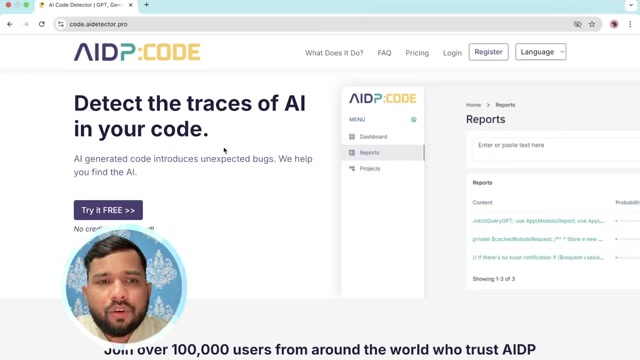
The core function of AI Code Detector Pro is to analyze code and provide a probability score indicating the likelihood that it was generated by AI. It supports several programming languages, including Java, C#, JavaScript, PHP, and Python. This broad language support makes it versatile for various projects and development environments. The platform’s user-friendly interface allows developers to quickly paste code snippets, select the appropriate language, and receive an immediate analysis. This helps in maintaining code integrity and preventing unexpected bugs that might arise from AI-generated content.
Comparing Human-Written and AI-Generated Code
Analyzing Code Examples
To demonstrate the effectiveness of AI Code Detector Pro, let's analyze two code examples: one generated by AI and one written by a human. This comparison will highlight the tool's ability to differentiate between the two, providing a clear understanding of its analytical capabilities.
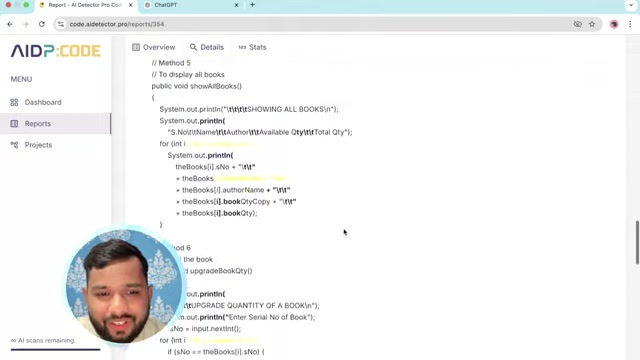
By examining these examples, developers can gain insights into how AI Code Detector Pro can be used to maintain code quality and prevent potential issues. The following markdown table showcases the key differences.
| Feature | Human-Written Code | AI-Generated Code |
|---|---|---|
| Code Style | More varied, reflecting individual preferences | Consistent, often following common AI patterns |
| Error Handling | Robust, with custom error messages | Basic, using standard error messages |
| Comments | Detailed and contextual | Often minimal or generic |
| Complexity | Balanced, with intentional design choices | Sometimes overly complex or simplified |
| Readability | Clear and well-structured | Can be harder to follow due to AI's coding patterns |
| AI Detection Score | Low (e.g., 2%) | High (e.g., 98%) |
Understanding the Reports
After running AI Code Detector Pro on both code snippets, the reports provide crucial insights. For the AI-generated code, the report indicates a high probability (e.g., 98%) of AI involvement, highlighting specific sections that exhibit AI-like characteristics. In contrast, the human-written code receives a low probability score (e.g., 2%), with the report confirming that it is likely written by a human. The reports show the tool's ability to distinguish between human and AI code. By understanding these reports, developers can take appropriate actions to ensure code quality and maintainability. If AI-generated code is detected, developers can review and revise the code manually, ensuring that it meets the project's standards.
Getting Started with AI Code Detector Pro
Registration and Login
-
Access the Website: Begin by navigating to
code.aideetector.pro. This is the official website for AI Code Detector Pro.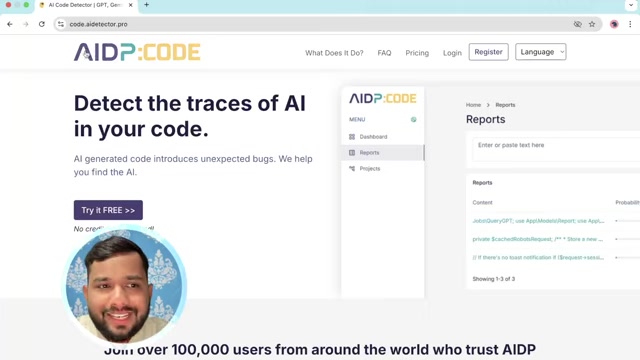
-
Registration:
- Click on the "Register" button located in the top right corner of the homepage.
- Fill out the registration form with your details, including your name, email address, and a secure password.
- Choose the role that best fits your profession (e.g., freelancer, developer, tester).
- Agree to the terms of service and privacy policy.
- Complete any additional verification steps if required.
-
Login:
- After successful registration, click on the "Login" button.
- Enter your registered email address and password.
- Click the "Login" button to access your dashboard.
-
Navigating the Dashboard:
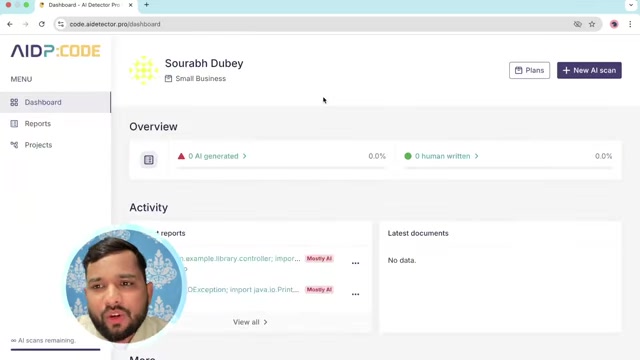
- Once logged in, you will be directed to the dashboard.
- The dashboard provides an overview of your account, including AI scans remaining and recent activity.
Performing an AI Scan
-
Initiate a New Scan: On the dashboard, find and click the "+ New AI Scan" button, typically located on the right side of the screen.
-
Paste Your Code:
- You will be directed to the reports page where you can paste your code.
- In the text area labeled "Enter or paste text here," paste the code you want to analyze.
- Ensure the code is properly formatted for accurate analysis.
-
Select the Language:
- Use the dropdown menu to select the programming language of your code (e.g., Java, C#, JavaScript, PHP, Python).
- Choosing the correct language is crucial for accurate detection.
-
Analyze the Code:
- Click the "Analyze" button to start the AI detection process.
- The tool will submit your code and begin analyzing it for AI-generated traces.
-
Review the Report:
- Once the analysis is complete, a report will be generated.
- The report displays the probability of AI involvement in the code, shown as a percentage.
- The report will also highlight specific sections of the code that exhibit signs of being written by AI.
-
Interpreting the Results:
- A high percentage indicates a strong likelihood that the code was AI-generated.
- Review the highlighted sections to understand where the AI influence is most prominent.
- Use this information to make informed decisions about code revisions or further manual review.
Key Features of AI Code Detector Pro
AI Detection
At the heart of AI Code Detector Pro is its ability to accurately identify AI-generated code. Using advanced algorithms, the tool analyzes code snippets to determine the likelihood of AI involvement, providing a percentage-based probability score. This feature is crucial for maintaining code integrity and preventing unexpected bugs.
Language Support
The platform supports multiple programming languages, including Java, C#, JavaScript, PHP, and Python. This broad language support makes it versatile for various projects and development environments. Whether you are working on web applications, mobile apps, or enterprise software, AI Code Detector Pro can analyze your code.
Detailed Reports
AI Code Detector Pro generates detailed reports that highlight specific sections of code exhibiting signs of AI involvement. These reports provide insights into where the AI influence is most prominent, enabling developers to make informed decisions about code revisions or further manual review.
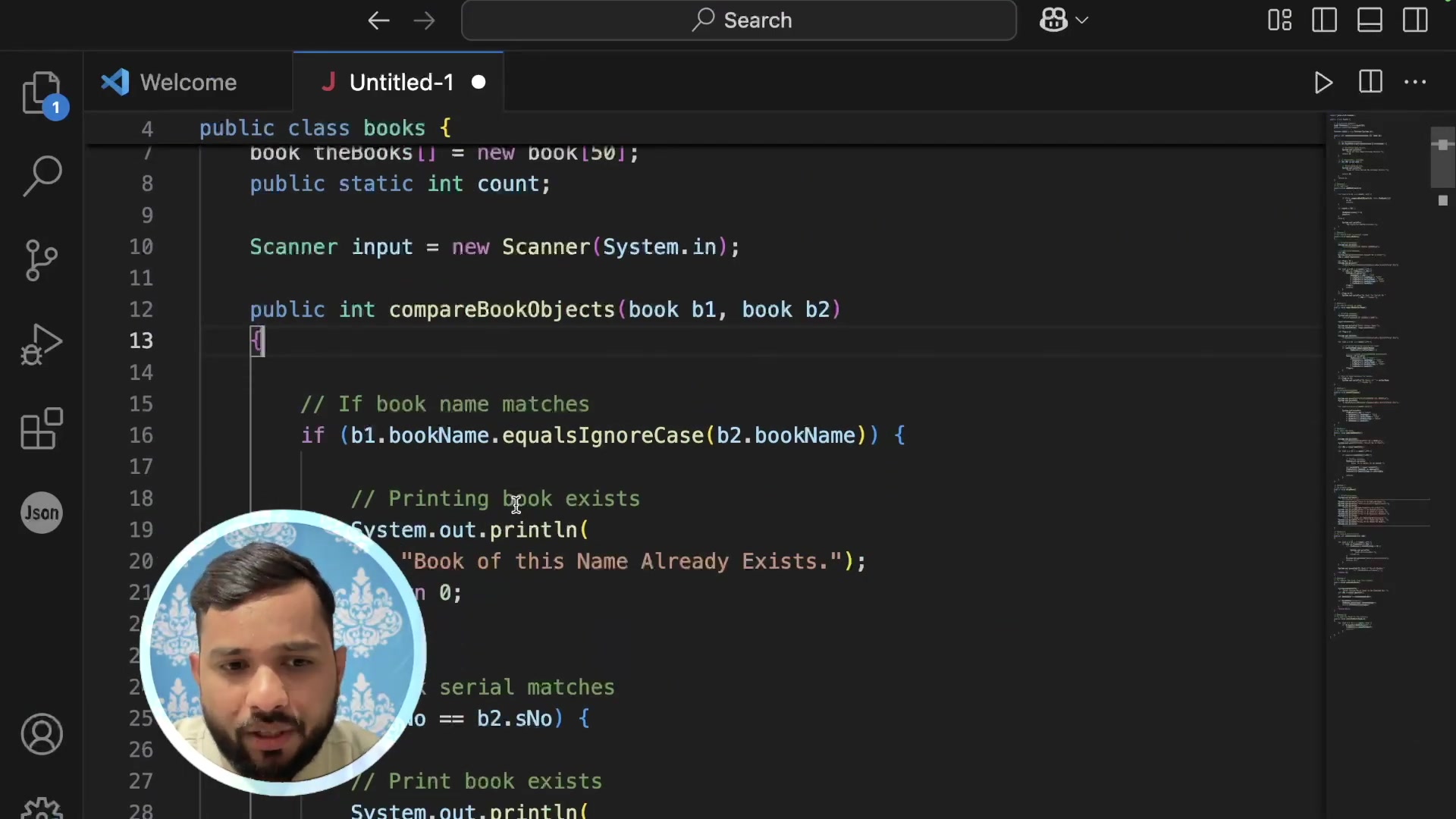
The reports help ensure transparency and maintain code quality.
User-Friendly Interface
The platform features a user-friendly interface that allows developers to quickly paste code snippets, select the appropriate language, and receive an immediate analysis. This ease of use helps in streamlining the code review process and integrating AI detection into your workflow seamlessly.



Most people like

































Report
Please select a reason for reporting
- 13 Reasons to Switch from Snapchat to Text Messaging
- 7 Powerful Speech to Text Apps to Boost Productivity
- 10 Best Speech to Text Tools for Effortless Transcription
- 13 Free Tools to Easily Transcribe Audio to Text
- 15 Surprising Ways Google's Speech-to-Text Boosts Productivity
- 7 Best Free Online Audio to Text Transcription Tools
- 9 Tips to Transcribe Speech to Text Faster and Better
- 13 Best Speech to Text Software for Windows 10 in 2023
- 7 Tips for Choosing the Best Transcriber for Audio to Text
- 11 Reasons Why Dragon Speech-to-Text Apps are Game-Changers
- 6 Secrets to Enhance Your Speech to Text Transcription
- 6 Brilliant Ways to Boost Productivity with Talk-to-Text on Your MacBook
- 6 Ways Transcription Software Converts Audio to Text
- 8 Tips to Transcribe Speech to Text Like a Pro
- 6 Reasons IBM Watson Speech to Text is a Game-Changer
- 14 Powerful Ways Talk-to-Text Improves Your Workflow
- 12 Top Windows Speech-to-Text Software for Efficient Transcription
- 12 Game-Changing Benefits of Apple's Speech to Text Technology
- 9 Powerful Use Cases for AWS Speech to Text Technology
- 10 Easy Steps to Transcribe YouTube Videos to Text
- transcription audio en texte
- online audio transcription
- free audio file transcription
- free ai audio transcription
- audio transcription service
- audio transcription online free
- audio transcription free online
- audio to transcription software
- audio and transcript
- ai audio transcription free
- voice recording to text converter
- translate voice recording to text
- record voice to text
- audio recording to text converter
- voice recording and transcription
- chatgpt voice to text
- gmail voice to text
- speech to text reader
- speech to text ai free
- speech to talk
- Meshy AI: How to Create 3D Models from Text and Images
- How SEO and Marketing Dashboards Empower Agencies to Drive Results
- How to Use AI Tools to Find Internal Linking Opportunities Across a Business Website
- Discover Your Perfect Haircut with AI Hairstyle Apps
- Free Reputation Calculator Tools: How They're Adapting to Score AI Visibility, Not Just Rankings
- Design Professional Flyers for Free on Your Phone
- Best Free Flyer Maker Apps for Android: Design Like a Pro
- How to Know If Your Business Is Ready for an AI Customer Service Agent
- Revolutionizing Storytelling: From Novels to Screenplays with AI
- Create Engaging Animated Explainer Videos with a Free AI Tool
- Meshy AI: How to Create 3D Models from Text and Images
- ASOMobile Helps Teams Benchmark App Store Screenshots Against Competitors
- How to Match LMS Software With Your Organization's Training Plan
- Revolutionizing Email Marketing Agency with AI
- How to Convert BTC to HNT
- Unleashing the Power of AI: Cognizant's Roadmap for Transformation
- Frame to Video Review: A Practical Look at Turning Two Still Frames Into Motion
- NVIDIA NIM: Revolutionizing Supply Chain Data Analysis with AI
- Top AI Tools That Help Brands Stand Out Offline (Not Just Online)
- Top 5 Cold Email Software: Maximize Your Outreach in 2025

Copyright ©2026 toolify