































Table of Contents
- Key Points
- Setting Up Your AI Poetry System
- Advanced Techniques for Enhancing Poem Quality
- Step-by-Step Guide to Generating AI Poems
- Cost Considerations for AI Poem Generation
- Advantages and Disadvantages of Using AI for Poem Generation
- Core Features of the AI Poem Generator
- Use Cases for AI-Generated Poetry
- Frequently Asked Questions
- Related Questions



Setting Up Your AI Poetry System
Prerequisites for Building an AI Poem Generator
Before diving into the creation of an ai poem generator
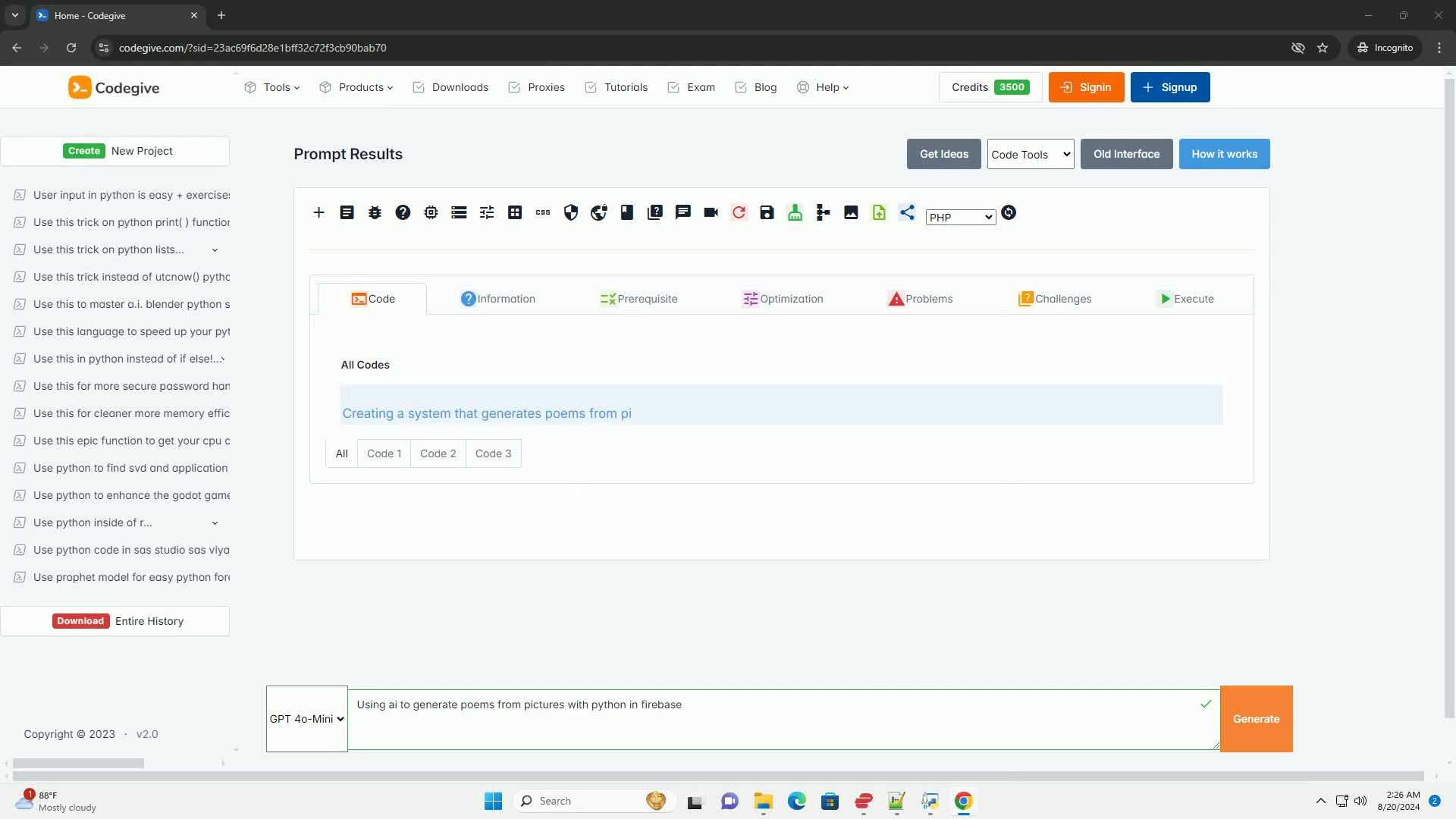
, it's essential to establish a solid foundation. This involves setting up your development environment and ensuring you have the necessary tools and libraries installed. The core components of this system include:
- Image Processing: Handling and interpreting visual data.
- Natural Language Generation (NLG): Creating human-like poetic text.
- Cloud Storage: Securely storing images and generated content.
To kickstart this project, make sure you have the following in place:
- Python Environment: A properly set up Python environment is critical. Ensure you have Python installed; it’s the backbone of our development. You can download it from the official Python website (https://www.python.org/downloads/).
- Firebase Account: Firebase will serve as our cloud storage solution. Create an account on Firebase (https://firebase.google.com/) and set up a new project. Firebase offers robust and scalable storage solutions, making it ideal for managing images and generated poems.
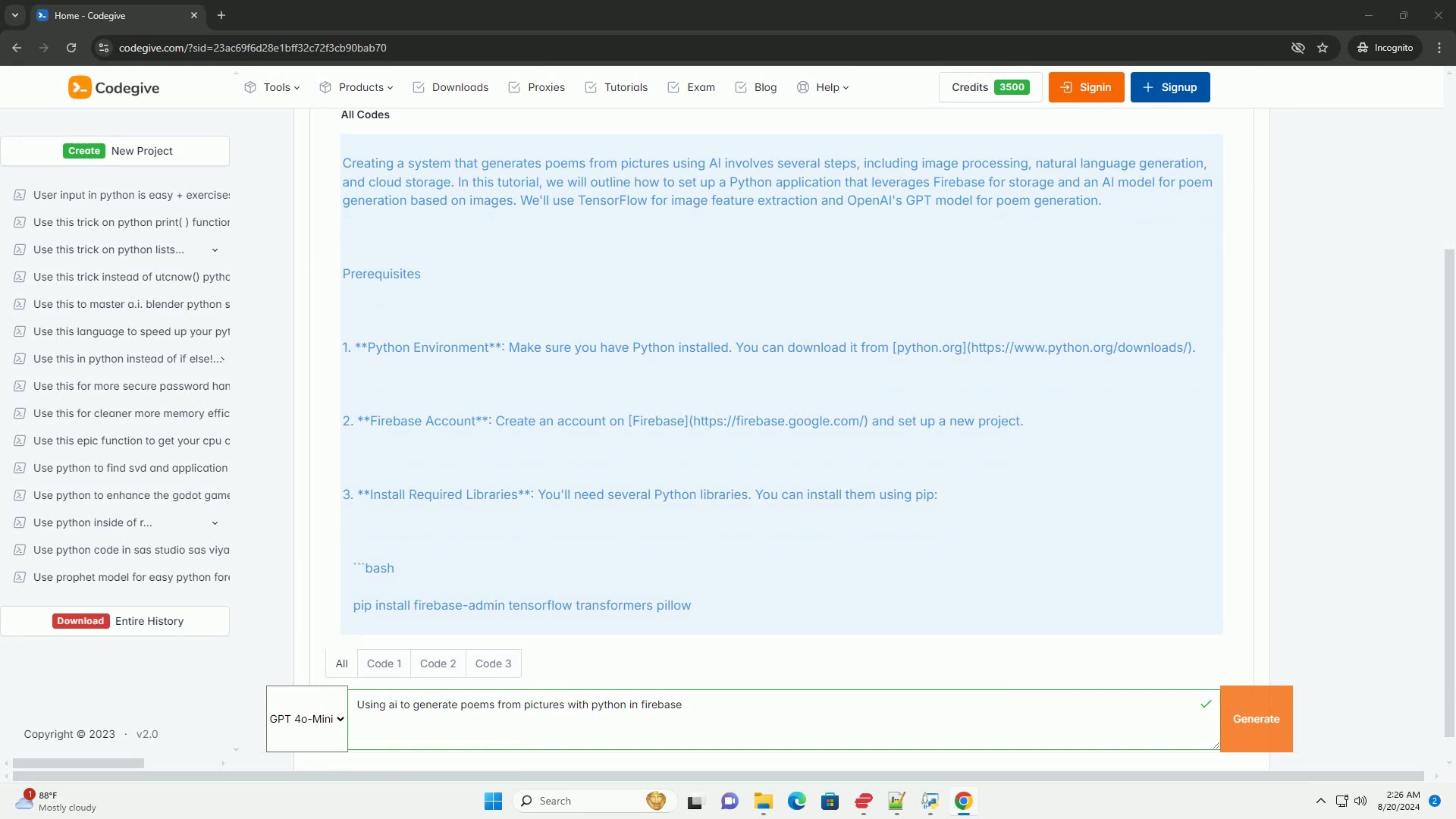
- Required Libraries: You’ll need several Python libraries to facilitate image processing and text generation. These libraries can be installed using pip. Open your terminal or command Prompt and execute the following commands to install essential packages. These are needed for setting up and using Firebase :
pip install firebase-admin tensorflow transformers pillowThese commands will install firebase-admin for Firebase integration, tensorflow for image processing, transformers for OpenAI's GPT model, and pillow for image manipulation. These libraries are crucial for seamless integration and efficient processing throughout the project. With these prerequisites in place, you'll be well-equipped to start building your AI Poem generator.
Advanced Techniques for Enhancing Poem Quality
Model Fine-Tuning
One effective way to improve the quality of AI-generated poems is by fine-tuning the GPT model with a dataset specific to Poetry. This involves training the model on a curated collection of poems to enhance its understanding of poetic language and structures.
- Data Collection: Gather a dataset of diverse poems, ensuring it includes various styles, themes, and structures.
- Data Preprocessing: Clean and preprocess the data to remove noise and format it for training.
- Model Fine-Tuning: Use TensorFlow or PyTorch to fine-tune the GPT model on the preprocessed poetry dataset.
- Evaluation: Assess the model's performance and adjust the training process as needed.
This fine-tuning process can significantly improve the model's ability to generate coherent and creative poems.
Error Handling
Implementing robust error handling is crucial for production-level applications. This ensures that the system can gracefully handle unexpected issues and provide informative feedback to the user. Incorporate the following practices:
- Try-Except Blocks: Use
try-exceptblocks to catch potential exceptions during image processing, API calls, and Firebase operations. - Logging: Implement logging to track errors and provide insights into system behavior.
- User Feedback: Provide informative error messages to the user, guiding them on how to resolve issues.
Effective error handling ensures a more reliable and user-friendly application.
Optimizing the AI Poem Generation Process
To get better poems from AI, optimize both the input prompt to the AI and the model that generates the output
. First consider simplifying the prompt. The code should convert features into STRING prompts. This is known as a naive approach. Further improving the quality of the AI generation can involve fine-tuning and optimizing the whole AI model:
Step-by-Step Guide to Generating AI Poems
Step 1: Setting Up Firebase
Configuring Firebase is crucial for managing your project and storing data
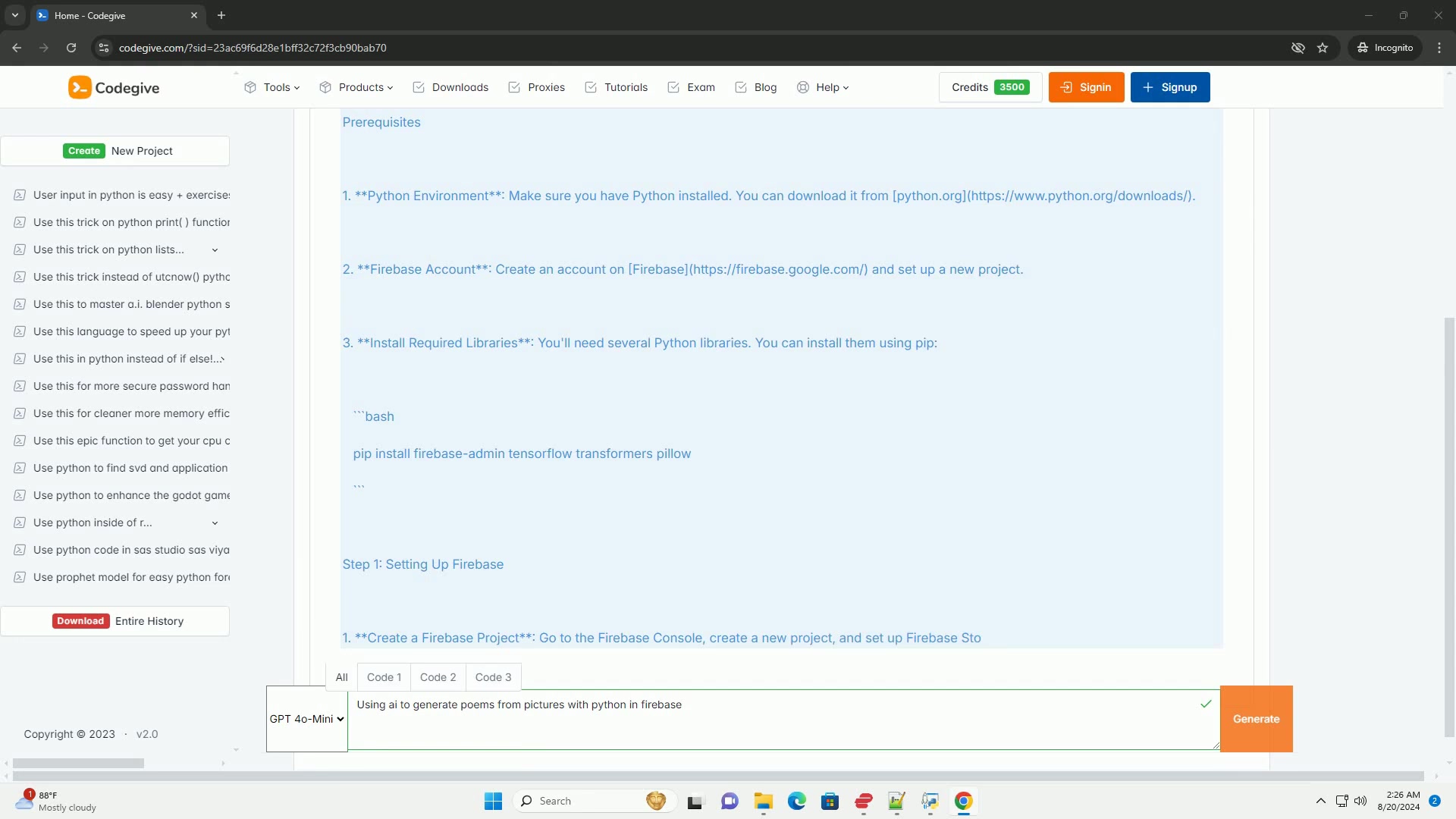
. This involves creating a new project in the Firebase console, generating the Firebase Admin SDK key, and uploading the key to your project directory.
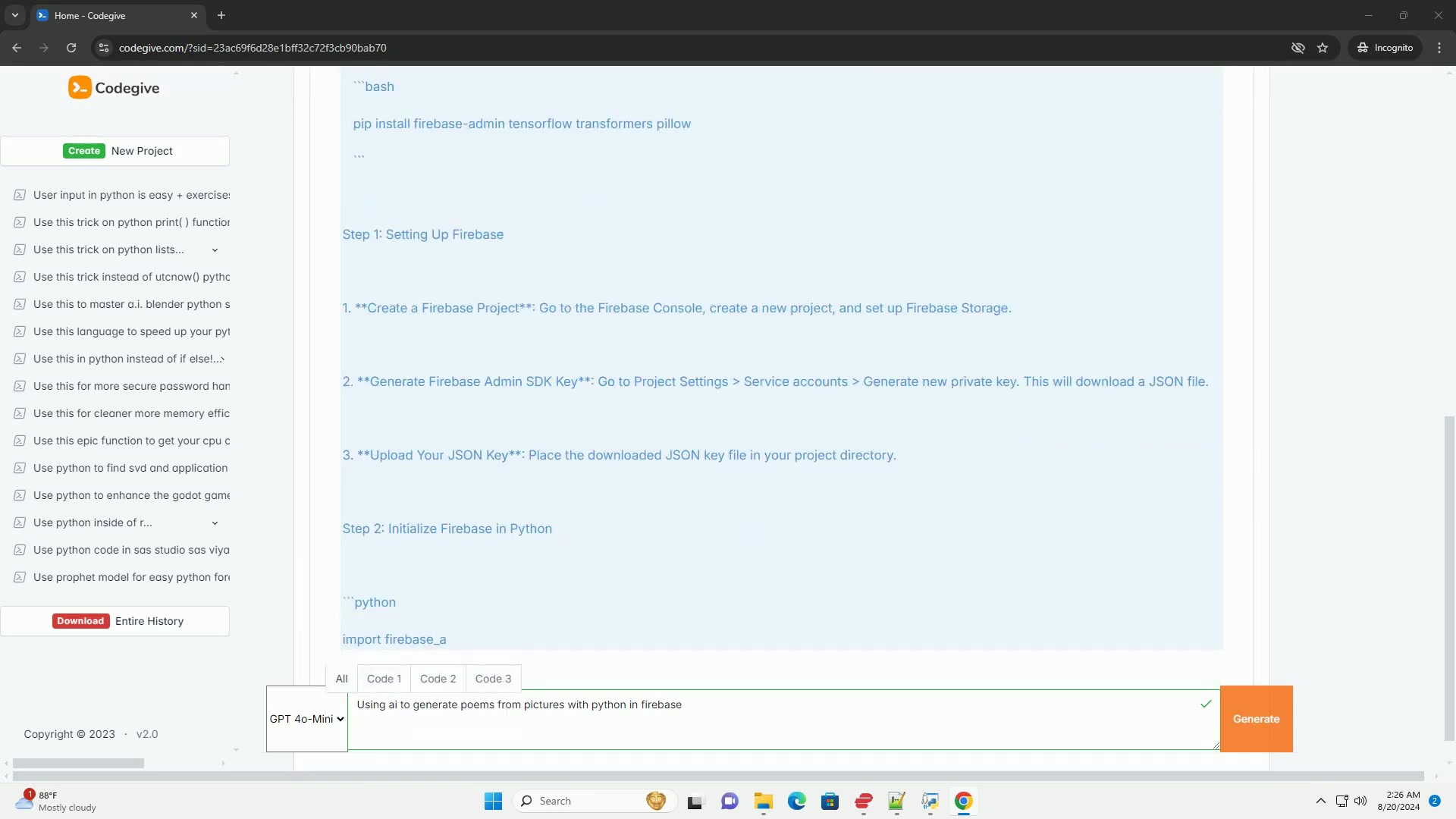
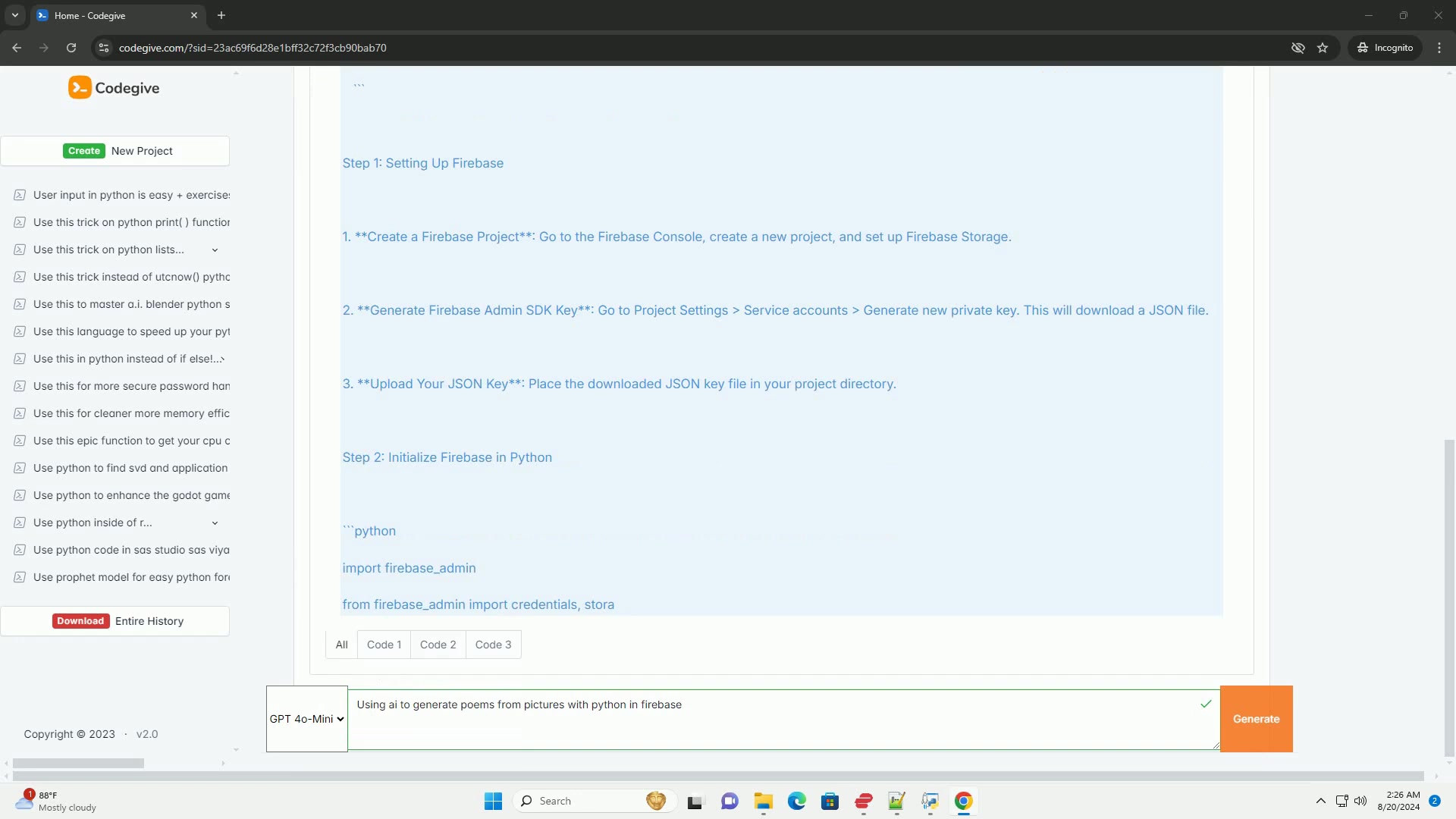
- Create a Firebase Project: Go to the Firebase Console and create a new project. This project will serve as the central hub for managing your application. Be sure to enable Firebase Storage for storing images and poems.
- Generate Firebase Admin SDK Key: Navigate to Project Settings > Service Accounts and generate a new private key. This key allows your Python application to securely access Firebase services. Download the JSON file containing the key.
- Upload Your JSON Key: Place the downloaded JSON key file in your project directory. This file will be used to initialize Firebase in your Python application, granting it the necessary permissions to interact with Firebase services.
Step 2: Initializing Firebase in Python
With Firebase configured
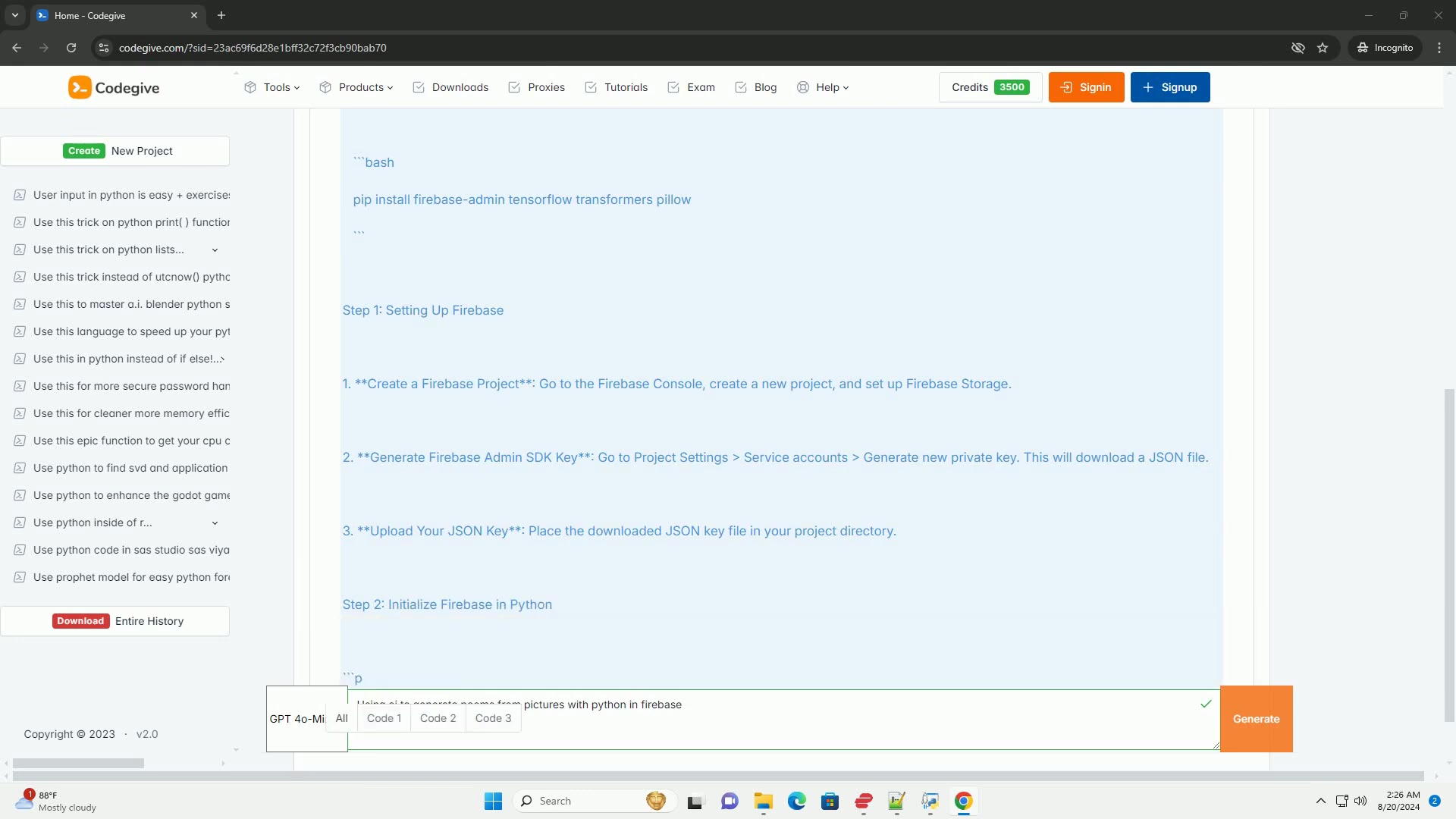
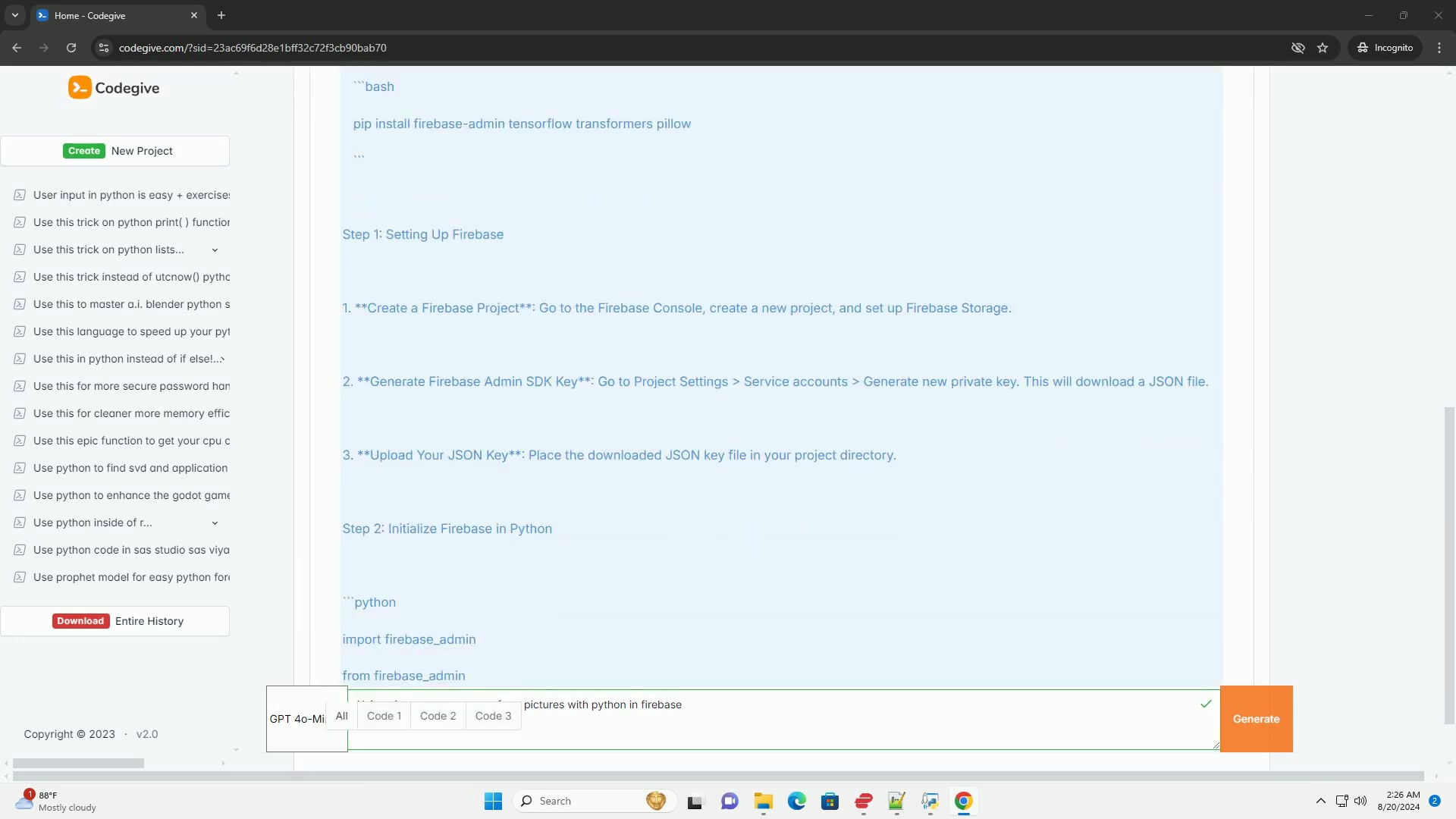
, you need to initialize it within your Python application. This involves importing necessary libraries and setting up the Firebase Admin SDK. Below is a code snippet that demonstrates how to initialize Firebase:
import firebase_admin
from firebase_admin import credentials, storage

# Initialize Firebase
cred = credentials.Certificate("path/to/your/firebase-adminsdk.json")
firebase_admin.initialize_app(cred, {
    'storageBucket': 'your-project-id.appspot.com'
})

bucket = storage.bucket()
Replace "path/to/your/firebase-adminsdk.json" with the actual path to your JSON key file, and 'your-project-id.appspot.com' with your Firebase project ID. This initialization allows your application to connect to Firebase and utilize its storage capabilities.
Step 3: Load and Process an Image
To generate a poem, you first need to load and process an image
. This involves resizing the image and normalizing its pixel values to prepare it for feature extraction. You'll be leveraging TensorFlow for this process.
import tensorflow as tf
from PIL import Image
import numpy as np

def load_image(image_path):
    img = Image.open(image_path).resize((224, 224)) # Resizing for model input
    img_array = np.array(img) / 255.0 # Normalize the image
    return np.expand_dims(img_array, axis=0)

def extract_features(image_path):
    model = tf.keras.applications.MobileNetV2(weights='imagenet', include_top=False, pooling='avg')
    img_array = load_image(image_path)
    features = model.predict(img_array)
    return features
This code defines functions to load an image, resize it to a standard size, and extract features using MobileNetV2, a pre-trained model in TensorFlow. The extracted features serve as the input for generating the poem.
Step 4: Generate a Poem from Image Features
With the image processed and features extracted
, the next step is to generate a poem based on those features. For this, we'll use OpenAI's GPT model via the transformers library. This powerful combination allows us to transform visual elements into creative textual content.
from transformers import GPT2LMHeadModel, GPT2Tokenizer

def generate_poem(features):
    # Convert features to a string prompt. This is a naive approach.
    prompt = "A beautiful scene inspired by features: " + str(features.flatten()[:5]) + " #Simplified"
    model_name = "gpt2"
    tokenizer = GPT2Tokenizer.from_pretrained(model_name)
    model = GPT2LMHeadModel.from_pretrained(model_name)
    inputs = tokenizer.encode(prompt, return_tensors='pt')
    outputs = model.generate(inputs, max_length=50, num_return_sequences=1)
    poem = tokenizer.decode(outputs[0], skip_special_tokens=True)
    return poem
This code uses the GPT-2 model to generate a poem based on a textual prompt derived from the image features. While this approach is simplistic, it showcases the fundamental process of converting image data into poetic text.
Step 5: Upload Image to Firebase and Generate Poem
To finalize the process
, you'll upload the image to Firebase and generate a poem based on its features. This integrates the image processing, text generation, and cloud storage components into a Cohesive workflow.
def upload_image_and_generate_poem(image_path):
    # Upload image to Firebase
    blob = bucket.blob(image_path)
    blob.upload_from_filename(image_path)

    # Extract features and generate poem
    features = extract_features(image_path)
    poem = generate_poem(features)
    return poem

if __name__ == '__main__':
    image_path = 'path/to/your/image.jpg' # Replace with your image path
    poem = upload_image_and_generate_poem(image_path)
    print("Generated Poem:
", poem)
Replace 'path/to/your/image.jpg' with the actual path to your image file. This script uploads the image to Firebase, extracts its features, generates a poem, and prints the output. It integrates all the components to complete the process seamlessly. After running this final process we arrive at our beautiful AI-generated poem ready to be used!





Most people like



































Report
Please select a reason for reporting
- 13 Reasons to Switch from Snapchat to Text Messaging
- 7 Powerful Speech to Text Apps to Boost Productivity
- 10 Best Speech to Text Tools for Effortless Transcription
- 13 Free Tools to Easily Transcribe Audio to Text
- 15 Surprising Ways Google's Speech-to-Text Boosts Productivity
- 7 Best Free Online Audio to Text Transcription Tools
- 9 Tips to Transcribe Speech to Text Faster and Better
- 13 Best Speech to Text Software for Windows 10 in 2023
- 7 Tips for Choosing the Best Transcriber for Audio to Text
- 11 Reasons Why Dragon Speech-to-Text Apps are Game-Changers
- 6 Secrets to Enhance Your Speech to Text Transcription
- 6 Brilliant Ways to Boost Productivity with Talk-to-Text on Your MacBook
- 6 Ways Transcription Software Converts Audio to Text
- 8 Tips to Transcribe Speech to Text Like a Pro
- 6 Reasons IBM Watson Speech to Text is a Game-Changer
- 14 Powerful Ways Talk-to-Text Improves Your Workflow
- 12 Top Windows Speech-to-Text Software for Efficient Transcription
- 12 Game-Changing Benefits of Apple's Speech to Text Technology
- 9 Powerful Use Cases for AWS Speech to Text Technology
- 10 Easy Steps to Transcribe YouTube Videos to Text
- transcription audio en texte
- online audio transcription
- free audio file transcription
- free ai audio transcription
- audio transcription service
- audio transcription online free
- audio transcription free online
- audio to transcription software
- audio and transcript
- ai audio transcription free
- voice recording to text converter
- translate voice recording to text
- record voice to text
- audio recording to text converter
- voice recording and transcription
- chatgpt voice to text
- gmail voice to text
- speech to text reader
- speech to text ai free
- speech to talk
- How SEO and Marketing Dashboards Empower Agencies to Drive Results
- How to Use AI Tools to Find Internal Linking Opportunities Across a Business Website
- Discover Your Perfect Haircut with AI Hairstyle Apps
- Free Reputation Calculator Tools: How They're Adapting to Score AI Visibility, Not Just Rankings
- Design Professional Flyers for Free on Your Phone
- Best Free Flyer Maker Apps for Android: Design Like a Pro
- How to Know If Your Business Is Ready for an AI Customer Service Agent
- Revolutionizing Storytelling: From Novels to Screenplays with AI
- Create Engaging Animated Explainer Videos with a Free AI Tool
- Stop Multi-Subscribing: Benchmark Top AI Visual Models in One Canvas
- 5 Data Problems That Stall AI Projects in Financial Compliance
- Master Storyboard Drawing: Expert Tips for Non-artists
- The Future of Smart Glasses: Explained & Assembling Guide
- DeepL Translator: The AI-Powered Translation Tool
- AI Video Upscaling: Top Tools Compared for Enhanced Quality
- Bridging the Gap: How One Indie Developer Solved the "Art Asset Nightmare" Using AI Style Transfer
- How I Direct Consistent AI Clips: A Hands-On Guide to Multi-Model Generation
- My Honest Review of VideoAI: The Ultimate Character Voice Generator I've Been Using Lately
- Why do so many AI tools underdeliver for online stores?
- My Brand New Logo: AI-Powered Logo Design for Startups

Copyright ©2026 toolify