































Table of Contents
- Key Points
- The AI-Driven Shift in Programming
- The Importance of Offline AI Models
- Practical Steps to Prevent AI Over-Reliance
- The Impact of AI Tools in the Job Market
- Frequently Asked Questions
- Delving Deeper: Related Questions


The Importance of Offline AI Models
Taking Control of Your AI: The Rise of Local LLMs
One of the key concerns surrounding AI-powered coding tools is the reliance on centralized, cloud-based services. If the service goes down, as happened recently with ChatGPT, programmers can find themselves unable to code efficiently or even at all.
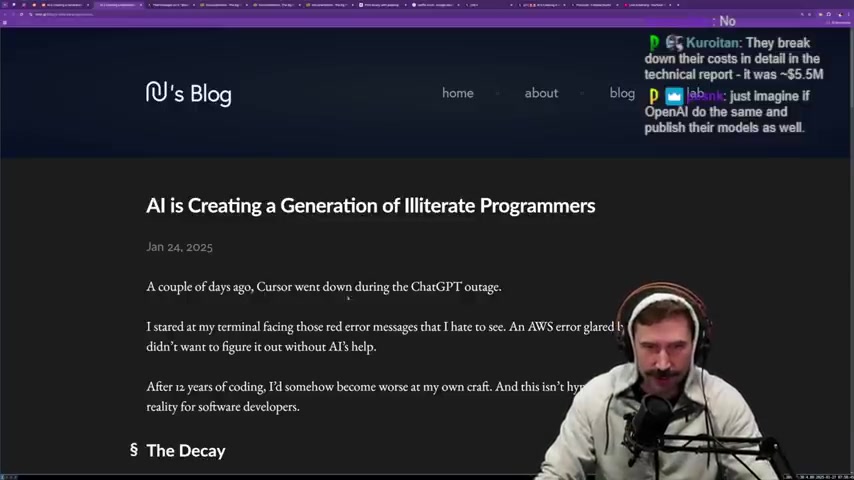
This vulnerability has fueled the growing interest in offline AI models, also known as local Large Language Models (LLMs).
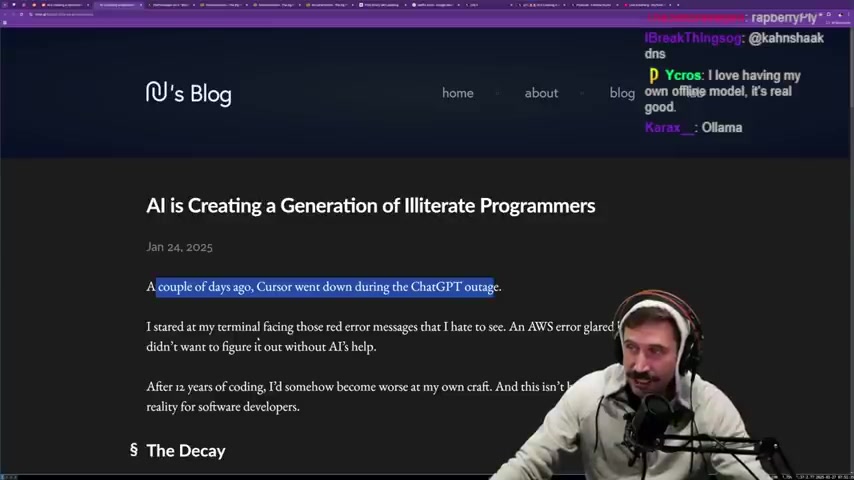
What are Offline AI Models? Offline AI models are AI models that run directly on your own hardware, such as your laptop, desktop, or a dedicated server. This eliminates the need for an internet connection and provides greater control over your data and code. It also safeguards against outages and ensures that your programming environment remains functional even when external AI services are unavailable.
The Benefits of Offline AI:
- Independence: Not reliant on external services.
- Control: Ability to fine-tune the models.
- Privacy: Protecting your code and data.
Combating Illiteracy with Independence: The Necessity of Local Models
The speaker emphasizes the importance of having your own offline models. He believes that this is the only way to combat the generation of illiterate programmers
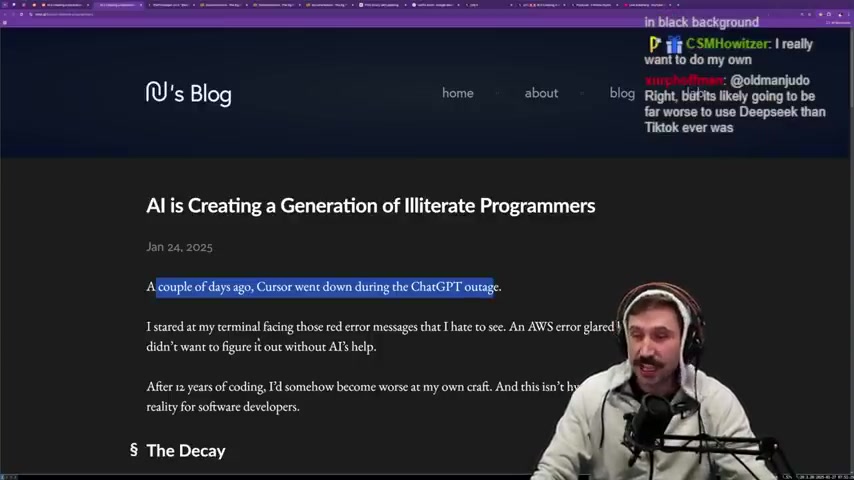
. Relying on bigger companies will only make individuals incapable of running their own systems. The goal of many larger corporations is to charge monthly fees for services that programmers could, in theory, achieve themselves through independence and competence.
Imagine a scenario where a programmer relies on a chain of AI services, each dependent on the other, all charging monthly fees. The speaker fears that AI will just be ChatGPT or Anthropic, just with a whole lot of markup. This is why it's critical to have offline, local large language models. By having a local AI model, developers can prevent being beholden to these larger companies.
Furthermore, the speaker states that he has already bought thousands of dollars in Mac Minis and is planning to buy a Raspberry Pi to support a move towards local AI .
The Tech Needed to Run Offline AI Models
To set up and run offline AI models, developers should consider investing in the following tech:
- Mac Minis: A small form factor desktop computer with Apple silicon.
- Raspberry Pi: A single-board computer used for various projects including self-hosting AI models.
- GPUs (Graphics Processing Units): Needed for training and running AI models. Consider purchasing a Tinygrad box to maximize GPU performance.
Running Offline AI Models on the Mac: Here's a step-by-step guide to running your models locally, which is particularly relevant for Mac users:
-
Install Homebrew: Homebrew is a package manager for macOS, essential for installing many open-source tools. You can install it by pasting the following command into your terminal:
/bin/bash -c "$(curl -fsSL https://raw.githubusercontent.com/Homebrew/install/HEAD/install.sh)" -
Install Python: Most AI and machine learning tools are built using Python. Install it via Homebrew:
brew install python -
Set Up a Virtual Environment: It's good practice to create a virtual environment to manage dependencies for your project:
python3 -m venv .venv source .venv/bin/activate -
Install PyTorch: PyTorch is a popular open-source machine learning framework:
pip install torch torchvision torchaudio -
Download the AI Model: Find the specific AI model you want to run offline and download the necessary files. This could be a model for Image Recognition, language processing, or another task.
-
Load the Model: Using Python and PyTorch, load the model into your application or script:
import torch model = torch.load('path/to/your/model.pth') model.eval() -
Run the Model: Provide the necessary inputs to the model and run it:
input_data = torch.randn(1, 3, 224, 224)  # Example input for an image recognition model
output = model(input_data)
print(output)
By following these steps and using the right technology, programmers can make their own AI tools and become independent from large AI corporations.


Most people like






































Report
Please select a reason for reporting
- 13 Reasons to Switch from Snapchat to Text Messaging
- 7 Powerful Speech to Text Apps to Boost Productivity
- 10 Best Speech to Text Tools for Effortless Transcription
- 13 Free Tools to Easily Transcribe Audio to Text
- 15 Surprising Ways Google's Speech-to-Text Boosts Productivity
- 7 Best Free Online Audio to Text Transcription Tools
- 9 Tips to Transcribe Speech to Text Faster and Better
- 13 Best Speech to Text Software for Windows 10 in 2023
- 7 Tips for Choosing the Best Transcriber for Audio to Text
- 11 Reasons Why Dragon Speech-to-Text Apps are Game-Changers
- 6 Secrets to Enhance Your Speech to Text Transcription
- 6 Brilliant Ways to Boost Productivity with Talk-to-Text on Your MacBook
- 6 Ways Transcription Software Converts Audio to Text
- 8 Tips to Transcribe Speech to Text Like a Pro
- 6 Reasons IBM Watson Speech to Text is a Game-Changer
- 14 Powerful Ways Talk-to-Text Improves Your Workflow
- 12 Top Windows Speech-to-Text Software for Efficient Transcription
- 12 Game-Changing Benefits of Apple's Speech to Text Technology
- 9 Powerful Use Cases for AWS Speech to Text Technology
- 10 Easy Steps to Transcribe YouTube Videos to Text
- transcription audio en texte
- online audio transcription
- free audio file transcription
- free ai audio transcription
- audio transcription service
- audio transcription online free
- audio transcription free online
- audio to transcription software
- audio and transcript
- ai audio transcription free
- voice recording to text converter
- translate voice recording to text
- record voice to text
- audio recording to text converter
- voice recording and transcription
- chatgpt voice to text
- gmail voice to text
- speech to text reader
- speech to text ai free
- speech to talk
- Twitter/X API Alternatives for AI Agents and Developers in 2026
- ChatGPT Knows Ford. It Just Doesn't Quote Ford
- Meshy AI: How to Create 3D Models from Text and Images
- How SEO and Marketing Dashboards Empower Agencies to Drive Results
- How to Use AI Tools to Find Internal Linking Opportunities Across a Business Website
- Discover Your Perfect Haircut with AI Hairstyle Apps
- Free Reputation Calculator Tools: How They're Adapting to Score AI Visibility, Not Just Rankings
- Design Professional Flyers for Free on Your Phone
- Best Free Flyer Maker Apps for Android: Design Like a Pro
- How to Know If Your Business Is Ready for an AI Customer Service Agent
- Top 10 AI Marketing Tools Content Creators Need in 2025
- Top 5 Cold Email Software: Maximize Your Outreach in 2025
- Inside Motion Syncr: A Real-World Test of AI Character Animation
- Twitter/X API Alternatives for AI Agents and Developers in 2026
- Your Business Data Could Be Worth Up to $4M. Find Out Without Uploading a Single File.
- Can an eSIM Plan Save You Time During Travel Setup?
- AI Video Editor Review: A Hands-On Look at Prompt-Based Video Editing
- Keep Characters Consistent Across Scenes With Image-to-Video AI
- How to Convert BTC to HNT
- ProxyWing DuckDuckGo Proxy Review: Plans, Setup and Who It Is For

Copyright ©2026 toolify