































Table of Contents
- Key Points
- Crafting an Animated Film with AI: A Step-by-Step Guide
- Optimizing AI Animation Techniques
- Pros and Cons of Using AI for Animation
- FAQ
- Related Questions


Crafting an Animated Film with AI: A Step-by-Step Guide
The Foundation: Planning Your AI Animation Project
Every successful film, animated or otherwise, begins with meticulous planning. Planning is paramount in bringing your creative vision to life and ensuring a cohesive final product. Before diving into the world of AI animation, take the time to structure your project. Begin with a script that outlines the narrative, characters, and dialogue. Develop a storyboard to visualize key scenes and transitions. This pre-production phase is crucial for guiding the AI and maintaining a clear artistic direction throughout the project. Consider the style of animation, the tone of the story, and the visual elements that will define your film. Detailed planning is the cornerstone of AI animation, setting the stage for a seamless and creative workflow.
Reference Footage: Capturing the Essence of Performance for AI Animation
To infuse your AI animation with realistic movements and expressions, capturing reference footage is crucial.
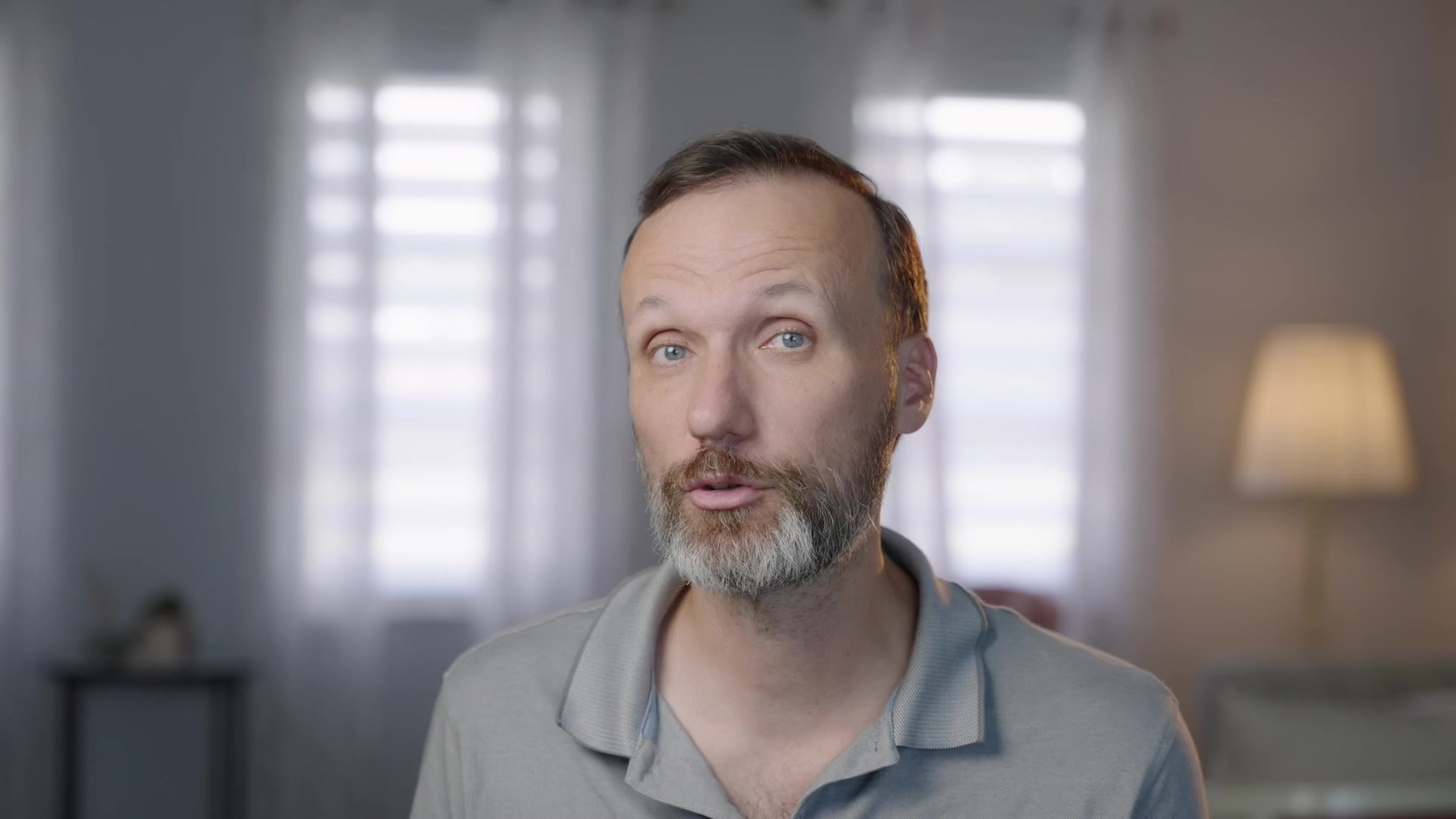
This involves filming real actors performing the scenes you envision, providing the AI with a tangible foundation to build upon. Employing actors is a vital component of achieving high-quality AI animation. Use a green screen to easily isolate your subjects. Carefully consider the camera angles and composition to ensure the reference footage aligns with your storyboard. This foundational element will make all the difference in the realism and engagement of your AI-animated film. High-quality reference footage allows for better conversion with AI models.
Separating Characters from Backgrounds with Green Screen Technology
To give flexibility in the final animated piece, green screen technology is used to separate the actors from the background. This allows you to place your animated characters in any environment you can imagine. A portable green screen allows you to film in diverse locations with ease. Proper lighting is essential to eliminate shadows. With a well-lit green screen setup, you can easily isolate your characters and transport them into fantastical landscapes generated by AI, significantly enhancing the visual storytelling of your AI animation project. Green screen techniques help create the best possible final product.
Transforming Reality: Converting Footage into AI Animation
At the heart of this workflow is the transformation of your reference footage into stunning AI animation. This process leverages powerful AI models and browser based interface that uses nodes that use ComfyUI, a node-based visual programming tool for creating Stable Diffusion workflows. ComfyUI allows you to orchestrate the various AI processes with precision. After downloading and installing all models to the workflow you can load in your input shot. The IP-Adapter workflow converts video into a Prompt for the AI model.
Fine-Tuning the Animated Style: Prompts and Parameters
Beyond the initial conversion, the final animated style is heavily influenced by prompts and parameters.
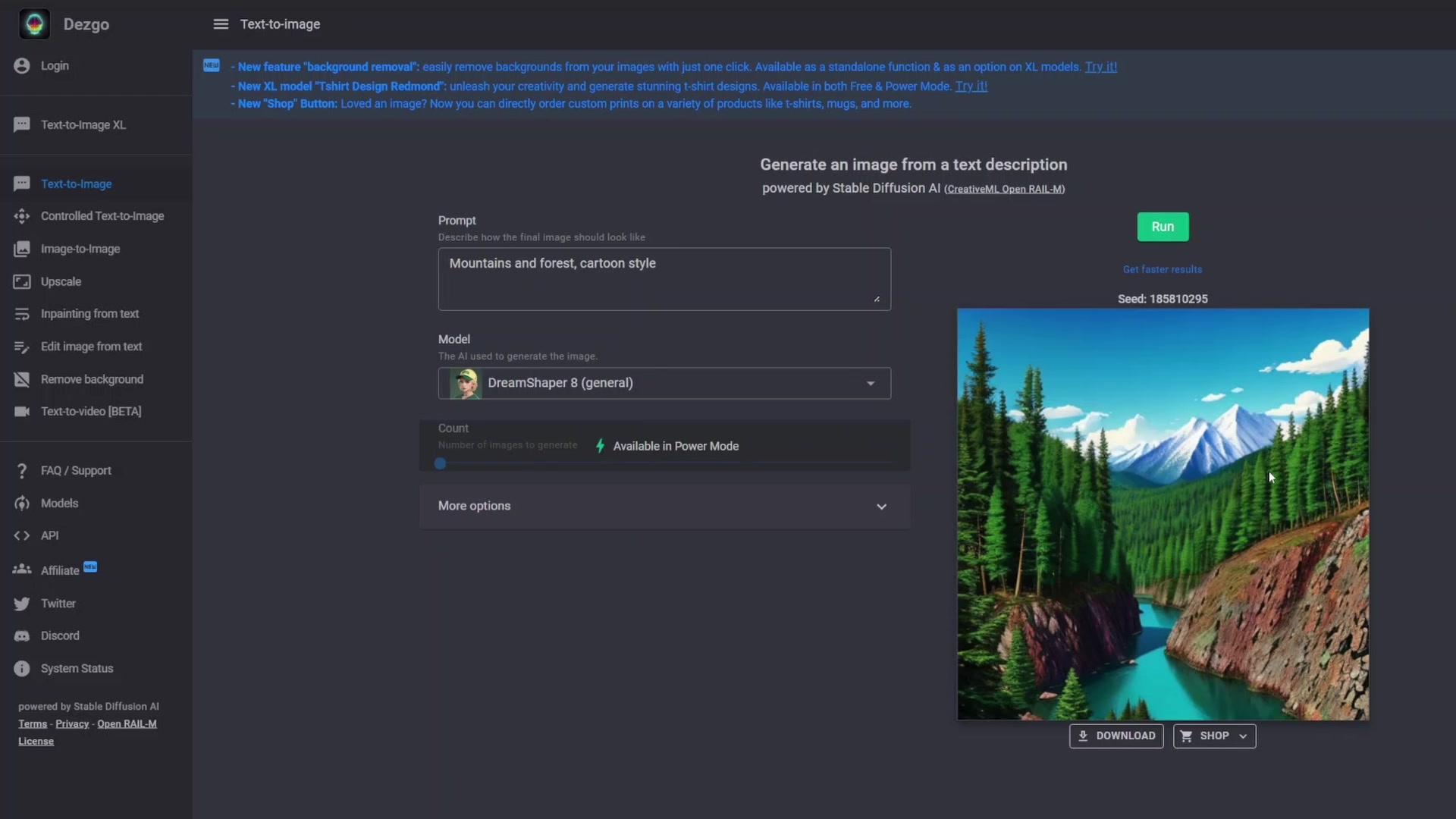
Prompts can be used for either positive or negative influence to guide artificial intelligence. It would be helpful to download AI models out there to create different looks.
Creating the Animated Backdrops
With animated characters in hand, you need to create the backgrounds. This process involves using AI Tools to generate visually compelling environments. There are a couple of different tools available for background creation.
- Midjourney has a small monthly fee to create the best results.
- Dezgo is a free option to create a background.
You simply type in a text prompt and watch the AI create the background. You will want to find one that you can fine-tune to give you the look that you are needing.
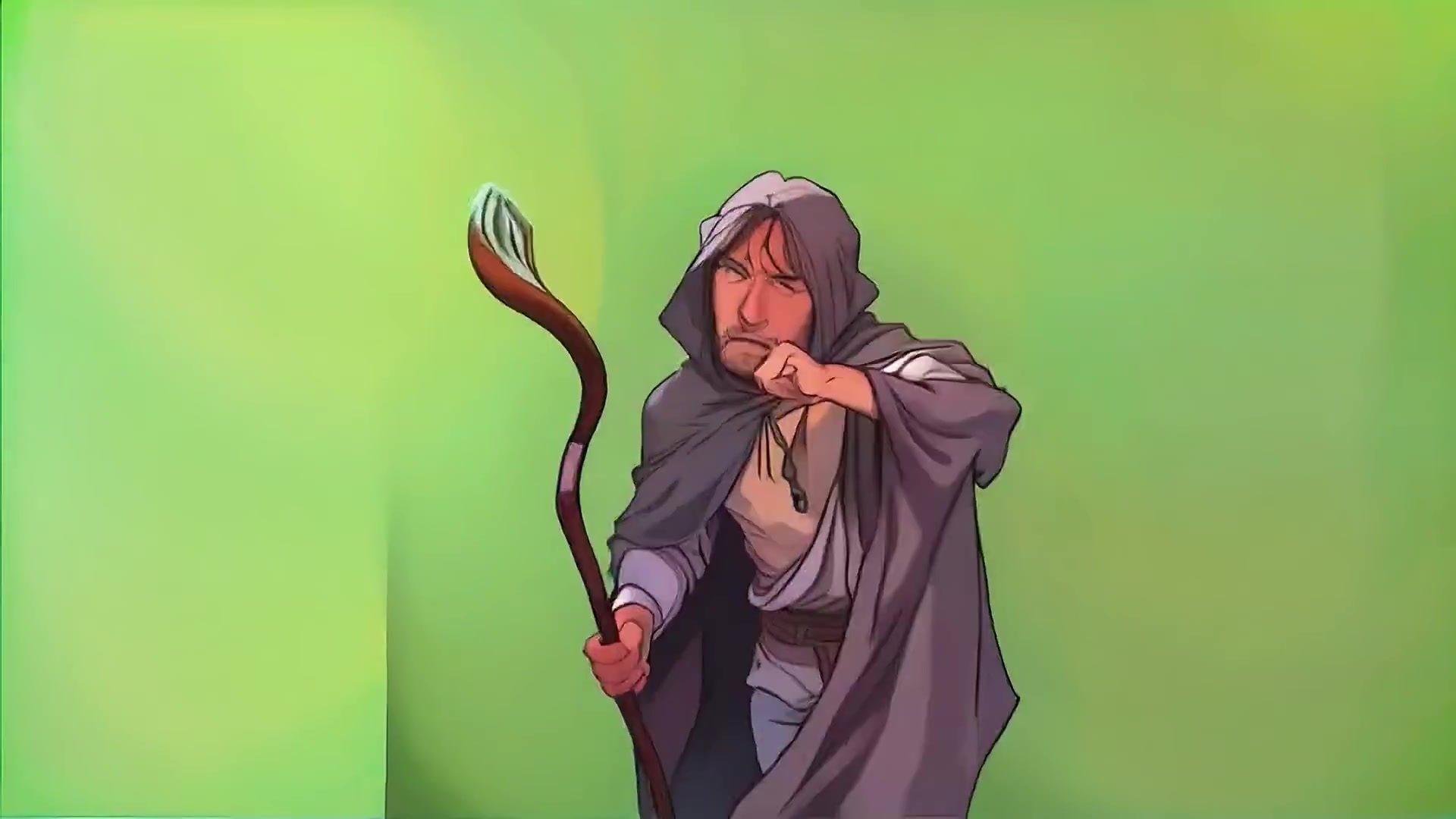
There are many options available for background creation and Midjourney and Dezgo is just the beginning of your artistic creativity. The perfect background is key for pulling all the elements together.
Optimizing AI Animation Techniques
Putting it All Together
Once you've generated animated character and background elements, the final step is to weave them together using compositing software.
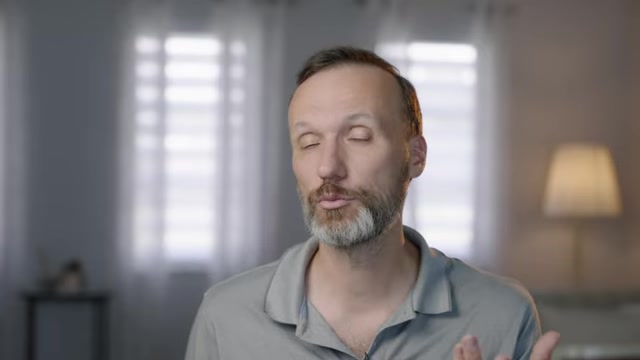
Tom suggests using DaVinci Resolve, to remove the green screen, and place the background behind it using a merge node. It would also be a good idea to add a lightning bolt using merge nodes. For the first shot, put each layer in 3D space so that a classic animation parallax effect can be created. Finally add sound effects and Music to complete the scene.
Best Practices for Optimal Input
To maximize the quality and consistency of your AI animation, there are several best practices to follow when shooting the input video:
- Depth of Field: Utilize a deep depth of field to ensure all parts of the actor remain in focus, aiding the AI in accurate tracking and animation.
- Shutter Speed: Employ a high shutter speed to minimize motion blur, resulting in sharper frames that enhance the AI's ability to create clean animation.
- Makeup and Costume: Use minimal makeup and simple costumes to make it easier for the AI to track and animate.
By focusing on shooting sharp and consistent video, the AI has a much better chance of working properly.





Most people like



































Report
Please select a reason for reporting
- 13 Reasons to Switch from Snapchat to Text Messaging
- 7 Powerful Speech to Text Apps to Boost Productivity
- 10 Best Speech to Text Tools for Effortless Transcription
- 13 Free Tools to Easily Transcribe Audio to Text
- 15 Surprising Ways Google's Speech-to-Text Boosts Productivity
- 7 Best Free Online Audio to Text Transcription Tools
- 9 Tips to Transcribe Speech to Text Faster and Better
- 13 Best Speech to Text Software for Windows 10 in 2023
- 7 Tips for Choosing the Best Transcriber for Audio to Text
- 11 Reasons Why Dragon Speech-to-Text Apps are Game-Changers
- 6 Secrets to Enhance Your Speech to Text Transcription
- 6 Brilliant Ways to Boost Productivity with Talk-to-Text on Your MacBook
- 6 Ways Transcription Software Converts Audio to Text
- 8 Tips to Transcribe Speech to Text Like a Pro
- 6 Reasons IBM Watson Speech to Text is a Game-Changer
- 14 Powerful Ways Talk-to-Text Improves Your Workflow
- 12 Top Windows Speech-to-Text Software for Efficient Transcription
- 12 Game-Changing Benefits of Apple's Speech to Text Technology
- 9 Powerful Use Cases for AWS Speech to Text Technology
- 10 Easy Steps to Transcribe YouTube Videos to Text
- transcription audio en texte
- online audio transcription
- free audio file transcription
- free ai audio transcription
- audio transcription service
- audio transcription online free
- audio transcription free online
- audio to transcription software
- audio and transcript
- ai audio transcription free
- voice recording to text converter
- translate voice recording to text
- record voice to text
- audio recording to text converter
- voice recording and transcription
- chatgpt voice to text
- gmail voice to text
- speech to text reader
- speech to text ai free
- speech to talk
- Meshy AI: How to Create 3D Models from Text and Images
- How SEO and Marketing Dashboards Empower Agencies to Drive Results
- How to Use AI Tools to Find Internal Linking Opportunities Across a Business Website
- Discover Your Perfect Haircut with AI Hairstyle Apps
- Free Reputation Calculator Tools: How They're Adapting to Score AI Visibility, Not Just Rankings
- Design Professional Flyers for Free on Your Phone
- Best Free Flyer Maker Apps for Android: Design Like a Pro
- How to Know If Your Business Is Ready for an AI Customer Service Agent
- Revolutionizing Storytelling: From Novels to Screenplays with AI
- Create Engaging Animated Explainer Videos with a Free AI Tool
- Automate Lead Generation: A Comprehensive Guide with AI Agents
- Revideo.io: The Future of Reverse Video Search Technology
- Revolutionize Learning: Discover Quizzes AI for Engaging Interactive Quizzes
- Revolutionizing Email Marketing Agency with AI
- Breaking the Character Drift Dilemma: A Practical Test of Smart Shot
- Meshy AI: How to Create 3D Models from Text and Images
- ASOMobile Helps Teams Benchmark App Store Screenshots Against Competitors
- How to Match LMS Software With Your Organization's Training Plan
- How to Convert BTC to HNT
- Unleashing the Power of AI: Cognizant's Roadmap for Transformation

Copyright ©2026 toolify