































Table of Contents
- Key Points
- Introduction to Automated Multi-Class Classification
- Using TensorFlow Datasets (TFDS) for Data Loading
- Step-by-Step Guide to Automated Multi-Class Classification with AutoNLP
- Pricing
- Pros and Cons of Automated Multi-Class Classification
- Core Features of AutoNLP
- Use Cases for Automated Multi-Class Classification
- Frequently Asked Questions (FAQ)
- Related Questions



Introduction to Automated Multi-Class Classification
What is Multi-Class Classification?
Multi-class classification is a type of supervised machine learning where the goal is to classify data into one of several predefined categories. Unlike binary classification, which deals with only two classes, multi-class classification handles datasets with three or more classes.
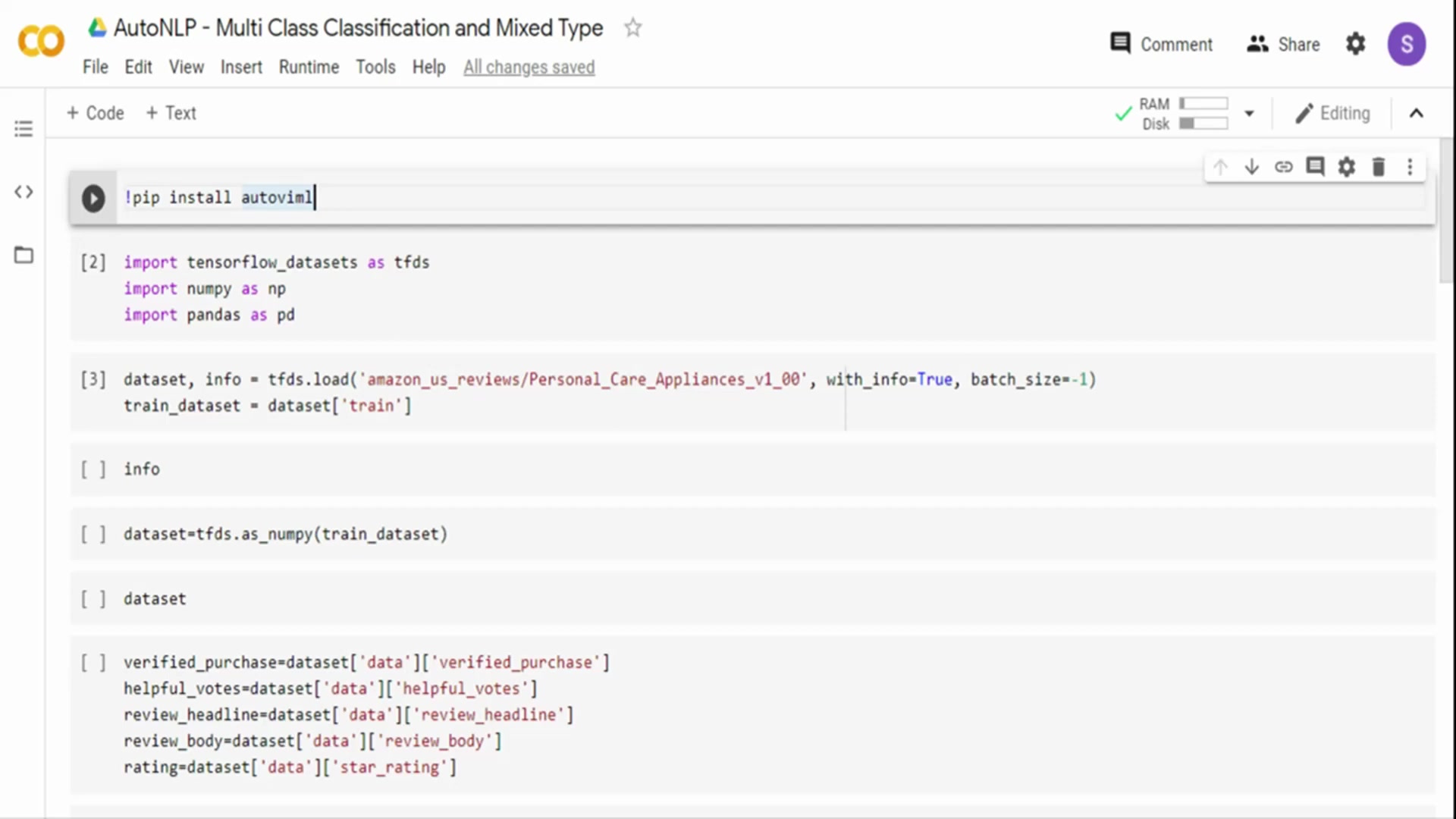
This approach is crucial in various applications, such as categorizing customer reviews, identifying different species of plants, or classifying articles into specific topics. The complexity arises from the need to differentiate between multiple distinct classes, requiring models that can accurately discern subtle differences in the data. This often involves using sophisticated algorithms capable of handling high-dimensional data and complex relationships between features.
In the context of automated solutions, multi-class classification leverages tools and frameworks like AutoNLP to streamline the process of model creation and deployment. AutoNLP automates several critical steps, including data preprocessing, feature extraction, model selection, hyperparameter tuning, and evaluation. This automation not only accelerates the development cycle but also ensures that the resulting models are optimized for performance and accuracy. By simplifying these complex tasks, AutoNLP enables data scientists and machine learning engineers to focus on higher-level strategic objectives and explore more creative solutions. Furthermore, automated multi-class classification can be applied to a wide range of industries, providing insights and enabling data-driven decision-making across diverse domains.
The advantages of using automated multi-class classification extend beyond mere efficiency. Automated systems often incorporate advanced techniques such as ensemble methods and transfer learning, which can significantly improve model performance. Ensemble methods combine multiple models to achieve better predictive accuracy than any single model could achieve on its own. Transfer learning involves leveraging pre-trained models on large datasets to improve performance on smaller, task-specific datasets. These techniques, when automated, can provide substantial gains in model accuracy and robustness. Additionally, automated systems typically include robust evaluation metrics and visualization tools, allowing users to easily assess model performance and identify potential areas for improvement. This comprehensive approach ensures that the models are not only accurate but also reliable and interpretable, facilitating their adoption and integration into real-world applications.
Dealing with Mixed Data Types
Handling mixed data types in machine learning projects presents unique challenges. Mixed data types refer to datasets that contain a combination of numerical, categorical, and textual data. Numerical data includes integers and floating-point numbers, categorical data represents distinct categories or labels, and textual data comprises strings of characters. The complexity lies in the fact that each data type requires different preprocessing and feature engineering techniques.
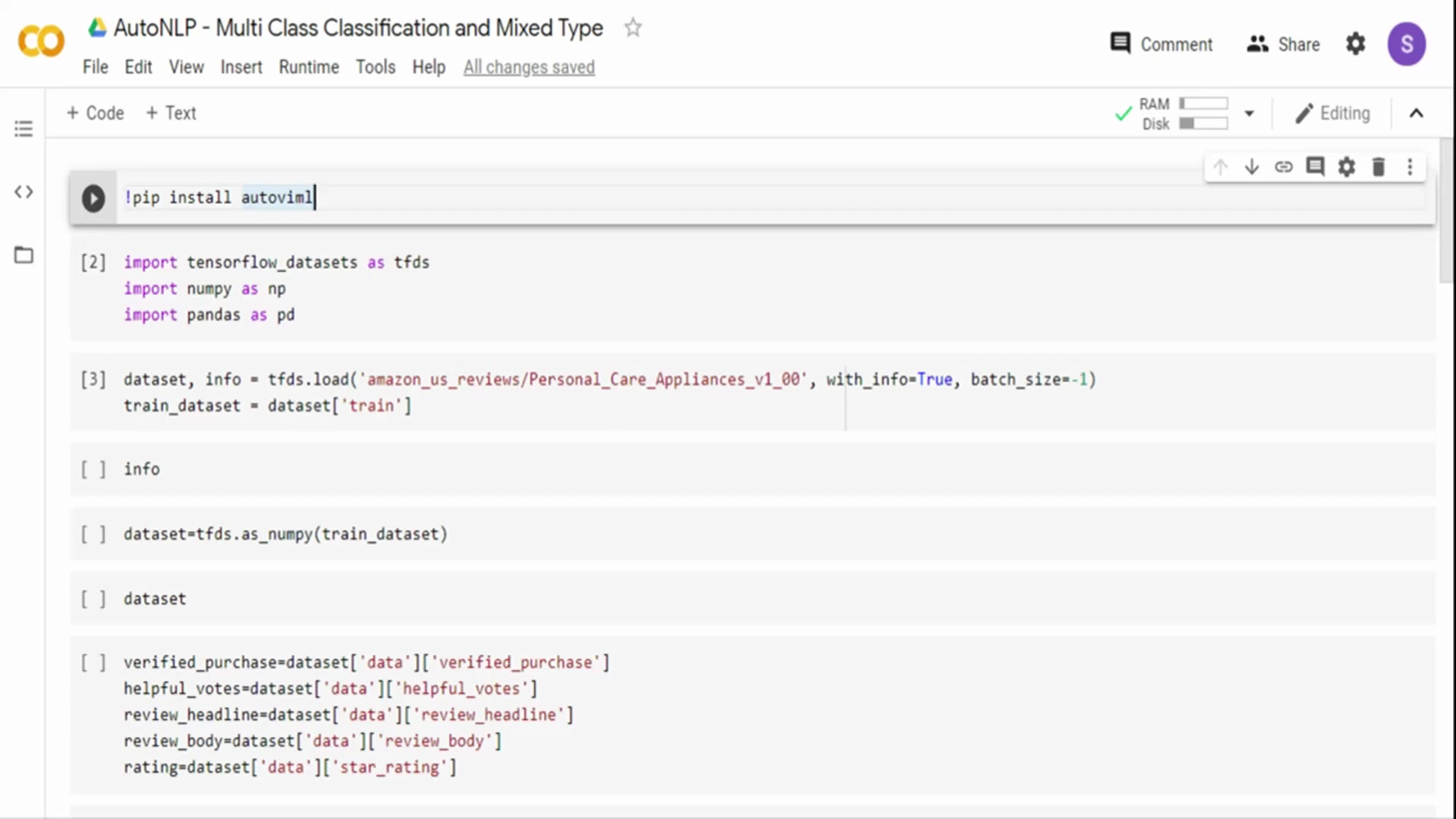
For instance, numerical data may need to be scaled or normalized, categorical data may require encoding into numerical representations, and textual data may need to be tokenized and transformed into numerical vectors.
When working with mixed data types, it is crucial to apply appropriate preprocessing steps to each type before feeding the data into a machine learning model. Numerical data can be preprocessed using techniques such as standardization or min-max scaling to ensure that all features have a similar range of values. This prevents features with larger values from dominating the model and improves the convergence of optimization algorithms. Categorical data can be encoded using techniques such as one-hot encoding or label encoding. One-hot encoding creates a binary vector for each category, while label encoding assigns a unique integer to each category. Textual data requires more complex preprocessing steps, such as tokenization, stemming, and removal of stop words. Tokenization involves splitting the text into individual words or tokens, stemming reduces words to their root form, and removing stop words eliminates common words that do not carry significant meaning.
AutoNLP provides tools and techniques to automatically handle mixed data types. It can intelligently identify the data type of each feature and apply the appropriate preprocessing steps. For example, AutoNLP might automatically scale numerical features, one-hot encode categorical features, and tokenize textual features. This automation significantly reduces the amount of manual effort required to prepare the data for modeling and ensures that the data is preprocessed in a consistent and effective manner. Moreover, AutoNLP often incorporates advanced feature engineering techniques that can automatically create new features from the existing data. These new features can capture complex relationships between variables and improve the performance of the machine learning model. By automating these tasks, AutoNLP enables data scientists to focus on more strategic aspects of the project, such as model selection and hyperparameter tuning.
Core Features of AutoNLP
Key Capabilities
AutoNLP offers a range of core features designed to streamline the machine learning workflow. Key capabilities include automated data preprocessing, feature engineering, model selection, hyperparameter tuning, and deployment.
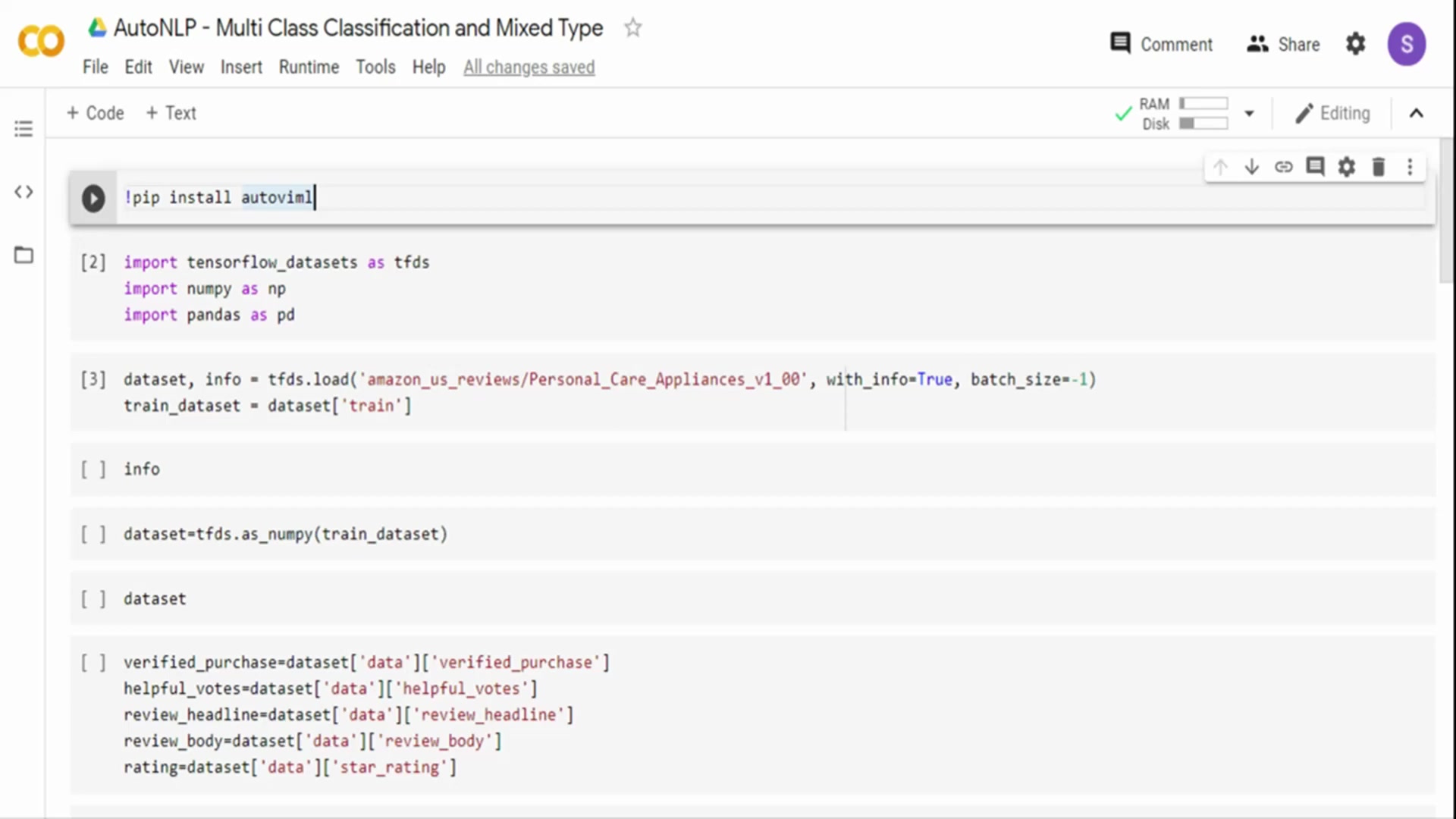
The platform supports a variety of data types, including text, numerical, and categorical data, and can handle mixed data types seamlessly. AutoNLP also provides tools for evaluating model performance, visualizing results, and monitoring models in production. Other notable features include collaboration tools, version control, and integration with popular machine learning frameworks such as TensorFlow and PyTorch. These core features make AutoNLP a comprehensive solution for building and deploying machine learning models quickly and efficiently.







Most people like






























Report
Please select a reason for reporting
- 13 Reasons to Switch from Snapchat to Text Messaging
- 7 Powerful Speech to Text Apps to Boost Productivity
- 10 Best Speech to Text Tools for Effortless Transcription
- 13 Free Tools to Easily Transcribe Audio to Text
- 15 Surprising Ways Google's Speech-to-Text Boosts Productivity
- 7 Best Free Online Audio to Text Transcription Tools
- 9 Tips to Transcribe Speech to Text Faster and Better
- 13 Best Speech to Text Software for Windows 10 in 2023
- 7 Tips for Choosing the Best Transcriber for Audio to Text
- 11 Reasons Why Dragon Speech-to-Text Apps are Game-Changers
- 6 Secrets to Enhance Your Speech to Text Transcription
- 6 Brilliant Ways to Boost Productivity with Talk-to-Text on Your MacBook
- 6 Ways Transcription Software Converts Audio to Text
- 8 Tips to Transcribe Speech to Text Like a Pro
- 6 Reasons IBM Watson Speech to Text is a Game-Changer
- 14 Powerful Ways Talk-to-Text Improves Your Workflow
- 12 Top Windows Speech-to-Text Software for Efficient Transcription
- 12 Game-Changing Benefits of Apple's Speech to Text Technology
- 9 Powerful Use Cases for AWS Speech to Text Technology
- 10 Easy Steps to Transcribe YouTube Videos to Text
- transcription audio en texte
- online audio transcription
- free audio file transcription
- free ai audio transcription
- audio transcription service
- audio transcription online free
- audio transcription free online
- audio to transcription software
- audio and transcript
- ai audio transcription free
- voice recording to text converter
- translate voice recording to text
- record voice to text
- audio recording to text converter
- voice recording and transcription
- chatgpt voice to text
- gmail voice to text
- speech to text reader
- speech to text ai free
- speech to talk
- How SEO and Marketing Dashboards Empower Agencies to Drive Results
- How to Use AI Tools to Find Internal Linking Opportunities Across a Business Website
- Discover Your Perfect Haircut with AI Hairstyle Apps
- Free Reputation Calculator Tools: How They're Adapting to Score AI Visibility, Not Just Rankings
- Design Professional Flyers for Free on Your Phone
- Best Free Flyer Maker Apps for Android: Design Like a Pro
- How to Know If Your Business Is Ready for an AI Customer Service Agent
- Revolutionizing Storytelling: From Novels to Screenplays with AI
- Create Engaging Animated Explainer Videos with a Free AI Tool
- Stop Multi-Subscribing: Benchmark Top AI Visual Models in One Canvas
- Frame to Video Review: A Practical Look at Turning Two Still Frames Into Motion
- NVIDIA NIM: Revolutionizing Supply Chain Data Analysis with AI
- Top AI Tools That Help Brands Stand Out Offline (Not Just Online)
- Top 5 Cold Email Software: Maximize Your Outreach in 2025
- Magic School AI: Revolutionizing Quiz & Assessment Generation
- Create Your Own Email Bot and Automate Your Email Tasks
- Beyond Pure Prompts: Optimizing Production with 'Text With Reference' Generation
- Stop Using Boring TTS: My Honest Deep Dive Into VideoAI and the Hunt for the Perfect Custom Voices
- AI & Elections: Defending Democracy Against Misinformation
- Navigating Political Discourse: AI, Deepfakes, and Reality Checks

Copyright ©2026 toolify