































Table of Contents
- Key Points
- Understanding YouTube AI Summarization and Its Costs
- Building Your Own YouTube AI Summarizer Desktop App
- Step-by-Step Guide to Building Your Summarizer
- Cost-Effectiveness of a DIY Summarization App
- Pros and Cons of Building a Desktop App for Summarizing YouTube Videos
- Core Features for Your Custom Summarizer
- Use Cases for a YouTube AI Summarizer Desktop Application
- Frequently Asked Questions
- Related Questions



Understanding YouTube AI Summarization and Its Costs
The Rise of AI Summarization
AI summarization tools have become increasingly popular, promising to condense lengthy content into digestible summaries. For YouTube videos, this means viewers can quickly grasp the main points without watching an entire video. Several paid services offer this capability, often utilizing advanced AI algorithms to identify key themes, arguments, and supporting details.
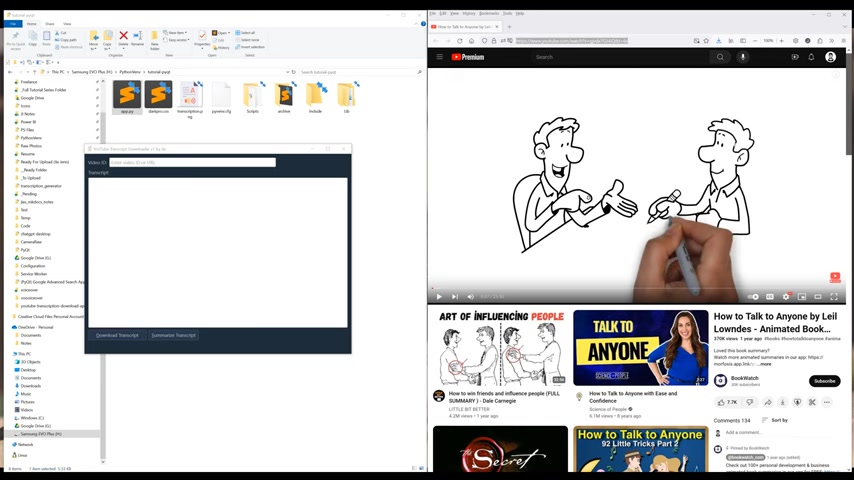
However, these services come at a cost, ranging from $10 to $20 per month, which can add up over time.
Cost Considerations
The subscription-based pricing model of many AI summarization services may not be ideal for everyone. Individuals who only occasionally need to summarize videos might find the monthly fee excessive. Moreover, these services often offer a range of features, many of which might be unnecessary for basic summarization tasks. Developing a custom solution can reduce expenses.
Building Your Own YouTube AI Summarizer Desktop App
Benefits of a Custom Desktop Application
Creating a desktop application offers numerous advantages compared to relying on third-party services.
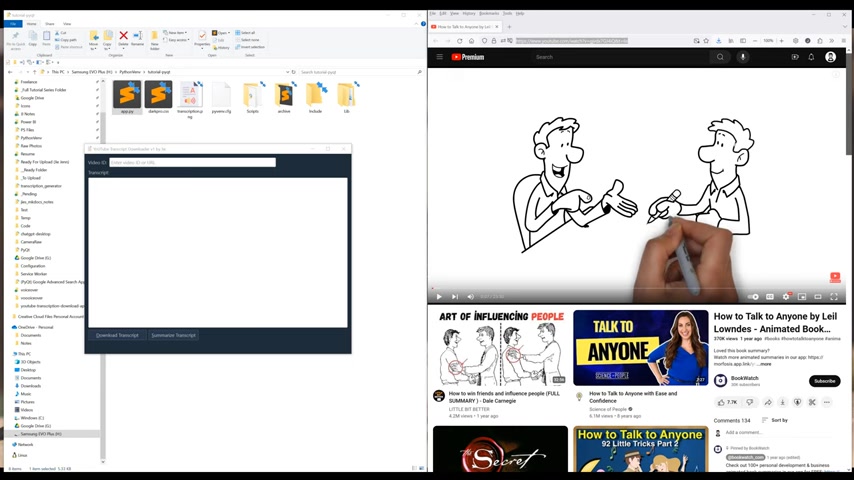
Foremost is the flexibility to control the user interface. It enables the addition of custom features and extend functionalities based on specific needs. By integrating third-party APIs or generative AIs, custom desktop applications provide a tailored user experience.
Key Benefits
Key benefits of creating a custom application for summarizing youtube videos are:
Customization
Desktop application gives you control over user interface, giving users the option to incorporate custom features and functionalities.
Integrations
The desktop apps allow easy integration with various third-party APIs or generative AIs.
Step-by-Step Guide to Building Your Summarizer
Prerequisites and Setup
Before diving into the code, ensure you have Python installed, preferably version 3.6 or higher. You'll also need to set up an API key from Groq's website. Groq is a platform that offers access to generative AI APIs. You can obtain an API key by visiting their website and creating an account.
Installing Necessary Libraries
Open a terminal and use pip to install necessary libraries to prepare a project folder, These libraries will help develop the desktop app. Execute: pip install markdown pyqt6 groq youtube-transcript-api
Coding the Application
-
Importing Modules:
Begin by importing Python modules.
-
Extract Video ID: create a function to extract video id using Python codes.
-
Create App Window: construct an application window using Python codes.
-
Add Button Section: The horizontal layout added to the main window includes download and summarize transcript buttons. Set the button’s with and connect a click signal to the download transcript method
-
Complete The Building: Following steps is to add output section and show the desktop. Run and confirm all the functions are working appropriately.
Core Features for Your Custom Summarizer
Design of Application
The application design features,
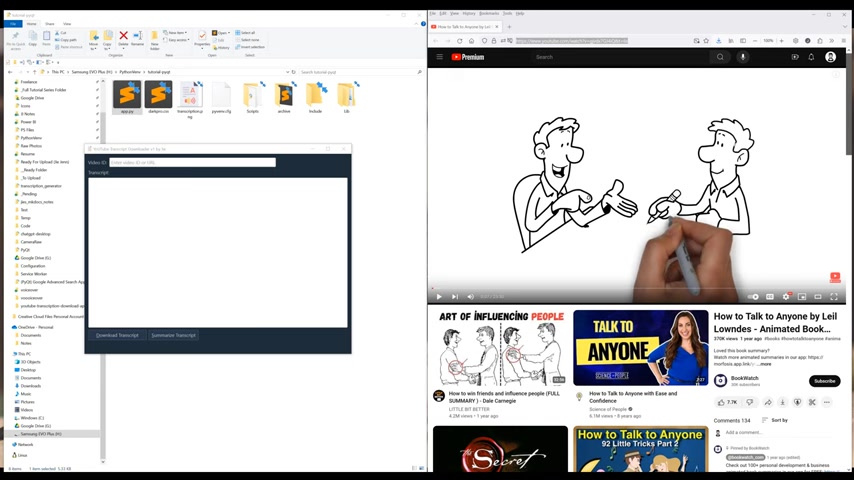
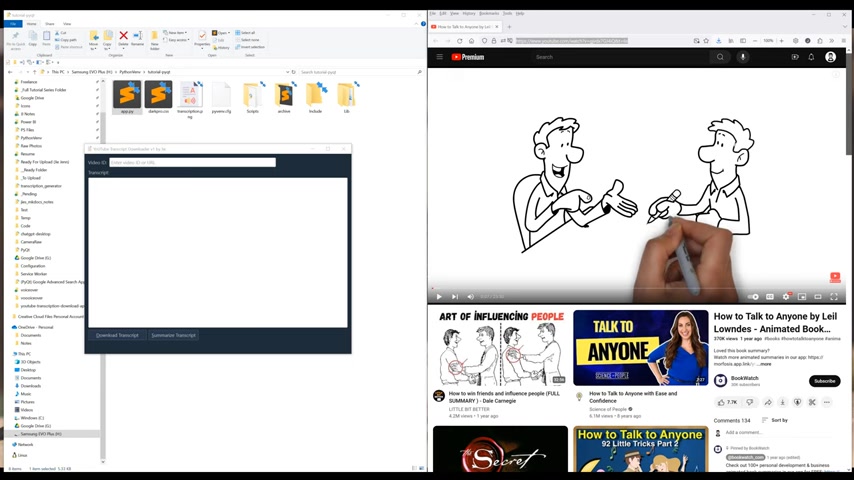
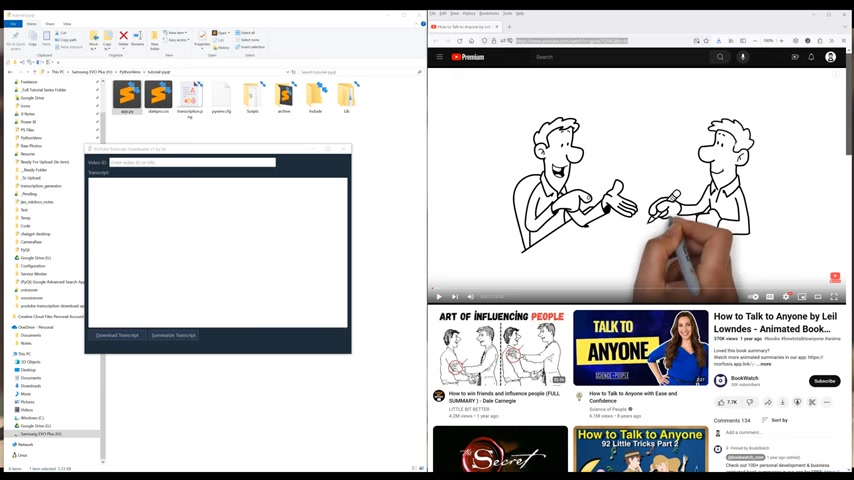
are, Firstly there is a text field for video ID input. Then there is text display field and finally two buttons to download and transcribe.





Most people like



































Report
Please select a reason for reporting
- 13 Reasons to Switch from Snapchat to Text Messaging
- 7 Powerful Speech to Text Apps to Boost Productivity
- 10 Best Speech to Text Tools for Effortless Transcription
- 13 Free Tools to Easily Transcribe Audio to Text
- 15 Surprising Ways Google's Speech-to-Text Boosts Productivity
- 7 Best Free Online Audio to Text Transcription Tools
- 9 Tips to Transcribe Speech to Text Faster and Better
- 13 Best Speech to Text Software for Windows 10 in 2023
- 7 Tips for Choosing the Best Transcriber for Audio to Text
- 11 Reasons Why Dragon Speech-to-Text Apps are Game-Changers
- 6 Secrets to Enhance Your Speech to Text Transcription
- 6 Brilliant Ways to Boost Productivity with Talk-to-Text on Your MacBook
- 6 Ways Transcription Software Converts Audio to Text
- 8 Tips to Transcribe Speech to Text Like a Pro
- 6 Reasons IBM Watson Speech to Text is a Game-Changer
- 14 Powerful Ways Talk-to-Text Improves Your Workflow
- 12 Top Windows Speech-to-Text Software for Efficient Transcription
- 12 Game-Changing Benefits of Apple's Speech to Text Technology
- 9 Powerful Use Cases for AWS Speech to Text Technology
- 10 Easy Steps to Transcribe YouTube Videos to Text
- transcription audio en texte
- online audio transcription
- free audio file transcription
- free ai audio transcription
- audio transcription service
- audio transcription online free
- audio transcription free online
- audio to transcription software
- audio and transcript
- ai audio transcription free
- voice recording to text converter
- translate voice recording to text
- record voice to text
- audio recording to text converter
- voice recording and transcription
- chatgpt voice to text
- gmail voice to text
- speech to text reader
- speech to text ai free
- speech to talk
- How SEO and Marketing Dashboards Empower Agencies to Drive Results
- How to Use AI Tools to Find Internal Linking Opportunities Across a Business Website
- Discover Your Perfect Haircut with AI Hairstyle Apps
- Free Reputation Calculator Tools: How They're Adapting to Score AI Visibility, Not Just Rankings
- Design Professional Flyers for Free on Your Phone
- Best Free Flyer Maker Apps for Android: Design Like a Pro
- How to Know If Your Business Is Ready for an AI Customer Service Agent
- Revolutionizing Storytelling: From Novels to Screenplays with AI
- Create Engaging Animated Explainer Videos with a Free AI Tool
- Stop Multi-Subscribing: Benchmark Top AI Visual Models in One Canvas
- AI & Elections: Defending Democracy Against Misinformation
- Navigating Political Discourse: AI, Deepfakes, and Reality Checks
- Detecting Political Bias in News Articles: A Powerful AI Algorithm
- AI Bias Unveiled: Political Leanings in ChatGPT & Beyond
- Revolutionize Learning: Discover Quizzes AI for Engaging Interactive Quizzes
- From AI-Generated to Audience-Ready: How Quillbot Humanize AI Is Changing the Content Editing Process
- Building an AI Writing Stack in 2026: LLMs, Detectors, and Humanizers
- 7 Top AI-Powered Database Assistant Platforms
- An Objective Look at Modern Web-Based Visual Modifications
- My Honest Experience with VideoAI: The Secret Weapon for Creators Who Need Character Voices

Copyright ©2026 toolify