































Table of Contents
- Key Points
- Understanding Application Configuration and Deployment
- Diving into the Code: The "Assembly Manual" Files
- How to Use the Career Compass Application
- Advantages and Disadvantages
- FAQ
- Related Questions


Understanding Application Configuration and Deployment
The Essence of Application Configuration and Deployment
Application configuration and deployment are critical steps in making your application accessible and functional for end-users. It involves setting up the environment, specifying dependencies, and making your application ready for the internet.
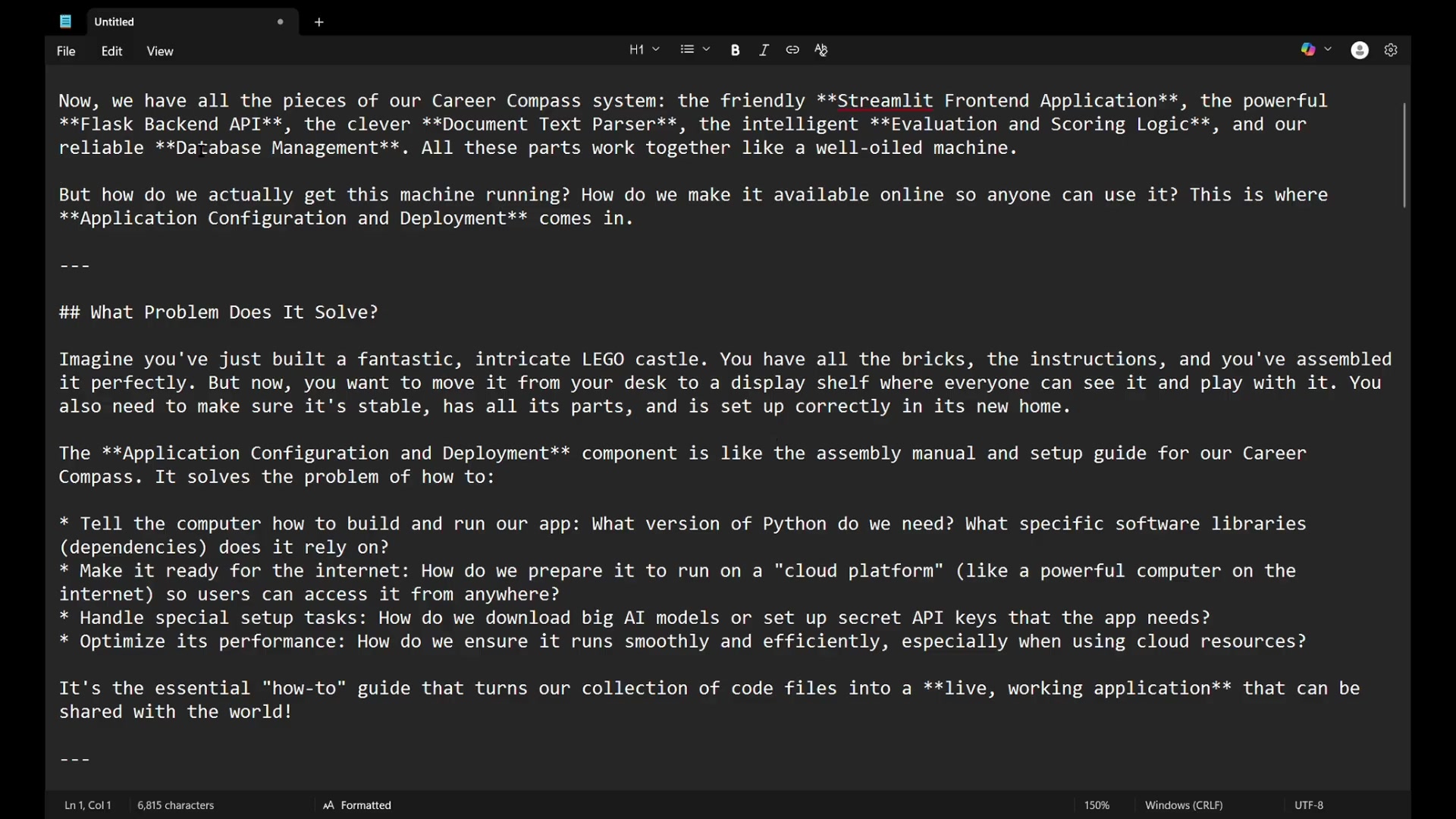
Imagine building an intricate LEGO castle; you have all the pieces and instructions, but you need to move it safely and set it up correctly in its new home. Application configuration and deployment are like the assembly manual and setup guide for your Career Compass application. They ensure your application is stable, has all its parts, and is set up correctly in its new environment.
- Tell the computer how to build and run our app: What version of Python do we need? What specific software libraries (dependencies) does it rely on?
- Make it ready for the internet: How do we prepare it to run on a “cloud platform” (like a powerful computer on the internet) so users can access it from anywhere?
- Handle special setup tasks: How do we download big AI models or set up secret API Keys that the app needs?
- Optimize its performance: How do we ensure it runs smoothly and efficiently, especially when using cloud resources?
Key Configuration Concepts for Deployment
Application configuration ensures that your code smoothly transitions into a live, working application that can be shared with the world. It's the 'how-to' guide that streamlines this transformation.
- Configuration: All the settings and choices we make about how our application should run. This includes Python version, software libraries, and any specific flags or modes. Analogy: The specifications on a recipe card. It tells you "use 2 eggs," "preheat oven to 350°F," or "bake for 30 minutes."
- Dependencies: The software libraries or packages our Career Compass relies on to function. Analogy: The ingredients for your recipe. You can't bake a cake without flour, sugar, and eggs. Similarly, our app can't run without Flask, Streamlit, pdfplumber, etc.
- Deployment: Taking your finished application and setting it up on a server (often in the cloud) so users can access it over the internet. Analogy: Opening your restaurant for business. Kitchen = backend, dining area = frontend, menu = API, staff = other modules.
- Environment Variables: Special settings or pieces of information (like API keys or database paths) kept separate from main code. Analogy: The secret sauce recipe for your restaurant. You keep it in a secure place, known only to the chef.
- Cloud Platform: A service providing computing resources (servers, storage, databases) over the internet. Analogy: A professional catering service for your restaurant. You use their powerful kitchen, paying only for what you use.
Mastering application configuration, dependencies, deployment, environment variables, and cloud platforms is essential for bringing your projects to life.
Diving into the Code: The "Assembly Manual" Files
runtime.txt: Specifying the Python Version
The runtime.txt file is a simple yet critical component. It tells the cloud platform which version of Python to use for your application.
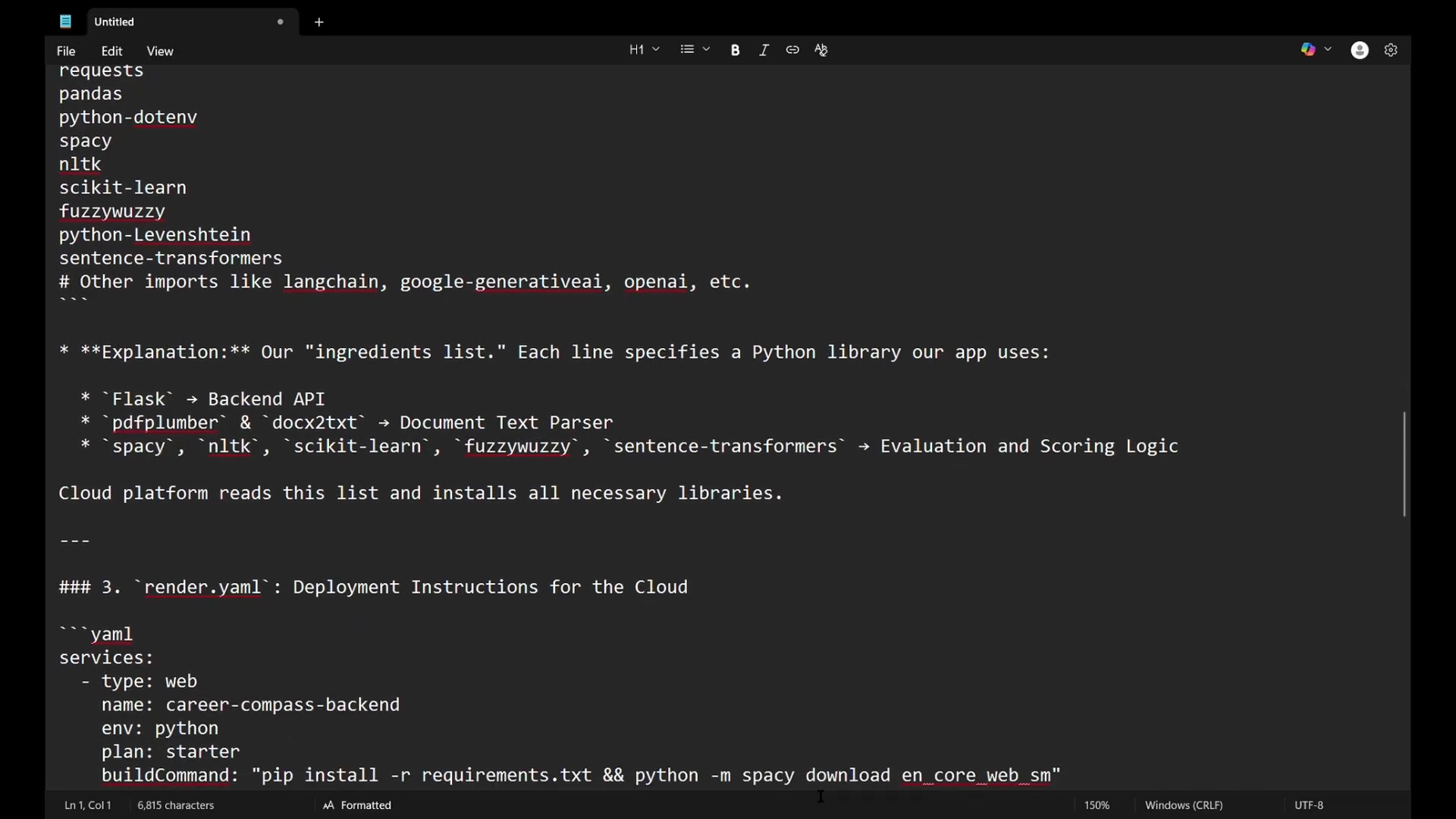
Think of it as telling the computer, 'Use the Python 3.9 toolbox for this project.' This avoids any compatibility issues and ensures your application runs on the intended version. If you don't specify the runtime, the cloud provider would likely pick the most recent version, but for your own project, you know what is compatible.
Content of runtime.txt:
txt
python-3.9
requirements.txt: Listing All Dependencies
The requirements.txt file lists all the Python libraries your application depends on.
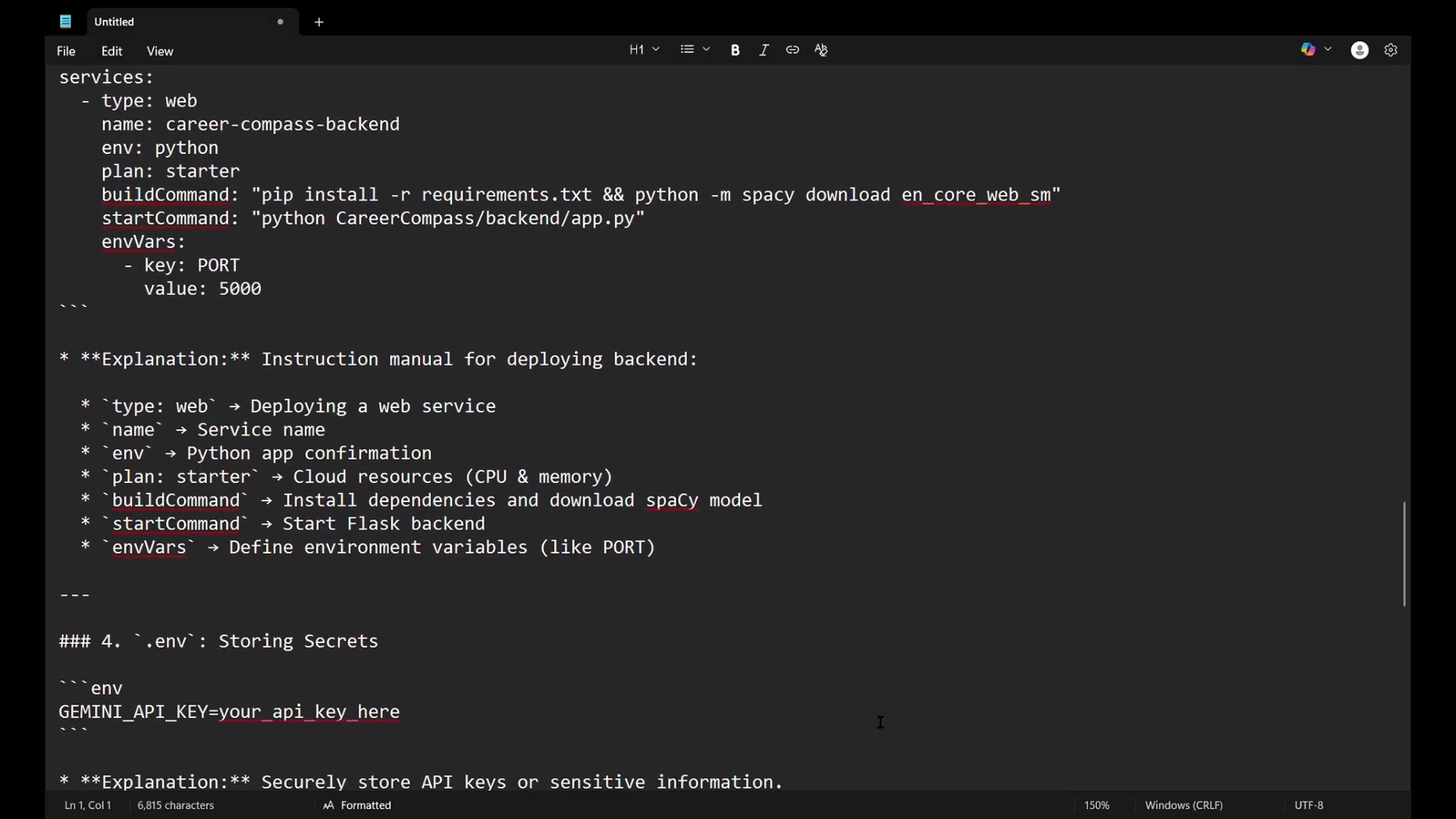
This file acts as an ingredients list for your project, specifying each Python library that Career Compass needs to function. The cloud platform reads this file and installs all necessary libraries, ensuring your application has everything it needs to run.
Explanation: This file tells the cloud platform everything you need in order for the program to run. Without these dependency libraries installed, the application will fail when calling those functions.
Content of requirements.txt:
txt
Flask
Flask-CORS
pdfplumber
docx2txt
requests
pandas
python-dotenv
spacy
nltk
scikit-learn
fuzzywuzzy
python-Levenshtein
sentence-transformersNote: There might be other imports like langchain, google-generativeai, openai, etc.
Understanding Key Dependencies
Let's break down some of the core dependencies listed in requirements.txt:
Flask: Powers the Backend API.pdfplumber&docx2txt: Enable Document Text Parsing.spacy,nltk,scikit-learn,fuzzywuzzy,sentence-transformers: Support Evaluation and Scoring Logic.
These dependencies form the backbone of your application, enabling it to perform various tasks efficiently. Cloud platforms handle these dependencies by reading the file and installing all dependencies to run the app.
render.yaml: Deployment Instructions for the Cloud
The render.yaml file provides deployment instructions for the cloud platform, guiding it on how to set up and run your application.
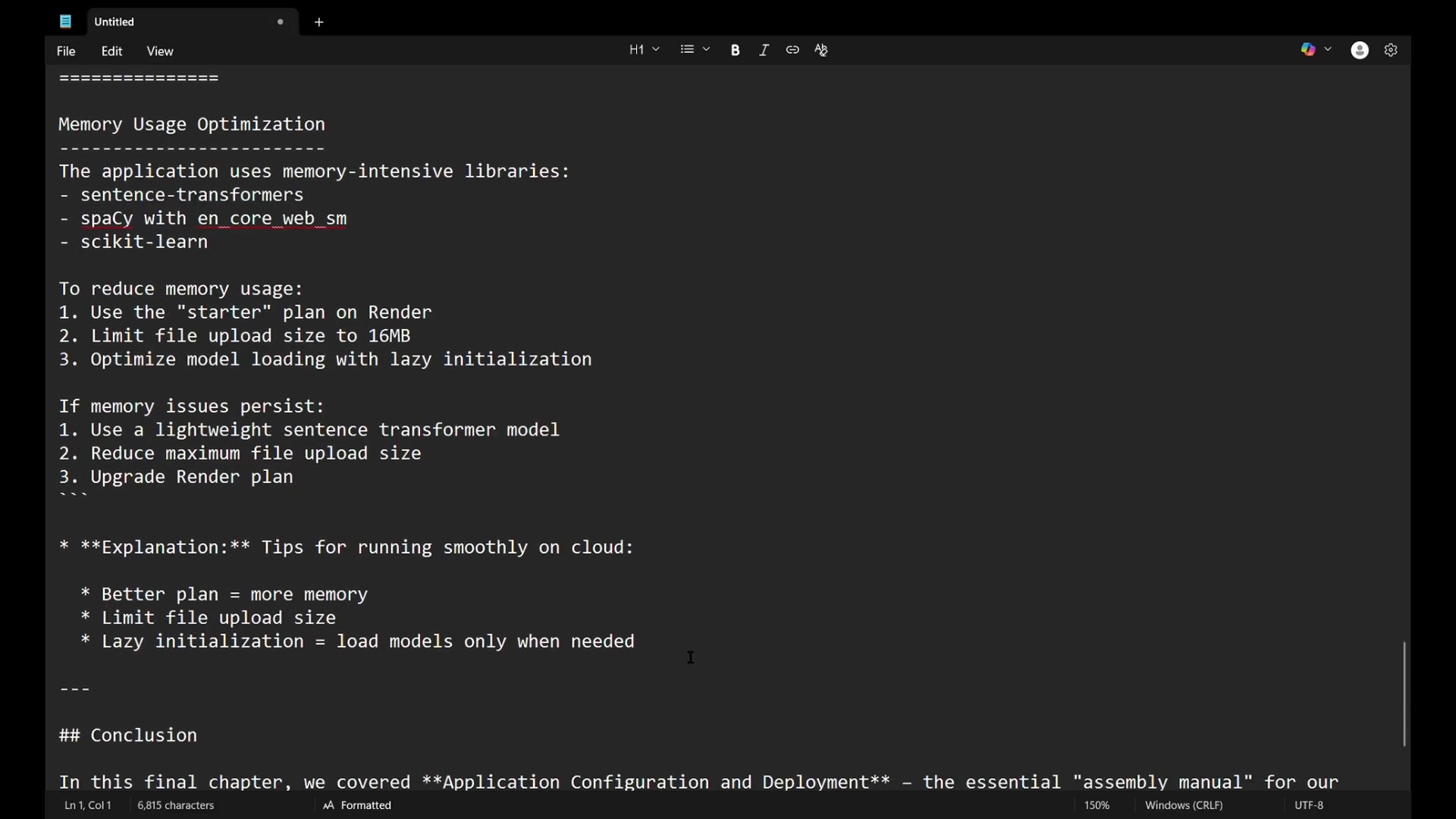
This file tells Render how to build your application, what commands to run, and what settings it needs. It's like an instruction manual for deploying your backend. This file is like the restaurant business plan. It tells the Cloud Platform what resources you need and how to run the business.
Content of render.yaml:
yaml
services:
  - type: web
    name: career-compass-backend
    env: python
    plan: starter
    buildCommand: "pip install -r requirements.txt && python -m spacy download en_core_web_sm"
    startCommand: "python CareerCompass/backend/app.py"
    envVars:
      - key: PORT
        value: 5000
Breaking Down render.yaml Configuration
Let's examine the key components of the render.yaml file:
type: web: Deploys a web service.name: The service name.env: Python app confirmation.plan: Starter cloud resources (CPU & memory).buildCommand: Installs dependencies and downloads spacy model.startCommand: Starts Flask backend.envVars: Defines environment variables (like PORT).
This configuration provides the necessary instructions for the cloud platform to deploy your application correctly, ensuring it runs smoothly and efficiently.
.env: Storing Secrets (Environment Variables)
The .env file is crucial for securely storing sensitive information, such as API keys, that should not be directly included in your code.
This is particularly important for protecting your Gemini AI service API key. Cloud platforms can read these securely.
Explanation: This file is where we keep our secret sauce recipe!
Content of .env:
env
GEMINI_API_KEY=your_api_key_here
deployment-notes.txt: Performance Optimization
The deployment-notes.txt file provides important tips for optimizing your application's performance and resource usage, especially on cloud platforms. It acts like performance tips in our assembly manual.
This file highlights that AI libraries need a lot of memory. It recommends a plan with more memory, limits the file size that upload, and uses 'lazy initialization' that loads models when needed. This is critical for improving the efficiency of your application deployment.
Deployment Notes
Memory Usage Optimization
=======================

The application uses memory-intensive libraries:
- sentence-transformers
- spacy with en_core_web_sm
- scikit-learn

To reduce memory usage:
1.  Use the "starter" plan on Render
2.  Limit file upload size to 16MB
3.  Optimize model loading with lazy initialization

If memory issues persist:
1.  Use a lightweight sentence transformer model
2.  Reduce maximum file upload size
3.  Upgrade Render plan
How to Use the Career Compass Application
Step-by-Step Guide to Analyzing Resumes
With the application configuration and deployment complete, you can now leverage the Career Compass application for AI-powered Resume analysis. Follow these steps to optimize your job application success:
- Open the app: Open the Career Compass application in your browser.
You’ll likely start on the “Upload Resume” page.
- Navigate to Student Upload: On the left side, there's a “sidebar” for navigation.
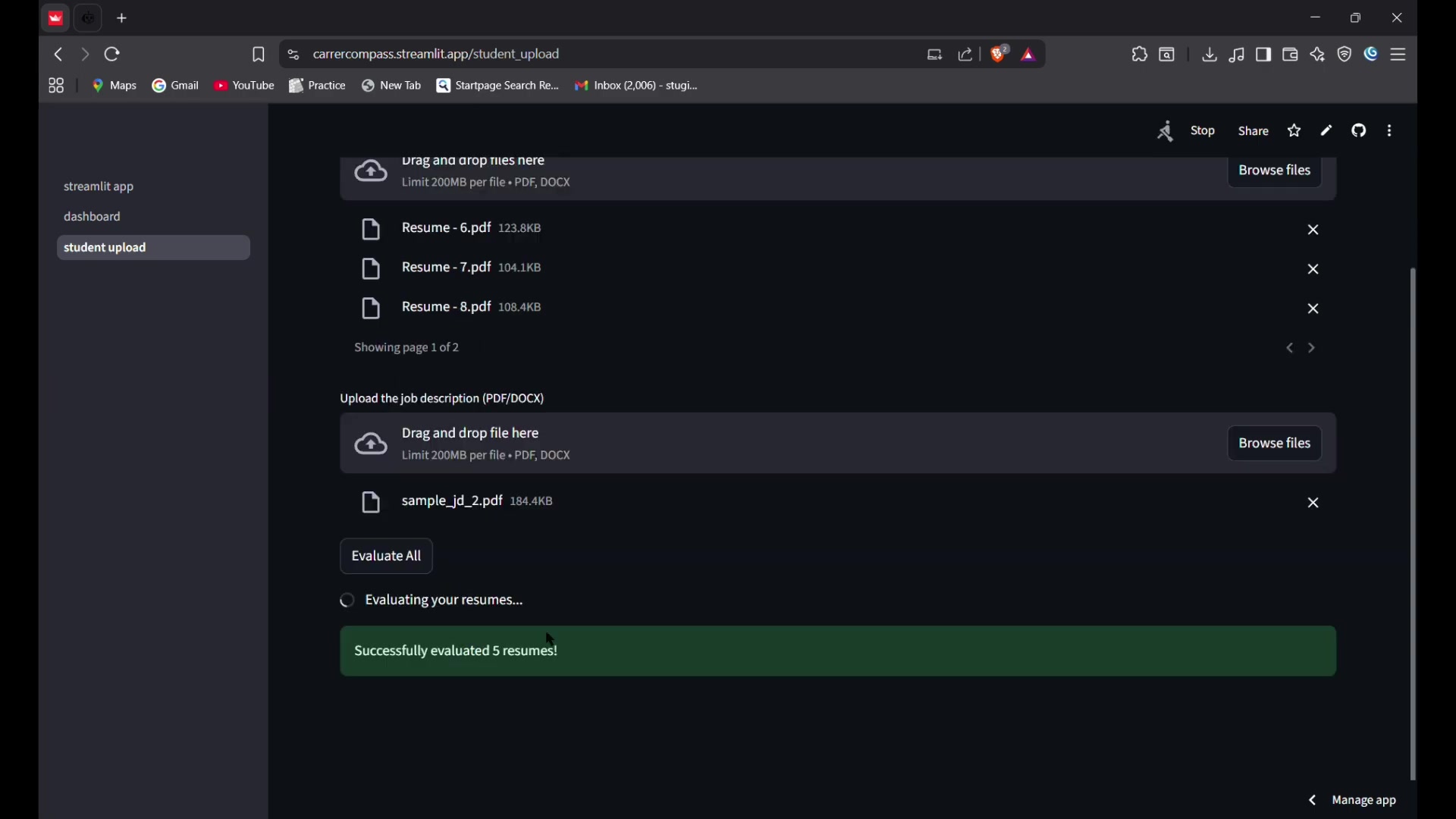
- Upload Resumes: You can upload many resumes. Drag and drop resumes, or click a button to upload a resume.
- Upload a Job Description: Next, drag and drop or upload the Job Description.
- Click Analyze All: Now you’re ready to submit everything for analysis with AI models. All the resumes and job descriptions will have evaluations.
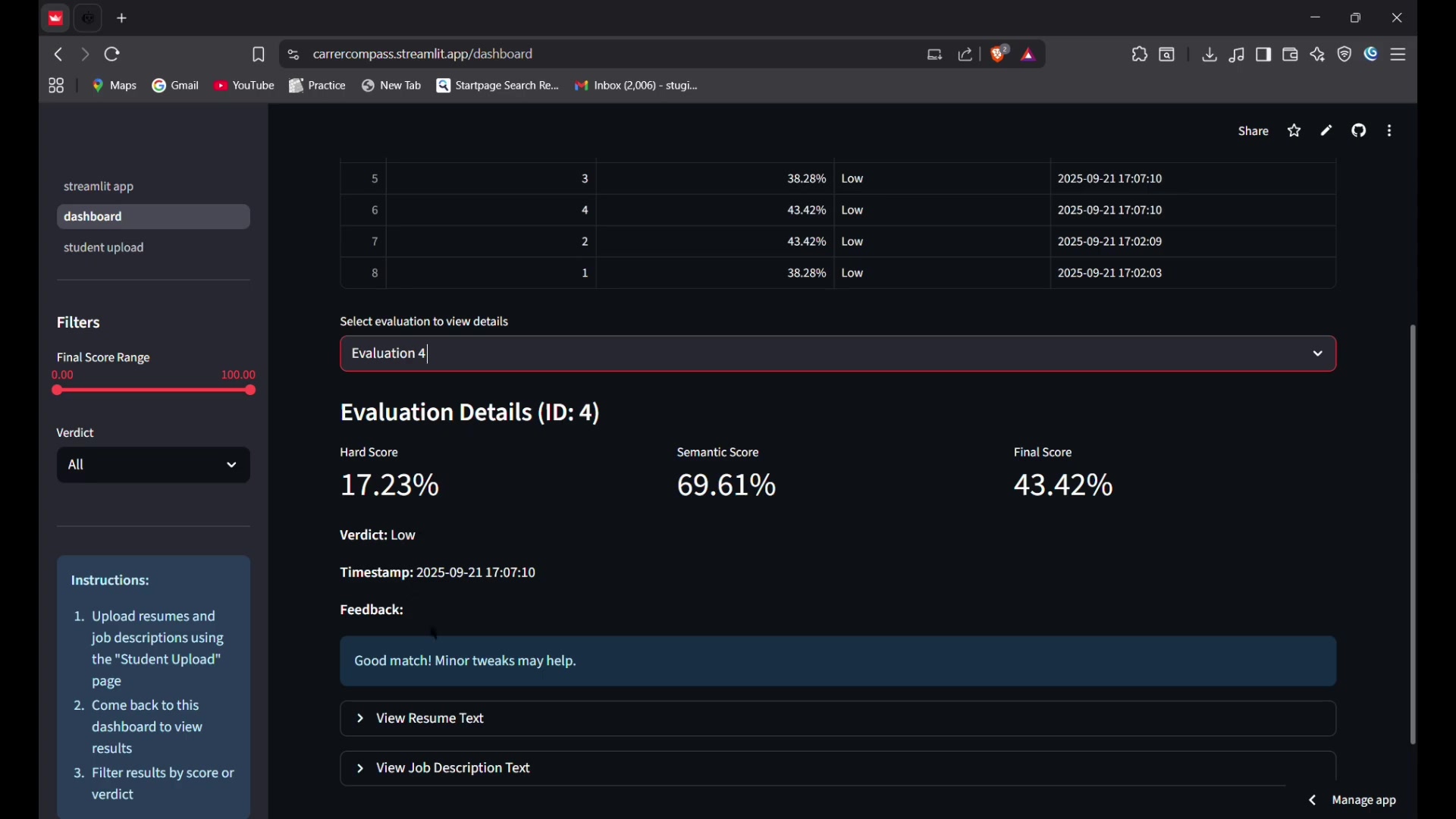
- Placement Dashboard: Results of the analysis can be found on the “Placement Dashboard”, where you can filter and see the evaluation.


Most people like




































Report
Please select a reason for reporting
- 13 Reasons to Switch from Snapchat to Text Messaging
- 7 Powerful Speech to Text Apps to Boost Productivity
- 10 Best Speech to Text Tools for Effortless Transcription
- 13 Free Tools to Easily Transcribe Audio to Text
- 15 Surprising Ways Google's Speech-to-Text Boosts Productivity
- 7 Best Free Online Audio to Text Transcription Tools
- 9 Tips to Transcribe Speech to Text Faster and Better
- 13 Best Speech to Text Software for Windows 10 in 2023
- 7 Tips for Choosing the Best Transcriber for Audio to Text
- 11 Reasons Why Dragon Speech-to-Text Apps are Game-Changers
- 6 Secrets to Enhance Your Speech to Text Transcription
- 6 Brilliant Ways to Boost Productivity with Talk-to-Text on Your MacBook
- 6 Ways Transcription Software Converts Audio to Text
- 8 Tips to Transcribe Speech to Text Like a Pro
- 6 Reasons IBM Watson Speech to Text is a Game-Changer
- 14 Powerful Ways Talk-to-Text Improves Your Workflow
- 12 Top Windows Speech-to-Text Software for Efficient Transcription
- 12 Game-Changing Benefits of Apple's Speech to Text Technology
- 9 Powerful Use Cases for AWS Speech to Text Technology
- 10 Easy Steps to Transcribe YouTube Videos to Text
- transcription audio en texte
- online audio transcription
- free audio file transcription
- free ai audio transcription
- audio transcription service
- audio transcription online free
- audio transcription free online
- audio to transcription software
- audio and transcript
- ai audio transcription free
- voice recording to text converter
- translate voice recording to text
- record voice to text
- audio recording to text converter
- voice recording and transcription
- chatgpt voice to text
- gmail voice to text
- speech to text reader
- speech to text ai free
- speech to talk
- Meshy AI: How to Create 3D Models from Text and Images
- How SEO and Marketing Dashboards Empower Agencies to Drive Results
- How to Use AI Tools to Find Internal Linking Opportunities Across a Business Website
- Discover Your Perfect Haircut with AI Hairstyle Apps
- Free Reputation Calculator Tools: How They're Adapting to Score AI Visibility, Not Just Rankings
- Design Professional Flyers for Free on Your Phone
- Best Free Flyer Maker Apps for Android: Design Like a Pro
- How to Know If Your Business Is Ready for an AI Customer Service Agent
- Revolutionizing Storytelling: From Novels to Screenplays with AI
- Create Engaging Animated Explainer Videos with a Free AI Tool
- Automate Lead Generation: A Comprehensive Guide with AI Agents
- Revideo.io: The Future of Reverse Video Search Technology
- Revolutionizing Email Marketing Agency with AI
- Breaking the Character Drift Dilemma: A Practical Test of Smart Shot
- Meshy AI: How to Create 3D Models from Text and Images
- ASOMobile Helps Teams Benchmark App Store Screenshots Against Competitors
- How to Match LMS Software With Your Organization's Training Plan
- How to Convert BTC to HNT
- Unleashing the Power of AI: Cognizant's Roadmap for Transformation
- Frame to Video Review: A Practical Look at Turning Two Still Frames Into Motion

Copyright ©2026 toolify