































Table of Contents
- Key Points
- Getting Started with Text-to-Handwriting Conversion
- Creating the Python Script
- Frequently Asked Questions
- Related Questions



Getting Started with Text-to-Handwriting Conversion
What is the pywhatkit Library?
The pywhatkit library is a versatile Python module designed to simplify various tasks such as sending WhatsApp messages, performing Google searches, and, most importantly, converting text to handwriting. It provides a straightforward interface to generate realistic handwriting fonts from any given text. Combined with OpenCV, an open-source computer vision library, you can display and manipulate the generated Handwriting images easily. Using this combination, you can transform your digital text into a handwritten style, enhancing the aesthetic appeal and personal touch of your documents.
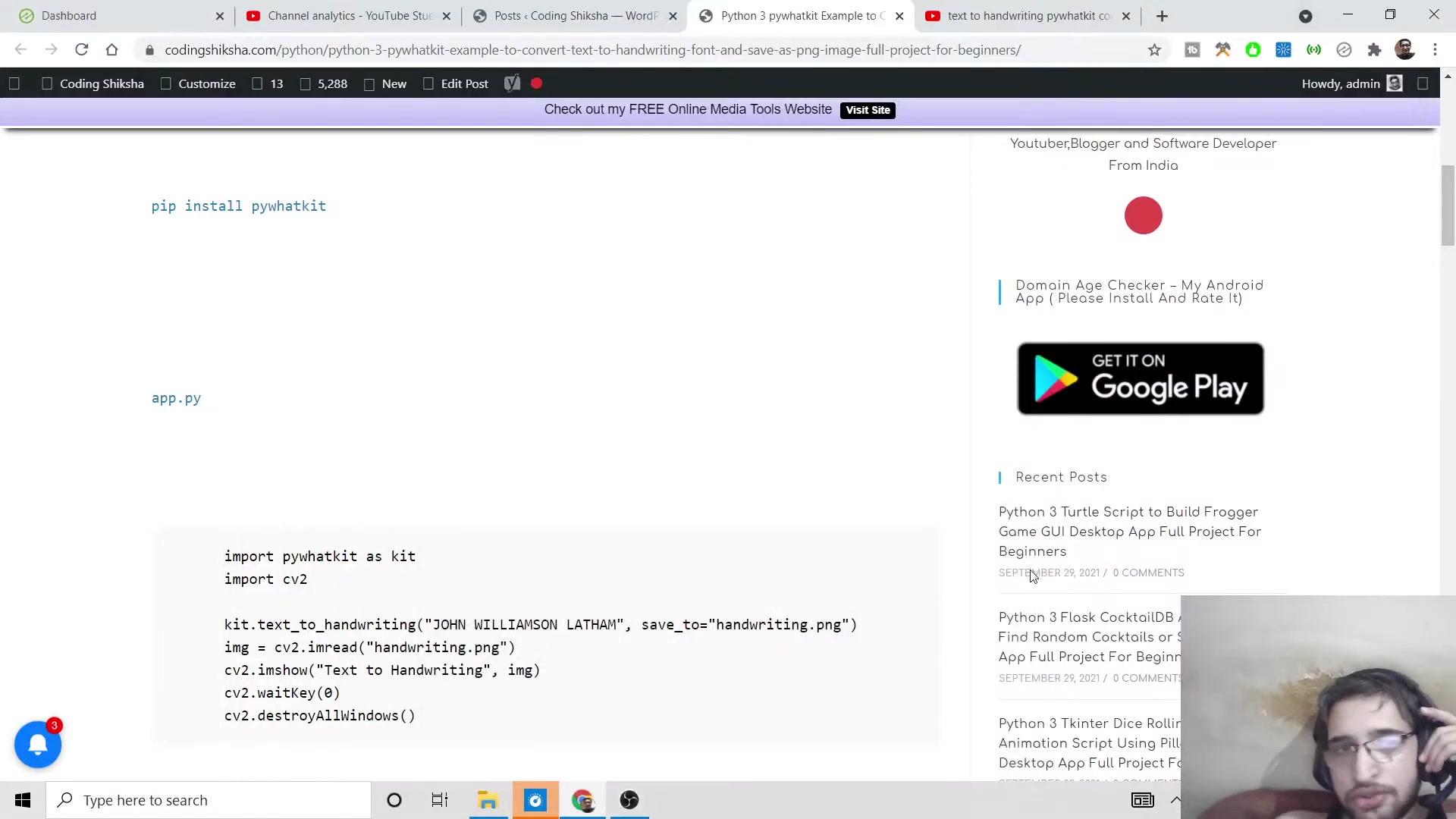
The primary goal is to convert any sort of text or STRING into handwriting Font in Python.
Installing Required Libraries
Before diving into the coding part, it's essential to install the necessary libraries. You’ll need both pywhatkit and OpenCV. Here's how to install them using pip, the Python Package installer:
-
Install OpenCV: Open your command Prompt or terminal and type the following command:
pip install opencv-pythonThis command installs OpenCV, which is used to display the generated handwriting image. OpenCV is an open-source computer vision library.
-
Install pywhatkit: In the same command prompt or terminal, type:
pip install pywhatkitThis command installs the pywhatkit library, which is the core tool for converting text to handwriting. The pywhatkit library simplifies the process and offers additional functionalities beyond just handwriting conversion.
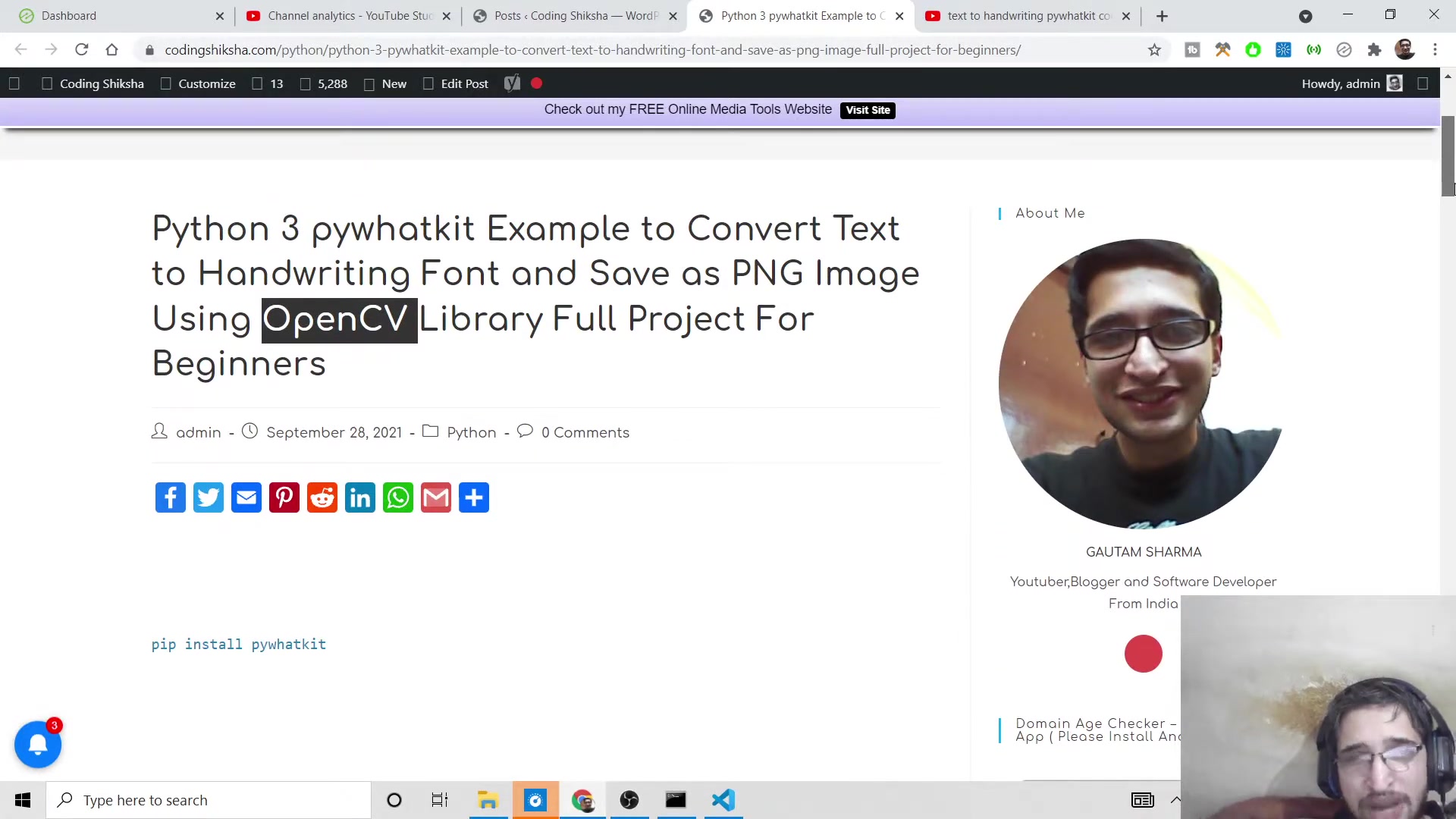
Make sure that you have correctly installed both of these libraries before proceeding with the coding.
Creating the Python Script
Setting Up Your Project
To begin, create a new directory for your project. This will help in organizing your files and dependencies. Follow these steps:
-
Create a Project Directory: Open your command prompt or terminal and navigate to your desired location. Create a new directory using the command:
mkdir handwriting
cd handwriting
This creates a directory named
handwritingand navigates into it.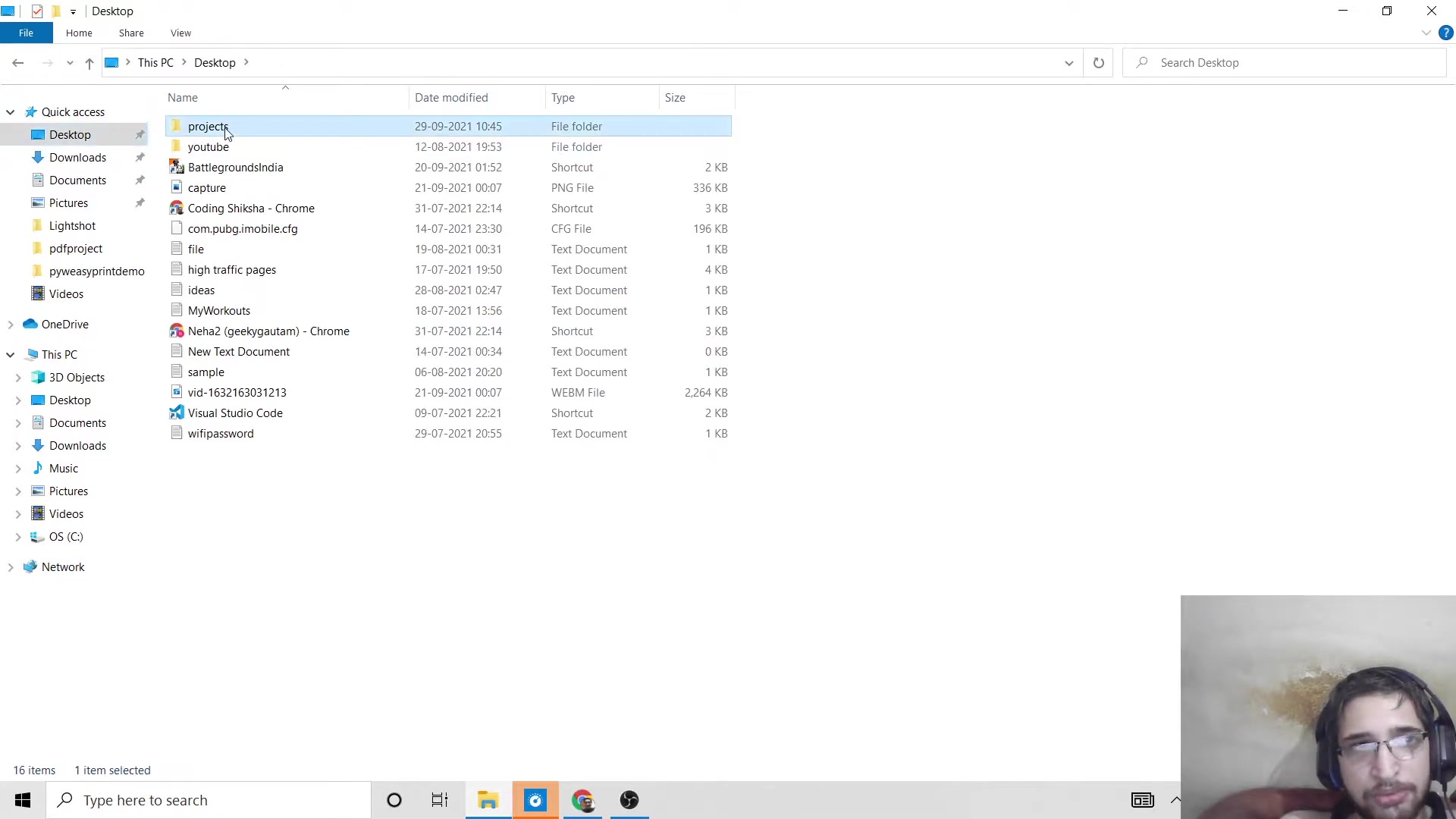
-
Open the Directory in VS Code: Launch Visual Studio Code (or your preferred code editor) and open the newly created directory. This can be done by typing
code .in the command prompt within the project directory. -
Create a Python File: Inside the project directory, create a new Python file named
app.py. This file will contain the script for converting text to handwriting.
Writing the Code
Now, let's write the Python code to convert text to a handwriting font and save it as a PNG image. Here’s the complete script:
import pywhatkit as kit
import cv2

text_to_convert = "John Williamson Latham is a New Zealand Cricketer and it plays well"

kit.text_to_handwriting(text_to_convert, save_to="sample.png")

img = cv2.imread("sample.png")
cv2.imshow("Text to Handwriting", img)
cv2.waitKey(0)
cv2.destroyAllWindows()
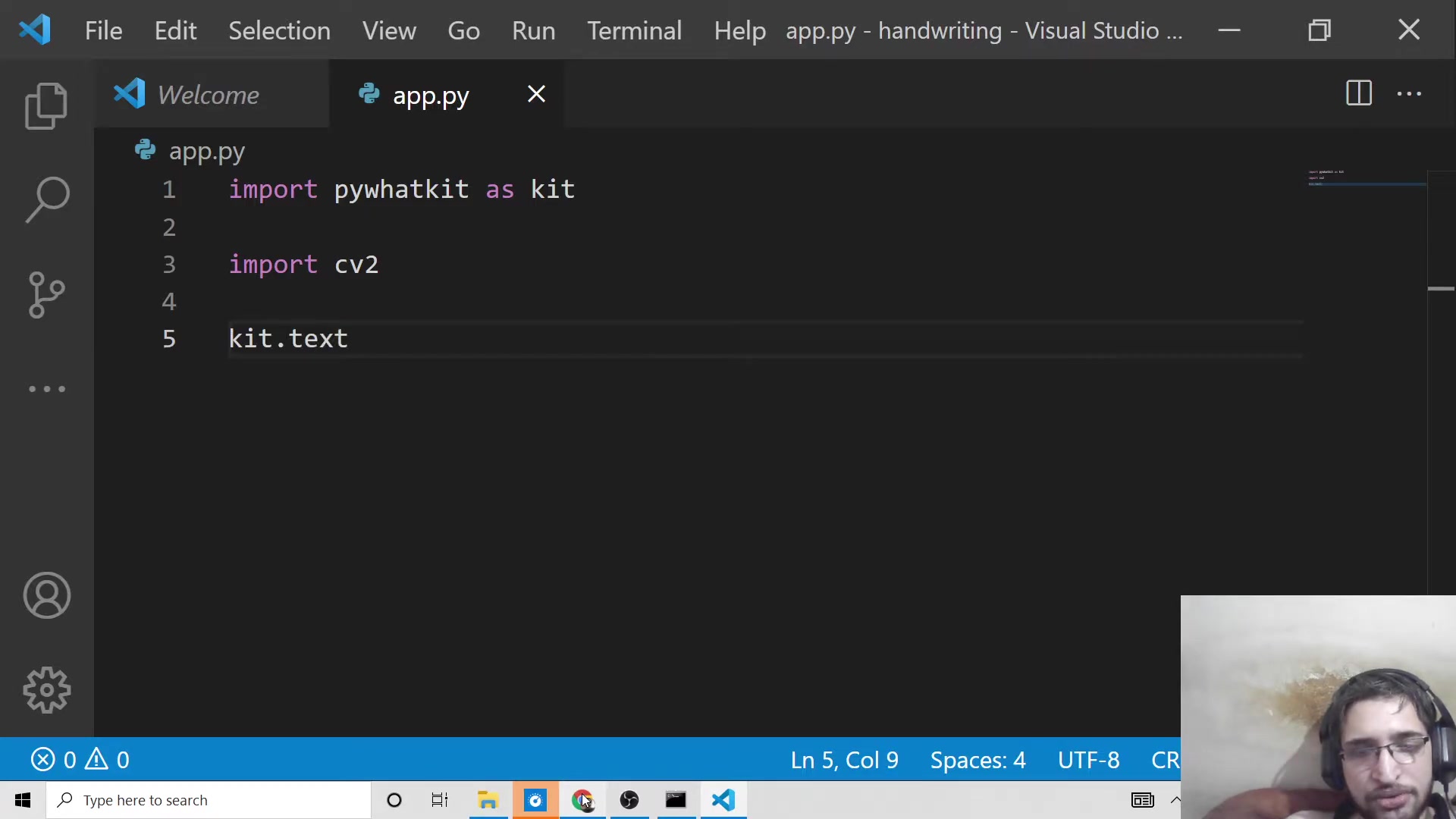
Let’s break down each part of this script:
-
Import Libraries: The script begins by importing the necessary libraries.
pywhatkitis imported askitfor Brevity, and OpenCV (cv2) is also imported.import pywhatkit as kit import cv2 -
Define the Text: The text you want to convert to handwriting is stored in the
text_to_convertvariable. Feel free to replace this with any text you desire.text_to_convert = "John Williamson Latham is a New Zealand Cricketer and it plays well" -
Convert Text to Handwriting: The
text_to_handwritingfunction from the pywhatkit library is used to convert the text to a handwriting font. The first argument is the text, and the Second argument specifies the file name where the image will be saved.kit.text_to_handwriting(text_to_convert, save_to="sample.png") -
Read and Display the Image: OpenCV is used to read the generated image and display it in a window. The
imreadfunction reads the image, andimshowdisplays it.img = cv2.imread("sample.png") cv2.imshow("Text to Handwriting", img) cv2.waitKey(0) cv2.destroyAllWindows()cv2.waitKey(0)waits indefinitely for a key press.cv2.destroyAllWindows()closes all OpenCV windows.
With just a few lines of code, the pywhatkit library simplifies a complicated task.
Running the Script
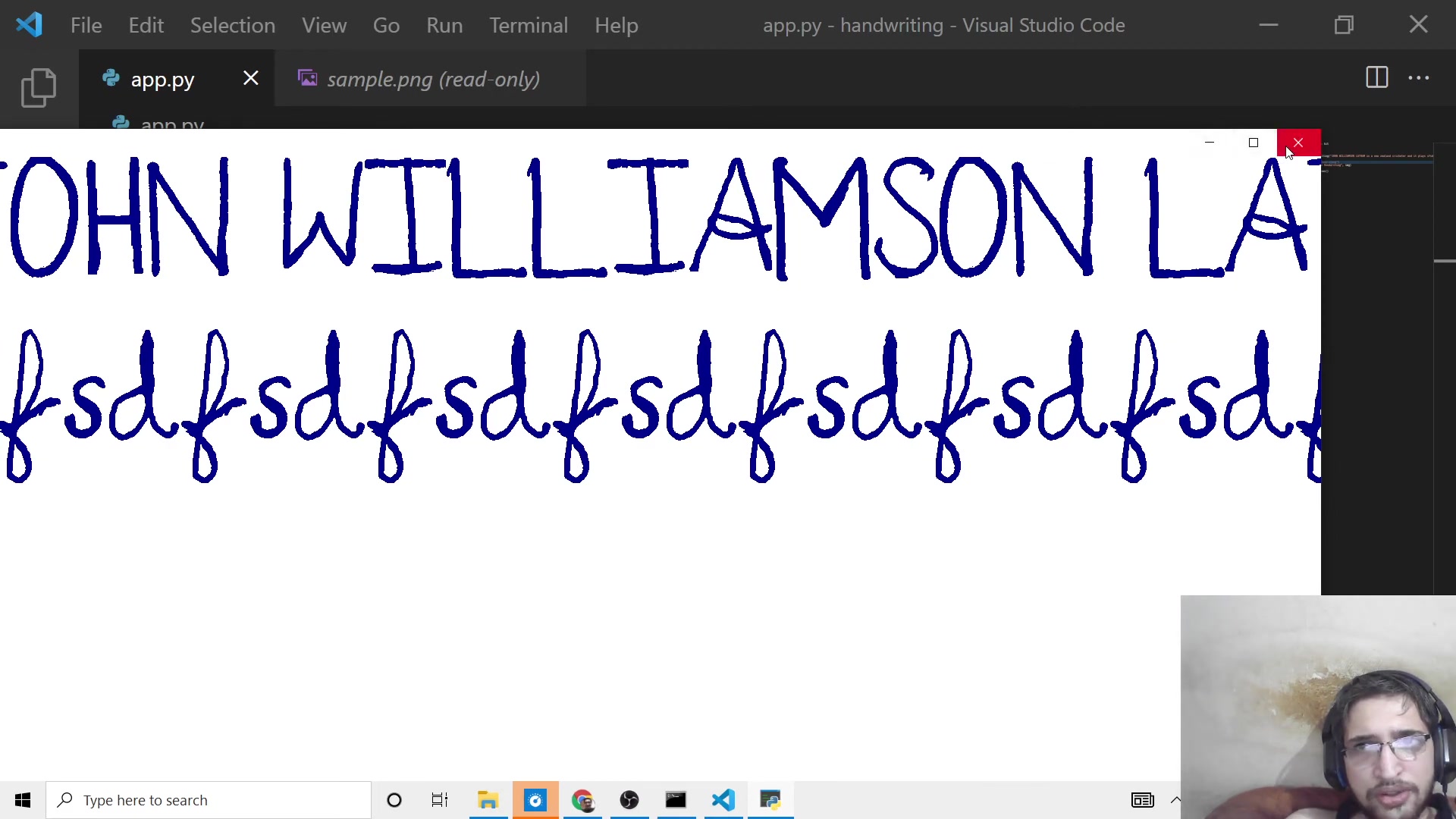
To run the script, open your command prompt or terminal, navigate to your project directory, and type:
python app.pyThis command executes the Python script. You should see a new window displaying the text converted into a handwriting font. A PNG image named sample.png will also be saved in your project directory.





Most people like


































Report
Please select a reason for reporting
- 13 Reasons to Switch from Snapchat to Text Messaging
- 7 Powerful Speech to Text Apps to Boost Productivity
- 10 Best Speech to Text Tools for Effortless Transcription
- 13 Free Tools to Easily Transcribe Audio to Text
- 15 Surprising Ways Google's Speech-to-Text Boosts Productivity
- 7 Best Free Online Audio to Text Transcription Tools
- 9 Tips to Transcribe Speech to Text Faster and Better
- 13 Best Speech to Text Software for Windows 10 in 2023
- 7 Tips for Choosing the Best Transcriber for Audio to Text
- 11 Reasons Why Dragon Speech-to-Text Apps are Game-Changers
- 6 Secrets to Enhance Your Speech to Text Transcription
- 6 Brilliant Ways to Boost Productivity with Talk-to-Text on Your MacBook
- 6 Ways Transcription Software Converts Audio to Text
- 8 Tips to Transcribe Speech to Text Like a Pro
- 6 Reasons IBM Watson Speech to Text is a Game-Changer
- 14 Powerful Ways Talk-to-Text Improves Your Workflow
- 12 Top Windows Speech-to-Text Software for Efficient Transcription
- 12 Game-Changing Benefits of Apple's Speech to Text Technology
- 9 Powerful Use Cases for AWS Speech to Text Technology
- 10 Easy Steps to Transcribe YouTube Videos to Text
- transcription audio en texte
- online audio transcription
- free audio file transcription
- free ai audio transcription
- audio transcription service
- audio transcription online free
- audio transcription free online
- audio to transcription software
- audio and transcript
- ai audio transcription free
- voice recording to text converter
- translate voice recording to text
- record voice to text
- audio recording to text converter
- voice recording and transcription
- chatgpt voice to text
- gmail voice to text
- speech to text reader
- speech to text ai free
- speech to talk
- Meshy AI: How to Create 3D Models from Text and Images
- How SEO and Marketing Dashboards Empower Agencies to Drive Results
- How to Use AI Tools to Find Internal Linking Opportunities Across a Business Website
- Discover Your Perfect Haircut with AI Hairstyle Apps
- Free Reputation Calculator Tools: How They're Adapting to Score AI Visibility, Not Just Rankings
- Design Professional Flyers for Free on Your Phone
- Best Free Flyer Maker Apps for Android: Design Like a Pro
- How to Know If Your Business Is Ready for an AI Customer Service Agent
- Revolutionizing Storytelling: From Novels to Screenplays with AI
- Create Engaging Animated Explainer Videos with a Free AI Tool
- Meshy AI: How to Create 3D Models from Text and Images
- ASOMobile Helps Teams Benchmark App Store Screenshots Against Competitors
- How to Match LMS Software With Your Organization's Training Plan
- Revolutionizing Email Marketing Agency with AI
- How to Convert BTC to HNT
- Unleashing the Power of AI: Cognizant's Roadmap for Transformation
- Frame to Video Review: A Practical Look at Turning Two Still Frames Into Motion
- NVIDIA NIM: Revolutionizing Supply Chain Data Analysis with AI
- Top AI Tools That Help Brands Stand Out Offline (Not Just Online)
- Top 5 Cold Email Software: Maximize Your Outreach in 2025

Copyright ©2026 toolify