































Table of Contents
- Key Points
- Mastering the Art of Logo Design
- Step-by-Step Guide to Logo Creation: Combining AI and Illustrator
- Effective Techniques for Logo Design
- Understanding Pricing for Logo Design
- AI-Generated vs. Human-Designed Logos: Pros and Cons
- Frequently Asked Questions About Logo Design
- Related Questions


Mastering the Art of Logo Design
Understanding Logo Design Fundamentals
Logo design is more than just creating a visually appealing image; it's about crafting a symbol that represents a brand's identity and values. Effective logos are memorable, versatile, and relevant to the target audience. Here are key elements to consider:
- Simplicity: A simple logo is easier to recognize and remember. Avoid clutter and focus on core concepts.
- Memorability: The logo should leave a lasting impression. Use unique shapes, colors, and typography to stand out.
- Versatility: Ensure the logo works well in various sizes and formats, from business cards to billboards.
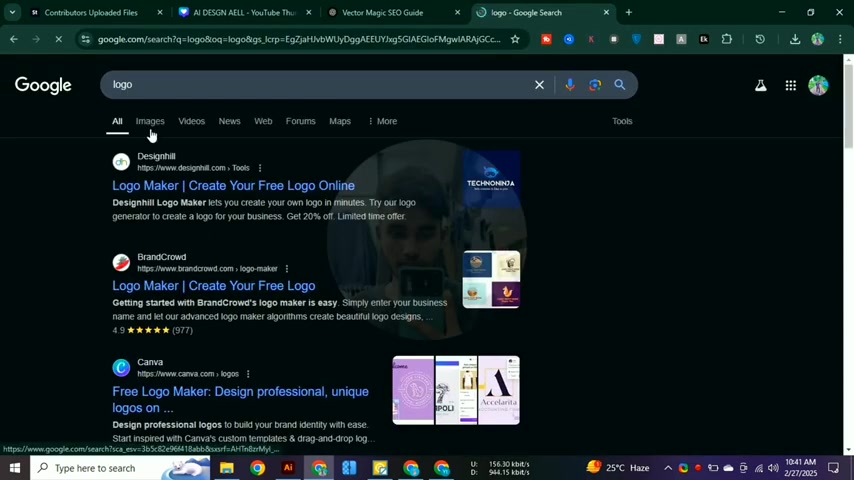
Make sure your logo will look good whether it is big or small!
- Relevance: The logo should resonate with the brand's target audience and industry.
- Timelessness: Aim for a design that remains effective over time, avoiding fleeting trends.
Exploring AI Logo Generation Platforms
AI-driven logo generators offer a quick and efficient way to create initial logo concepts. These tools use algorithms and machine learning to generate designs based on user input, including keywords, color preferences, and style choices. While AI can provide a starting point, further customization is often necessary to achieve a unique and professional result. Some of the platforms are:
- Looka: It uses AI to generate a variety of logo design options based on your preferences.
- BrandCrowd: A platform that combines AI with a library of pre-designed logos for inspiration.
- Tailor Brands: Uses AI to create a full branding suite, including logos, fonts, and color palettes.
- Designhill Logo Maker: Offers AI-powered logo generation with various customization options.
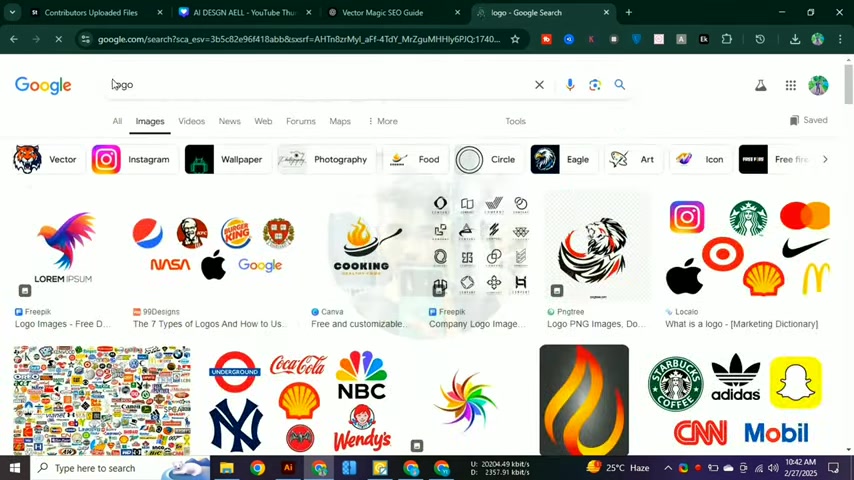
You'll get a lot of different designs from this platform.
- Canva Logo Maker: Canva also provides a free logo maker, along with other designing features.
Keep your business standing out using these AI Logo Maker platforms!
Leveraging Adobe Illustrator for Logo Design
Adobe Illustrator is a industry-standard vector graphic editor that is designed to offer tools for creating scalable graphics. It is particularly useful for enhancing and refining AI-generated logo designs. Illustrator allows designers to customize every aspect of a logo, from shapes and colors to typography and effects. Here's why Illustrator is indispensable:
- Vector Graphics: Illustrator's vector-based system ensures logos remain sharp and clear at any size.
- Precision Tools: Precise control over shapes, paths, and typography enables meticulous customization.
- Extensive Effects: Add depth and visual interest with gradients, shadows, and other effects.
- Typography Control: Choose from a vast library of fonts and fine-tune every aspect of the text.
- Seamless Integration: Easily import and manipulate AI-generated designs within Illustrator.
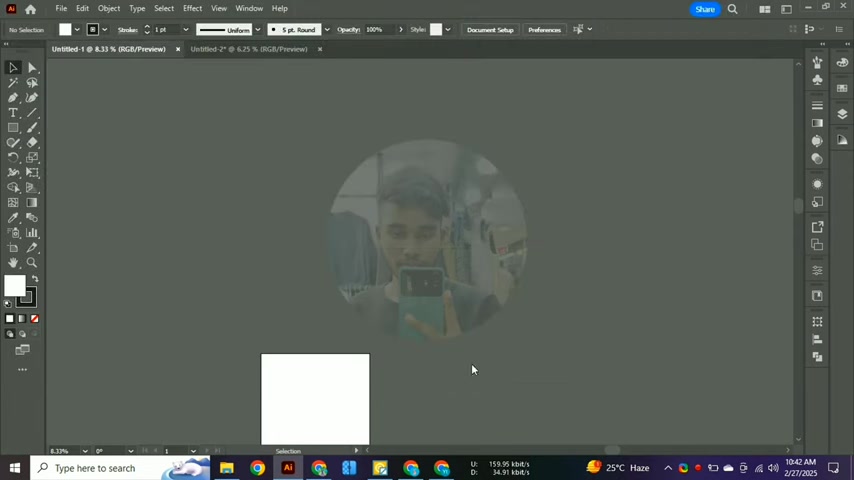
There are many features of Adobe illustrator.
It's always a good idea to look for new and updated tools to further enhance your designs!
Step-by-Step Guide to Logo Creation: Combining AI and Illustrator
1. Generate Initial Concepts with AI
Start by using an AI Logo Generator to create several initial design options. Enter relevant keywords describing your brand, select preferred colors and styles, and generate a range of logo concepts. Choose the design that best aligns with your brand's vision.
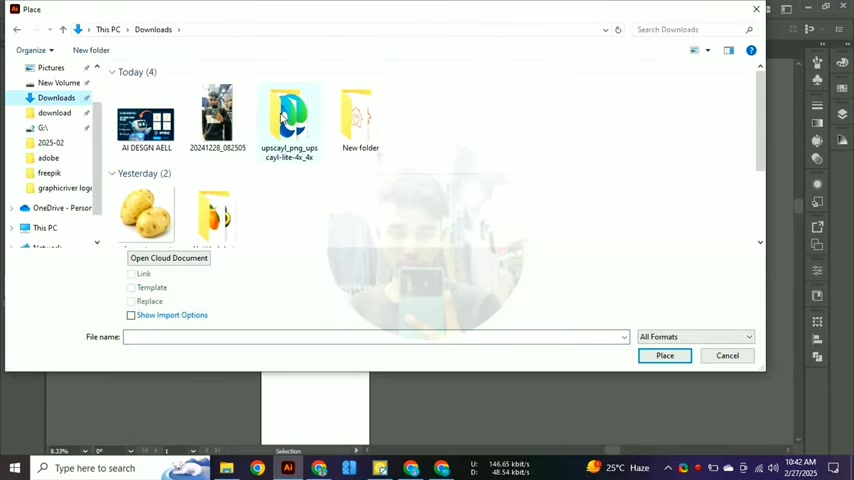
First, import your photos!
2. Import into Adobe Illustrator
Download the AI-generated logo in a vector format (SVG or EPS). Open Adobe Illustrator and import the downloaded file. This will allow you to manipulate the design elements.
- Open Illustrator: Launch Adobe Illustrator on your computer.
- Create a New Document: Go to File > New to create a new document. Set the dimensions to a standard logo size (e.g., 500x500 pixels).
- Import the SVG File: Go to File > Place and select the downloaded SVG file. Click Place to import the logo into your document.
3. Refine the Design
Use Illustrator's tools to refine the AI-generated design. Adjust shapes, colors, and typography to better reflect your brand's identity. Experiment with different effects and compositions to create a unique and polished logo.
- Edit Shapes: Use the Direct Selection Tool (A) to adjust individual points and curves.
- Adjust Colors: Use the Color Panel to change fill and stroke colors.
- Refine Typography: Use the Character Panel to adjust Font, size, and spacing.
- Add Effects: Use the Effects menu to add shadows, gradients, and other visual enhancements.
4. Optimize for Versatility
Ensure the logo works well across various media and sizes. Create versions for different applications, such as web, print, and social media. Optimize the design for clarity and readability in both large and small formats.
- Create Multiple Versions: Design variations for different use cases (e.g., horizontal, vertical, icon).
- Ensure Scalability: Test the logo at various sizes to ensure it remains clear and legible.
- Optimize File Formats: Save the logo in appropriate formats (SVG, EPS, PNG, JPEG) for different platforms.
5. Present the Logo Design
Present the final logo design in a professional and compelling manner. Create mockups showcasing how the logo will appear on various products and marketing materials. Explain the design choices and how they align with the brand's identity.
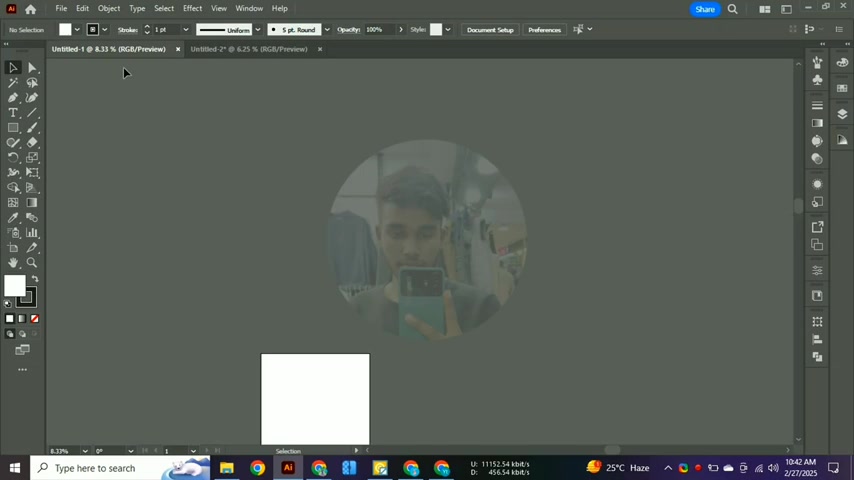
Make sure you present the final logo.
- Create Mockups: Use Photoshop or online mockup generators to display the logo on business cards, websites, and merchandise.
- Prepare a Design Brief: Outline the design process, key elements, and brand alignment.
- Present Design Choices: Explain the rationale behind the chosen shapes, colors, and typography.








Most people like































Report
Please select a reason for reporting
- 13 Reasons to Switch from Snapchat to Text Messaging
- 7 Powerful Speech to Text Apps to Boost Productivity
- 10 Best Speech to Text Tools for Effortless Transcription
- 13 Free Tools to Easily Transcribe Audio to Text
- 15 Surprising Ways Google's Speech-to-Text Boosts Productivity
- 7 Best Free Online Audio to Text Transcription Tools
- 9 Tips to Transcribe Speech to Text Faster and Better
- 13 Best Speech to Text Software for Windows 10 in 2023
- 7 Tips for Choosing the Best Transcriber for Audio to Text
- 11 Reasons Why Dragon Speech-to-Text Apps are Game-Changers
- 6 Secrets to Enhance Your Speech to Text Transcription
- 6 Brilliant Ways to Boost Productivity with Talk-to-Text on Your MacBook
- 6 Ways Transcription Software Converts Audio to Text
- 8 Tips to Transcribe Speech to Text Like a Pro
- 6 Reasons IBM Watson Speech to Text is a Game-Changer
- 14 Powerful Ways Talk-to-Text Improves Your Workflow
- 12 Top Windows Speech-to-Text Software for Efficient Transcription
- 12 Game-Changing Benefits of Apple's Speech to Text Technology
- 9 Powerful Use Cases for AWS Speech to Text Technology
- 10 Easy Steps to Transcribe YouTube Videos to Text
- transcription audio en texte
- online audio transcription
- free audio file transcription
- free ai audio transcription
- audio transcription service
- audio transcription online free
- audio transcription free online
- audio to transcription software
- audio and transcript
- ai audio transcription free
- voice recording to text converter
- translate voice recording to text
- record voice to text
- audio recording to text converter
- voice recording and transcription
- chatgpt voice to text
- gmail voice to text
- speech to text reader
- speech to text ai free
- speech to talk
- Revolutionizing Storytelling: From Novels to Screenplays with AI
- Create Engaging Animated Explainer Videos with a Free AI Tool
- Stop Multi-Subscribing: Benchmark Top AI Visual Models in One Canvas
- Best Seedance 2.5 API Provider: Every Price on the Market, Checked at Source
- AI OnlyFans: How to Generate $30,000/Month (Legally)
- Transform Your Script into an Engaging Video with AI Video Maker!
- AI Marketing Automation: A Comprehensive Guide for Small Businesses
- Midjourney Alternative for Anime Art Creators: Why PixAI May Be Better for Character Workflows
- 10 Things Most People Get Wrong About AI Image Search
- AI Girlfriend Apps: Top Choices Redefining Relationships 2025
- Experience the Future of Virtual Assistants with F.R.I.D.A.Y. AI
- Learn How to Train an AI to Play Snake with Reinforcement Learning
- Creating a Unique AI Game Environment with Pygame
- Mastering the Classic Java Snake Game
- Discover the Power of Codex: Snake Game Created in Python
- Building an AI to Master Snake Game
- Revolutionize the Classic Snake Game with AI
- Websim AI: Create Games and Apps with Just a Few Prompts
- Reviving Childhood Memories: Snake Game Enhanced with AI
- Unleashing the Power of AI in the Snake Game

Copyright ©2026 toolify