






















Create Unique YouTube Avatar: AI-Powered Tutorial

Updated on May 15,2025

Table of Contents

Creating an engaging and unique avatar is crucial for standing out on YouTube. This comprehensive guide provides a simplified process for generating eye-catching, hand-moving characters using AI tools. We’ll delve into using Leonardo.ai for image creation and RunwayML for animation, ensuring your avatar is both distinctive and trendy. This tutorial caters to both PC and mobile users, making it accessible to everyone. Let's get started and transform your online presence!

Key Points

Use Leonardo.ai for initial avatar image generation.

Adjust settings in Leonardo.ai to ensure unique character output.

Utilize RunwayML to animate your avatar with simple prompts.

Customize avatar details like clothing and background using AI prompts.

Remove watermarks from animated videos using editing techniques.

Mobile users can follow similar steps on their devices.

The prompt will help in creating unique characters.

The steps are very similar if you use PC and Mobile.

Generating Your Avatar with Leonardo.ai

Getting Started with Leonardo.ai

The first step is heading over to Leonardo.Ai and logging in
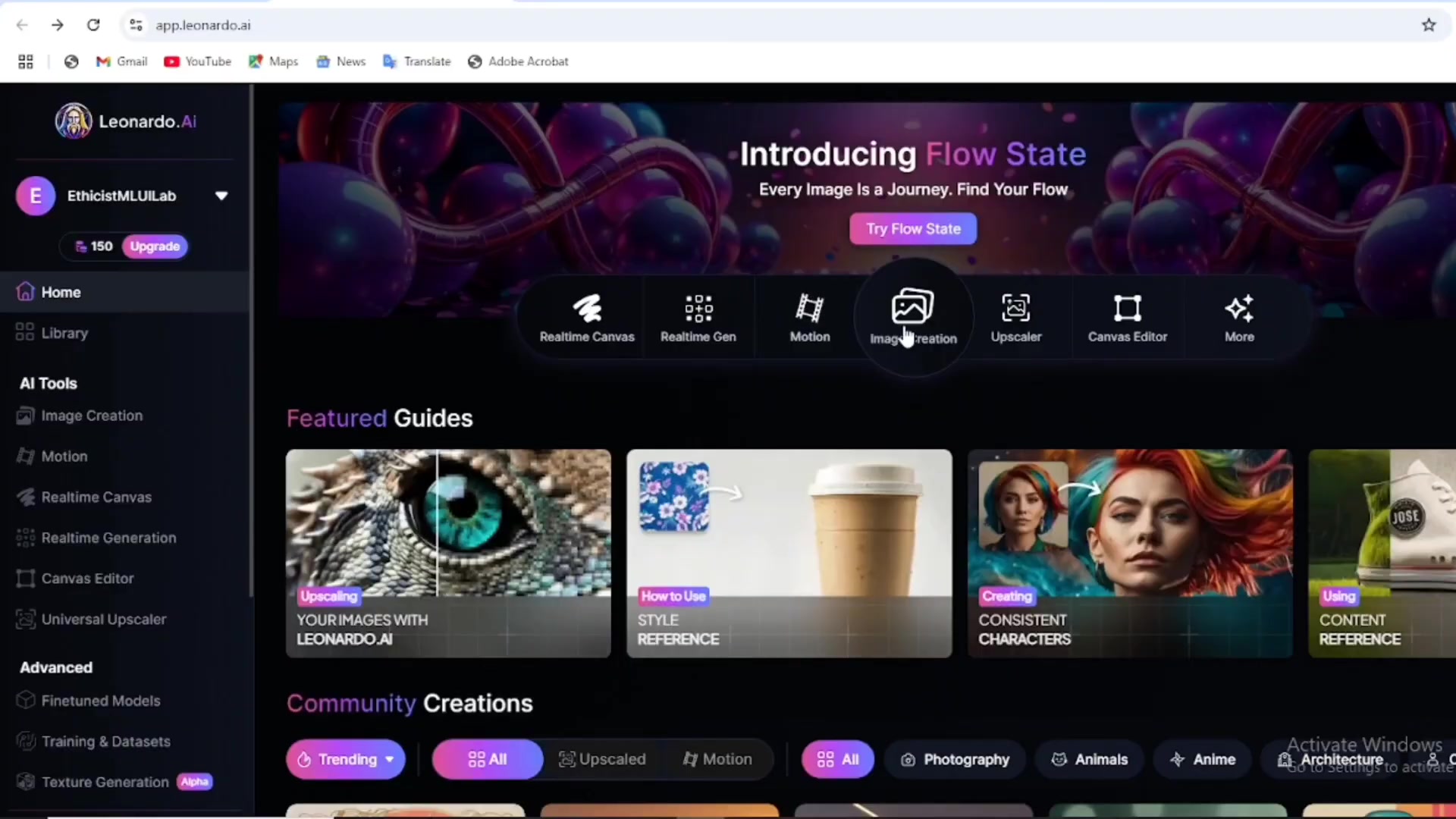
. If you don't have an account, create one. The platform offers a user-friendly interface for generating AI images. Once logged in, navigate to the Image Creation tab. Here, you'll find various models and settings to customize your avatar. Proper setup ensures that the generated image is closer to your vision, saving time and iterations later in the process. This is the first key step to generating your unique avatar.

Configuring Leonardo.ai Settings for Unique Avatars

To ensure your avatar is unique, adjust the model and style settings. Click on the Model/Preset dropdown and select 'Flux Schnell'
. This model is known for producing high-quality, fast outputs. Next, under Style, choose 'Portrait Cinematic' . This style enhances the portrait's visual appeal. An important setting is 'Prompt Enhance,' which should be turned off . Turning it off allows you to have more control over the result, making sure that you get a unique avatar instead of something generic. For image Dimensions, click on 'More' and select the Desktop (16:9) aspect ratio . The next crucial step is providing a specific Prompt.

By adjusting these settings, you are setting the stage for creating a distinct and visually compelling avatar that stands out from the crowd.

Crafting the Perfect Prompt for Your Avatar

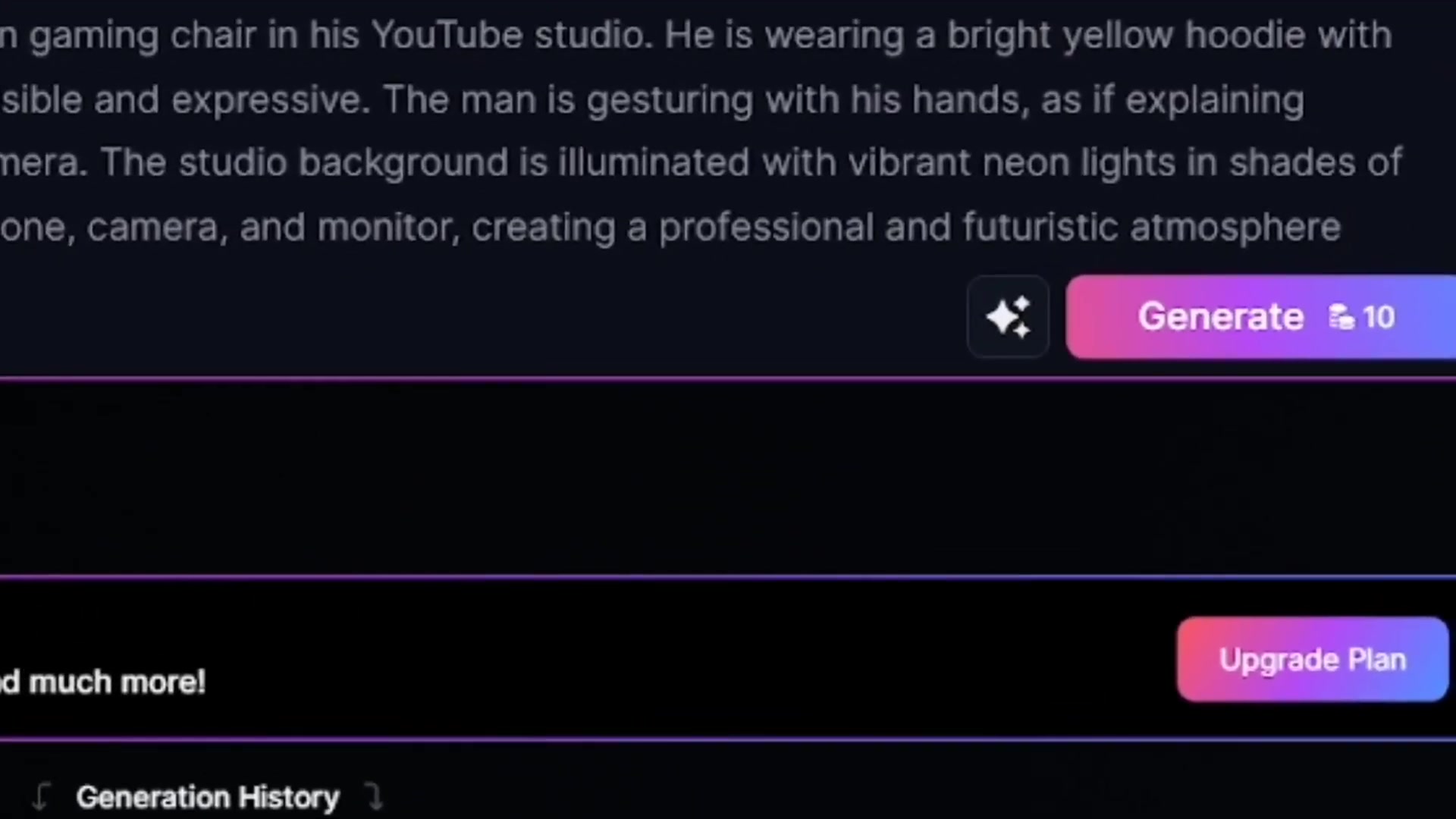
The prompt is where your creativity comes into play. The given prompt acts as a blueprint for Leonardo.ai. To make your avatar unique, replace the generic name with your Channel’s name
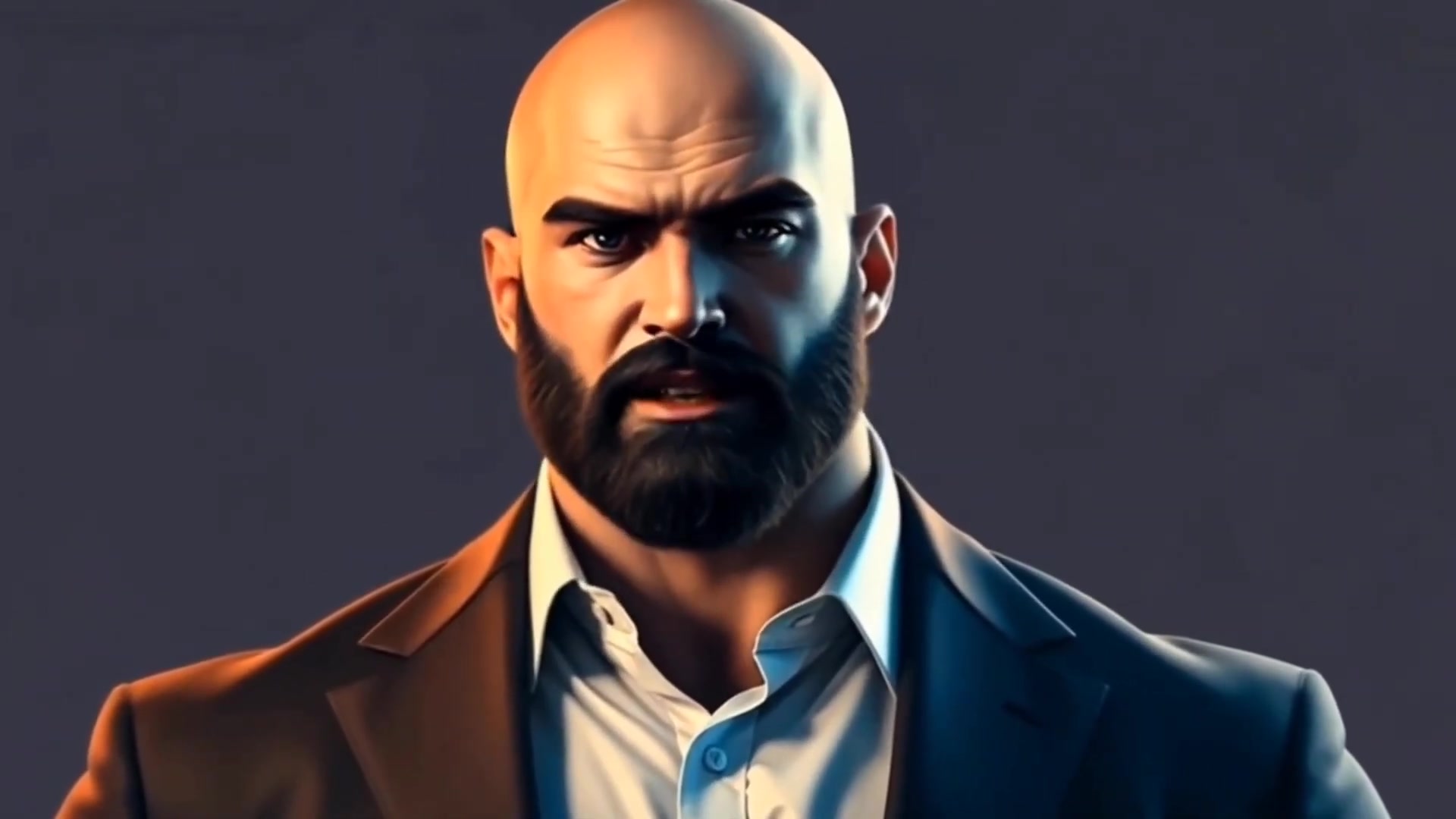
. Change the dress color and studio color accordingly. For example, instead of a 'bright yellow hoodie,' you might specify a 'dark blue jacket' . Similarly, alter the 'vibrant NEON lights' in the Studio background to 'warm ambient lighting'. If you are not sure what to write in the prompt, use Chat GPT.
. Ask Chat GPT to assist in creating the prompt. Copy the prompt and paste it into Chat GPT.

Generating and Downloading Your Avatar Image

After finalizing your prompt, click the 'Generate' button
. Leonardo.ai will process your request and produce several image options based on your configurations. Review the generated images and select the one that best represents your vision. Once you've found the perfect image, download it to your computer . This image will serve as the foundation for animating your avatar in the next step.

Animating Your Avatar with RunwayML

Signing Up and Preparing Your Image

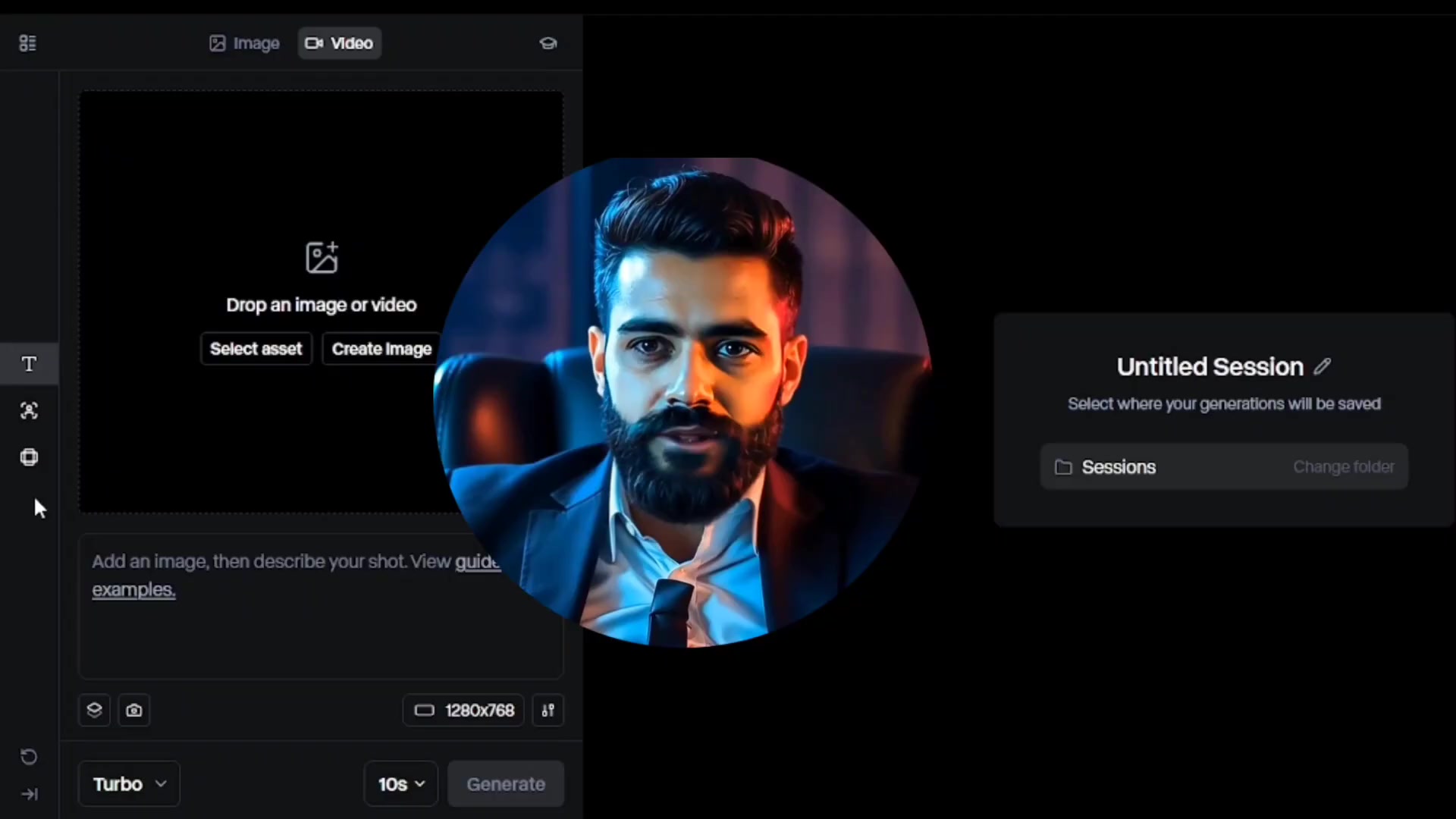
Next, head over to RunwayML's website and sign up for a new account using your email . Runwayml provides a platform to animate your image. Navigate to the 'Generate Video' section . You’ll Notice you get a free credit. A free credit can be used to generate videos of different lengths, for example, a 10 second video and a 5 Second video . Before uploading, it’s essential to enhance the image quality . Although the Tutorial skips detailing the enhancement process, tools like Adobe Photoshop can significantly improve image resolution and Clarity, making the animation smoother and more professional.

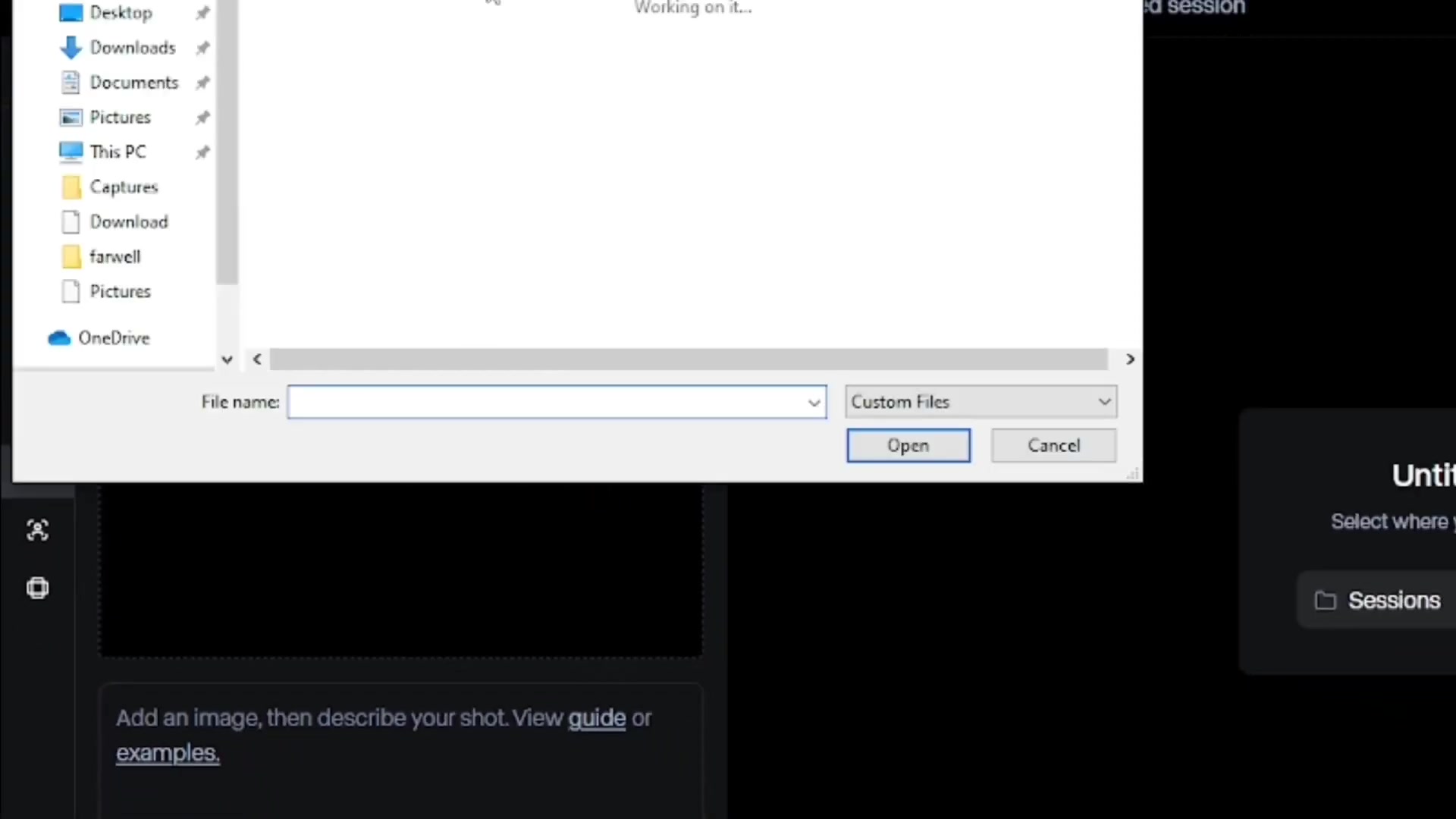
Once your image is ready, upload it to RunwayML. This prepares your image for animation, ensuring a seamless transition to the next stage.

Animating Your Avatar in RunwayML

After uploading your image, describe the shot in the text box . Include details about HAND gestures and camera movement. For example, This man is sitting in his studio and saying something and explaining it with his hands, no camera zoom, no camera pan, static camera. Next, choose Gen-3 Alpha Turbo in Turbo . Choose 10 seconds of video duration. . Then press Generate . After the animation is complete, download the file.

Removing Watermarks

The Animated Video may contain a watermark. There are many ways to remove a watermark such as zooming in the video or adding a mask option. Zooming in on the video allows you to skip a watermark being included in the video by cropping it. Another option is adding a mask using editing software. This enables you to blur or cover the watermark without cropping the video.

Step-by-Step Tutorial: Creating Your Unique YouTube Avatar

Step 1: Access Leonardo.ai

Go to the Leonardo.AI Website and create an account or log in if you already have one. This platform will be used for generating the initial avatar image.

Step 2: Configure Image Creation Settings

Navigate to the Image Creation tab. Adjust the settings as follows:

  • Model/Preset: Flux Schnell
  • Style: Portrait Cinematic
  • Prompt Enhance: Off
  • Image Dimensions: Desktop (16:9)

Step 3: Craft a Unique Prompt

In the prompt box, enter a detailed description of your desired avatar. Be sure to customize the following:

  • Channel Name: Replace the generic name with your channel’s name .
  • Dress Color: Change the dress color according to your preference.
  • Studio Color: Modify the studio color to match your desired aesthetic.

If needed, use Chat GPT to assist in crafting a unique and detailed prompt .

Step 4: Generate and Download Your Avatar Image

Click the Generate button. Review the generated images and select the one that best represents your vision. Download the selected image to your computer.

Step 5: Sign Up for RunwayML

Visit the RunwayML website and sign up for a new account using your email. This platform will be used to animate your avatar image.

Step 6: Generate Video

Navigate to the Generate Video tab. You get 125 free credits when signing up. Upload your image for animation. Before uploading it is important to enhance the image quality.

Step 7: Animate in RunwayML

After uploading your image, describe the shot in the text box. Include details about hand gestures and camera movement.

  • Choose Gen-3 Alpha Turbo in Turbo
  • Choose 10 seconds of video duration
  • Press Generate

Step 8: Remove Watermarks

After the animation is complete and the file has been downloaded, zoom in on the video during editing or add a mask option to skip the watermark.

Pricing Plans for Leonardo.ai and RunwayML

Leonardo.ai Pricing

Leonardo.ai offers a tiered pricing structure to accommodate different user needs, balancing accessibility with advanced features. Their pricing model is based on tokens, which are consumed during image generation and other AI tasks. The free plan provides a limited number of tokens, ideal for beginners or casual users who want to explore the platform’s capabilities without financial commitment. Paid plans offer higher token allowances and additional benefits, such as faster generation times, priority access to new features, and the ability to generate more images per month.

RunwayML Pricing

RunwayML's pricing structure is designed to cater to a range of users, from beginners to professionals. The platform offers a free tier with limited access, allowing new users to explore basic features and generate a few videos. Paid plans provide additional features and credits, including:

  • Increased video generation time: Higher-tier plans allow for generating longer videos, suitable for more complex projects.
  • Access to advanced models: Paid users gain access to more sophisticated AI models for higher-quality and more diverse video outputs.
  • Priority support: Paid plans typically include priority customer support to assist with any technical issues or questions.

RunwayML’s pricing aims to balance accessibility with advanced capabilities, ensuring users can Scale their usage according to their evolving needs and projects.

Pros and Cons of Using AI for Avatar Creation

👍 Pros

Cost-Effective: AI tools can reduce the costs associated with hiring professional designers or animators.

Time-Saving: AI can quickly generate multiple avatar options, speeding up the creation process.

Customizable: AI allows for easy customization of avatars, ensuring a unique and personalized result.

Accessible: AI tools are user-friendly, making avatar creation accessible to users with varying levels of technical expertise.

Diverse: AI can generate a wide range of avatar styles and animations, catering to different preferences.

👎 Cons

Quality Concerns: AI-generated content may sometimes lack the polish and finesse of professionally designed avatars.

Copyright Issues: AI-generated content may raise copyright and licensing concerns, requiring careful review of the terms of service.

Limited Creativity: AI may not always capture the nuances of human creativity, leading to somewhat generic results.

Dependence on Technology: Reliance on AI tools can limit your creative control and flexibility.

Learning Curve: While user-friendly, AI tools may still require some learning and experimentation to achieve the desired results.

Key Features of Leonardo.ai and RunwayML

Leonardo.ai: Image Generation Features

Leonardo.ai excels in generating high-quality images from text prompts, offering a range of features tailored for creating unique avatars. Key features include:

  • Diverse AI Models: Offers various AI models, each optimized for different types of image generation, such as portraits, landscapes, and more. The 'Flux Schnell' model is known for its speed and quality outputs.
  • Customizable Styles: Allows users to select and customize styles, including Portrait Cinematic, to achieve the desired aesthetic for their avatars.
  • Prompt Enhancement Control: Provides the ability to turn off prompt enhancement, giving users more control over the final image and ensuring uniqueness.
  • Image Dimension Control: Offers flexible image dimension settings, including desktop-friendly aspect ratios (e.g., 16:9), making images suitable for various applications.
  • User-Friendly Interface: Features an intuitive interface that makes it easy for both beginners and experienced users to navigate and create stunning images.

RunwayML: Video Animation Features

RunwayML focuses on video animation and editing using AI, providing tools to bring static images to life. Core features include:

  • Generate Video Feature: Allows users to animate images with simple text prompts, bringing avatars to life with realistic movements and gestures.
  • AI-Powered Editing: Provides tools for removing watermarks and enhancing video quality, ensuring a polished final product.
  • Pre-trained AI Models: Offers pre-trained AI models, such as Gen-3 Alpha Turbo, for creating high-quality video animations with minimal effort.
  • Free Credits: Offers free credits upon sign-up, allowing new users to explore video generation capabilities without immediate financial commitment.
  • User-Friendly Interface: Features a straightforward interface, making it accessible for users with varying levels of technical expertise.

These features ensure that users can create engaging and dynamic avatars with ease, even without extensive animation knowledge.

Use Cases for AI-Generated Avatars

YouTube Channel Branding

AI-generated avatars can significantly enhance YouTube channel branding. A unique, animated avatar makes a channel more Memorable and professional. Using RunwayML, you can create engaging hand-moving characters that capture viewers’ attention, boosting viewer engagement and overall channel appeal. For example, a tech channel might use a futuristic-looking avatar, while a gaming channel could feature a dynamic character with vibrant animations.

Social Media Profiles

Beyond YouTube, AI-generated avatars are beneficial for social media profiles on platforms like Twitter, Instagram, and TikTok. A consistent and visually appealing avatar helps build a recognizable brand across multiple platforms. The ability to customize avatars with different styles and animations allows users to Align their online presence with their personal or brand identity. Using tools like Leonardo.ai and RunwayML, you can easily create avatars that reflect your unique style and message.


Content Creation and Marketing

AI-generated avatars have diverse applications in content creation and marketing. They can be used in explainer videos, promotional materials, and virtual presentations. Animated avatars can convey complex information in an engaging and easy-to-understand manner, making them ideal for educational content. Moreover, customized avatars can represent a brand’s values and personality, enhancing its connection with the target audience.

Frequently Asked Questions

What is Leonardo.ai and how does it help in creating avatars?
Leonardo.ai is an AI-powered image generation tool that allows you to create high-quality images from text prompts. It provides various models and settings to customize your avatar, ensuring a unique and visually appealing result. By adjusting settings like style and prompt enhancement, you can create a distinct avatar that stands out from the crowd.
What is RunwayML and how is it used to animate avatars?
RunwayML is a platform that focuses on video animation and editing using AI. It provides tools to bring static images to life with realistic movements and gestures. You can upload an avatar image and use a text prompt to describe the desired animation, making it easy to create engaging hand-moving characters.
Can I use these tools on my mobile device?
Yes, the tutorial is designed to be accessible to both PC and mobile users. While the interfaces may vary slightly, the steps and settings are generally the same. You can follow similar procedures on your mobile device to create and animate your avatar.
How can I make my avatar unique?
To make your avatar unique, customize the prompt with specific details about your channel name, dress color, and studio color. Additionally, adjust the settings in Leonardo.ai, such as turning off prompt enhancement, to have more control over the final image. Using Chat GPT to help craft detailed and unique prompts can also significantly enhance the individuality of your avatar.
How do I remove watermarks from the animated video?
You can remove watermarks from the animated video by zooming in on the video during editing or adding a mask option. Zooming in allows you to crop out the watermark, while the mask option enables you to blur or cover the watermark without cropping the video.

Related Questions

What are the best AI tools for creating YouTube avatars?
The best AI tools for creating YouTube avatars include Leonardo.ai for image generation and RunwayML for animation. Leonardo.ai provides diverse AI models and customizable styles, while RunwayML focuses on bringing static images to life with realistic movements. Other tools like DALL-E 2, Midjourney, and DeepMotion can also be useful, depending on your specific needs and preferences.
How can I enhance the quality of my avatar image before animating it?
Before animating your avatar, it’s essential to enhance the image quality to ensure a smoother and more professional animation. Tools like Adobe Photoshop, GIMP, and online image enhancers can significantly improve image resolution and clarity. Consider adjusting brightness, contrast, and sharpness to optimize your image for animation.
What are some creative ideas for animating my avatar?
There are many creative ideas for animating your avatar to make it more engaging and dynamic. Consider adding hand gestures, facial expressions, and camera movements. You can also use AI to generate lip-sync animations, making your avatar speak and interact with viewers. Experiment with different animation styles and techniques to find what works best for your channel.
How do I choose the right style for my YouTube avatar?
Choosing the right style for your YouTube avatar depends on your channel’s content and target audience. Consider your brand identity and the message you want to convey. If you run a tech channel, a futuristic or minimalist avatar might be suitable. For a gaming channel, a dynamic and expressive character could be more effective. Experiment with different styles and gather feedback from your audience to find the perfect fit.
What are the legal considerations when using AI-generated avatars?
When using AI-generated avatars, be mindful of copyright and licensing issues. Ensure that the AI tool you are using grants you the necessary rights to use the generated images and animations for commercial purposes. Some AI tools may have restrictions on how you can use the content, so it’s essential to review the terms of service carefully. Additionally, be transparent with your audience about using AI-generated content to build trust and credibility.

Most people like












