































Table of Contents
- Key Points
- Building a Data & AI Solution Architecture on Azure
- Azure Data and AI Components in Detail
- Azure ML: Advantages and Disadvantages
- FAQ
- Related Questions



Building a Data & AI Solution Architecture on Azure
Understanding the Foundation: Components of a Data and AI Platform
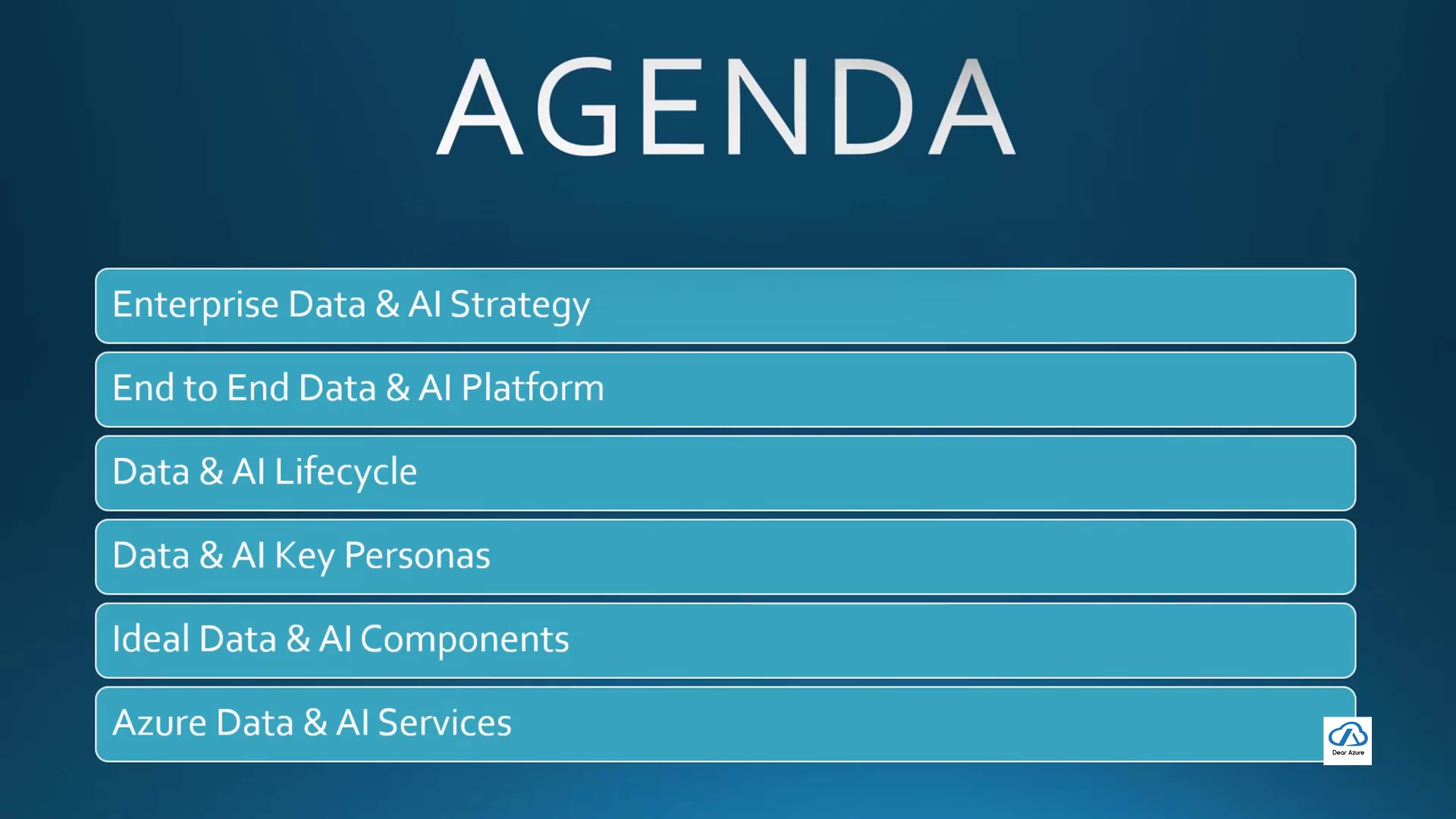
Before diving into specific tools and services, it's essential to establish a clear understanding of the foundational components required for a comprehensive Data & AI platform. These components work together to enable the end-to-end lifecycle of data, from its initial ingestion to its utilization in AI models and applications. A well designed data and AI solution architecture is essential to successful data transformation.
Key components includes:
- Data Ingestion: This component focuses on acquiring data from diverse sources, both on-premises and in the cloud. Best practices involve ensuring data quality during ingestion and selecting appropriate methods for efficient transfer to Azure.
Techniques like data migration, real-time ingestion, and trigger-based pipelines are all critical.
- Data Storage: Choosing the right storage solution is paramount. Azure offers several options, including Data Lake Storage Gen2 for large volumes of unstructured data, SQL Server for relational data, and Cosmos DB for NoSQL data needs. Data archiving, data storage zones, proper data security, and carefully defined data KPIs are essential considerations during the selection process.
- Data Processing: This component involves transforming and refining raw data into a usable format. Azure Data Factory and Databricks provide powerful capabilities for creating robust data pipelines, ensuring that data is clean, consistent, and ready for analysis and model training. This may involve raw data, transient data and curation for proper data access
- Data Serving and Enrichment: Delivering data to the appropriate consumers is as critical as getting it processed. You can expose the data using Power BI for visually compelling reports or export it to applications needing real-time access via Azure Cosmos DB. Data sharing amongst the data resources helps all parts of the AI system
- Data Governance and Discovery: This includes data monitoring and establishing administration procedures for the data. Proper configuration with security and cloud data management for data centric decision making are important to ensure scalability and efficiency.
- Data Exploration Sandbox & Marketplace: This involves creating accessible test environments that are used to test run data quality.
- AI and ML Ops: A streamlined machine learning model is the key to AI model operations. Therefore, using AI Tools that allow proper training and deployment that provide data lineage is important.
By carefully considering these components, solution architects can lay a solid foundation for their Azure-based Data & AI initiatives.
Enterprise Data & AI Strategy: Tailoring Azure to Your Needs
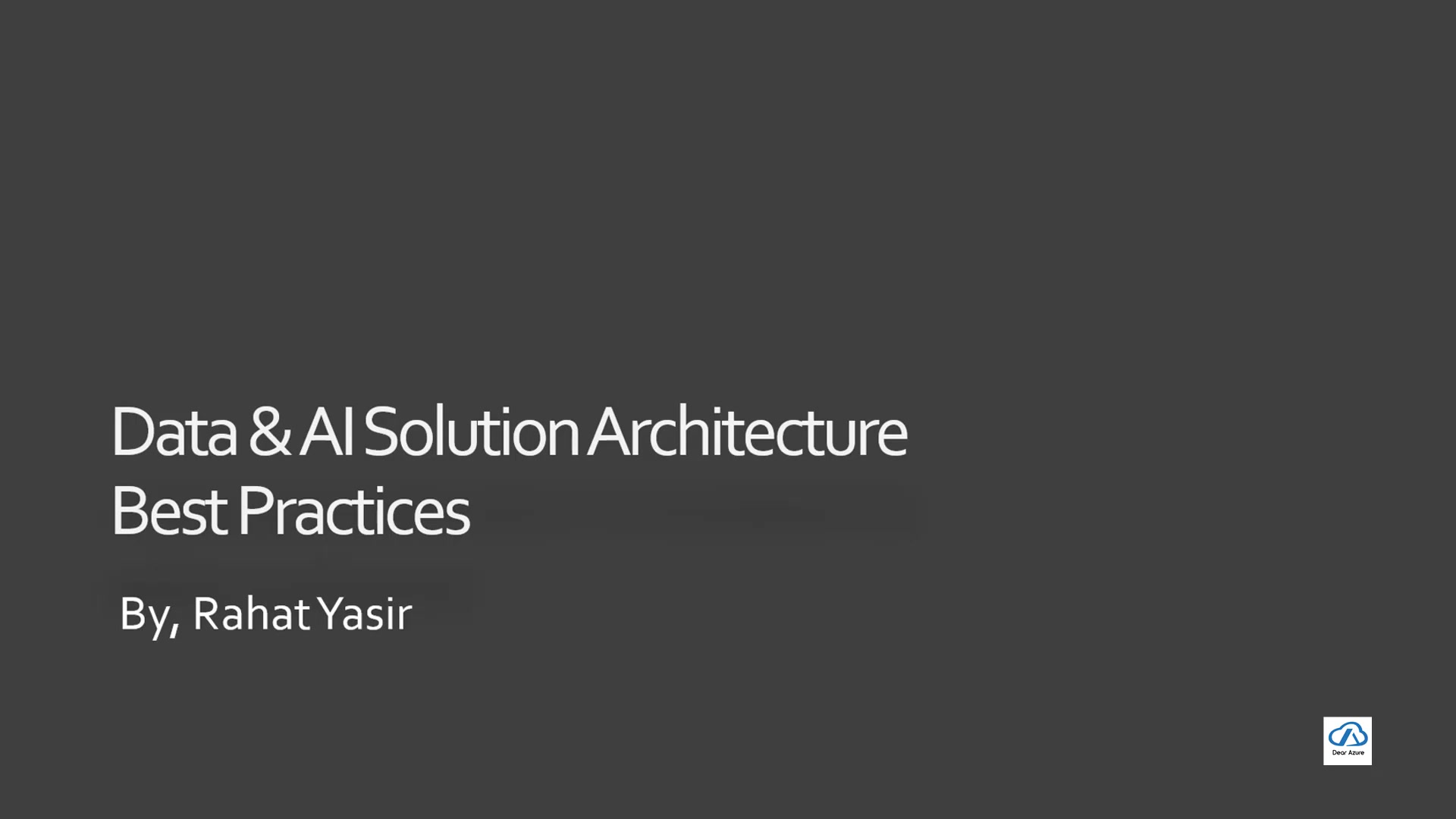
Before implementing any technology, a comprehensive enterprise data and AI strategy is essential. It's crucial to clearly define the objectives and understand how Data & AI will drive business value. Considerations include identifying organizational data needs, defining the return on investment (ROI), and prioritizing business-driven initiatives. This means aligning data and AI initiatives to organizational level rather than individual.
The following points can be highlighted:
-
Business Alignment: Ensure that data and AI initiatives are directly linked to key business objectives and deliver tangible results.
-
Data Understanding: Understand your organization's data landscape. Know where the data is and what the data means to your organization.
-
Skill Development: It is essential to have qualified AI specialist on the team for proper machine learning model.
-
Data Governance Governance and security help with decision making throughout the architecture of the AI
For an organization with existing SaaS solutions, adding AI capabilities can enhance the SaaS systems running in market. This allows adding decision making tools powered by AI.
Azure Data and AI Components in Detail
Data Components on Azure
Azure offers a suite of data management tools:
- Data Ingestion: The process of acquiring data from various sources, both on-premises and in the cloud, into the Azure platform. Azure Data Factory and Azure SYNAPSE Analytics pipelines are commonly used for this purpose.
- Data Storing: Azure provides options, including Azure Data Lake Storage Gen2 for vast volumes of unstructured data, Azure SQL Server for structured relational data, and Azure Cosmos DB for NoSQL data needs.
- Data Transformation: The process of converting the raw data into more accessible models. This also includes proper wrangling, curation, and recipe repositories for models to derive data and insights.
- Data Reporting and Visualization: Azure Power BI is a popular solution for creating insightful reports and dashboards from the data.
- Data Consumption: Making the data available for different components and data sharing. Securing that there are data security and protection controls are also important.
- Data Operations Automation and Data Quality Checking Use tools that democratize and offer auto-quality data quality checks and data operation automation
- Data Exporation: Tools that offer data discovery such as Sandboxes and Marketplaces.
AI Components on Azure
AI components also plays an important role in AI platform solutions
- Pre-Defined AI Models: Pre-trained data models that can readily be used within different systems.
- Custom AI modeling: Creating new AI models that will help with new solutions.
- AI Model Hosting and Monitoring: How to use AI model components to host the data so that machine learning is more efficient for the architecture
- AL Use case - Batch, Real time and Processing components for real time machine learning inference is properly calculated.
- AI Compute to account for the computation costs.
AI platform components
In order to properly make use of the architecture, make sure the following components are available and setup:
- Data Governance and management of the data
- Have a multi-cloud architecture
- Having data security standards with ethics, bias and governance models all planned out
- A clear data driver ROI for analytics and the long and short term data AI strategies in place.
- Proper cost monitoring plans





Most people like



































Report
Please select a reason for reporting
- 13 Reasons to Switch from Snapchat to Text Messaging
- 7 Powerful Speech to Text Apps to Boost Productivity
- 10 Best Speech to Text Tools for Effortless Transcription
- 13 Free Tools to Easily Transcribe Audio to Text
- 15 Surprising Ways Google's Speech-to-Text Boosts Productivity
- 7 Best Free Online Audio to Text Transcription Tools
- 9 Tips to Transcribe Speech to Text Faster and Better
- 13 Best Speech to Text Software for Windows 10 in 2023
- 7 Tips for Choosing the Best Transcriber for Audio to Text
- 11 Reasons Why Dragon Speech-to-Text Apps are Game-Changers
- 6 Secrets to Enhance Your Speech to Text Transcription
- 6 Brilliant Ways to Boost Productivity with Talk-to-Text on Your MacBook
- 6 Ways Transcription Software Converts Audio to Text
- 8 Tips to Transcribe Speech to Text Like a Pro
- 6 Reasons IBM Watson Speech to Text is a Game-Changer
- 14 Powerful Ways Talk-to-Text Improves Your Workflow
- 12 Top Windows Speech-to-Text Software for Efficient Transcription
- 12 Game-Changing Benefits of Apple's Speech to Text Technology
- 9 Powerful Use Cases for AWS Speech to Text Technology
- 10 Easy Steps to Transcribe YouTube Videos to Text
- transcription audio en texte
- online audio transcription
- free audio file transcription
- free ai audio transcription
- audio transcription service
- audio transcription online free
- audio transcription free online
- audio to transcription software
- audio and transcript
- ai audio transcription free
- voice recording to text converter
- translate voice recording to text
- record voice to text
- audio recording to text converter
- voice recording and transcription
- chatgpt voice to text
- gmail voice to text
- speech to text reader
- speech to text ai free
- speech to talk
- Meshy AI: How to Create 3D Models from Text and Images
- How SEO and Marketing Dashboards Empower Agencies to Drive Results
- How to Use AI Tools to Find Internal Linking Opportunities Across a Business Website
- Discover Your Perfect Haircut with AI Hairstyle Apps
- Free Reputation Calculator Tools: How They're Adapting to Score AI Visibility, Not Just Rankings
- Design Professional Flyers for Free on Your Phone
- Best Free Flyer Maker Apps for Android: Design Like a Pro
- How to Know If Your Business Is Ready for an AI Customer Service Agent
- Revolutionizing Storytelling: From Novels to Screenplays with AI
- Create Engaging Animated Explainer Videos with a Free AI Tool
- Revideo.io: The Future of Reverse Video Search Technology
- Revolutionize Learning: Discover Quizzes AI for Engaging Interactive Quizzes
- Revolutionizing Email Marketing Agency with AI
- Breaking the Character Drift Dilemma: A Practical Test of Smart Shot
- Meshy AI: How to Create 3D Models from Text and Images
- ASOMobile Helps Teams Benchmark App Store Screenshots Against Competitors
- How to Match LMS Software With Your Organization's Training Plan
- How to Convert BTC to HNT
- Unleashing the Power of AI: Cognizant's Roadmap for Transformation
- Frame to Video Review: A Practical Look at Turning Two Still Frames Into Motion

Copyright ©2026 toolify