































Table of Contents
- Key Points
- Understanding Dialogflow: The Foundation of Conversational AI
- Building Your First Dialogflow Agent: A Step-by-Step Guide
- Step-by-Step Guide to using Dialogflow
- Understanding Dialogflow Pricing
- Weighing the Pros and Cons of Dialogflow
- Dialogflow's Core Features
- Explore the Diverse Use Cases of Dialogflow
- Frequently Asked Questions about Dialogflow
- Related Questions



Understanding Dialogflow: The Foundation of Conversational AI
What is Dialogflow?
At its core, Dialogflow is a development suite that enables you to design and integrate conversational user interfaces into your mobile applications, web applications, devices, bots, interactive voice response systems, and more
. It leverages the power of Google's machine learning expertise to provide natural language understanding (NLU) capabilities, allowing your applications to understand what users are saying and respond accordingly. This goes beyond simple keyword recognition; Dialogflow can interpret the meaning and intent behind user phrases, even if they use different wording or have slight variations in their language. By using Dialogflow, one can build natural and rich conversational experiences. This gives users new ways to interact with their product by building engaging voice and text-based conversational interfaces powered by AI. Connect with users on the Google Assistant, Amazon Alexa, Facebook Messenger, and other popular platforms and devices. All these features are provided in Dialogflow platform.
Key Benefits of Using Dialogflow:
- Enhanced User Experience: Deliver seamless and intuitive interactions that feel more natural and human-like.
- Increased Efficiency: Automate tasks and streamline processes, freeing up human agents to focus on more complex issues.
- Improved Customer Satisfaction: Provide instant and personalized support, leading to happier and more loyal customers.
- Expanded Reach: Connect with users on their preferred channels, increasing accessibility and engagement.
- Data-Driven Insights: Gain valuable insights into user behavior and preferences, enabling you to continuously improve your conversational experiences.
Core Concepts: Intents, Entities, and Contexts
To effectively use Dialogflow, it's essential to grasp its foundational concepts:
-
Intents: Intents represent the user's intention or goal. Think of them as the actions users want to perform. Each intent contains:
- Training Phrases: Example phrases that users might say to express their intent.
- Action: The action to be performed when the intent is matched.
- Parameters: Information extracted from the user's input that is needed to fulfill the intent.
- Responses: Pre-defined messages that the agent will return to the user.
-
Entities: Entities are used to extract specific pieces of information from user input. These can be:
- System Entities: Built-in entities that recognize common data types like dates, numbers, and locations.
- Custom Entities: Entities that you define to recognize specific data types relevant to your application.
-
Contexts: Contexts are used to manage the flow of the conversation and maintain state. They allow your agent to:
- Remember previous user input.
- Understand the current context of the conversation.
- Guide the user towards a specific goal.
-
Fulfillment: Give users new ways to interact with their product by building engaging voice and text-based conversational interfaces powered by AI. Connect with users on the Google Assistant, Amazon Alexa, Facebook Messenger, and other popular platforms and devices.
Building Your First Dialogflow Agent: A Step-by-Step Guide
Setting Up Your Dialogflow Account
Before you start building your AI agent, you'll need to create a Dialogflow account:
-
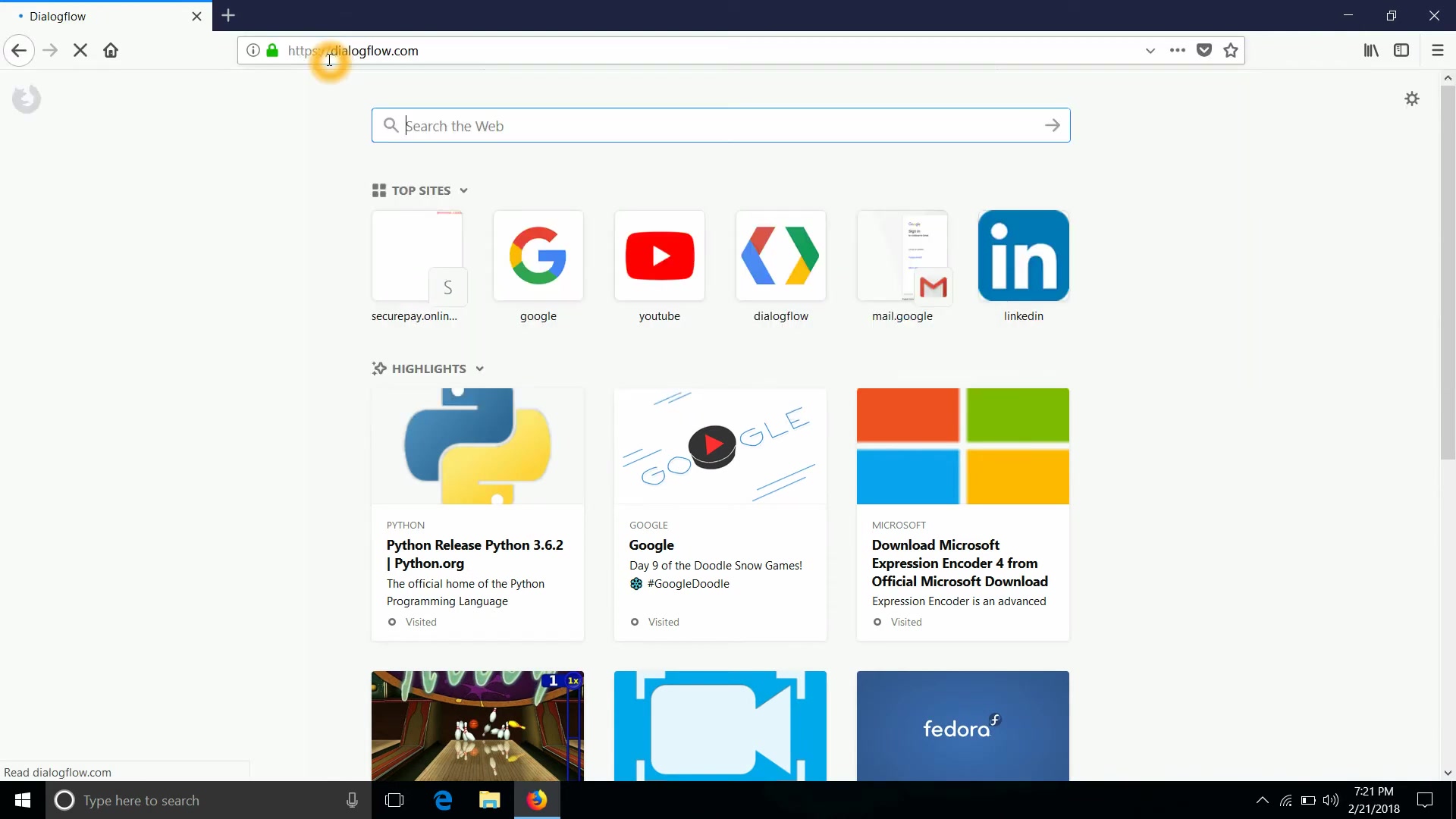
Go to the Dialogflow Website: Navigate to Dialogflow.
-
Sign Up for Free: Click on the "Sign Up for Free" button.
-
Sign in with Google: Choose your Google account to log in.
-
Review and Accept Terms: Accept the Dialogflow Terms of Service and Privacy Policy.
-
Choose Your Country: Select your country or region.
-
You now have your very own Dialogflow account to begin developing!
Creating a New Agent
Now that you have an account, let's create a new agent:
-
Go to the Dialogflow Console: After signing in, you will be directed to the Dialogflow console.
-
Click Create Agent: Click on the "Create Agent" button in the left navigation menu.
-
Name Your Agent: Enter a descriptive name for your agent. This name should be relevant to the purpose of your agent.
-
Set Default Language: Select the primary language for your agent.
-
Set Time Zone: Select the appropriate time zone for your agent. This is crucial for handling date and time-related queries accurately.
Note: Agent name cannot contain whitespaces.
-
Click Create: Click the "Create" button to create your agent . Dialogflow automatically links the agent after saving. You will use this in the next section of the guide.
Enabling Small Talk
Small talk enables your agent to handle basic conversational responses, such as greetings and farewells . To enable small talk for your agent:
- Navigate to Small Talk: In the left navigation menu, click on "Small Talk".
- Enable Small Talk: Toggle the "Enable" switch to activate small talk for your agent.
- Customize Responses: Add a new answer for greeting. Add a new answer for farewarell.
Customize Agent About information: Add a new answer for what agent can do. Add a new answer for what agent loves.
- Save Changes: Click the "Save" button to apply your changes . Dialogflow agent learn how to support small talk without any extra development.
Dialogflow's Core Features
Text and Voice Integration
Integrate your AI Agents with various text based and voice-based platforms such as websites, google assistant, messaging apps, or even other types of devices
. All in one platform.
Natural Language Understanding (NLU)
Allows AI agents to understand the core, natural meaning of language using machine learning capabilities.
Visual Flow Builders
This will help to create intuitive visual flow builders using drag and drop elements to create a fluid agent interaction between user and AI.





Most people like



































Report
Please select a reason for reporting
- 13 Reasons to Switch from Snapchat to Text Messaging
- 7 Powerful Speech to Text Apps to Boost Productivity
- 10 Best Speech to Text Tools for Effortless Transcription
- 13 Free Tools to Easily Transcribe Audio to Text
- 15 Surprising Ways Google's Speech-to-Text Boosts Productivity
- 7 Best Free Online Audio to Text Transcription Tools
- 9 Tips to Transcribe Speech to Text Faster and Better
- 13 Best Speech to Text Software for Windows 10 in 2023
- 7 Tips for Choosing the Best Transcriber for Audio to Text
- 11 Reasons Why Dragon Speech-to-Text Apps are Game-Changers
- 6 Secrets to Enhance Your Speech to Text Transcription
- 6 Brilliant Ways to Boost Productivity with Talk-to-Text on Your MacBook
- 6 Ways Transcription Software Converts Audio to Text
- 8 Tips to Transcribe Speech to Text Like a Pro
- 6 Reasons IBM Watson Speech to Text is a Game-Changer
- 14 Powerful Ways Talk-to-Text Improves Your Workflow
- 12 Top Windows Speech-to-Text Software for Efficient Transcription
- 12 Game-Changing Benefits of Apple's Speech to Text Technology
- 9 Powerful Use Cases for AWS Speech to Text Technology
- 10 Easy Steps to Transcribe YouTube Videos to Text
- transcription audio en texte
- online audio transcription
- free audio file transcription
- free ai audio transcription
- audio transcription service
- audio transcription online free
- audio transcription free online
- audio to transcription software
- audio and transcript
- ai audio transcription free
- voice recording to text converter
- translate voice recording to text
- record voice to text
- audio recording to text converter
- voice recording and transcription
- chatgpt voice to text
- gmail voice to text
- speech to text reader
- speech to text ai free
- speech to talk
- Meshy AI: How to Create 3D Models from Text and Images
- How SEO and Marketing Dashboards Empower Agencies to Drive Results
- How to Use AI Tools to Find Internal Linking Opportunities Across a Business Website
- Discover Your Perfect Haircut with AI Hairstyle Apps
- Free Reputation Calculator Tools: How They're Adapting to Score AI Visibility, Not Just Rankings
- Design Professional Flyers for Free on Your Phone
- Best Free Flyer Maker Apps for Android: Design Like a Pro
- How to Know If Your Business Is Ready for an AI Customer Service Agent
- Revolutionizing Storytelling: From Novels to Screenplays with AI
- Create Engaging Animated Explainer Videos with a Free AI Tool
- Revideo.io: The Future of Reverse Video Search Technology
- Revolutionize Learning: Discover Quizzes AI for Engaging Interactive Quizzes
- Revolutionizing Email Marketing Agency with AI
- Breaking the Character Drift Dilemma: A Practical Test of Smart Shot
- Meshy AI: How to Create 3D Models from Text and Images
- ASOMobile Helps Teams Benchmark App Store Screenshots Against Competitors
- How to Match LMS Software With Your Organization's Training Plan
- How to Convert BTC to HNT
- Unleashing the Power of AI: Cognizant's Roadmap for Transformation
- Frame to Video Review: A Practical Look at Turning Two Still Frames Into Motion

Copyright ©2026 toolify