































Table of Contents
- Key Points
- Getting Started with Gamma AI
- Creating Presentations with Gamma AI: Two Powerful Methods
- A Guide to Using Other Tools within Gamma AI
- Pricing of Gamma AI: Balancing Features and Cost
- Gamma AI: Weighing the Pros and Cons
- Frequently Asked Questions About Gamma AI
- Related Questions About AI Presentation Tools


Getting Started with Gamma AI
What is Gamma AI?
Gamma AI is an artificial intelligence-powered platform designed to streamline content creation.

Whether you're a student, a business professional, or a creative individual, Gamma AI simplifies the process of building presentations, websites, and documents. It aims to reduce the time and effort traditionally needed for design and coding by leveraging AI to generate content and layouts. This empowers users to focus on their core ideas and messaging, letting the AI handle the technical and design aspects. Gamma AI stands as a versatile toolkit, streamlining your content production, and enabling efficiency in any setting where compelling and visual output is required.
How to Sign Up in Gamma AI: A Step-by-Step Guide
Signing up for Gamma AI is a straightforward process that takes only a few minutes. Here's a step-by-step guide:
-
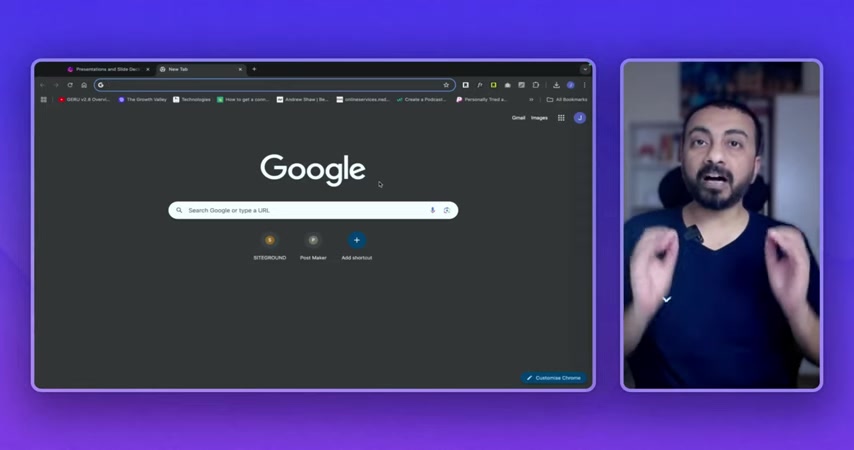
Go to the Gamma AI Website: Begin by navigating to the Gamma AI Website, which is gamma.app. You can find it by searching for "Gamma AI" on Google or directly entering the URL in your browser.
-
Click "Try for Free": Once on the website, look for the "Try for Free" button in the top-right corner. Clicking this will take you to the sign-up page.
-
Choose a Sign-Up Method: You can sign up either with your email address or directly through your Google account. Opting to sign up with Google is a faster way to log in.
-
Complete the Survey: After signing up, a short survey appears to personalize your experience. You'll be asked about how you plan to use Gamma. Select the option that applies to you, such as "For personal use," "For work," or "For education".
-
Select Your Occupation: Next, you'll be asked about your occupation. Choose from the list, or select creator if it applies to you.
-
Choose the type of work: Next, Gamma AI will require to know what is your purpose for that specific type. Here select 'Create presentations from scratch'.
-
Complete the sign-up: Finally, it will ask, how did you hear about us?, click on 'Youtube'.
By completing these simple steps, you'll have your Gamma AI account set up and be ready to start creating content. The sign-up process is user-friendly and designed to get you started with the platform quickly and efficiently. Remember to choose options and provide accurate information.
Exploring the Gamma AI Dashboard: Your Creative Hub
The Gamma AI dashboard acts as your central control panel, giving you access to all the tools and features needed for content creation.
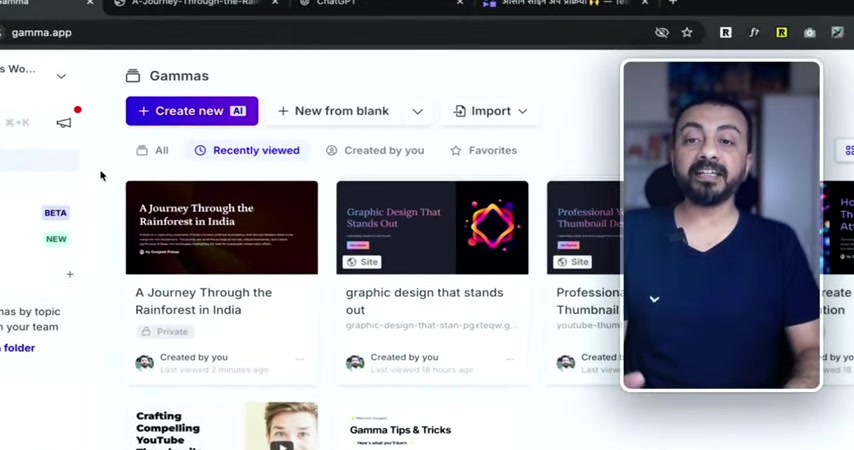
Key elements of the dashboard include:
- Gamma Section: This is where your created content is located, including presentations, websites, and documents.
- Sites: (Beta) A newer feature focused on website creation.
- AI Images: A hub to generate AI images.
- Folders: Keep your projects organized.
- Templates: Find inspiration and pre-designed templates to kickstart your work.
From the dashboard, you can create new content from scratch or import existing files. You can also personalize your workspace and collaborate with others. Understanding the dashboard is key to unlocking the full potential of Gamma AI.
Creating Presentations with Gamma AI: Two Powerful Methods
Method 1: Paste in Text
One way to create a presentation is by pasting existing text. This is useful if you already have content prepared in a document, notes, or an outline. To create a presentation this way, copy your text and paste it into the Gamma AI interface.
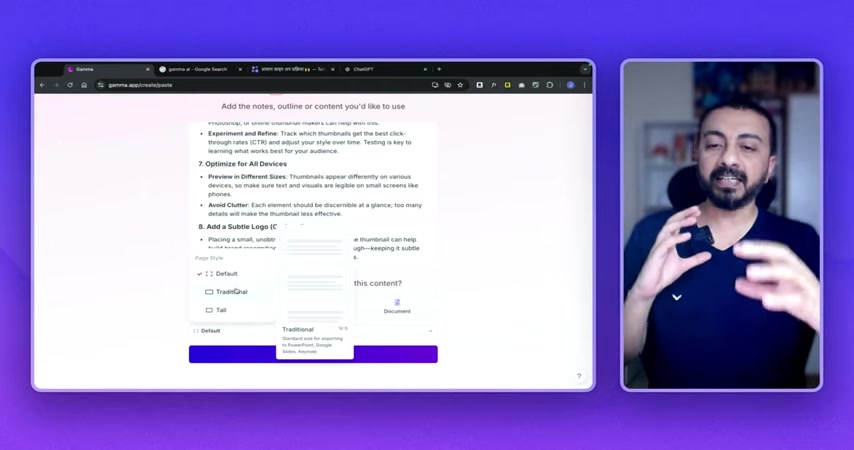
Then, the AI will analyze your text and automatically generate a presentation structure, including slides and formatting.
This method works efficiently if you’ve already done substantial research and have clear ideas. Gamma then structures your raw text, saving time in designing the framework.
Method 2: Generate with AI
If you’re starting from scratch or want AI to take the lead, use the "Generate" feature.
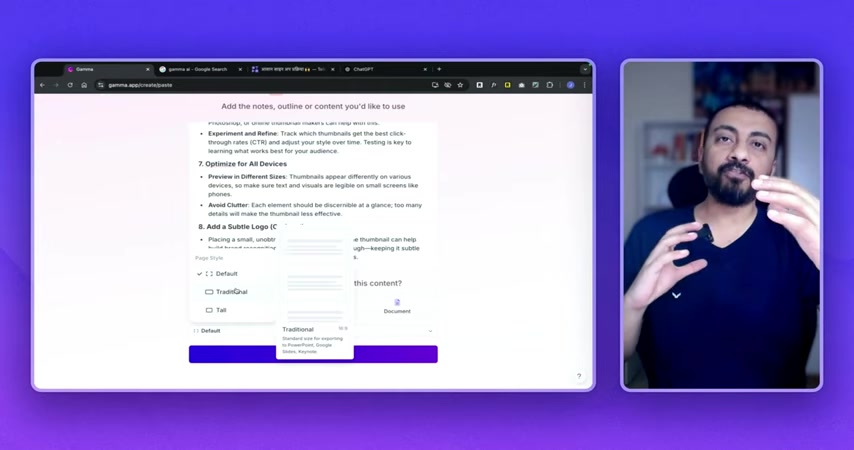
Input a topic or Prompt, and Gamma AI will create an entire presentation based on its AI capabilities. This saves significant time when you're unsure how to structure your content.
By using the 'Generate' option, you are leveraging the full creative force of the AI to assemble visually attractive and informative presentations. It's a good starting point, allowing you to customize the resulting output further.
Customization Options: Themes & Branding
Once your presentation has been generated, Gamma AI offers extensive customization options.
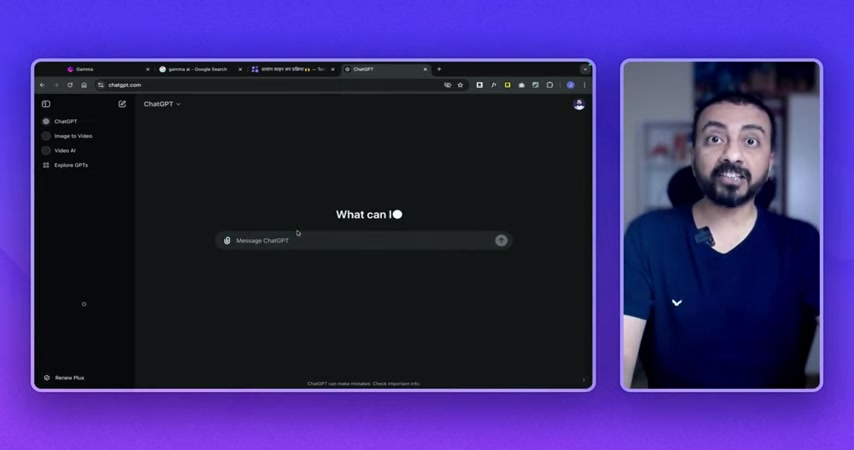
You can tailor the themes, fonts, colors, and layouts to match your brand identity or preferred style. In themes, you can upload your own for custom branding. Fine-tuning your Gamma projects to match brand aesthetics strengthens your professional look and messaging.
A Guide to Using Other Tools within Gamma AI
AI Images and Website Creation
While generating presentations is its highlight, Gamma AI also can produce AI images and design websites.

AI image generation can enhance presentations, documents, or websites with relevant AI made visuals, increasing appeal and information. The websites are simple, yet fully functional with the potential of quick launches and customization.
These options help users to build their resources on the platform, making Gamma AI a centralized hub for various types of content development.
The Dashboard of Gamma AI
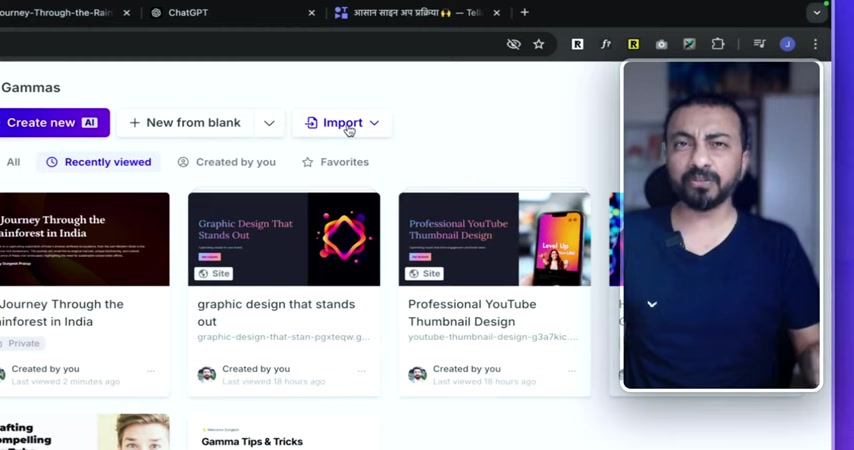
The dashboard serves as the main control point for everything you need to create a presentation. Next time when you log in Gamma AI, you can easily see all the sites, AI images, and every other features that it provides on the dashboard. The dashboard helps you create a new file as well as import anything you need to work on the project.
From the main page, you can also create a folder to organize your topic and manage all your teams you are working with. You are able to find different templates to be inspired from on the home page.
Pricing of Gamma AI: Balancing Features and Cost
Gamma AI Subscription Plans
Gamma AI offers different subscription levels to meet diverse user needs. These include:
-
Free Plan: Offers limited functionality with initial credits for generating content.
-
Plus Plan: Costing ₹500 per seat/month billed monthly, The Plus Plan removes the Gamma AI badge and offers more creation abilities.
-
Pro Plan: Priced at ₹1000 per seat/month billed monthly or annually. It has advanced AI Tools and detailed analytics.
For those unsure where to start, testing the free plan is always a great idea.








Most people like






























Report
Please select a reason for reporting
- 13 Reasons to Switch from Snapchat to Text Messaging
- 7 Powerful Speech to Text Apps to Boost Productivity
- 10 Best Speech to Text Tools for Effortless Transcription
- 13 Free Tools to Easily Transcribe Audio to Text
- 15 Surprising Ways Google's Speech-to-Text Boosts Productivity
- 7 Best Free Online Audio to Text Transcription Tools
- 9 Tips to Transcribe Speech to Text Faster and Better
- 13 Best Speech to Text Software for Windows 10 in 2023
- 7 Tips for Choosing the Best Transcriber for Audio to Text
- 11 Reasons Why Dragon Speech-to-Text Apps are Game-Changers
- 6 Secrets to Enhance Your Speech to Text Transcription
- 6 Brilliant Ways to Boost Productivity with Talk-to-Text on Your MacBook
- 6 Ways Transcription Software Converts Audio to Text
- 8 Tips to Transcribe Speech to Text Like a Pro
- 6 Reasons IBM Watson Speech to Text is a Game-Changer
- 14 Powerful Ways Talk-to-Text Improves Your Workflow
- 12 Top Windows Speech-to-Text Software for Efficient Transcription
- 12 Game-Changing Benefits of Apple's Speech to Text Technology
- 9 Powerful Use Cases for AWS Speech to Text Technology
- 10 Easy Steps to Transcribe YouTube Videos to Text
- transcription audio en texte
- online audio transcription
- free audio file transcription
- free ai audio transcription
- audio transcription service
- audio transcription online free
- audio transcription free online
- audio to transcription software
- audio and transcript
- ai audio transcription free
- voice recording to text converter
- translate voice recording to text
- record voice to text
- audio recording to text converter
- voice recording and transcription
- chatgpt voice to text
- gmail voice to text
- speech to text reader
- speech to text ai free
- speech to talk
- How SEO and Marketing Dashboards Empower Agencies to Drive Results
- How to Use AI Tools to Find Internal Linking Opportunities Across a Business Website
- Discover Your Perfect Haircut with AI Hairstyle Apps
- Free Reputation Calculator Tools: How They're Adapting to Score AI Visibility, Not Just Rankings
- Design Professional Flyers for Free on Your Phone
- Best Free Flyer Maker Apps for Android: Design Like a Pro
- How to Know If Your Business Is Ready for an AI Customer Service Agent
- Revolutionizing Storytelling: From Novels to Screenplays with AI
- Create Engaging Animated Explainer Videos with a Free AI Tool
- Stop Multi-Subscribing: Benchmark Top AI Visual Models in One Canvas
- ASOMobile Helps Teams Benchmark App Store Screenshots Against Competitors
- How to Match LMS Software With Your Organization's Training Plan
- Revolutionizing Email Marketing Agency with AI
- How to Convert BTC to HNT
- Unleashing the Power of AI: Cognizant's Roadmap for Transformation
- Frame to Video Review: A Practical Look at Turning Two Still Frames Into Motion
- NVIDIA NIM: Revolutionizing Supply Chain Data Analysis with AI
- Top AI Tools That Help Brands Stand Out Offline (Not Just Online)
- Top 5 Cold Email Software: Maximize Your Outreach in 2025
- Magic School AI: Revolutionizing Quiz & Assessment Generation

Copyright ©2026 toolify