































Table of Contents
- Key Points
- Unveiling GitHub Copilot CLI
- Maximizing Productivity with GitHub Copilot CLI
- Understanding GitHub Copilot Pricing
- Weighing the Pros and Cons of GitHub Copilot CLI
- Frequently Asked Questions
- Related Questions


Unveiling GitHub Copilot CLI
What is GitHub Copilot CLI?
GitHub Copilot CLI revolutionizes development by bringing AI-powered coding assistance directly to your terminal.

This tool allows developers to build, debug, and deploy applications without ever leaving their command-line environment, streamlining the workflow and significantly reducing context switching. By integrating the power of AI into the terminal, GitHub Copilot CLI aims to make development faster, smoother, and more efficient.
This innovative tool is designed to integrate seamlessly into existing workflows, whether you're prototyping new features, debugging existing code, or deploying your application. GitHub Copilot CLI focuses on bringing AI capabilities to the place developers spend the most time: the command line. This approach avoids the need to switch between different applications, allowing for a more focused and efficient development process. Its agentic capabilities are a Game changer, as it builds, edits, debugs, and refactors the code with AI, while enabling collaboration with other developers so they can plan and execute complex tasks.
Terminal-Native Development
The core innovation of GitHub Copilot CLI is its ability to provide terminal-native development.
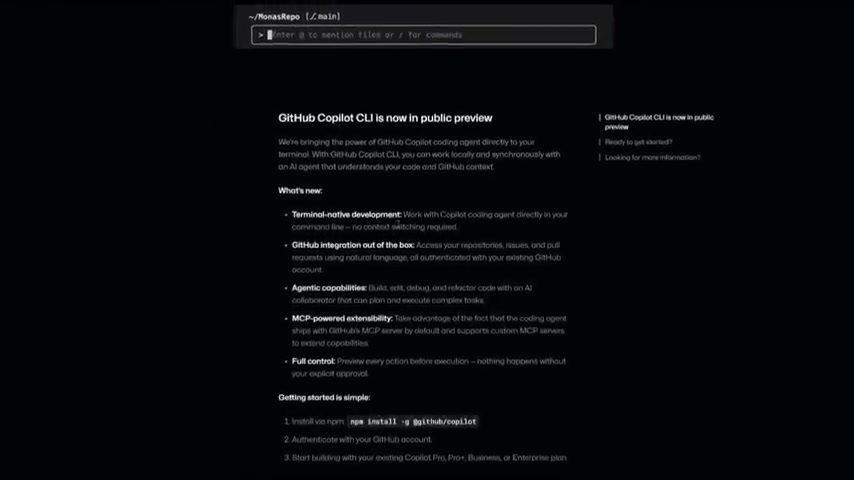
This means that developers can work with the Copilot coding agent directly within their command line, eliminating the need for context switching between different applications. By keeping developers within the terminal, the CLI reduces distractions and allows for a more streamlined and focused development experience.
With terminal-native development, developers can access the power of AI without interrupting their workflow. Whether you're writing code, debugging issues, or deploying your application, the Copilot coding agent is always available to provide assistance and suggestions. This approach promotes a more efficient and productive development process, allowing developers to focus on the task at hand.
GitHub Integration Out-of-the-Box
GitHub Copilot CLI provides seamless integration with GitHub repositories, issues, and pull requests.
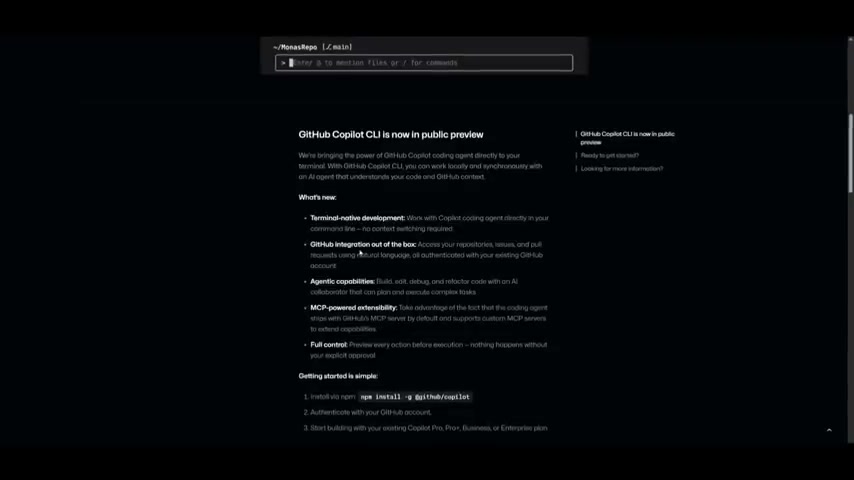
This means that developers can access their repositories, create new issues, and submit pull requests directly from the command line, all without leaving their terminal environment. This out-of-the-box integration streamlines the development process and makes it easier to collaborate with other developers.
With GitHub integration, developers can manage their code, track issues, and collaborate with others all from a single, centralized location. This streamlined approach promotes better communication and collaboration, leading to higher quality code and faster development cycles. Also, with the Github Copilot CLI, it's now easier than ever to use Github within different sorts of IDEs such as Zed, VS Code, even Cursor.
Agentic Capabilities: Build, Edit, Debug, Refactor with AI
GitHub Copilot CLI features agentic capabilities that allow developers to build, edit, debug, and refactor code with the assistance of AI.
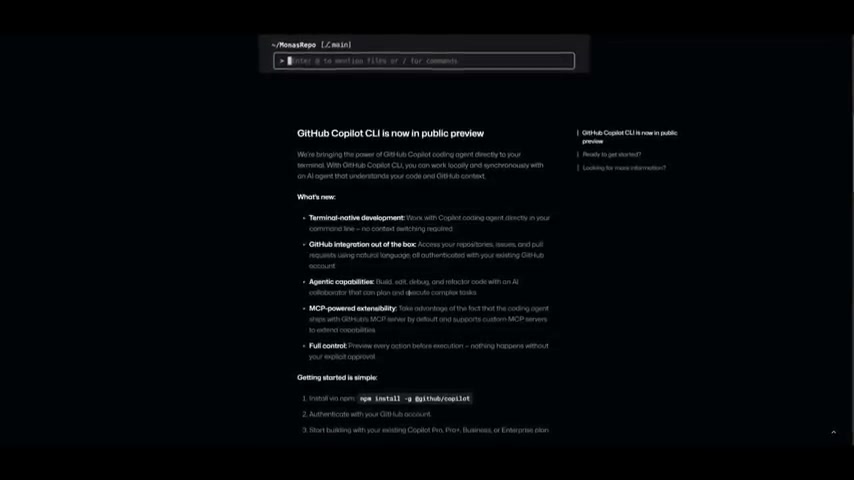
This means that the Copilot coding agent can not only provide suggestions and guidance but also actively participate in the coding process, helping developers to write cleaner, more efficient code. The AI coding agent can plan and execute complex tasks.
By leveraging the power of AI, developers can automate many of the repetitive and time-consuming tasks involved in coding. This allows them to focus on the more creative and strategic aspects of development, such as designing new features and solving complex problems. With agentic capabilities, GitHub Copilot CLI empowers developers to write better code, faster, and more efficiently.
Maximizing Productivity with GitHub Copilot CLI
How to Install and Get Started with GitHub Copilot CLI
Getting started with GitHub Copilot CLI is straightforward. To begin, you will need to satisfy the following pre-requisites:
- Node.js v22 or higher is installed
- NPM v10 or higher is installed
- If on windows, Powershell V6 or higher
Here's how to get started:
- Installation: The first step is to install the CLI globally using npm:
npm install -g @github/copilot - Authentication: Next, authenticate with your GitHub account. This step connects your CLI to your GitHub repositories and allows you to access the AI-powered coding assistance features.
copilot login - Start Coding: Once authenticated, you can start using GitHub Copilot CLI to enhance your development workflow. Simply navigate to a folder containing code and begin working in the terminal. The Copilot coding agent will provide suggestions and guidance as you type, helping you to write better code, faster.
Utilizing GitHub Copilot CLI with Spec-Driven Development
Spec-Driven Development (SDD) is an approach that flips the script on traditional software development.
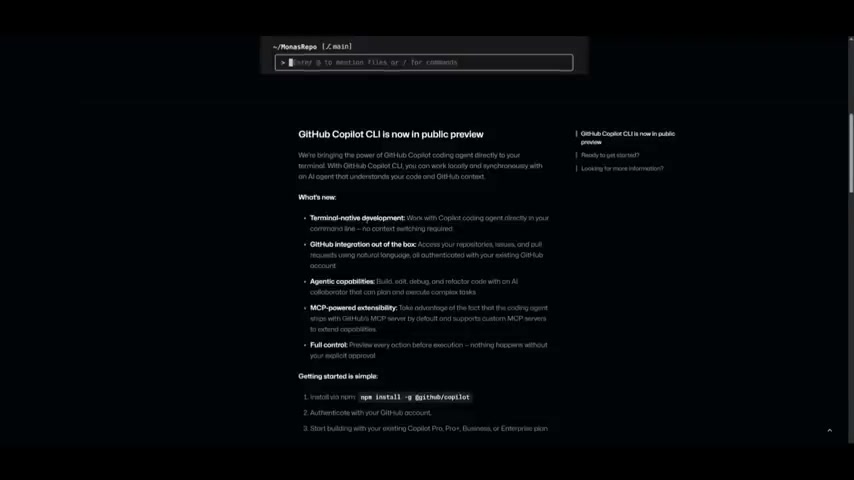
GitHub Copilot CLI now integrates smoothly with different IDEs like Zed, VS code, and cursor, all of which are helpful to spec-driven development.
- Spec Definition: In SDD, developers begin by outlining specifications before diving into coding. This involves creating precise descriptions of the desired behavior, data structures, and interactions. These specifications serve as a blueprint for the development process, guiding coding and testing.
- Automated Testing: Specifications can be translated into automated tests, ensuring alignment between the implementation and desired functionality. Automated tests catch discrepancies early, minimizing bugs and rework.
- AI Integration: AI can analyze specifications and generate code snippets, speeding up development and boosting efficiency. AI algorithms can also improve the quality and reliability of generated code, decreasing manual effort.
- Code Generation: Tools like GitHub Copilot CLI can play a role in SDD. It’s an Open Source Toolkit developed by Github that can facilitate this development
Understanding GitHub Copilot Pricing
Choosing the Right Plan
GitHub Copilot offers different plans tailored to various user needs and budgets
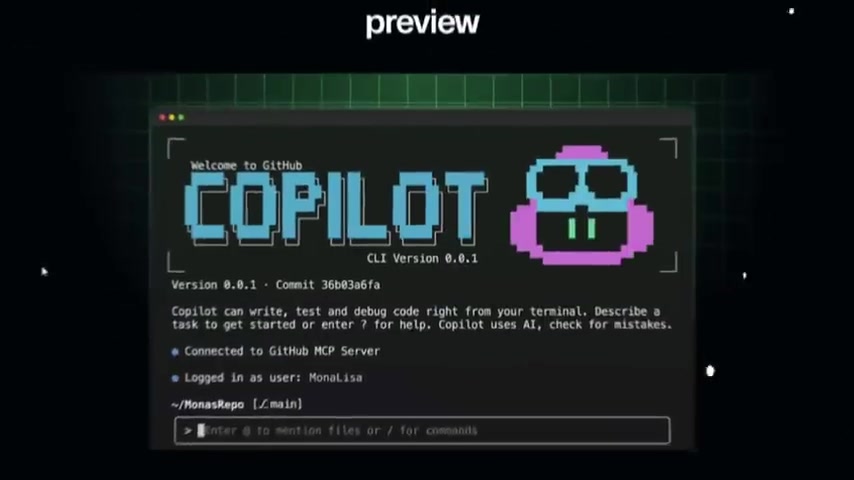
, with free trial available. Understanding these plans can help maximize the tools potential.
Here’s a brief breakdown:
| Plan | Price | Features |
|---|---|---|
| Free | \$0 | Limited agent mode, 2,000 completions per month, access to Claude-Bonnet, etc. |
| Pro | \$10 per month | Unlimited agent mode and chats with GPT-4, unlimited code completions, access to code review, Claude-Bonnet and Gemini, and coding agent. |
| Pro+ | \$39 per month | Access to all models including Claude Opus, free to use latest models and access to Github Spark. |





Most people like




























Report
Please select a reason for reporting
- 13 Reasons to Switch from Snapchat to Text Messaging
- 7 Powerful Speech to Text Apps to Boost Productivity
- 10 Best Speech to Text Tools for Effortless Transcription
- 13 Free Tools to Easily Transcribe Audio to Text
- 15 Surprising Ways Google's Speech-to-Text Boosts Productivity
- 7 Best Free Online Audio to Text Transcription Tools
- 9 Tips to Transcribe Speech to Text Faster and Better
- 13 Best Speech to Text Software for Windows 10 in 2023
- 7 Tips for Choosing the Best Transcriber for Audio to Text
- 11 Reasons Why Dragon Speech-to-Text Apps are Game-Changers
- 6 Secrets to Enhance Your Speech to Text Transcription
- 6 Brilliant Ways to Boost Productivity with Talk-to-Text on Your MacBook
- 6 Ways Transcription Software Converts Audio to Text
- 8 Tips to Transcribe Speech to Text Like a Pro
- 6 Reasons IBM Watson Speech to Text is a Game-Changer
- 14 Powerful Ways Talk-to-Text Improves Your Workflow
- 12 Top Windows Speech-to-Text Software for Efficient Transcription
- 12 Game-Changing Benefits of Apple's Speech to Text Technology
- 9 Powerful Use Cases for AWS Speech to Text Technology
- 10 Easy Steps to Transcribe YouTube Videos to Text
- transcription audio en texte
- online audio transcription
- free audio file transcription
- free ai audio transcription
- audio transcription service
- audio transcription online free
- audio transcription free online
- audio to transcription software
- audio and transcript
- ai audio transcription free
- voice recording to text converter
- translate voice recording to text
- record voice to text
- audio recording to text converter
- voice recording and transcription
- chatgpt voice to text
- gmail voice to text
- speech to text reader
- speech to text ai free
- speech to talk
- AI OnlyFans: How to Generate $30,000/Month (Legally)
- Transform Your Script into an Engaging Video with AI Video Maker!
- Create Engaging Animated Explainer Videos with a Free AI Tool
- AI Marketing Automation: A Comprehensive Guide for Small Businesses
- Midjourney Alternative for Anime Art Creators: Why PixAI May Be Better for Character Workflows
- 10 Things Most People Get Wrong About AI Image Search
- AI Girlfriend Apps: Top Choices Redefining Relationships 2025
- How to Reduce Quoting Errors in Salesforce with AI-Assisted Quote Creation
- How AI Is Changing Back Office Outsourcing And Why It Matters
- How AI Helps You Spot the Next Friendslop Hit on Steam (Dear Passengers Case)
- AI OnlyFans: How to Generate $30,000/Month (Legally)
- Transform Your Script into an Engaging Video with AI Video Maker!
- Create Engaging Animated Explainer Videos with a Free AI Tool
- 8 Best Social Media Scheduling Tools (2026)
- Pollo AI Review: Evaluating the Multi-Model Generative Media Ecosystem
- Best Free Static QR Code Generators for Gyms and Fitness Studios
- How to Track QR Code Scans: A Complete Guide (2026)
- AI Marketing Automation: A Comprehensive Guide for Small Businesses
- How AI-Powered Businesses Can Build a Strong Online Presence in 2026
- Top AI Facial Recognition Tools in 2026

Copyright ©2026 toolify