































Table of Contents
- Key Points
- Understanding Hugging Face Pipelines
- Setting Up Google Colab for Deep Learning
- Using the DeepSeek Model with Hugging Face
- Advantages and Limitations of Hugging Face Pipelines
- FAQ
- Related Questions



Understanding Hugging Face Pipelines
What are Hugging Face Pipelines?
Hugging Face Pipelines offer a high-level API built on the Transformers library, designed to make utilizing pre-trained models as straightforward as possible. Instead of individually managing tokenizers, models, and configurations, Pipelines encapsulate these elements into a single, easy-to-use object.
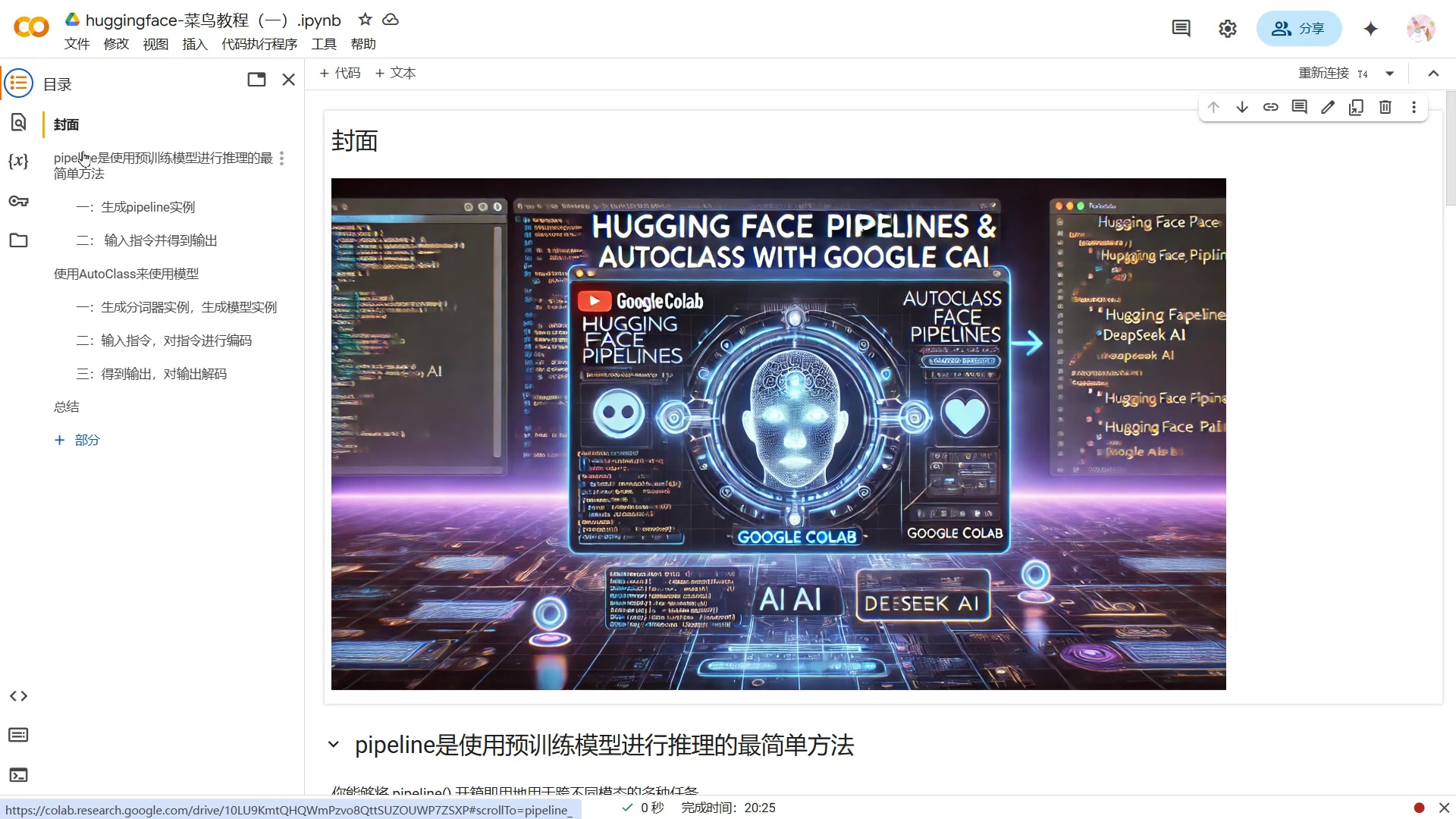
This significantly reduces the amount of boilerplate code needed and allows users to quickly perform inference tasks, such as text generation, translation, and question answering. The goal is to bridge the gap between advanced deep learning research and practical applications, making powerful models accessible to a broader audience. By using the Transformers library, you can easy implement Large Language Models.
The core concept behind Pipelines is to create a sequence of operations, much like an assembly line, where data flows through each step: pre-processing (tokenization), model inference, and post-processing. This entire process is Hidden behind a simple function call, enabling users to get results with minimal effort. Pipelines can be easily customized by specifying particular models, tokenizers, or even custom functions, allowing for flexibility while retaining the simplicity of the API. This enables users to load and use the deepseek large model on Google Colab.
Two primary methods exist for using large models with the Transformers library: Pipelines and AutoClass. Pipelines offer the simplest approach, while AutoClass allows for greater control and customization at the cost of increased complexity. Both methods benefit from the rich ecosystem of pre-trained models available on the Hugging Face Model Hub, empowering users to tap into state-of-the-art NLP capabilities effortlessly.
Here’s a table summarizing the differences between Pipelines and AutoClass:
| Feature | Pipelines | AutoClass |
|---|---|---|
| Ease of Use | Extremely simple, high-level API | More complex, requires more manual setup |
| Customization | Limited, primarily model selection | Highly customizable, full control over components |
| Code Required | Minimal | More extensive |
| Target Audience | Beginners, rapid prototyping | Experienced practitioners, advanced use cases |
| Abstraction Level | High, abstracts away implementation details | Low, exposes more internal components |
Setting Up Google Colab for Deep Learning
Installing the Transformers Library
Before diving into using Pipelines, you'll need to set up your Google Colab environment.
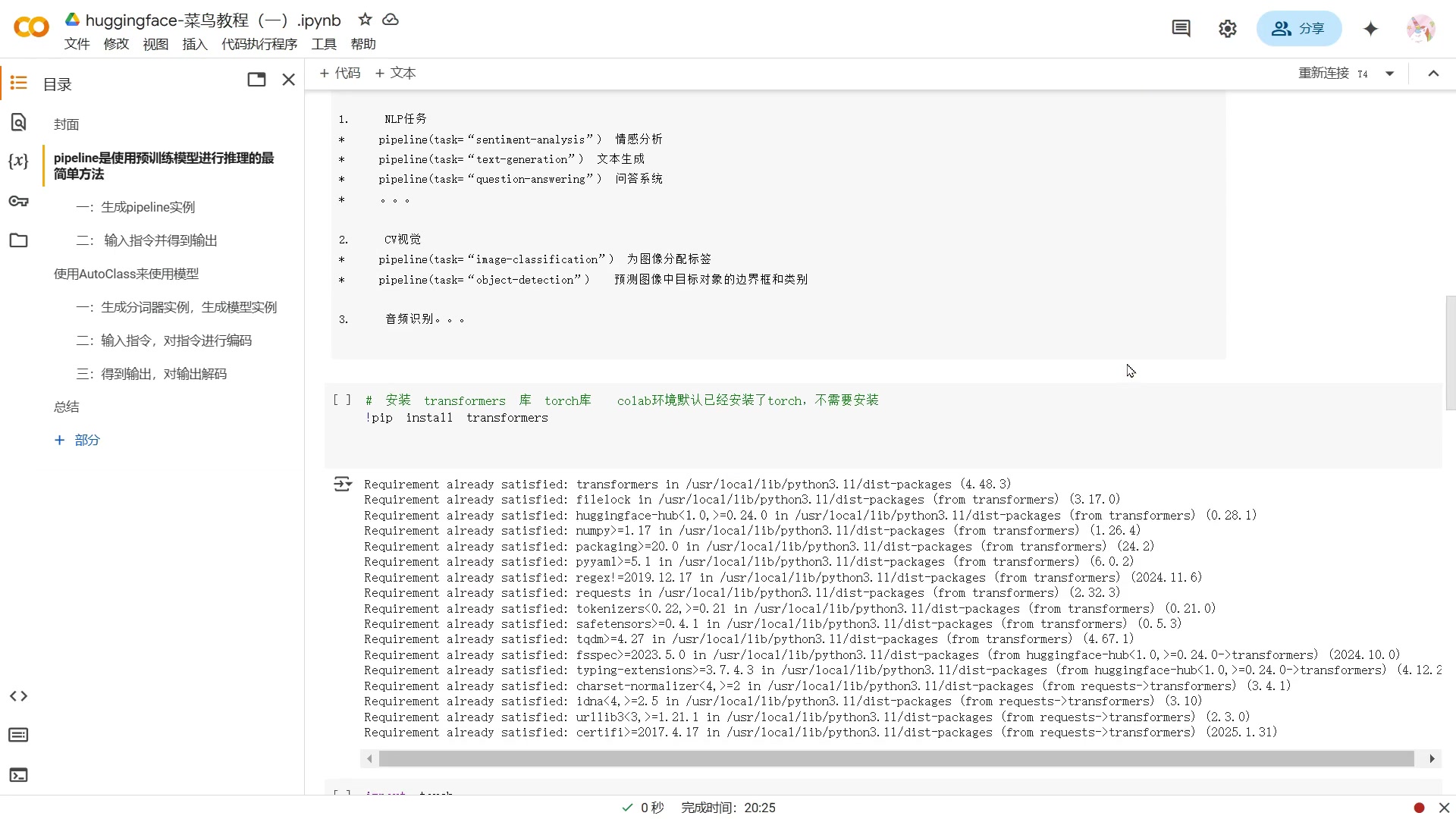
First, ensure that the transformers library is installed. While Google Colab typically comes pre-installed with many common Python packages, it's always good to double-check. Use the following command in a Colab cell:
!pip install transformersThis command uses pip, Python's package installer, to download and install the latest version of the Transformers library from the Python Package Index (PyPI). Google Colab generally includes the torch and transformers packages by default. However, to ensure the DeepSeek version will work, you still need to use pip to install transformers.
Once you execute this command, Colab will download and install the library, along with any necessary dependencies. You'll see output indicating the progress of the installation, and a confirmation message when it's complete.
Key Dependencies:
The transformers library relies on several other Python packages, including:
torch: PyTorch, a popular deep learning framework.numpy: For numerical computations.requests: For making HTTP requests.tokenizers: Hugging Face's fast tokenization library.
Loading Models with AutoClass
AutoClass streamlines the process of loading pre-trained models and their associated tokenizers from the Hugging Face Model Hub.
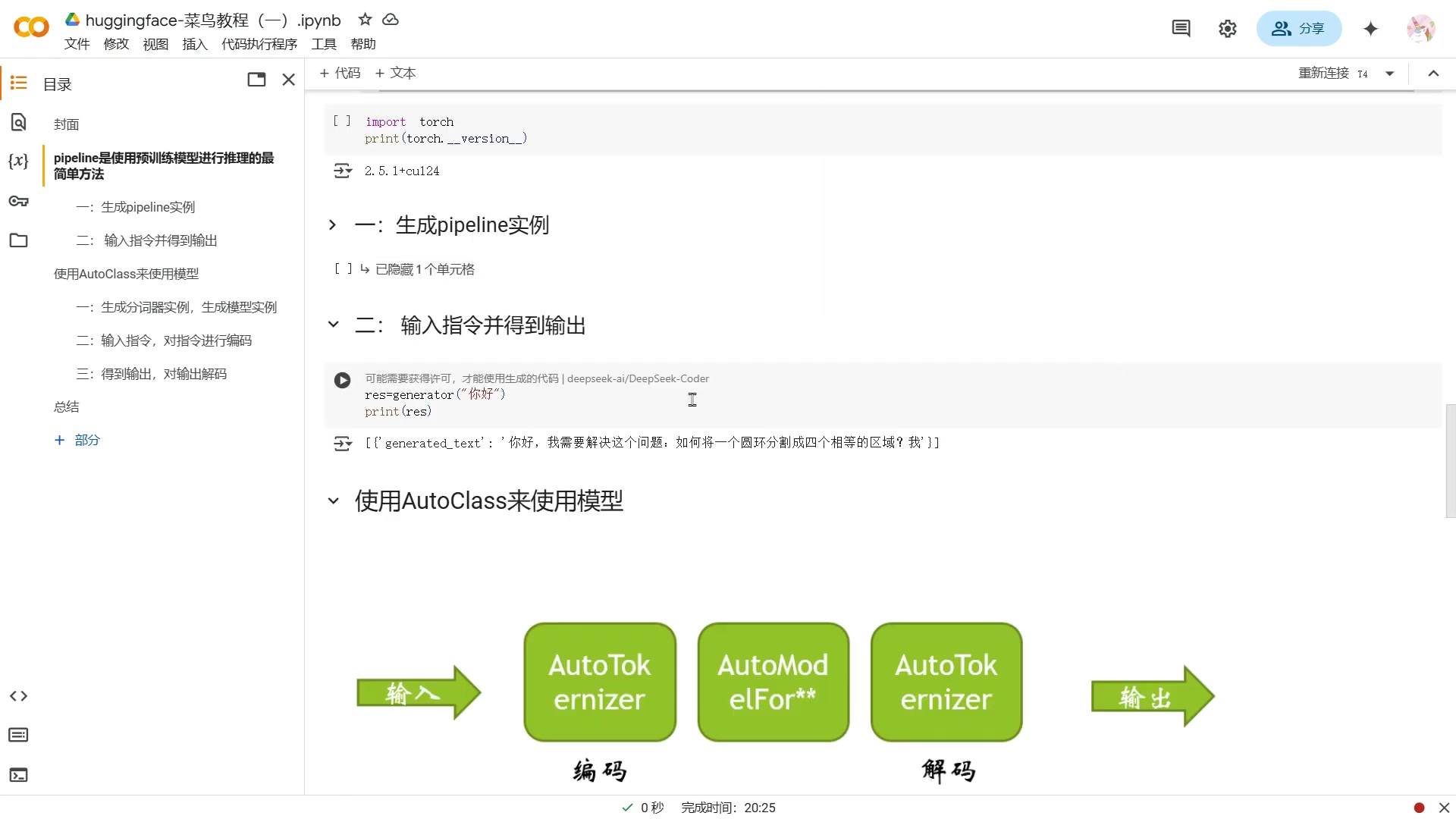
Instead of manually specifying the model architecture and tokenizer class, AutoClass automatically infers these details based on the model's configuration. This eliminates potential compatibility issues and simplifies the loading process. Here’s how to leverage AutoClass:
-
Import Necessary Modules:
from transformers import AutoTokenizer, AutoModelForCausalLM
import torch
These lines import
AutoTokenizerandAutoModelForCausalLMfrom thetransformerslibrary, which are responsible for automatically loading the correct tokenizer and model for causal language modeling tasks. Also you need toimport torch. -
Specify Model Name:
model_name = "deepseek-ai/DeepSeek-Coder-1.5B"This line sets the
model_namevariable to the STRING that identifies a pre-trained language model and is also a pre-trained large language model, in this case, a model with 1.5 billion parameters from DeepSeek AI. -
Load Tokenizer and Model:
tokenizer = AutoTokenizer.from_pretrained(model_name)
model = AutoModelForCausalLM.from_pretrained(model_name)
These lines use the
from_pretrainedmethod ofAutoTokenizerandAutoModelForCausalLMto load the pre-trained tokenizer and model, respectively. Themodel_namestring is passed as an argument to specify which model to load. Loading model can save your computing time on the first try, and makes your code more efficient. -
Move Model to GPU (Optional):
device = "cuda:0" if torch.cuda.is_available() else "cpu"
model = model.to(device)
This block checks whether a CUDA-enabled GPU is available and moves the model to the GPU if it is. This can significantly speed up the generation, especially for larger models.







Most people like































Report
Please select a reason for reporting
- 13 Reasons to Switch from Snapchat to Text Messaging
- 7 Powerful Speech to Text Apps to Boost Productivity
- 10 Best Speech to Text Tools for Effortless Transcription
- 13 Free Tools to Easily Transcribe Audio to Text
- 15 Surprising Ways Google's Speech-to-Text Boosts Productivity
- 7 Best Free Online Audio to Text Transcription Tools
- 9 Tips to Transcribe Speech to Text Faster and Better
- 13 Best Speech to Text Software for Windows 10 in 2023
- 7 Tips for Choosing the Best Transcriber for Audio to Text
- 11 Reasons Why Dragon Speech-to-Text Apps are Game-Changers
- 6 Secrets to Enhance Your Speech to Text Transcription
- 6 Brilliant Ways to Boost Productivity with Talk-to-Text on Your MacBook
- 6 Ways Transcription Software Converts Audio to Text
- 8 Tips to Transcribe Speech to Text Like a Pro
- 6 Reasons IBM Watson Speech to Text is a Game-Changer
- 14 Powerful Ways Talk-to-Text Improves Your Workflow
- 12 Top Windows Speech-to-Text Software for Efficient Transcription
- 12 Game-Changing Benefits of Apple's Speech to Text Technology
- 9 Powerful Use Cases for AWS Speech to Text Technology
- 10 Easy Steps to Transcribe YouTube Videos to Text
- transcription audio en texte
- online audio transcription
- free audio file transcription
- free ai audio transcription
- audio transcription service
- audio transcription online free
- audio transcription free online
- audio to transcription software
- audio and transcript
- ai audio transcription free
- voice recording to text converter
- translate voice recording to text
- record voice to text
- audio recording to text converter
- voice recording and transcription
- chatgpt voice to text
- gmail voice to text
- speech to text reader
- speech to text ai free
- speech to talk
- Meshy AI: How to Create 3D Models from Text and Images
- How SEO and Marketing Dashboards Empower Agencies to Drive Results
- How to Use AI Tools to Find Internal Linking Opportunities Across a Business Website
- Discover Your Perfect Haircut with AI Hairstyle Apps
- Free Reputation Calculator Tools: How They're Adapting to Score AI Visibility, Not Just Rankings
- Design Professional Flyers for Free on Your Phone
- Best Free Flyer Maker Apps for Android: Design Like a Pro
- How to Know If Your Business Is Ready for an AI Customer Service Agent
- Revolutionizing Storytelling: From Novels to Screenplays with AI
- Create Engaging Animated Explainer Videos with a Free AI Tool
- Meshy AI: How to Create 3D Models from Text and Images
- ASOMobile Helps Teams Benchmark App Store Screenshots Against Competitors
- How to Match LMS Software With Your Organization's Training Plan
- Revolutionizing Email Marketing Agency with AI
- How to Convert BTC to HNT
- Unleashing the Power of AI: Cognizant's Roadmap for Transformation
- Frame to Video Review: A Practical Look at Turning Two Still Frames Into Motion
- NVIDIA NIM: Revolutionizing Supply Chain Data Analysis with AI
- Top AI Tools That Help Brands Stand Out Offline (Not Just Online)
- Top 5 Cold Email Software: Maximize Your Outreach in 2025

Copyright ©2026 toolify