































Table of Contents
- Key Points
- Understanding Progressive Enhancement and Web Components
- WebC: A Tool for Enhanced Web Components
- Building a Counter Component with Progressive Enhancement
- Benefits and Drawbacks of Using WebC for Web Component Development
- Core Features of WebC for Web Component Development
- Use Cases for WebC and Progressively Enhanced Web Components
- FAQ
- Related Questions


Understanding Progressive Enhancement and Web Components
What is Progressive Enhancement?
Progressive enhancement is a strategy in web design that prioritizes core content and functionality, making it accessible to all users. It then layers on advanced features and enhancements for users with modern browsers and devices. This approach ensures that even users with older or less capable technology can still access the essential aspects of a website or application. This is crucial for accessibility and ensuring a broad user base isn't excluded due to technological limitations.
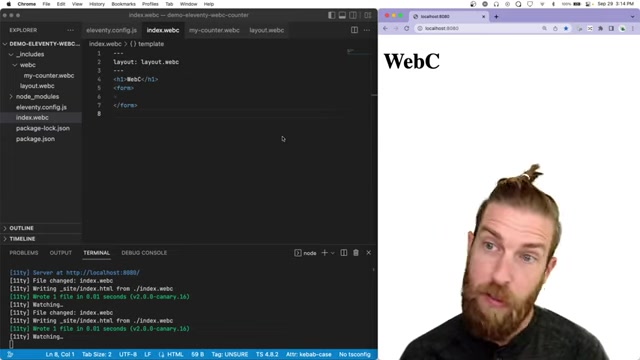
Implementing progressive enhancement means starting with a solid foundation of semantic HTML, accessible CSS, and unobtrusive JavaScript. By adhering to these principles, developers can create web experiences that are resilient and adaptable.
Key Benefits of Progressive Enhancement:
- Accessibility: Ensures basic content is available to everyone.
- Resilience: Reduces the risk of website failure due to browser incompatibilities.
- Performance: Improves initial load times by delivering a lean core experience.
- Maintainability: Simplifies code by separating concerns and reducing reliance on complex JavaScript features.
The Role of Web Components
Web components are a set of web standards that allow developers to create reusable custom HTML elements with encapsulated styling and behavior. This means developers can define their own HTML tags and create modular, reusable components that can be used across different projects and frameworks.
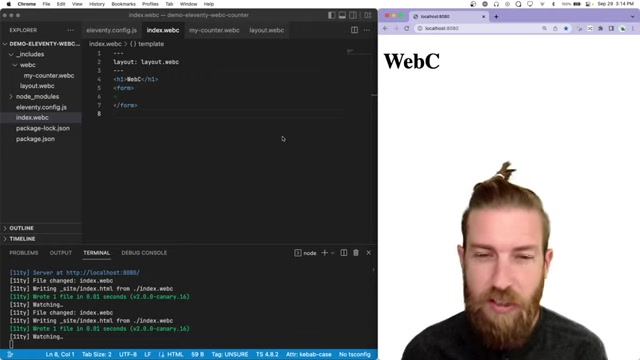
Core Features of Web Components:
- Custom Elements: Allows defining new HTML tags.
- Shadow DOM: Provides encapsulation for styling and behavior.
- HTML Templates: Enables defining reusable HTML structures.
Web components offer a standardized way to build reusable UI elements, promoting consistency and reducing code duplication. They are framework-agnostic, meaning they can be used with or without frameworks like React, Angular, or Vue.js.
WebC: A Tool for Enhanced Web Components
Introducing WebC
WebC is a build tool and template language designed to enhance the authoring experience for web components. It helps manage component dependencies, aggregate assets, and streamline the development workflow. With WebC, developers can build progressively enhanced web components with less boilerplate and increased maintainability.
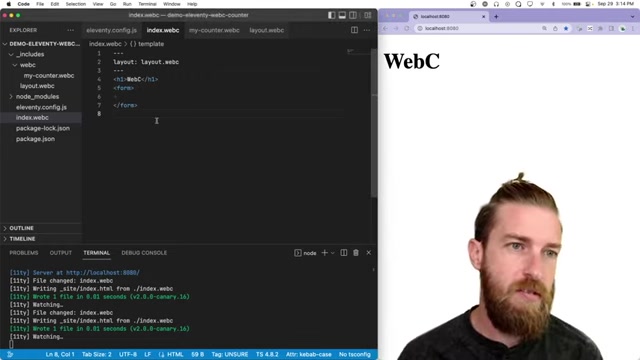
WebC allows for component-scoped styling, bringing modularity and preventing CSS conflicts by scoping styles to their respective components. WebC also supports asset aggregation, managing the combination of styles, and JavaScript resources for optimal performance.
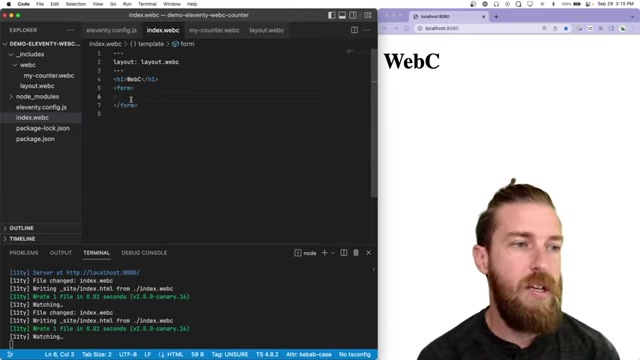
Key Capabilities of WebC:
- Component Scoping: Modular CSS for each component.
- Asset Aggregation: Manages styles and JavaScript for optimal performance.
- Progressive Enhancement Support: Simplifies building components with graceful degradation.
- Streamlined Authoring: Reduces boilerplate and improves maintainability.
Setting up a WebC Project
To start using WebC, ensure you have Node.js and npm (Node Package Manager) installed. Create a new project directory and initialize npm with the command npm init -y. Install WebC and any necessary dependencies, such as Eleventy, a static site generator that works seamlessly with WebC. Eleventy is great at asset aggregation.
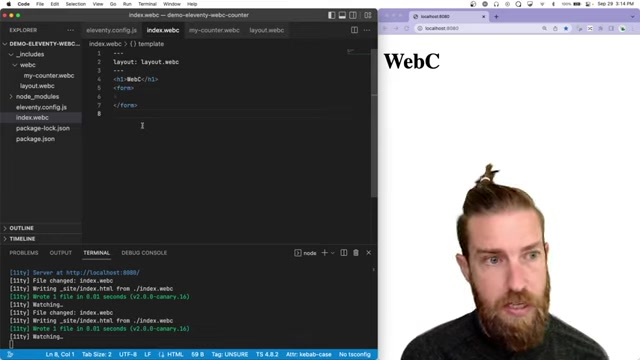
Here are the steps to set up a WebC project with Eleventy:
- Initialize npm:
npm init -y - Install Eleventy and WebC:
npm install @11ty/eleventy @11ty/webc - Configure Eleventy:
Create a
.eleventy.jsfile in your project root with the following basic configuration.module.exports = function(eleventyConfig) { eleventyConfig.addPlugin(require("@11ty/webc")); return { dir: { input: "src", output: "_site" }, templateFormats: ["webc", "html", "md", "liquid"] }; }; - Create your project directory:
Following the above config you need to make a
srcdirectory and add anindex.webcfile to it to start using webc with eleventy.
With these steps completed, you’re ready to start building web components using WebC in your Eleventy project. By following this setup, you ensure that you can leverage the benefits of WebC, including component-scoped styles, asset aggregation, and seamless integration with other modern web development tools.
Building a Counter Component with Progressive Enhancement
Creating the Basic Component Structure
Start by creating a new file for your counter component, such as my-counter.webc. This file will contain the HTML, CSS, and JavaScript needed to define the component.
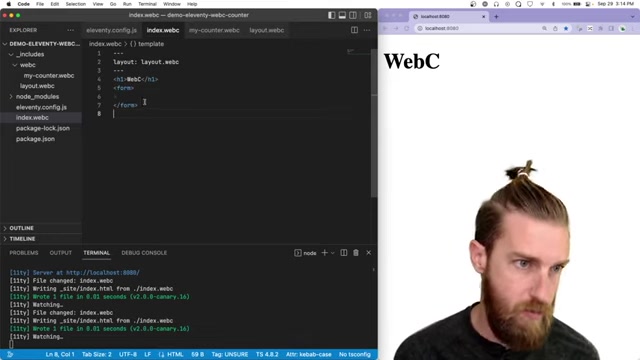
Begin with the basic structure of a web component, including an HTML template for the core content and a script tag for JavaScript logic.
Basic Component File (my-counter.webc):
<template>
 <button type="button">Add</button>
 <span>2</span>
</template>
Adding CSS for Initial Styling
Implement CSS to provide the initial visual presentation of your component. WebC supports scoped styles, which means the CSS you define inside your component file will only apply to that component, preventing conflicts with other styles in your application.
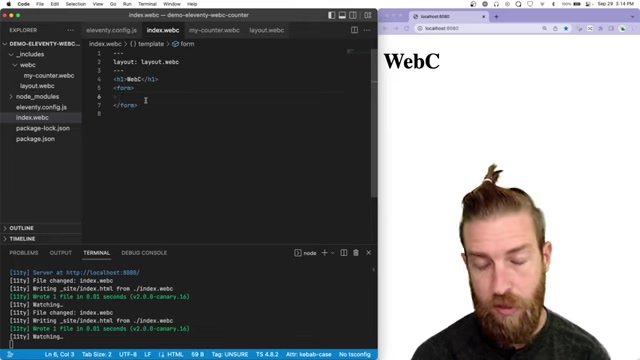
Scoped CSS in my-counter.webc:
<style webc:scoped>
 button {
 background-color: #007bff;
 color: white;
 padding: 10px 20px;
 border: none;
 cursor: pointer;
 }
</style>
Implementing JavaScript for Enhancement
Add JavaScript to enhance the component with interactive features, such as incrementing the counter when the button is clicked. Use the connectedCallback lifecycle method to initialize event listeners and component state. WebC can also be used with traditional Javascript frameworks to provide progressive enhancement.
JavaScript Enhancement in my-counter.webc:
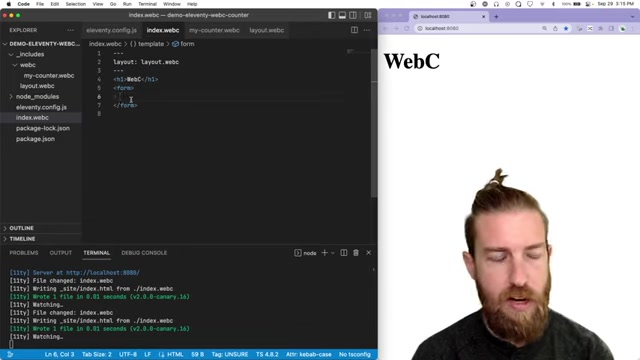
<script>
 window.customElements.define('my-counter', class extends HTMLElement {
 connectedCallback() {
 const button = this.querySelector('button');
 const span = this.querySelector('span');
 let count = 2;

 button.addEventListener('click', () => {
 count++;
 span.textContent = count;
 });
 }
});
</script>
In this example, we use standard DOM manipulation techniques to select the button and span elements within the component. We then attach an event listener to the button, which increments the count and updates the span’s text content when clicked.
Using the Component in Your Application
To use your new web component in your application, simply include the component’s file and use the custom HTML tag. For example, in your index.html file, add:
<!DOCTYPE html>
<html>
<head>
 <meta charset="UTF-8">
 <title>WebC Example</title>
</head>
<body>
 <my-counter></my-counter>
 <script type="module" src="my-counter.webc.js"></script>
</body>
</html>
This includes the component in your main HTML file. When the page loads, the browser will render your custom element, and JavaScript will be used to display it.
This type of file structure makes it easy to understand and maintain different parts of the project. It also shows how WebC and its progressive enhancement capabilities make developing custom components simple.






Most people like





























Report
Please select a reason for reporting
- 13 Reasons to Switch from Snapchat to Text Messaging
- 7 Powerful Speech to Text Apps to Boost Productivity
- 10 Best Speech to Text Tools for Effortless Transcription
- 13 Free Tools to Easily Transcribe Audio to Text
- 15 Surprising Ways Google's Speech-to-Text Boosts Productivity
- 7 Best Free Online Audio to Text Transcription Tools
- 9 Tips to Transcribe Speech to Text Faster and Better
- 13 Best Speech to Text Software for Windows 10 in 2023
- 7 Tips for Choosing the Best Transcriber for Audio to Text
- 11 Reasons Why Dragon Speech-to-Text Apps are Game-Changers
- 6 Secrets to Enhance Your Speech to Text Transcription
- 6 Brilliant Ways to Boost Productivity with Talk-to-Text on Your MacBook
- 6 Ways Transcription Software Converts Audio to Text
- 8 Tips to Transcribe Speech to Text Like a Pro
- 6 Reasons IBM Watson Speech to Text is a Game-Changer
- 14 Powerful Ways Talk-to-Text Improves Your Workflow
- 12 Top Windows Speech-to-Text Software for Efficient Transcription
- 12 Game-Changing Benefits of Apple's Speech to Text Technology
- 9 Powerful Use Cases for AWS Speech to Text Technology
- 10 Easy Steps to Transcribe YouTube Videos to Text
- transcription audio en texte
- online audio transcription
- free audio file transcription
- free ai audio transcription
- audio transcription service
- audio transcription online free
- audio transcription free online
- audio to transcription software
- audio and transcript
- ai audio transcription free
- voice recording to text converter
- translate voice recording to text
- record voice to text
- audio recording to text converter
- voice recording and transcription
- chatgpt voice to text
- gmail voice to text
- speech to text reader
- speech to text ai free
- speech to talk
- Create Engaging Animated Explainer Videos with a Free AI Tool
- Stop Multi-Subscribing: Benchmark Top AI Visual Models in One Canvas
- Best Seedance 2.5 API Provider: Every Price on the Market, Checked at Source
- AI OnlyFans: How to Generate $30,000/Month (Legally)
- Transform Your Script into an Engaging Video with AI Video Maker!
- AI Marketing Automation: A Comprehensive Guide for Small Businesses
- Midjourney Alternative for Anime Art Creators: Why PixAI May Be Better for Character Workflows
- 10 Things Most People Get Wrong About AI Image Search
- AI Girlfriend Apps: Top Choices Redefining Relationships 2025
- How to Reduce Quoting Errors in Salesforce with AI-Assisted Quote Creation
- AI Resume Builders: EnhanceCV, ResumeNerd AI, & Teal Compared
- ResumeAI: Crafting ATS-Optimized Resumes with AI
- AI in Resume Writing: A New Era for Job Seekers
- AI Resume Tools: Streamline Your Job Search and Land Your Dream Role
- AI Resume Optimization: The Right Way to Land Interviews
- Crafting a Killer Resume with AI: A Step-by-Step Guide
- Crafting a Winning Resume: AI Tools and Expert Tips
- AI Job Search: Level Up Your Career with AI Automation
- Empower Your Career Journey: Dynamic Resumes with AI
- AI Resume Builder: Create Professional Resumes Effortlessly

Copyright ©2026 toolify