































Table of Contents
- Key Points
- Getting Started with Replicate.com
- Optimizing Your Replicate Experience: Tips and Considerations
- FAQ
- Related Questions



Getting Started with Replicate.com
Initial Setup and GitHub Authentication
To begin using Replicate.com, you'll first need to create an account. This process requires you to sign in with a GitHub account. If you don't have one, don't worry, it's free and easy to set up.
Simply head over to GitHub.com (g i t h u b.com) and follow their registration process to create a new, free account. Once your GitHub account is created and verified, return to Replicate.com to proceed.
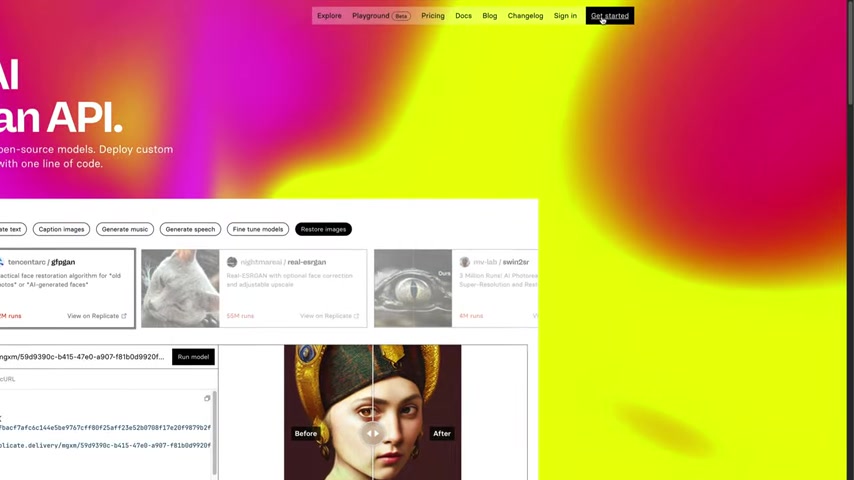
With your GitHub account ready, click the 'Get Started' button on Replicate.com. You will be redirected to GitHub to authorize the connection with Replicate.com. After authenticating with GitHub, you will be automatically logged in to Replicate.com.
This authentication method ensures secure access and allows Replicate.com to manage your AI model deployments effectively.
Understanding the Billing Structure
Replicate.com operates on a pay-as-you-go billing system, meaning you are only charged for the actual resources you consume.
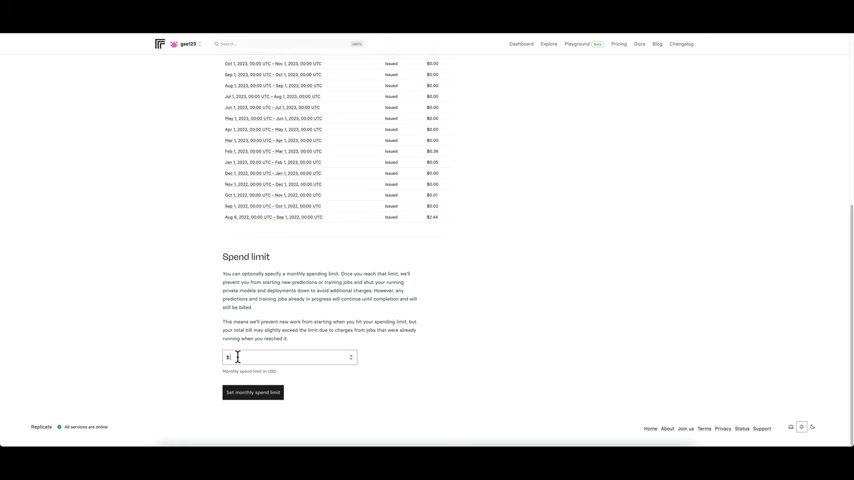
There are no monthly subscription fees, offering flexibility and cost-effectiveness for users with varying usage patterns.
To add your payment method, navigate to your profile section in the top-left corner of the screen. From the drop-down menu, select 'Account Settings' and then click 'Billing'. Here, you can add a credit card or other accepted payment method.
To avoid unexpected costs, Replicate.com provides a 'Spend Limit' feature. This allows you to set a maximum monthly spending limit in USD. Once you reach this limit, Replicate.com will prevent new predictions or training jobs from starting, ensuring you stay within your budget. It's an effective tool for managing and controlling your AI experimentation expenses.
Navigating the User Interface: Dashboard and Explore
Once you're logged in and have your billing information set up, you can begin exploring the platform. The main interface consists of several key sections:
- Dashboard: Provides a summary of your account activity, including recent predictions, billing usage for the month, and recently pushed models.
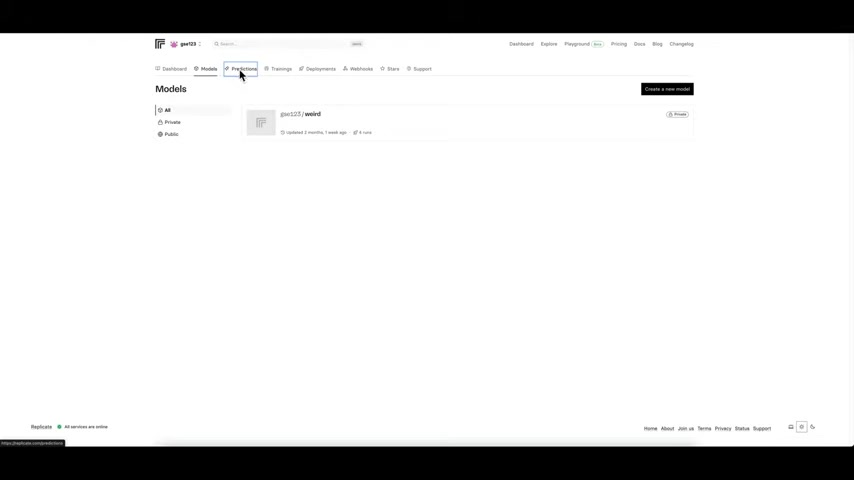
This is your central hub for monitoring your AI projects.
- Explore: Showcases a curated list of featured AI models that you can use. This is a great place to discover new and interesting models for various tasks, including image generation, Music creation, and more.
Unlocking Inspiration: Discovering AI Models and Their Potential
The Explore page is a treasure trove of pre-trained AI models, ready to be deployed and utilized.
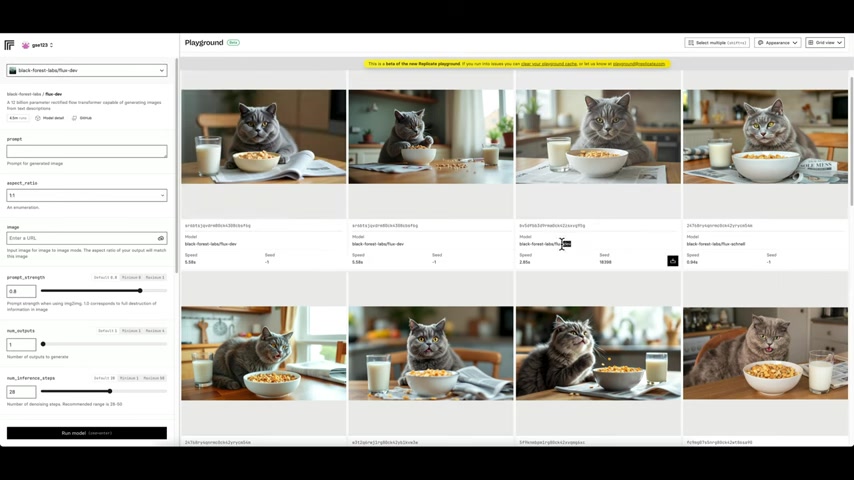
The models displayed in the Explore section may vary as new models are added and featured. These models are grouped into several key areas. Some popular categories include:
- Generate images: Create photorealistic images from text prompts.
- Use a language model: Harness the power of language models for understanding and generating text.
- Caption images: Automatically generate captions for images.
- Edit Images: Utilize a suite of tools for manipulating images.
Each category offers a curated selection of models. Clicking on a model will typically redirect you to it's unique page, and a page with an ability to generate images and a description of the purpose and usage for the model. The explore page also provides recommendations and examples to help beginners get started and understand the capabilities of various models.
The Playground: A/B Testing and Model Comparisons
The Playground on Replicate is a unique and useful feature, particularly for users who are serious about testing different model options.
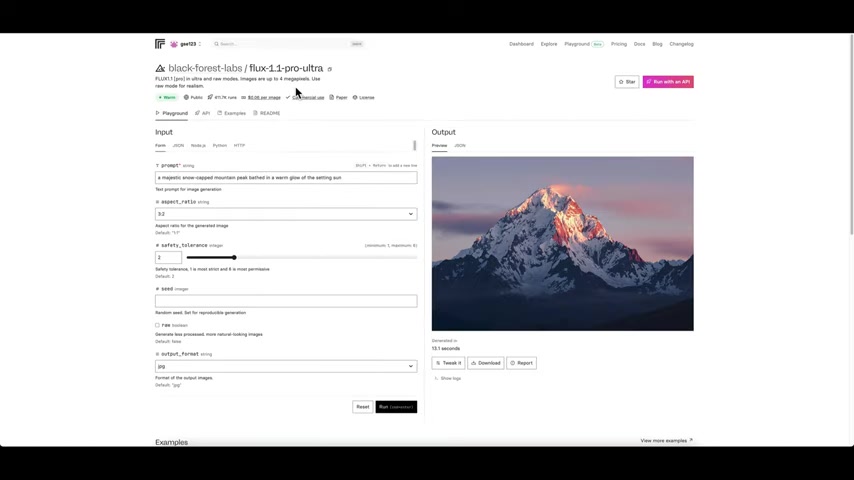
The interface is designed to allow you to test and experiment with variations in real-time, allowing you to directly compare outputs across various models.
The key here is that it creates like-for-like environments. It's an excellent method for determining which models will be best used across a project or portfolio.
Optimizing Your Replicate Experience: Tips and Considerations
Understanding Model Details and Usage Costs
Before using any model on Replicate, it's crucial to understand its specifications and pricing.
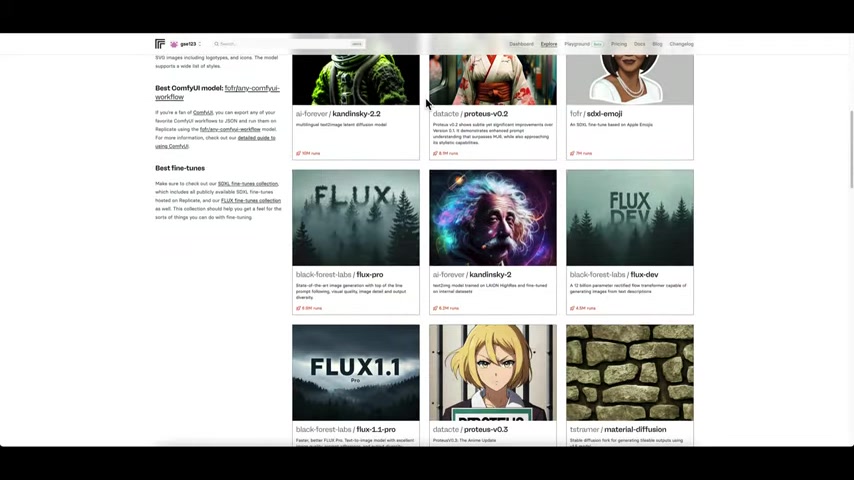
Every model page displays information such as:
- The model's source and creator.
- Example outputs and potential use cases.
- The approximate cost per image or output.
Paying attention to these details ensures that you use the appropriate models to stay within your spending limits. The Replicate team understand that some projects are cost-constrained. It's important to understand how the billing works, but also to understand the pricing and spend limits, as explained earlier in this Tutorial.
Leveraging Seed Numbers for Reproducible Results
For experiments and projects that require replicable images, Replicate.com allows you to set a 'Seed' number. Each prediction run will generate with some variance, unless settings are locked in with a static seed number.
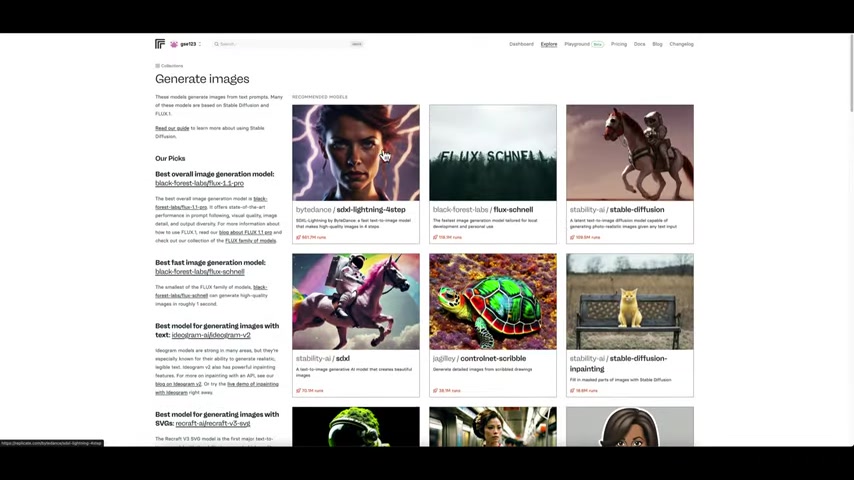
That feature will be available near the bottom on the left side of your screen, and any images produced will always be based on the parameters you've set within that Prompt. However, the images will not be exactly the same unless the seed numbers are static. Using a seed is a means of locking in the general layout, look, and style of a project. This can assist with maintaining consistent branding.
Understanding Potential Biases
It's important to understand that all AI models are created with data that is inevitably biased. This has a number of complex reasons, and one of the reasons to do your research is to understand common failure modes or bias modes.
For example, most models assume that users will be a fair-skinned. When it comes to things like safety checkers, that can cause problems, especially when safety checkers are in place to eliminate things like nudity.





Most people like



































Report
Please select a reason for reporting
- 13 Reasons to Switch from Snapchat to Text Messaging
- 7 Powerful Speech to Text Apps to Boost Productivity
- 10 Best Speech to Text Tools for Effortless Transcription
- 13 Free Tools to Easily Transcribe Audio to Text
- 15 Surprising Ways Google's Speech-to-Text Boosts Productivity
- 7 Best Free Online Audio to Text Transcription Tools
- 9 Tips to Transcribe Speech to Text Faster and Better
- 13 Best Speech to Text Software for Windows 10 in 2023
- 7 Tips for Choosing the Best Transcriber for Audio to Text
- 11 Reasons Why Dragon Speech-to-Text Apps are Game-Changers
- 6 Secrets to Enhance Your Speech to Text Transcription
- 6 Brilliant Ways to Boost Productivity with Talk-to-Text on Your MacBook
- 6 Ways Transcription Software Converts Audio to Text
- 8 Tips to Transcribe Speech to Text Like a Pro
- 6 Reasons IBM Watson Speech to Text is a Game-Changer
- 14 Powerful Ways Talk-to-Text Improves Your Workflow
- 12 Top Windows Speech-to-Text Software for Efficient Transcription
- 12 Game-Changing Benefits of Apple's Speech to Text Technology
- 9 Powerful Use Cases for AWS Speech to Text Technology
- 10 Easy Steps to Transcribe YouTube Videos to Text
- transcription audio en texte
- online audio transcription
- free audio file transcription
- free ai audio transcription
- audio transcription service
- audio transcription online free
- audio transcription free online
- audio to transcription software
- audio and transcript
- ai audio transcription free
- voice recording to text converter
- translate voice recording to text
- record voice to text
- audio recording to text converter
- voice recording and transcription
- chatgpt voice to text
- gmail voice to text
- speech to text reader
- speech to text ai free
- speech to talk
- How SEO and Marketing Dashboards Empower Agencies to Drive Results
- How to Use AI Tools to Find Internal Linking Opportunities Across a Business Website
- Discover Your Perfect Haircut with AI Hairstyle Apps
- Free Reputation Calculator Tools: How They're Adapting to Score AI Visibility, Not Just Rankings
- Design Professional Flyers for Free on Your Phone
- Best Free Flyer Maker Apps for Android: Design Like a Pro
- How to Know If Your Business Is Ready for an AI Customer Service Agent
- Revolutionizing Storytelling: From Novels to Screenplays with AI
- Create Engaging Animated Explainer Videos with a Free AI Tool
- Stop Multi-Subscribing: Benchmark Top AI Visual Models in One Canvas
- AI & Elections: Defending Democracy Against Misinformation
- Navigating Political Discourse: AI, Deepfakes, and Reality Checks
- Detecting Political Bias in News Articles: A Powerful AI Algorithm
- AI Bias Unveiled: Political Leanings in ChatGPT & Beyond
- Revolutionize Learning: Discover Quizzes AI for Engaging Interactive Quizzes
- From AI-Generated to Audience-Ready: How Quillbot Humanize AI Is Changing the Content Editing Process
- Building an AI Writing Stack in 2026: LLMs, Detectors, and Humanizers
- 7 Top AI-Powered Database Assistant Platforms
- An Objective Look at Modern Web-Based Visual Modifications
- My Honest Experience with VideoAI: The Secret Weapon for Creators Who Need Character Voices

Copyright ©2026 toolify