































Table of Contents
- Key Points
- Understanding Spec-Driven Development
- Spec-Kit: A Modern Toolkit for Spec-Driven Development
- How to Incorporate Spec-Kit into Your Workflow
- Frequently Asked Questions
- Related Questions


Understanding Spec-Driven Development
What is Spec-Driven Development?
Spec-driven development (SDD) is a software development methodology that places emphasis on creating specifications upfront before writing code.

Instead of starting with code and iterating as the project progresses, SDD teams first create a specification, which is a detailed description of what the software needs to do. This specification serves as a single source of truth for all stakeholders, ensuring that everyone understands the requirements of the project.
The core idea behind Spec-Driven Development is that specifications become executable. This means that working implementations are created directly from the specifications. In other words, code comes from specifications, instead of the other way around.
This allows for greater agility in coding and faster building of software.
SDD flips the script on the traditional software development, replacing code as king with specifications, leading to more reliable project outcomes and greater agility. This allows software teams to spend less time writing undifferentiated code, and more time on the product itself. This has benefits for the design and coding processes, as well as increased business value and product focus for development teams.
The Power of Precise Requirements in Software Creation
The ability to clearly define requirements is very important in software development. Vague or incomplete requirements are the root cause of many software project failures. When requirements are not clear, developers make assumptions that don't align with what stakeholders have envisioned for the product. This causes lots of rework, delays, and frustration across the team. Using specification documents and working with tools such as Spec-kit is very helpful when defining requirements.
When building complex software, precise requirements serve as a navigational compass. It ensures that the design and development stays on Course. Detailed requirements also facilitate more effective communication amongst team members. This minimizes any confusion on different components and phases of the project.
Spec-Kit: A Modern Toolkit for Spec-Driven Development
Introducing Spec-Kit
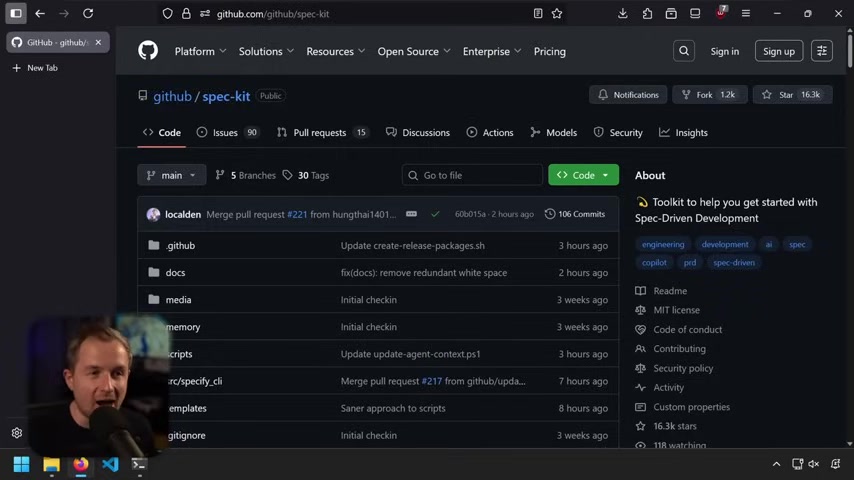
Spec-Kit is an open-source toolkit designed to help teams implement Spec-Driven Development practices.
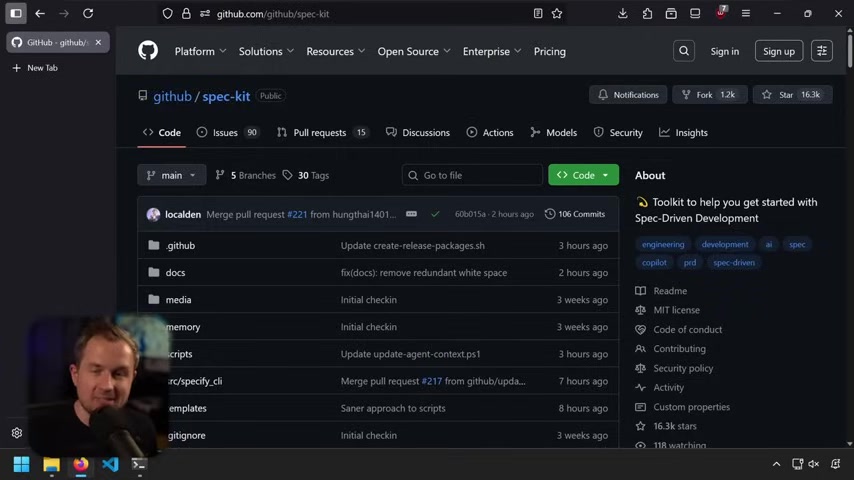
It was created by engineers at Microsoft who were seeking to simply the Spec-Driven Development process, and get teams out of random ‘rabbit holes’ when attempting to write efficient code. It aims to simplify the process of using spectrum development for writing real software.
It helps teams write specifications and helps them communicate what they intend to build to one another. The goal is to provide better clarity for developers and also help team members to build software as a team with a shared direction.
It does that in a variety of ways:
- Standardizing project setup so that projects are based on specification documents and templates.
- Provides common workflows to handle updates, tests, documentation, and release.
Spec-kit works by initializing your project depending on the coding agent you are using, breaking down the work into manageable parts, generating JSON-shaped metadata, and more.
Key Features of Spec-Kit: Scaffolding, Automation, and AI Integration
Spec-Kit incorporates three major categories of features which are particularly useful for teams to collaborate in a way that allows them to deliver better quality and more product-focused code.
- Scaffolding: These utilities standardize project setup, which allows every developer working on it to have the same direction as everyone else on the team.
- Automation: Spec-kit provides common workflows so software developers can handle integration, unit tests, documentation, and project releases more efficiently and reliably.
- AI Integration: Integrates with Large Language Models. This adds more clarity to the spec and encourages greater team collaboration during the software development process.
Understanding the Role of AI Agents in Spec-Kit
Spec-Kit integrates AI through the use of coding agents. AI coding agents help to create tests or build code.
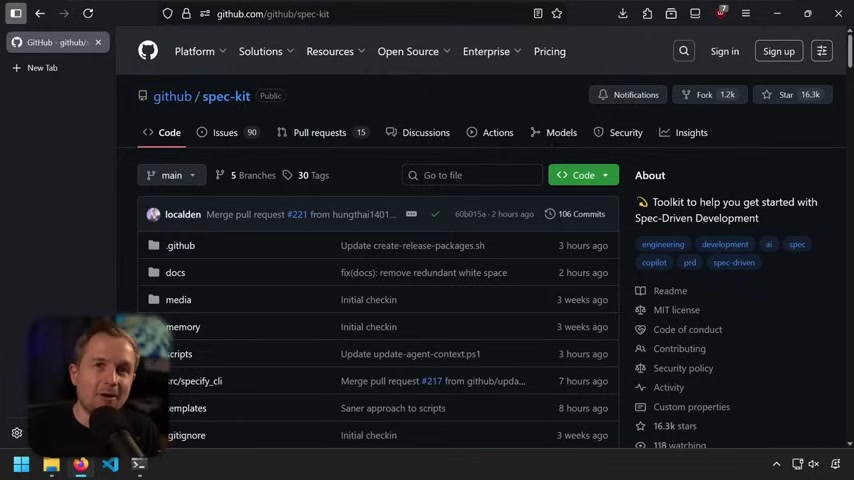
It supports multiple agents, including:
- Github Copilot
- Claude Code
- Gemini CLI
- Cursor
To get started with Spec-Kit, it may be necessary to install the tool. In most cases, this can be done directly from Github.
For instance, with the UVX, which comes with UV and UVX all the time.
uvx -- from git+https://github.com/github/spec-kit.git specify init [PROJECT_NAME]
There is a reference for the commands now as well.
How to Incorporate Spec-Kit into Your Workflow
Building a Static Website with Minimal Technical Expertise
Many people hear about vibe coding some Saas app, or imprecise information.
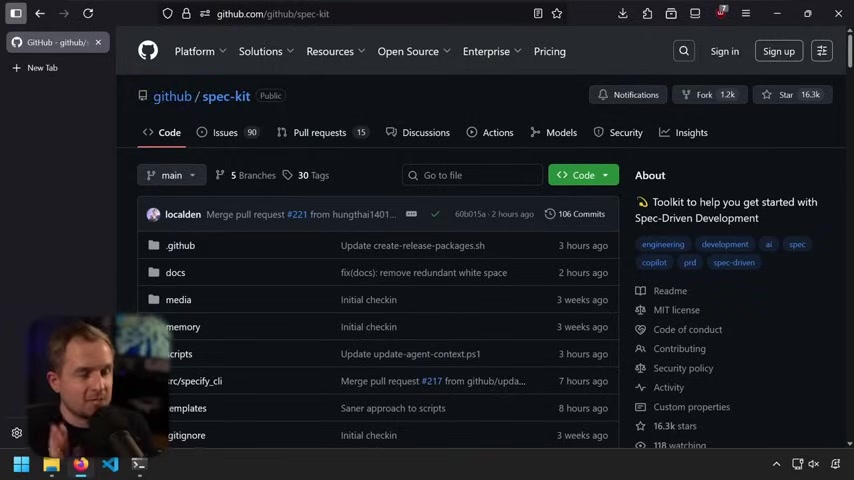
Instead, spec development is about what to do, not about technical requirements. It aims for a more scalable software. Spec driven development can actually get you of out that rabbit hole into a little bit more of a scalable solution for your software.
Create a New Project: It is important to begin by creating a new project. Create the SPEC and the CONSTITUTION by selecting your AI assistant, and choosing your test type and running your specifications through the AI.
One example of the constitution as it relates to the spec would be if you add a landing page and want it to have a logo centered in a rainbow gradient in the exact middle, that can be encoded in the constitution. Add the tests there.
As an alternative to using code, specify a plan to describe the type of project you wish to develop.
Review the Output: Review the tasks.md files, as well as the .md file.
Keep in mind that most of the data within each of these files has been generated through AI based on previous context that you or the AI agent provided. Because that is the case, you are responsible for validating each of these and not simply trusting that the outputted results are accurate. Validate the accuracy of the specifications to verify that they still align with the goals of your project.







Most people like





























Report
Please select a reason for reporting
- 13 Reasons to Switch from Snapchat to Text Messaging
- 7 Powerful Speech to Text Apps to Boost Productivity
- 10 Best Speech to Text Tools for Effortless Transcription
- 13 Free Tools to Easily Transcribe Audio to Text
- 15 Surprising Ways Google's Speech-to-Text Boosts Productivity
- 7 Best Free Online Audio to Text Transcription Tools
- 9 Tips to Transcribe Speech to Text Faster and Better
- 13 Best Speech to Text Software for Windows 10 in 2023
- 7 Tips for Choosing the Best Transcriber for Audio to Text
- 11 Reasons Why Dragon Speech-to-Text Apps are Game-Changers
- 6 Secrets to Enhance Your Speech to Text Transcription
- 6 Brilliant Ways to Boost Productivity with Talk-to-Text on Your MacBook
- 6 Ways Transcription Software Converts Audio to Text
- 8 Tips to Transcribe Speech to Text Like a Pro
- 6 Reasons IBM Watson Speech to Text is a Game-Changer
- 14 Powerful Ways Talk-to-Text Improves Your Workflow
- 12 Top Windows Speech-to-Text Software for Efficient Transcription
- 12 Game-Changing Benefits of Apple's Speech to Text Technology
- 9 Powerful Use Cases for AWS Speech to Text Technology
- 10 Easy Steps to Transcribe YouTube Videos to Text
- transcription audio en texte
- online audio transcription
- free audio file transcription
- free ai audio transcription
- audio transcription service
- audio transcription online free
- audio transcription free online
- audio to transcription software
- audio and transcript
- ai audio transcription free
- voice recording to text converter
- translate voice recording to text
- record voice to text
- audio recording to text converter
- voice recording and transcription
- chatgpt voice to text
- gmail voice to text
- speech to text reader
- speech to text ai free
- speech to talk
- Create Engaging Animated Explainer Videos with a Free AI Tool
- Stop Multi-Subscribing: Benchmark Top AI Visual Models in One Canvas
- Best Seedance 2.5 API Provider: Every Price on the Market, Checked at Source
- AI OnlyFans: How to Generate $30,000/Month (Legally)
- Transform Your Script into an Engaging Video with AI Video Maker!
- AI Marketing Automation: A Comprehensive Guide for Small Businesses
- Midjourney Alternative for Anime Art Creators: Why PixAI May Be Better for Character Workflows
- 10 Things Most People Get Wrong About AI Image Search
- AI Girlfriend Apps: Top Choices Redefining Relationships 2025
- How to Reduce Quoting Errors in Salesforce with AI-Assisted Quote Creation
- AI Resume Builders: EnhanceCV, ResumeNerd AI, & Teal Compared
- ResumeAI: Crafting ATS-Optimized Resumes with AI
- AI in Resume Writing: A New Era for Job Seekers
- AI Resume Tools: Streamline Your Job Search and Land Your Dream Role
- AI Resume Optimization: The Right Way to Land Interviews
- Crafting a Killer Resume with AI: A Step-by-Step Guide
- Crafting a Winning Resume: AI Tools and Expert Tips
- AI Job Search: Level Up Your Career with AI Automation
- Empower Your Career Journey: Dynamic Resumes with AI
- AI Resume Builder: Create Professional Resumes Effortlessly

Copyright ©2026 toolify