































Table of Contents
- Key Points
- Introduction to 2D to 3D Logo Conversion with AI
- Optimizing Your Styler.ai Experience
- Step-by-Step Guide: Converting Your 2D Logo to 3D with Styler.ai
- Understanding Styler.ai Credits and Pricing
- Advantages and Disadvantages of Using Styler.ai
- Key Features of Styler.ai for 3D Logo Creation
- Creative Use Cases for Your New 3D Logo
- Frequently Asked Questions about Styler.ai
- Related Questions



Introduction to 2D to 3D Logo Conversion with AI
Why Convert Your 2D Logo to 3D?
A logo is often the first point of contact between your brand and potential customers. A well-designed logo communicates your brand's values and personality. Converting a 2D logo to 3D offers several advantages:
-
Enhanced Visual Appeal: 3D logos are more visually engaging and can capture attention more effectively than their 2D counterparts. The added depth and dimension create a more realistic and impactful design.
-
Modern and Professional Look: A 3D logo can give your brand a modern and professional edge, conveying innovation and sophistication.
-
Increased Memorability: The unique and striking nature of a 3D logo makes it more memorable, helping customers easily recall your brand.
-
Versatility: 3D logos can be used across various platforms, from websites and social media to print materials and merchandise. Their visual impact translates well across different mediums.
-
Differentiation: In a competitive market, a 3D logo can help you stand out from the crowd and establish a unique brand identity.
By converting your 2D logo to 3D, you invest in your brand's visual identity, which will leave a lasting impression on your audience. This simple transformation can significantly impact how your brand is perceived.
Styler.ai: Your Free AI-Powered 3D Logo Generator
Styler.ai emerges as a Game-changer for converting 2D logos to 3D. This AI-powered platform simplifies the entire process, making it accessible to everyone, regardless of their design skills or budget. Styler.ai offers a range of features that empower you to create stunning 3D logos in minutes:
-
Free to Use: Styler.ai offers a free plan that provides access to core logo conversion features, making it a cost-effective solution for individuals and small businesses.
-
User-Friendly Interface: The platform boasts an intuitive and easy-to-navigate interface, ensuring a smooth and enjoyable design experience.
-
AI-Powered Conversion: Styler.ai's intelligent AI algorithms analyze your 2D logo and automatically generate a 3D version, saving you time and effort.
-
Customization Options: While the AI handles the core conversion, you retain control over the final result. You can adjust various parameters, such as depth, lighting, and materials, to fine-tune your 3D logo to your exact specifications.
-
Versatile Styles: Styler.ai provides various 3D rendering styles, allowing you to experiment and find the perfect look for your brand. Whether you prefer a sleek and modern aesthetic or a more textured and realistic appearance, Styler.ai has you covered.
-
Downloadable Assets: Once you are satisfied with your 3D logo, you can download it in various formats, ready for use across your marketing materials.
Step-by-Step Guide: Converting Your 2D Logo to 3D with Styler.ai
Step 1: Access Styler.ai and Create an Account
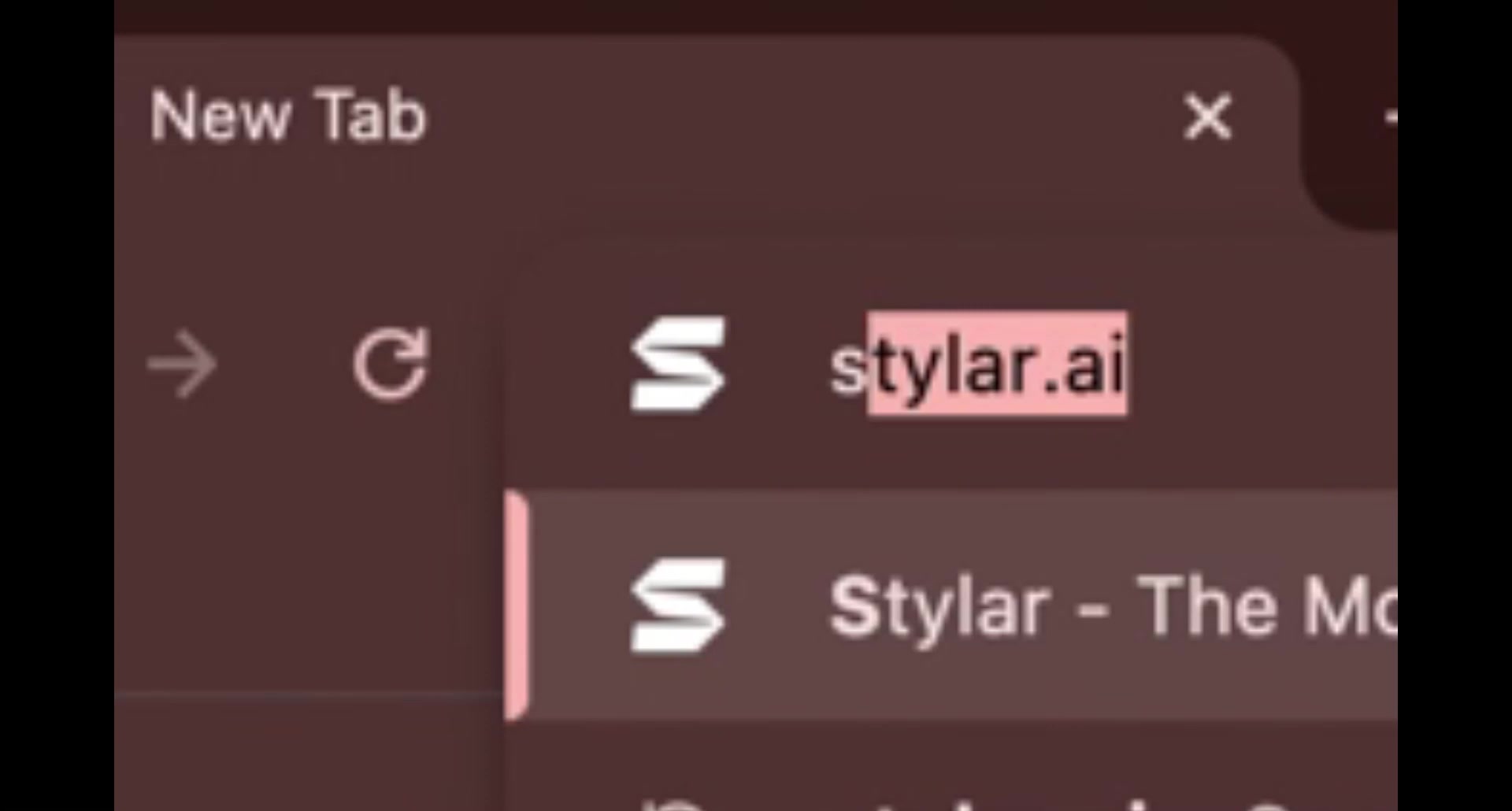
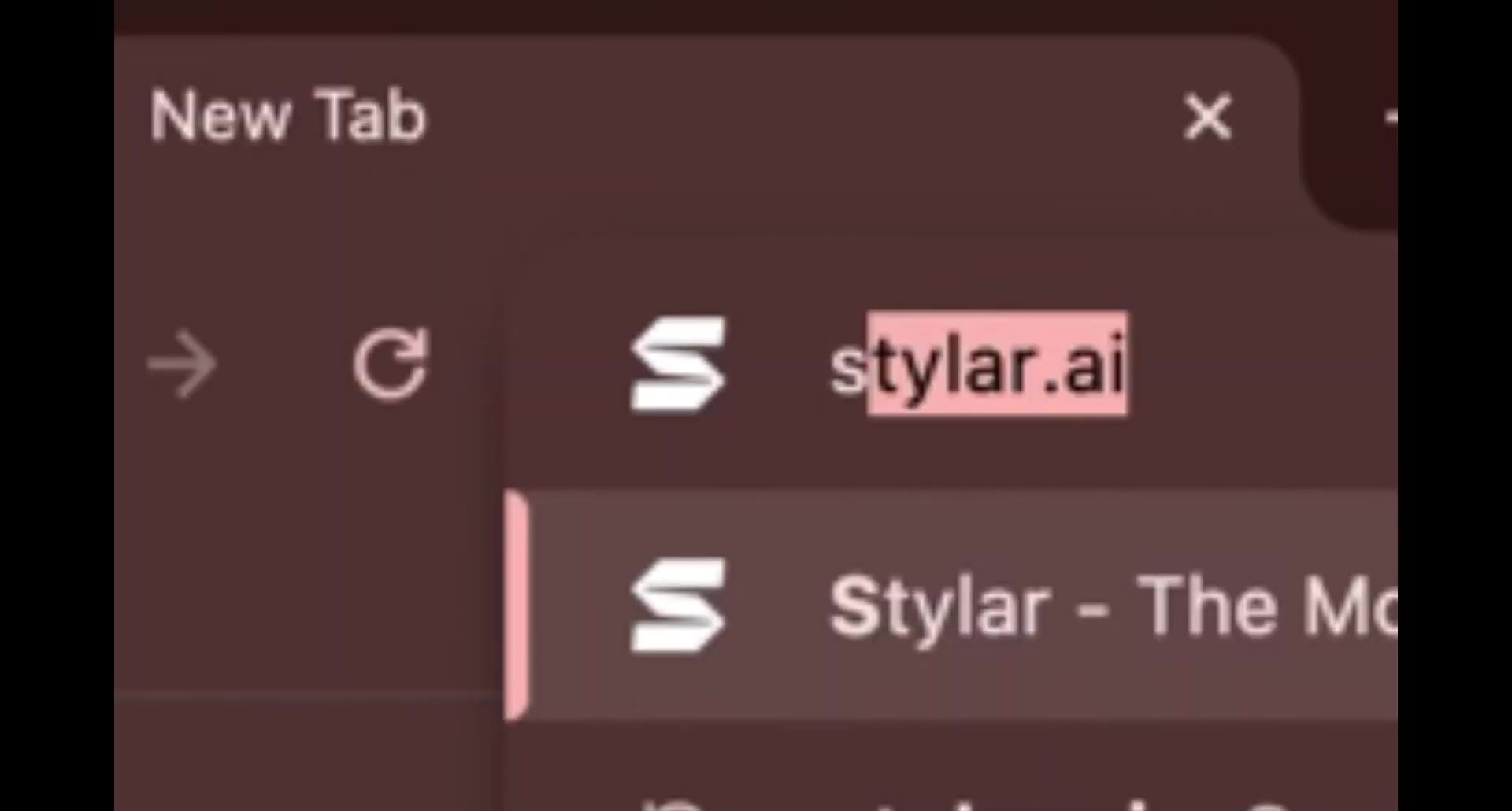
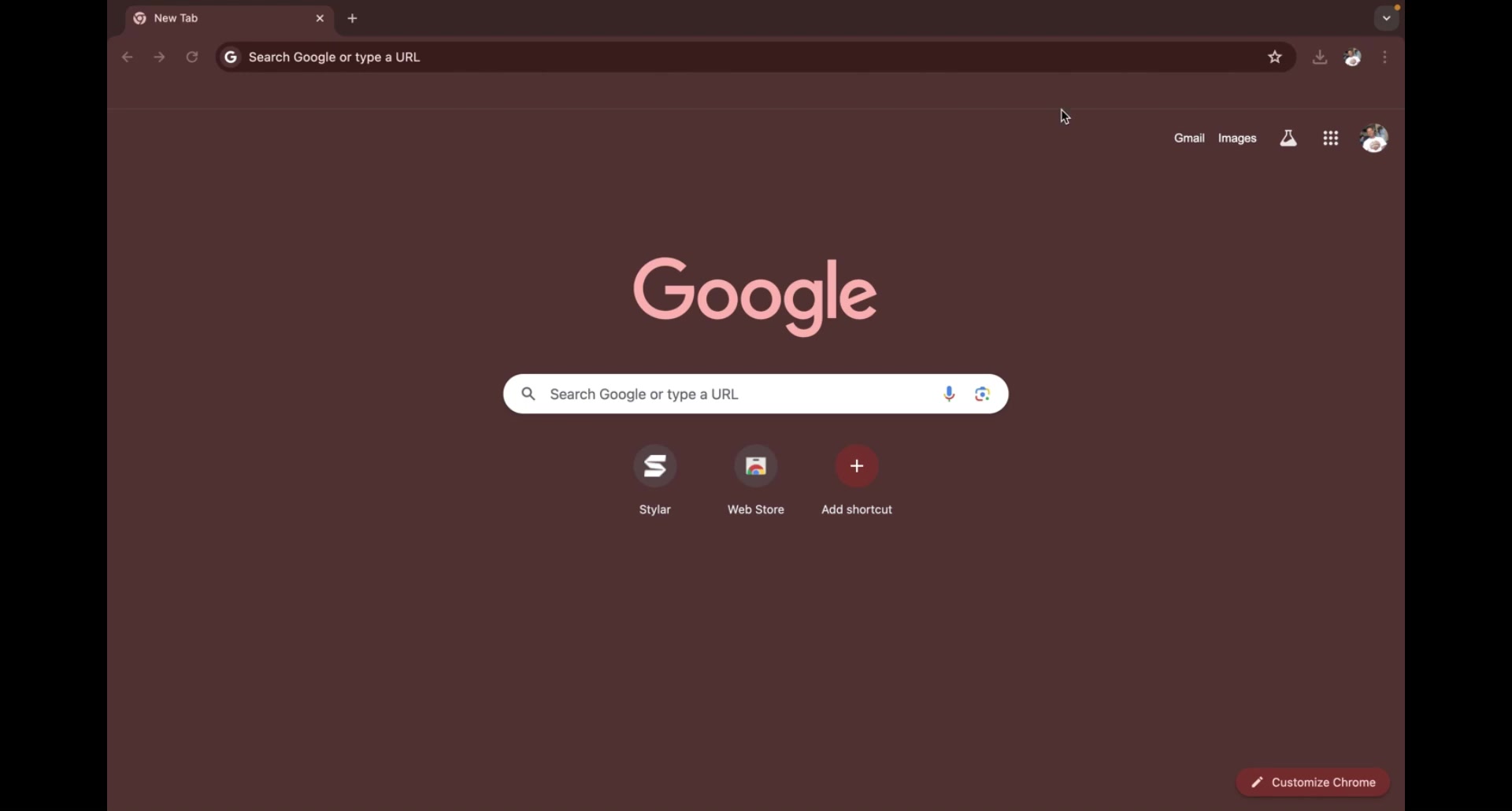
To begin your 3D logo transformation journey, head to the Styler.AI Website, styler.ai. Creating an account is a breeze, taking just a couple of minutes. This account will give you access to all the fantastic features Styler.ai offers.
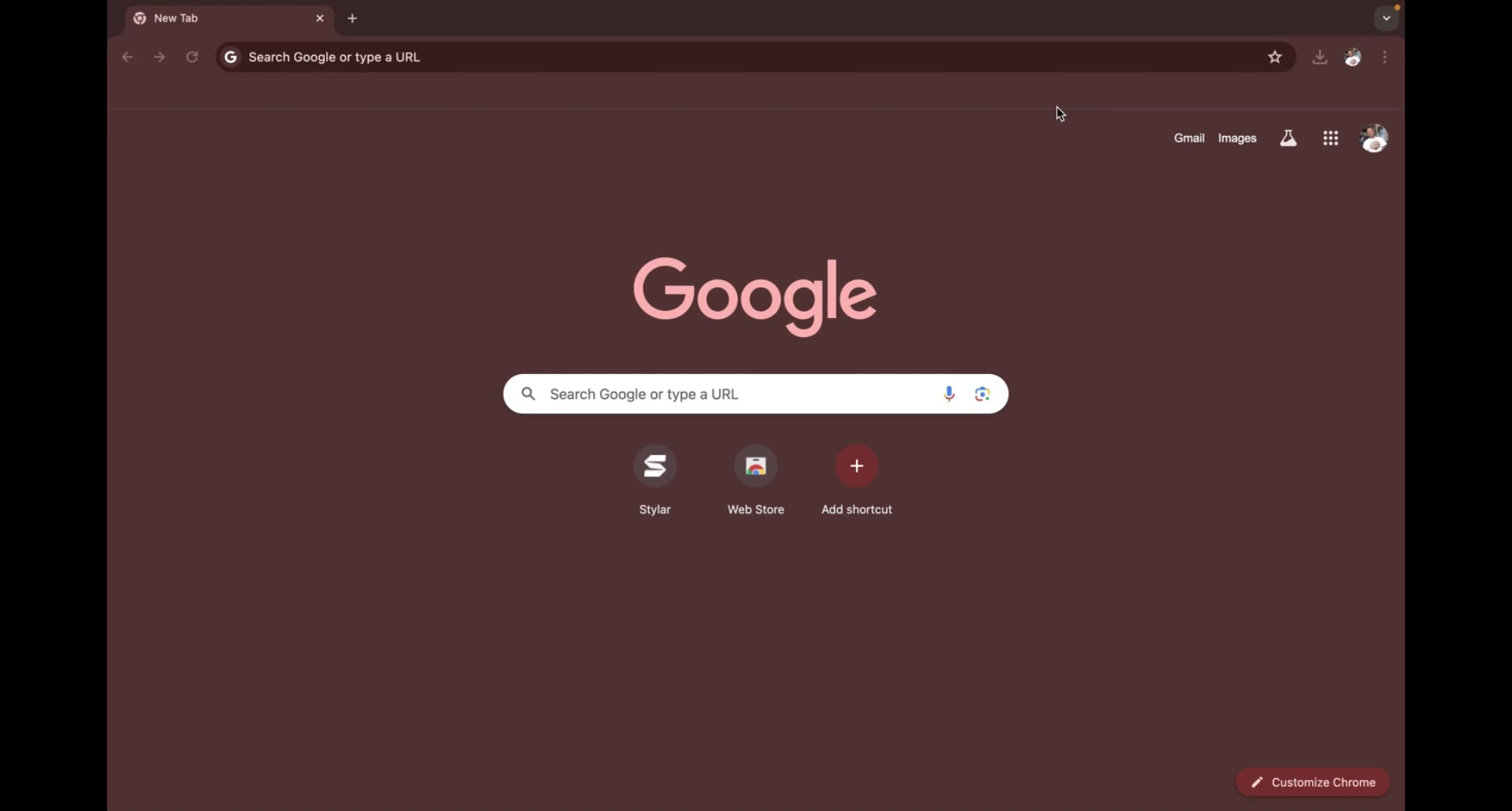
Once your account is set up, you'll be directed to the main interface, ready to start your first project.
Step 2: Initiate a New Project
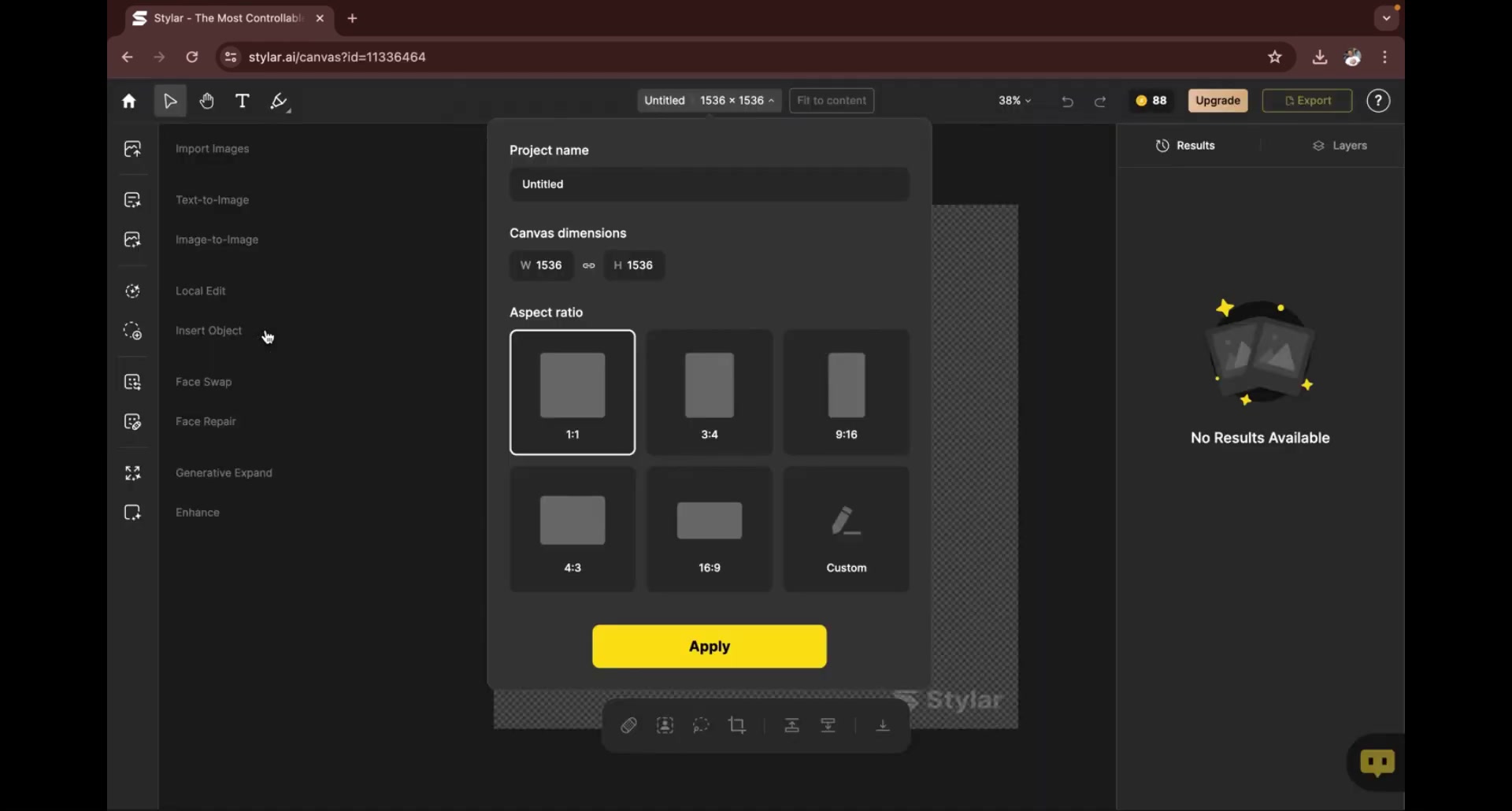
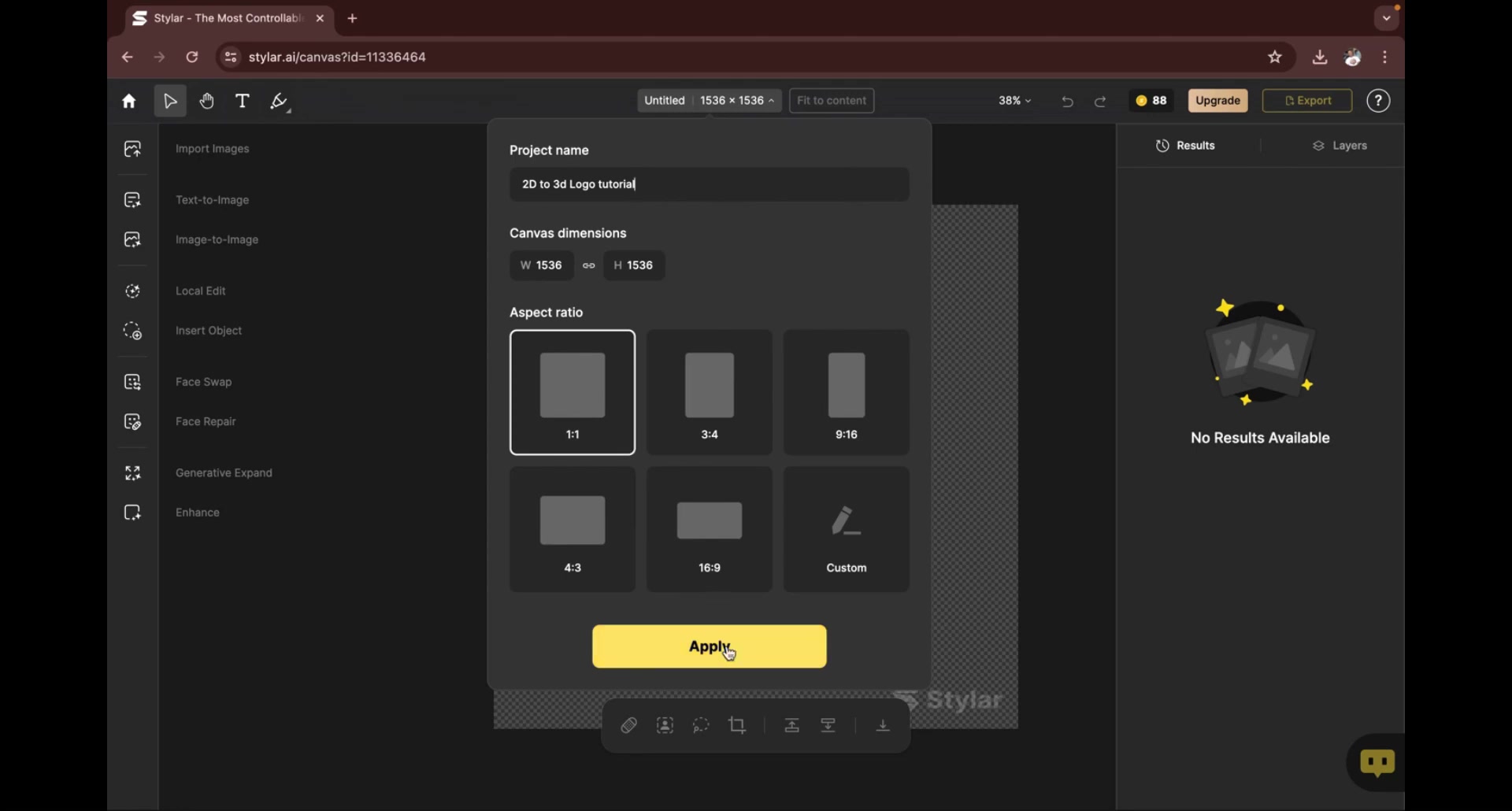
On the Styler.ai dashboard, locate the “New Project” button and click it. This action prompts a dialog box where you will configure the basic settings for your project.
- Project Name: Give your project a descriptive name (e.g., “3D Logo Conversion”).
- Canvas Dimensions: Choose the aspect ratio for your logo. Sticking with a 1:1 ratio is generally a good practice for logos.
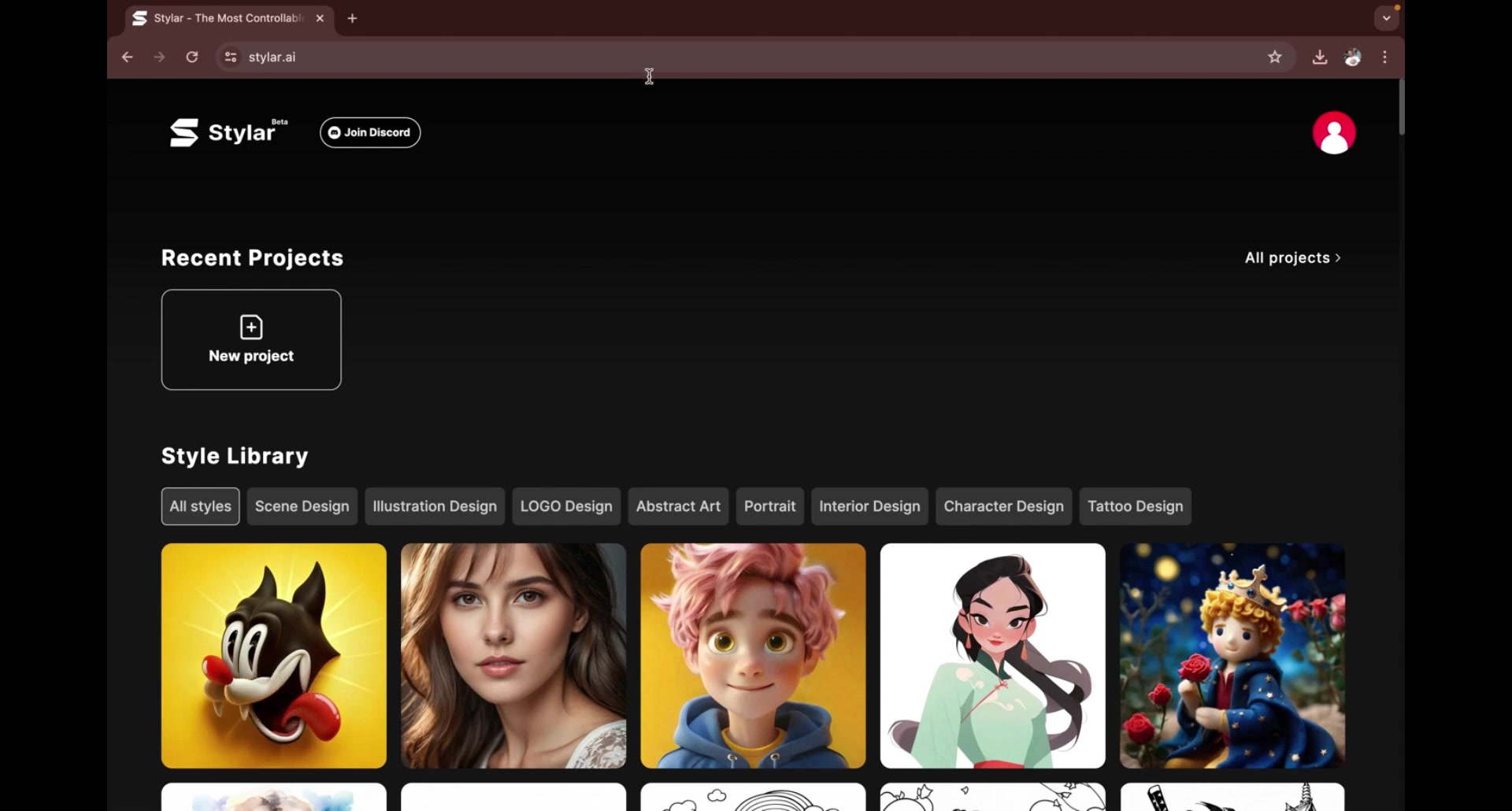
Step 3: Upload Your 2D Logo
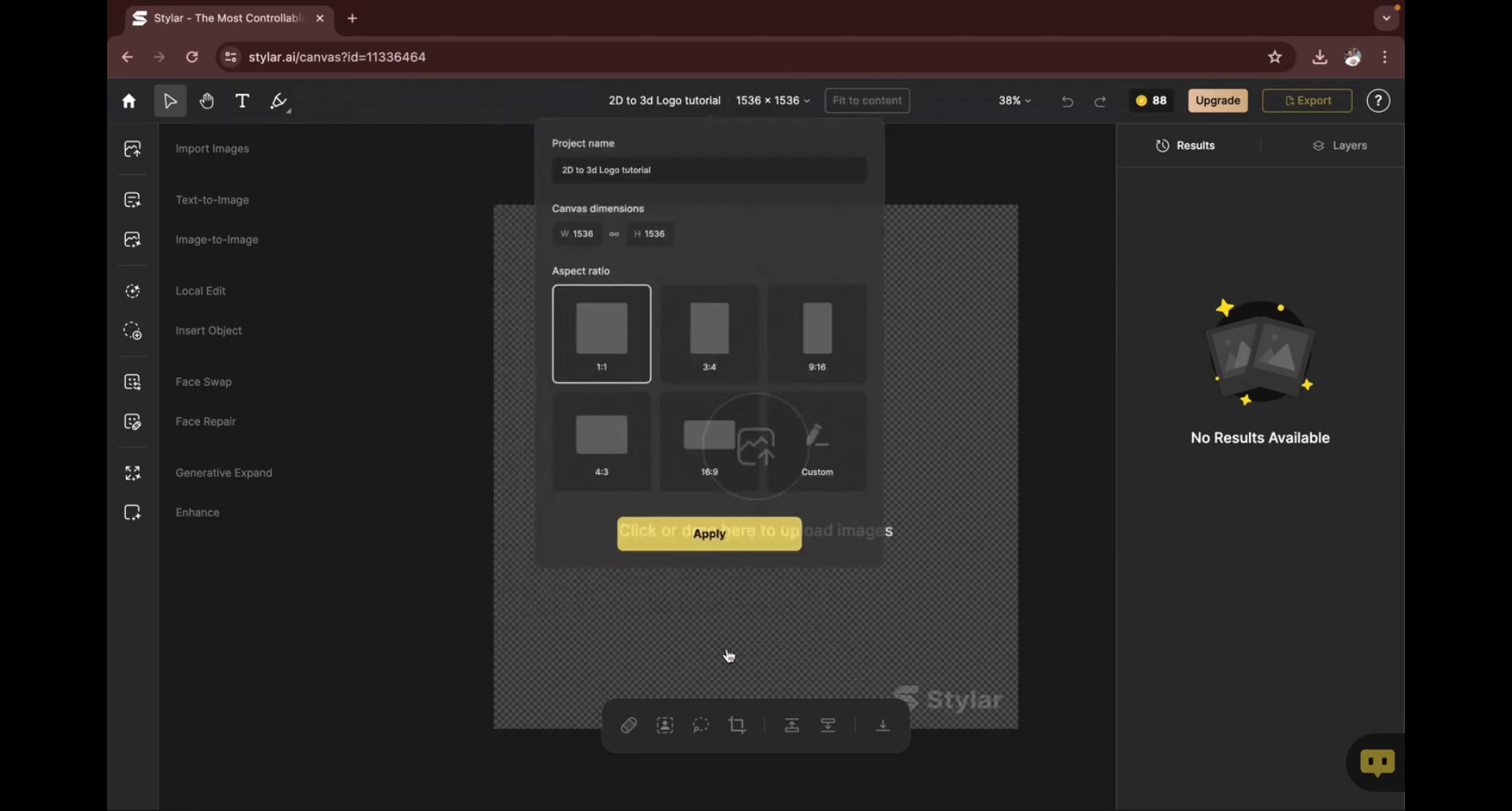
With your project settings configured, it is time to upload the 2D logo you want to convert.
- Navigate to the canvas area and find the “Click or drag here to upload images” icon.
- Clicking this will open your file explorer, where you can select your logo file. Styler.ai supports various image formats, including PNG and JPG.
Your logo will now appear on the canvas, ready for its 3D transformation.
Step 4: Leverage the AI for 3D Conversion
Styler.ai uses the Image-to-Image feature to transform your 2D logo into a 3D masterpiece.
- On the left-hand sidebar, locate and click the "Image-to-Image” button.
- Next, click on the forward arrow next to "No Style".
- From the popup window, select the "3D Rendering" style.
The AI will start analyzing your 2D logo and automatically generate a 3D version. This process might take a few seconds.
Step 5: Fine-Tune and Customize (Optional)
After the AI-powered conversion, Styler.ai provides options to fine-tune the result. Here’s where you can express your creativity and perfect your 3D logo:
-
Auto Prompt: Use the auto prompt function to help generate descriptive prompts for the AI if you are unsure what to do next.
-
Style Intensity: This slider controls the intensity of the 3D effect. Experiment with different values to achieve the desired depth and dimension.
-
Structure Match: Controls how closely the output image will match the original uploaded image.
Take your time to experiment with these settings to tailor the 3D logo to your vision.
Step 6: Generate and Download Your 3D Logo
Once you are happy with the customization, click the “Stylarize” button. Styler.ai will then present you with four variations of your 3D logo.
Review each variation carefully and choose the one that best aligns with your brand aesthetic. If none of the variations meet your expectations, you can always go back and adjust the customization settings or edit the prompts, and stylarize again to get new results! Once you find the perfect 3D logo, click the download icon to save it to your computer.
Styler.ai helps elevate your brand's image through captivating 3D logos.
Understanding Styler.ai Credits and Pricing
The Credit System
Styler.ai uses a credit system to manage access to its features. Each action you perform on the platform, such as generating a 3D logo or using the background removal tool, consumes a certain number of credits.
Styler.ai generously provides new users with 100 credits to start, allowing ample opportunity to explore the platform and create a few 3D logos. These credits will automatically reset daily when the balance is below 30, so you can continue to use Styler.ai for free every day!
Free vs. Paid Plans
Styler.ai offers a free plan and a paid plan, each with its benefits and limitations.
| Feature | Free Plan | Paid Plan |
|---|---|---|
| Credits | Limited credits, reset daily | Higher credit limit, may have rollover |
| Watermark | Present on downloaded logos | No watermark |
| Advanced Features | Limited access | Full access |
| Commercial Use | May have restrictions | Typically allowed |
| Support | Community support | Priority support |
If you find Styler.ai to be a valuable tool for your business, consider upgrading to a paid plan to unlock unlimited access and remove the watermark.
Key Features of Styler.ai for 3D Logo Creation
AI-Powered Conversion
The core strength of Styler.ai lies in its AI-powered conversion engine. The AI algorithms can intelligently analyze your 2D logo and generate a 3D version that retains the original design's essence while adding depth and dimension.
This feature eliminates the need for manual 3D modeling, saving you time and effort.
Image-to-Image Transformation
The Image-to-Image transformation is crucial for converting your 2D logo to 3D. It analyzes your input image and generates new images based on the provided prompts and styles.
Customizable Styles
Styler.ai offers customizable styles such as 3D Rendering, so you can tailor the 3D logo according to your brand guidelines. You can also use the “Auto prompt” function if you don’t know what styles to add.
User-Friendly Interface
Styler.ai features a clean and intuitive interface that makes the 3D logo creation process accessible to everyone. Even if you have no prior design experience, you can quickly learn the ropes and start creating professional-looking 3D logos.
Downloadable Assets
Once you are satisfied with your 3D logo, Styler.ai lets you download it in various formats, ready for use across your marketing materials. Styler.ai lets you easily integrate your 3D logo into your branding efforts.





Most people like


































Report
Please select a reason for reporting
- 13 Reasons to Switch from Snapchat to Text Messaging
- 7 Powerful Speech to Text Apps to Boost Productivity
- 10 Best Speech to Text Tools for Effortless Transcription
- 13 Free Tools to Easily Transcribe Audio to Text
- 15 Surprising Ways Google's Speech-to-Text Boosts Productivity
- 7 Best Free Online Audio to Text Transcription Tools
- 9 Tips to Transcribe Speech to Text Faster and Better
- 13 Best Speech to Text Software for Windows 10 in 2023
- 7 Tips for Choosing the Best Transcriber for Audio to Text
- 11 Reasons Why Dragon Speech-to-Text Apps are Game-Changers
- 6 Secrets to Enhance Your Speech to Text Transcription
- 6 Brilliant Ways to Boost Productivity with Talk-to-Text on Your MacBook
- 6 Ways Transcription Software Converts Audio to Text
- 8 Tips to Transcribe Speech to Text Like a Pro
- 6 Reasons IBM Watson Speech to Text is a Game-Changer
- 14 Powerful Ways Talk-to-Text Improves Your Workflow
- 12 Top Windows Speech-to-Text Software for Efficient Transcription
- 12 Game-Changing Benefits of Apple's Speech to Text Technology
- 9 Powerful Use Cases for AWS Speech to Text Technology
- 10 Easy Steps to Transcribe YouTube Videos to Text
- transcription audio en texte
- online audio transcription
- free audio file transcription
- free ai audio transcription
- audio transcription service
- audio transcription online free
- audio transcription free online
- audio to transcription software
- audio and transcript
- ai audio transcription free
- voice recording to text converter
- translate voice recording to text
- record voice to text
- audio recording to text converter
- voice recording and transcription
- chatgpt voice to text
- gmail voice to text
- speech to text reader
- speech to text ai free
- speech to talk
- Meshy AI: How to Create 3D Models from Text and Images
- How SEO and Marketing Dashboards Empower Agencies to Drive Results
- How to Use AI Tools to Find Internal Linking Opportunities Across a Business Website
- Discover Your Perfect Haircut with AI Hairstyle Apps
- Free Reputation Calculator Tools: How They're Adapting to Score AI Visibility, Not Just Rankings
- Design Professional Flyers for Free on Your Phone
- Best Free Flyer Maker Apps for Android: Design Like a Pro
- How to Know If Your Business Is Ready for an AI Customer Service Agent
- Revolutionizing Storytelling: From Novels to Screenplays with AI
- Create Engaging Animated Explainer Videos with a Free AI Tool
- Meshy AI: How to Create 3D Models from Text and Images
- ASOMobile Helps Teams Benchmark App Store Screenshots Against Competitors
- How to Match LMS Software With Your Organization's Training Plan
- Revolutionizing Email Marketing Agency with AI
- How to Convert BTC to HNT
- Unleashing the Power of AI: Cognizant's Roadmap for Transformation
- Frame to Video Review: A Practical Look at Turning Two Still Frames Into Motion
- NVIDIA NIM: Revolutionizing Supply Chain Data Analysis with AI
- Top AI Tools That Help Brands Stand Out Offline (Not Just Online)
- Top 5 Cold Email Software: Maximize Your Outreach in 2025

Copyright ©2026 toolify