































Table of Contents
- Key Points
- Designing Your T-Shirt with Canva
- Marketing and Promotion Strategies
- Step-by-Step Guide: Designing and Selling T-Shirts
- Pricing for Canva and Teespring
- Pros and Cons of Using Canva and Teespring
- Key Features of Canva and Teespring
- Use Cases for Canva and Teespring
- Frequently Asked Questions (FAQ)
- Related Questions



Designing Your T-Shirt with Canva
Getting Started with Canva
Canva is a powerful and intuitive design tool that allows anyone to create professional-looking graphics. To begin designing your T-shirt, navigate to the Canva website and either log in with your existing account or sign up for a new one.
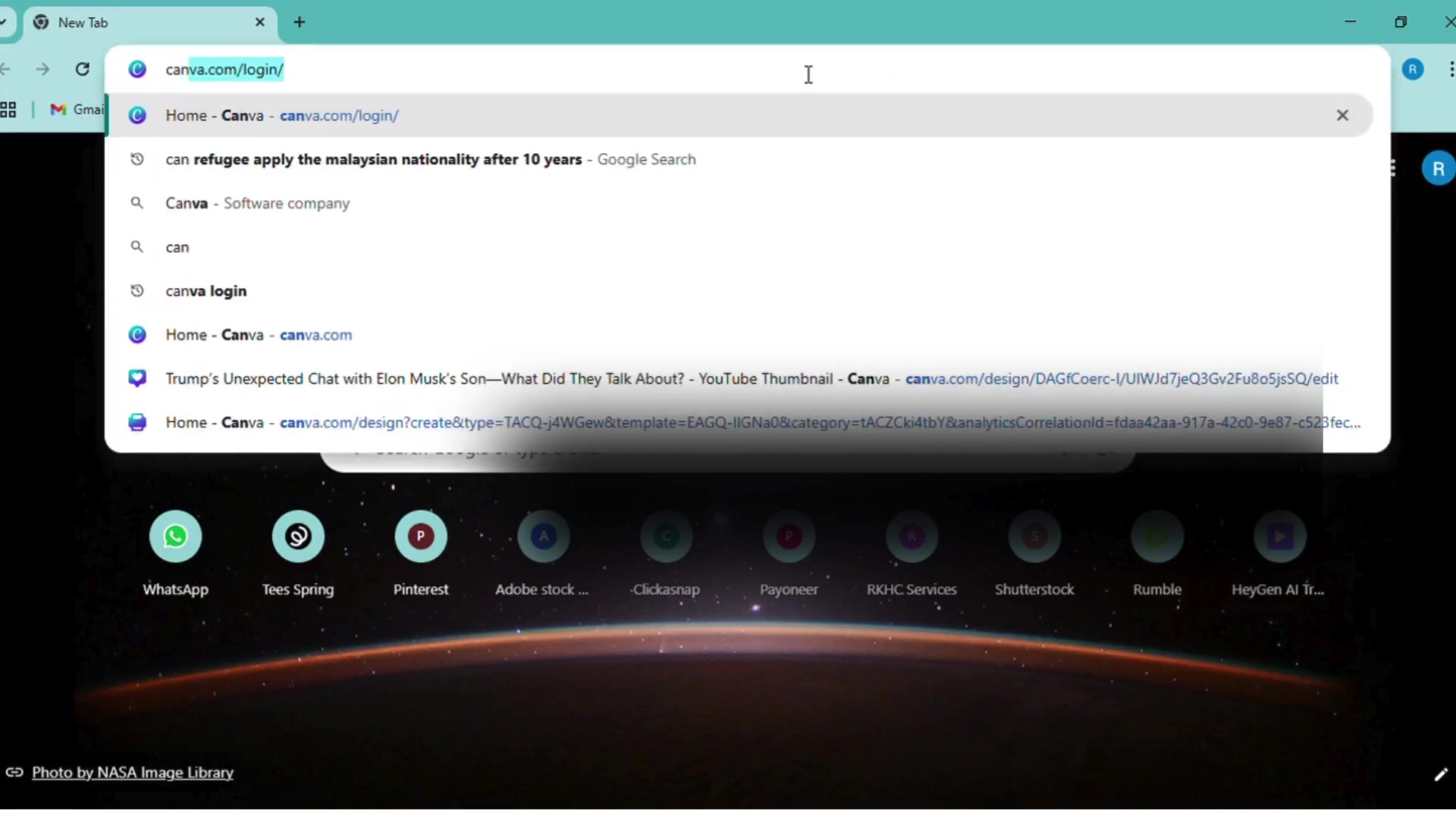
Canva offers a free version that is sufficient for most basic design needs, but you can also opt for a paid subscription to unlock additional features and resources.
Once logged in, you'll be greeted with a user-friendly dashboard. From here, you can explore various design templates or start with a blank canvas. For T-shirt designs, it's best to create a custom-sized canvas to ensure the Dimensions are appropriate for printing. Canva's drag-and-drop interface makes it easy to add text, images, and other elements to your design.
Key Design Considerations:
- Theme and Concept: Before you start designing, decide on a theme or concept for your T-shirt. Consider your target audience and what kind of designs would appeal to them.
- Color Palette: Choose a color palette that is visually appealing and works well with the T-shirt color. Use contrasting colors to make your design stand out.
- Typography: Select fonts that are legible and complement your design. Experiment with different Font styles and sizes to create visual interest.
- Image Quality: Use high-resolution images to ensure your design looks crisp and clear when printed.
- Simplicity: Avoid overcrowding your design with too many elements. Simplicity can often be more effective. Understanding design principles is crucial for creating eye-catching t-shirt designs. For example, employing contrast, balance, and visual hierarchy can transform a simple idea into a marketable product. Consider what makes a t-shirt design stand out in a saturated market, and how your unique perspective can cater to niche audiences.
Creating Your Design in Canva
Canva provides a vast library of design assets, including illustrations, icons, and stock photos. You can also upload your own images and incorporate them into your design. The key is to ensure that all elements are properly aligned and scaled to fit the T-shirt template.
Steps to Create Your Design:
-
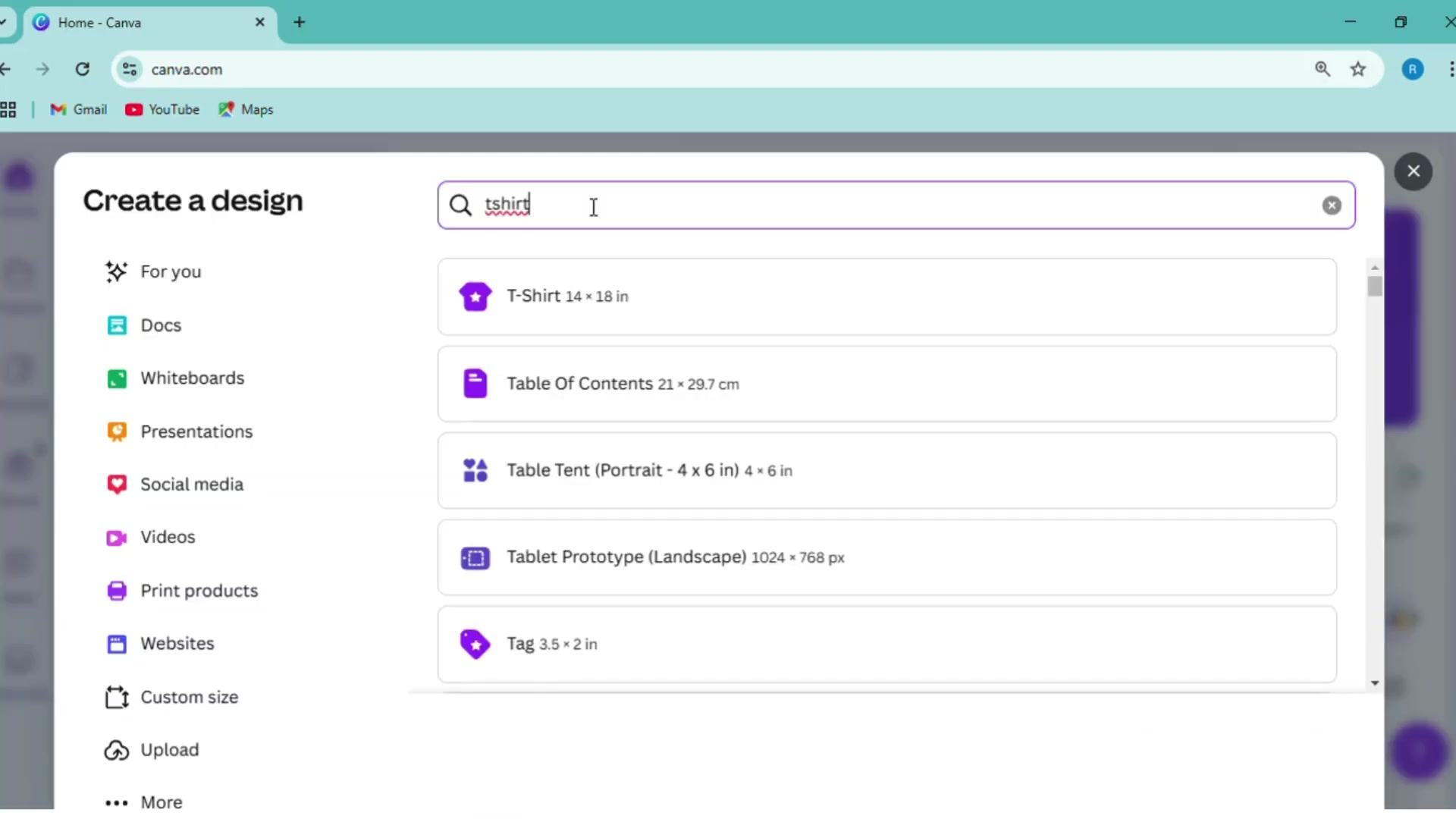
Set Up Your Canvas: Click on the "Create a design" button and select "Custom size." Enter the dimensions for your T-shirt design. A common size is 14 x 18 inches.
-
Add Background (Optional): If you want a background color for your design, click on the canvas and choose a color from the color picker.
-
Incorporate Text and Graphics: Use Canva's text tool to add your desired text. Choose a font that reflects your design's theme. Add graphic elements from Canva's library or upload your own.
-
Arrange and Resize: Drag and drop elements around the canvas to arrange them in a visually appealing way. Use the handles to resize elements as needed.
-
Check for Alignment: Ensure all elements are properly aligned. Use Canva's alignment guides to help you.
-
Template Style: Use template style to change the style for your mind
Preparing Your Design for Upload
Once you're satisfied with your T-shirt design, it's time to prepare it for upload to Teespring. The most important step is to ensure your design has a transparent background. This is crucial for seamless integration with different T-shirt colors.
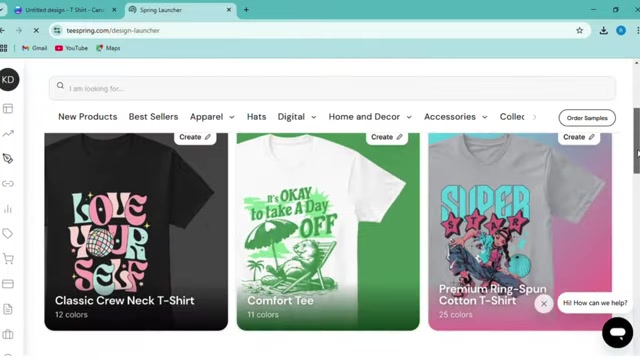
Canva allows you to download your design with a transparent background, but this feature is only available for Canva Pro subscribers.
Steps to Prepare Your Design:
- Download Your Design: Click on the "Share" button in the top right corner of the Canva editor.
- Select File Type: Choose the "PNG" file type for best results.
- Enable Transparent Background: Check the box that says "Transparent background." This option is only available for Canva Pro users.
- Download: Click the "Download" button to save your design to your computer.
If you're using the free version of Canva, you'll need to use a third-party tool to remove the background from your design. Several free online background removal tools are available, such as Remove.bg. Simply upload your design to the tool, and it will automatically remove the background for you.
Step-by-Step Guide: Designing and Selling T-Shirts
Step 1: Design Your T-Shirt in Canva
Create a Canva account or log in to your existing account. Choose a custom size for your T-shirt design, typically 14 x 18 inches.
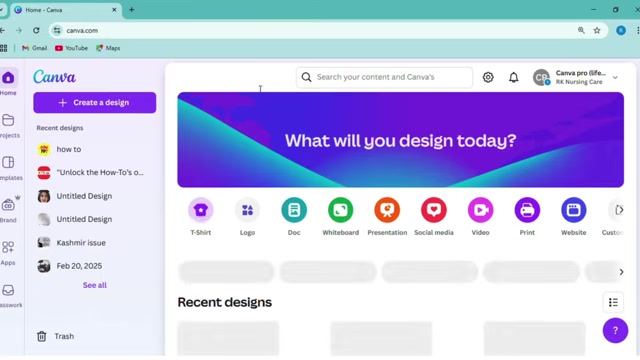
Design your graphic using Canva's tools or upload your own images. Ensure your design has a transparent background if you have Canva Pro or use a background removal tool if you're using the free version.
Step 2: Create a Teespring Account
Navigate to the Teespring website and sign up for a new account or log in to your existing account. Customize your store name, URL, and branding to create a professional identity.
Step 3: Upload Your Design to Teespring
Click on "Create" and choose the T-shirt product. Upload your design to Teespring, adjusting the placement, size, and colors to your liking.
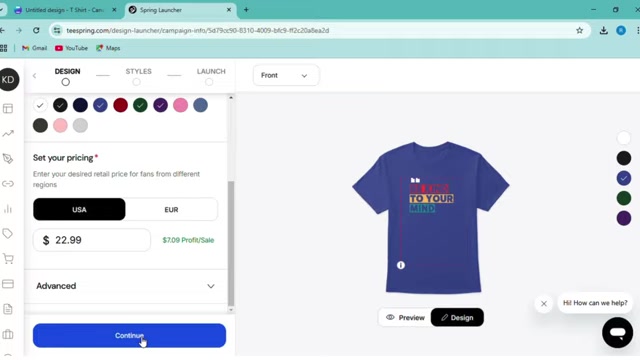
Step 4: Set Your Pricing Strategy
Research competitors and calculate your production costs. Add your desired profit margin to determine your selling price. Consider using psychological pricing to attract customers.
Step 5: Generate Titles and Descriptions with ChatGPT
Use ChatGPT to generate creative and engaging titles and descriptions. Provide context about your design, target audience, and key elements.
Step 6: Promote Your T-Shirt
Share your T-shirt design on social media platforms, collaborate with influencers, send out email newsletters, and consider paid advertising to drive traffic to your listing.



Most people like
































Report
Please select a reason for reporting
- 13 Reasons to Switch from Snapchat to Text Messaging
- 7 Powerful Speech to Text Apps to Boost Productivity
- 10 Best Speech to Text Tools for Effortless Transcription
- 13 Free Tools to Easily Transcribe Audio to Text
- 15 Surprising Ways Google's Speech-to-Text Boosts Productivity
- 7 Best Free Online Audio to Text Transcription Tools
- 9 Tips to Transcribe Speech to Text Faster and Better
- 13 Best Speech to Text Software for Windows 10 in 2023
- 7 Tips for Choosing the Best Transcriber for Audio to Text
- 11 Reasons Why Dragon Speech-to-Text Apps are Game-Changers
- 6 Secrets to Enhance Your Speech to Text Transcription
- 6 Brilliant Ways to Boost Productivity with Talk-to-Text on Your MacBook
- 6 Ways Transcription Software Converts Audio to Text
- 8 Tips to Transcribe Speech to Text Like a Pro
- 6 Reasons IBM Watson Speech to Text is a Game-Changer
- 14 Powerful Ways Talk-to-Text Improves Your Workflow
- 12 Top Windows Speech-to-Text Software for Efficient Transcription
- 12 Game-Changing Benefits of Apple's Speech to Text Technology
- 9 Powerful Use Cases for AWS Speech to Text Technology
- 10 Easy Steps to Transcribe YouTube Videos to Text
- transcription audio en texte
- online audio transcription
- free audio file transcription
- free ai audio transcription
- audio transcription service
- audio transcription online free
- audio transcription free online
- audio to transcription software
- audio and transcript
- ai audio transcription free
- voice recording to text converter
- translate voice recording to text
- record voice to text
- audio recording to text converter
- voice recording and transcription
- chatgpt voice to text
- gmail voice to text
- speech to text reader
- speech to text ai free
- speech to talk
- Meshy AI: How to Create 3D Models from Text and Images
- How SEO and Marketing Dashboards Empower Agencies to Drive Results
- How to Use AI Tools to Find Internal Linking Opportunities Across a Business Website
- Discover Your Perfect Haircut with AI Hairstyle Apps
- Free Reputation Calculator Tools: How They're Adapting to Score AI Visibility, Not Just Rankings
- Design Professional Flyers for Free on Your Phone
- Best Free Flyer Maker Apps for Android: Design Like a Pro
- How to Know If Your Business Is Ready for an AI Customer Service Agent
- Revolutionizing Storytelling: From Novels to Screenplays with AI
- Create Engaging Animated Explainer Videos with a Free AI Tool
- Meshy AI: How to Create 3D Models from Text and Images
- ASOMobile Helps Teams Benchmark App Store Screenshots Against Competitors
- How to Match LMS Software With Your Organization's Training Plan
- Revolutionizing Email Marketing Agency with AI
- How to Convert BTC to HNT
- Unleashing the Power of AI: Cognizant's Roadmap for Transformation
- Frame to Video Review: A Practical Look at Turning Two Still Frames Into Motion
- NVIDIA NIM: Revolutionizing Supply Chain Data Analysis with AI
- Top AI Tools That Help Brands Stand Out Offline (Not Just Online)
- Top 5 Cold Email Software: Maximize Your Outreach in 2025

Copyright ©2026 toolify