


AgentLabs
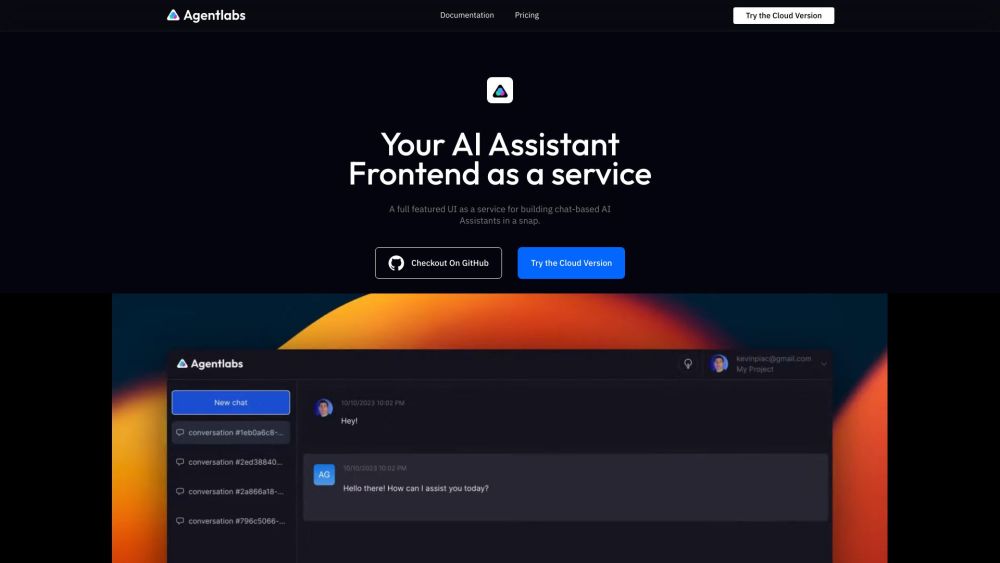


What is AgentLabs?
AgentLabs is an open-source and full-featured UI as a service for building chat-based AI Assistants. It provides a tailored frontend as a service for AI Agents/AI assistants, with built-in authentication, realtime & async I/O, File Upload and more. AgentLabs aims to create AI-powered products that solve repetitive and tedious human tasks in ways that were not feasible before Generative AI.
How to use AgentLabs?
AgentLabs provides an SDK that is backend-agnostic and easy to use. It offers built-in real-time, async I/O, conversation persistence, and more. You can use it to build a tailored frontend for your AI Agent / AI assistant.
AgentLabs's Core Features
Built-in authentication
Realtime & async I/O
File Upload
Conversation persistence
AgentLabs's Use Cases
Building a frontend for an AI assistant with authentication and file upload capabilities.
Automating repetitive tasks using AI-powered products.
FAQ from AgentLabs
What is AgentLabs?
What features does AgentLabs provide?
What is AgentLabs' mission?
AgentLabs Pricing
AgentLabs Pricing Link: https://www.agentlabs.dev/#pricing
AgentLabs Reviews (0)
Analytic of AgentLabs
AgentLabs Website Traffic Analysis
AgentLabs Launch embeds
Use website badges to drive support from your community for your Toolify Launch. They're easy to embed on your homepage or footer.



Alternative of AgentLabs

 21.91%
Social Listening