


AI Money Manager - GPT Expense
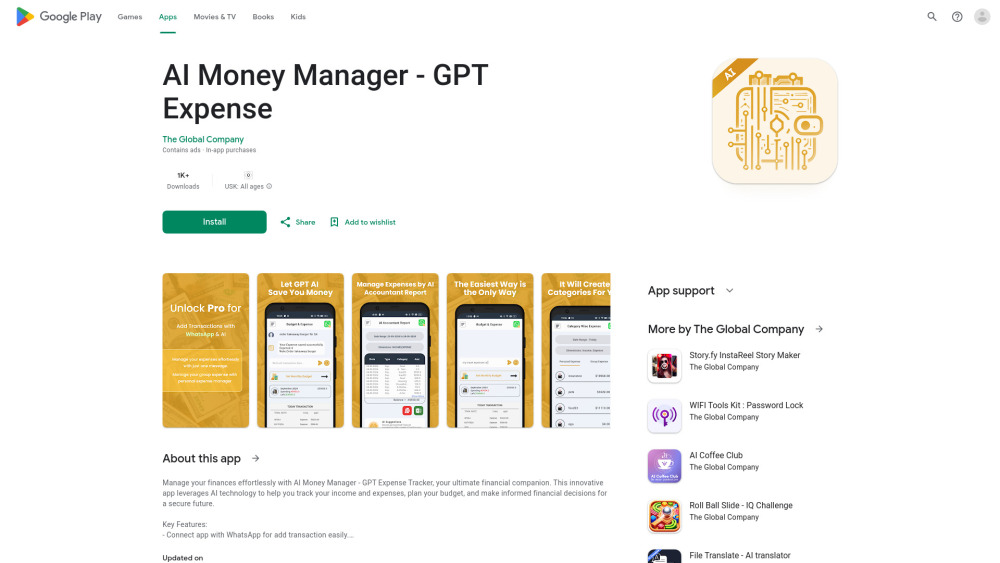


What is AI Money Manager - GPT Expense?
AI Money Manager - GPT Expense Tracker is a finance app available on Android that uses AI technology to help users track income and expenses, set budgets, and gain personalized financial insights. It connects with WhatsApp for easy transaction entry and offers features like AI-based entry accounting, budget and expense management, and instant statistics.
How to use AI Money Manager - GPT Expense?
Connect the app with WhatsApp for easy transaction entry. Use the AI-based system to record transactions and receive personalized monthly saving suggestions. Set up a budget and monitor expenses through the user-friendly interface. View instant statistics to gain insights into financial health.
AI Money Manager - GPT Expense's Core Features
AI-Based Entry Accounting
Budget and Expense Management
Instant Statistics
Family Expense Manager
Friend's or Roommate Expense and Money Splitter
Connect app with WhatsApp for add transaction easily.
AI Money Manager - GPT Expense's Use Cases
Track personal expenses and income.
Create and manage a family budget.
Split expenses with roommates or friends.
Get personalized saving suggestions.
FAQ from AI Money Manager - GPT Expense
How does the AI-based entry accounting work?
Can I use this app to manage family expenses?
Is this an official OpenAI - ChatGPT app?
AI Money Manager - GPT Expense Reviews (0)
AI Money Manager - GPT Expense Launch embeds
Use website badges to drive support from your community for your Toolify Launch. They're easy to embed on your homepage or footer.



Alternative of AI Money Manager - GPT Expense

 63.37%