


AudioShake


What is AudioShake?
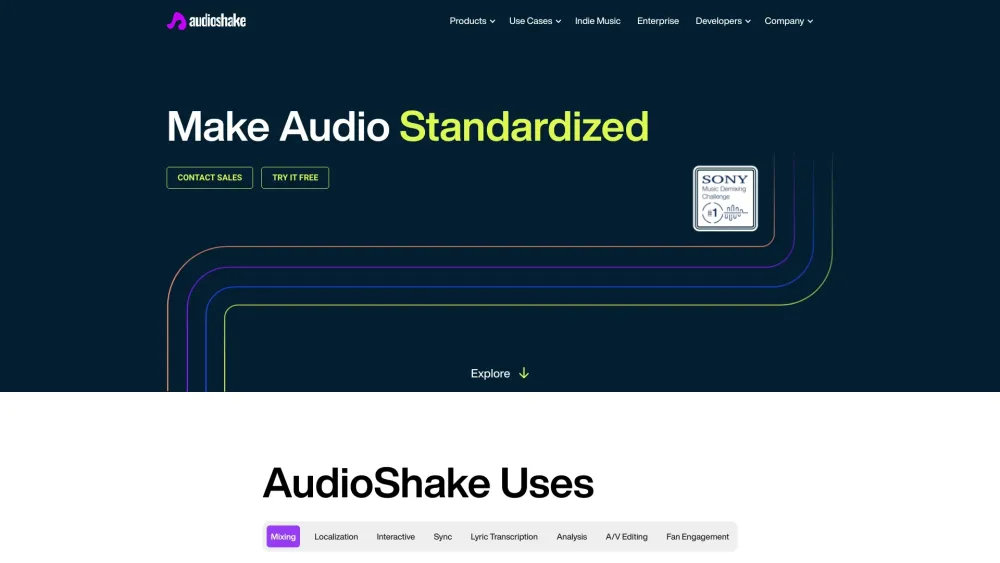
AudioShake's AI can split any recording – from music to film to UGC content – into its stems, making audio more interactive, customizable, and accessible. It offers services like dialogue, music & effects separation, lyric transcription & alignment, and instrument stem separation. Use cases include mixing & mastering, localization & captioning, interactive sync licensing, audio analysis, A/V editing, fan engagement, and copyright compliance.
How to use AudioShake?
Users can upload audio files to the AudioShake platform, and the AI will automatically separate the recording into individual stems (vocals, drums, bass, etc.). These stems can then be downloaded and used for various purposes like mixing, mastering, or creating interactive audio experiences.
AudioShake's Core Features
AI-powered audio stem separation
Dialogue, Music & Effects Separation
Lyric Transcription & Alignment
Multi-Speaker Separation
Instrument Stem Separation
AudioShake's Use Cases
Mixing & Mastering: Split music into instrument stems for mixing, mastering, or immersive audio creation.
Localization & Captioning: Extract clean dialogue stems to improve transcription accuracy for dubbing and captioning.
Interactive Audio: Power interactive audio experiences in gaming, social media, and fitness.
Sync Licensing: Create instrumentals for sync pitches in seconds.
Lyric Transcription: Automated lyric transcription and word-by-word alignment.
Audio Analysis: Clean audio before analysis to improve metadata and content recognition.
A/V Editing: Remove copyrighted music or clean noisy broadcasts.
Fan Engagement: Release stems for fans to remix or play along to.
FAQ from AudioShake
What file formats does AudioShake support?
What can AudioShake stems be used for?
What are the benefits of using AudioShake for localization and captioning?
AudioShake Support Email & Customer service contact & Refund contact etc.
More Contact, visit the contact us page(https://www.audioshake.ai/contact-us)
AudioShake Company
More about AudioShake, Please visit the about us page(https://www.audioshake.ai/team).
AudioShake Pricing
AudioShake Pricing Link: https://indie.audioshake.ai/
AudioShake Facebook
AudioShake Facebook Link: https://www.facebook.com/AudioShakeAI/
AudioShake Youtube
AudioShake Youtube Link: https://www.youtube.com/channel/UC7olw-IdHcEQOJJPYAg1-Cw
AudioShake Tiktok
AudioShake Tiktok Link: https://www.tiktok.com/@audioshakeai
AudioShake Linkedin
AudioShake Linkedin Link: https://www.linkedin.com/company/audioshake/
AudioShake Twitter
AudioShake Twitter Link: https://twitter.com/AudioshakeAI
AudioShake Instagram
AudioShake Instagram Link: https://www.instagram.com/audioshakeai/?hl=en
AudioShake Reviews (0)
AudioShake Pricing
Free Trial
Free
Try for free by uploading a track.
For the latest pricing, please visit this link: https://indie.audioshake.ai/
Analytic of AudioShake
AudioShake Website Traffic Analysis
Geography
Top 5 Regions


AudioShake Launch embeds
Use website badges to drive support from your community for your Toolify Launch. They're easy to embed on your homepage or footer.



Alternative of AudioShake
 13.80% 17.14%
Social Listening