

Blync



What is Blync?
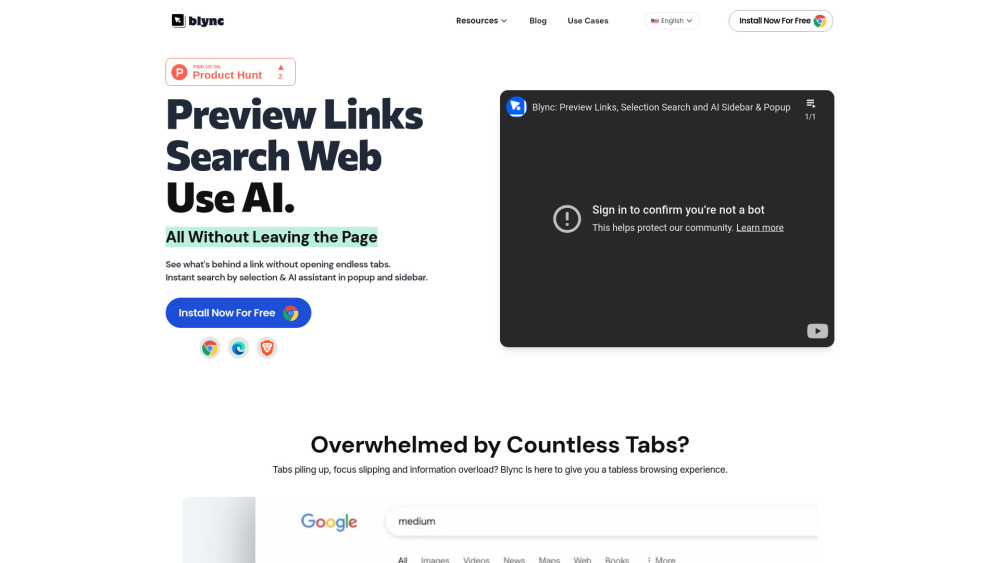
Blync is a browser extension designed to enhance browsing efficiency by allowing users to preview links without opening new tabs, perform instant searches via shortcuts and selections, and utilize an AI assistant in a popup or sidebar using their own AI account (ChatGPT, Gemini). It aims to provide a tabless browsing experience, reduce copy-pasting and tab switching, and offer customizable AI assistance.
How to use Blync?
Install the Blync extension on Chrome, Brave, or Edge. Use long hover, drag, or click on links to preview content. Select text on a website to trigger AI assistant options. Customize settings for link behavior and AI assistant triggers.
Blync's Core Features
Link Preview
Selection Search
AI Assistant (ChatGPT, Gemini) in popup & sidebar
Customizable behavior and appearance
Serverless operation for enhanced privacy
Blync's Use Cases
Previewing links to avoid opening numerous tabs.
Quickly searching selected text on the web.
Using AI to get instant insights from web content.
Automating AI interactions within the browser.
FAQ from Blync
What is Blync?
Does Blync work on all browsers?
Is it safe to use Blync?
How does Blync Link Preview work?
How does Blync AI Assistant work?
What AI agents does Blync support?
Do I need an AI account to use the AI Assistant?
Blync Reddit
Here is the Blync Reddit: https://www.reddit.com/r/ext_blync
Blync Support Email & Customer service contact & Refund contact etc.
Here is the Blync support email for customer service: [email protected] . More Contact, visit the contact us page(mailto:[email protected])
Blync Company
Blync Company name: Blync .
Blync Youtube
Blync Youtube Link: https://www.youtube.com/@blync-extension
Blync Twitter
Blync Twitter Link: https://x.com/Blync_Extension
Blync Reddit
Blync Reddit Link: https://www.reddit.com/r/ext_blync
Blync Reviews (0)
Analytic of Blync
Blync Website Traffic Analysis
Blync Launch embeds
Use website badges to drive support from your community for your Toolify Launch. They're easy to embed on your homepage or footer.





Social Listening