


CancerFinder





What is CancerFinder?
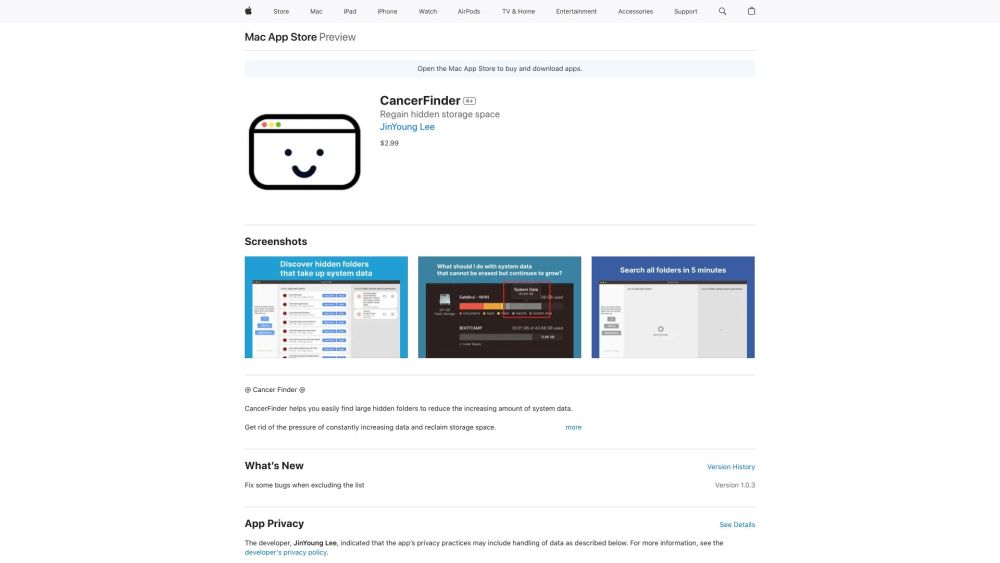
CancerFinder is a macOS application available on the Mac App Store designed to help users identify and remove large, hidden folders on their systems to free up storage space. It allows users to view folders sorted by size and provides a direct way to delete them, addressing the issue of increasing system data.
How to use CancerFinder?
Install CancerFinder from the Mac App Store. Launch the app, which will scan your system for folders exceeding 250MB. Review the list of folders, focusing on those related to uninstalled apps or containing large, hidden files. Open and delete the identified folders directly from within the app. Be cautious when deleting unfamiliar folders.
CancerFinder's Core Features
Finds folders with 250MB or more of storage space
Lists even denied folders for comprehensive search results
Allows excluding and managing folders from the list
Enables direct opening and deletion of folders
CancerFinder's Use Cases
Reclaiming storage space by deleting large, unnecessary folders
Removing residual files from uninstalled applications
Managing and organizing system data
FAQ from CancerFinder
What does CancerFinder do?
How does CancerFinder work?
Is it safe to delete folders using CancerFinder?
Why does the app request access to folders upon initial launch?
CancerFinder Reviews (0)
CancerFinder Pricing
CancerFinder
$0.99
One-time purchase
CancerFinder Launch embeds
Use website badges to drive support from your community for your Toolify Launch. They're easy to embed on your homepage or footer.



