


EVIG


What is EVIG?
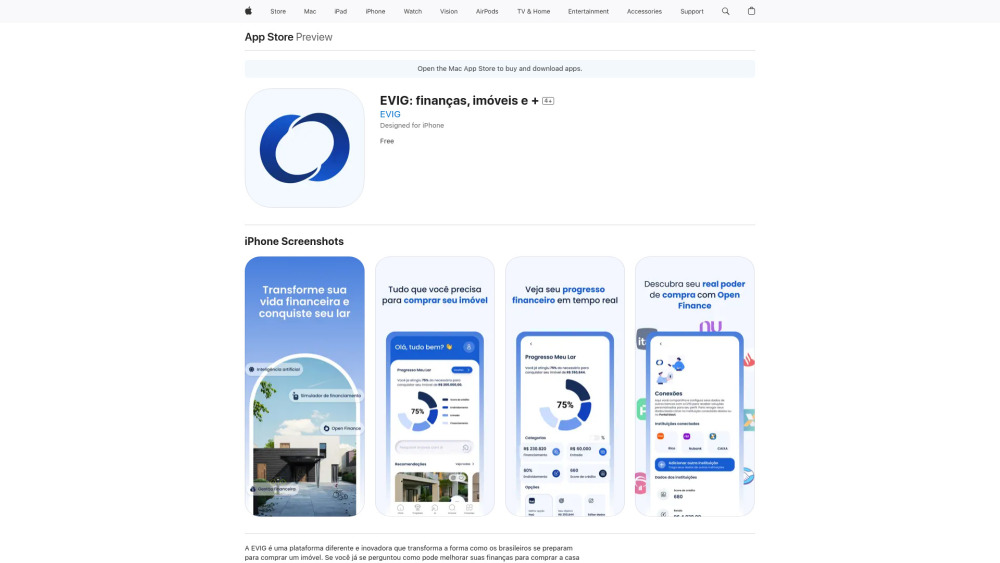
EVIG is a platform designed to help Brazilians achieve homeownership by leveraging AI and Open Finance. It allows users to track their financial progress, receive tailored insights, and find properties that fit their budget. The platform integrates financial management tools, real-time progress tracking, and intelligent property matching to simplify the home buying journey.
How to use EVIG?
Users connect their bank accounts and financial information through Open Finance. EVIG then analyzes their financial situation, provides personalized recommendations, tracks their progress towards homeownership, and suggests properties that align with their financial profile. The platform also facilitates comparing and securing financing options.
EVIG's Core Features
Financial management tools
Real-time progress tracking towards homeownership
AI-powered property matching
Open Finance integration for secure data connection
Intelligent financing comparison
EVIG's Use Cases
Planning and tracking financial goals for buying a home in Brazil
Finding properties that match a user's financial profile
Comparing financing options to secure the best mortgage
FAQ from EVIG
What is EVIG?
How does EVIG help with financial planning?
How does the 'Progresso Meu Lar' feature work?
How does EVIG use Open Finance?
Does EVIG help with finding a property?
How does EVIG help with financing?
EVIG Reviews (0)
EVIG Launch embeds
Use website badges to drive support from your community for your Toolify Launch. They're easy to embed on your homepage or footer.



Alternative of EVIG

 100.00%