


FutureMatch
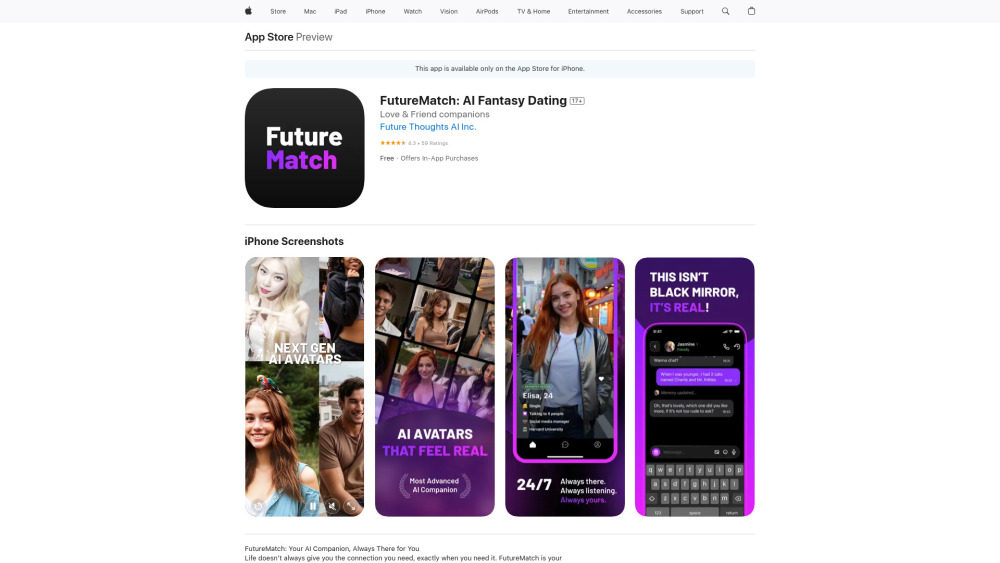





What is FutureMatch?
FutureMatch is an AI companion app designed to provide users with a personalized and judgment-free space for connection. It offers AI companions that can act as friends, confidants, or even romantic partners, available 24/7 for conversation and support. The app focuses on creating meaningful interactions by remembering user preferences and offering emotionally intelligent responses.
How to use FutureMatch?
Download the FutureMatch app, define the type of relationship you want with your AI companion (friend, confidant, etc.), and start interacting through text, calls, or chat. The AI learns from your conversations to provide personalized and meaningful interactions.
FutureMatch's Core Features
Personalized AI companions
24/7 availability
Emotionally intelligent conversations
Judgment-free environment
Customizable relationship types
FutureMatch's Use Cases
Users seeking companionship and emotional support
Individuals looking to practice communication skills in a safe environment
People wanting a judgment-free space to share their thoughts and feelings
FAQ from FutureMatch
What kind of relationships can I have with my AI companion?
Is FutureMatch available 24/7?
Does the AI remember my conversations?
Is FutureMatch a judgment-free space?
FutureMatch Reviews (0)
FutureMatch Pricing
VIP Monthly
$14.99
Provides access to VIP features and content.
Friendly content
$1.99
Unlocks friendly content.
Flirty content
$4.99
Unlocks flirty content.
FutureMatch Launch embeds
Use website badges to drive support from your community for your Toolify Launch. They're easy to embed on your homepage or footer.




