



UploadGPT - Chrome Extension


What is UploadGPT ai chrome extension?
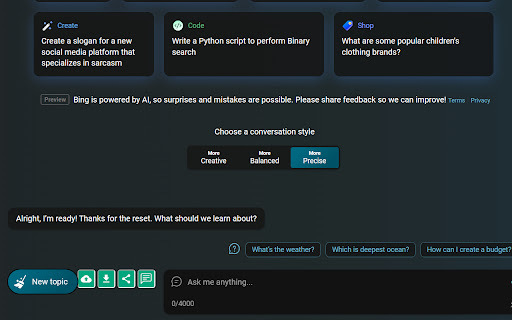
UploadGPT is a versatile tool designed to enhance the capabilities of AI chat platforms like ChatGPT, Google Bard, and BING AI chat. It allows users to seamlessly upload images, MP3, and MP4 files directly into these chat interfaces. Furthermore, it provides instant and accurate text transcription from images, audio, and video files. Users can also perform searches using screenshots. The platform supports downloading output in various file formats, including Word, PPT, HTML, and PDF, while maintaining high image quality. Additionally, users can conveniently view output videos directly within the extension.
How to use UploadGPT ai chrome extension?
Simply install the UploadGPT extension and use the upload functionality within ChatGPT, Google Bard, or BING AI chat. Upload your desired files (images, MP3, MP4), and utilize the features for transcription, screenshot search, and file format conversion as needed.
UploadGPT ai chrome extension's Core Features
Seamless file uploads (images, MP3, MP4) on ChatGPT, Google Bard, and BING AI chat
Accurate text transcription from images, audio, and video
Screenshot-based search functionality
Downloadable output in Word, PPT, HTML, and PDF formats
High-quality image preservation
Direct video viewing within the extension
UploadGPT ai chrome extension's Use Cases
Transcribing audio recordings of meetings directly within a chat interface.
Extracting text from images and using it in conversations with AI chatbots.
Searching for information using screenshots and discussing the results with an AI.
Converting lecture videos into text summaries and downloading them as PDFs.
FAQ from UploadGPT
What file types are supported for upload?
Which AI chat platforms are compatible with UploadGPT?
What output file formats are available?
Analytic of UploadGPT AI Chrome Extension
UploadGPT Active Users
Total Installed User
Alternative of UploadGPT AI Chrome Extension
 9.85%
9.85% 15.45% 59.17%