



Widya Notulensi - Chrome Extension


What is Widya Notulensi ai chrome extension?
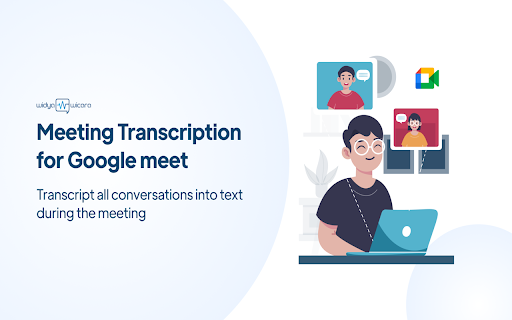
Widya Notulensi is a Google Chrome extension that integrates with Google Meet to provide real-time speech-to-text transcription and meeting minutes. It allows users to record, transcribe, and save meeting conversations directly within Google Meet.
How to use Widya Notulensi ai chrome extension?
1. Open the Google Chrome extension store. 2. Search for "Widya Notulensi". 3. Add the Widya extension to Chrome. 4. Pin the extension to the Chrome toolbar. 5. Click the Widya Notulensi extension icon. 6. Enter your API key. 7. Start a Google Meet meeting. 8. Click the Widya Notulensi extension again to prepare notes. 9. Enter your username and start recording. 10. After the meeting, click the button to stop recording. 11. Download the meeting transcription.
Widya Notulensi ai chrome extension's Core Features
Real-time speech-to-text transcription
Meeting minutes generation
Integration with Google Meet
Downloadable transcriptions
Widya Notulensi ai chrome extension's Use Cases
Automatically transcribe Google Meet meetings for record-keeping and note-taking.
FAQ from Widya Notulensi
How do I access Widya Notulensi?
How do I start recording a meeting?
How do I save the meeting transcription?
Analytic of Widya Notulensi AI Chrome Extension
Widya Notulensi Active Users
Total Installed User
Alternative of Widya Notulensi AI Chrome Extension

More Content About Widya Notulensi
11 Google Doc Voice-to-Text Hacks to Boost Productivity
By Samyak Goswami on July 26 2024
Boost your productivity with these 11 Google Doc voice-to-text hacks! Click now to save time and streamline your work process.
15 Surprising Ways Google's Speech-to-Text Boosts Productivity
By Tanish Chowdhary on August 18 2024
Boost productivity with Google's Speech-to-Text! Discover 15 surprising ways this technology can revolutionize your work efficiency. Click now!