


Phrasion




What is Phrasion?
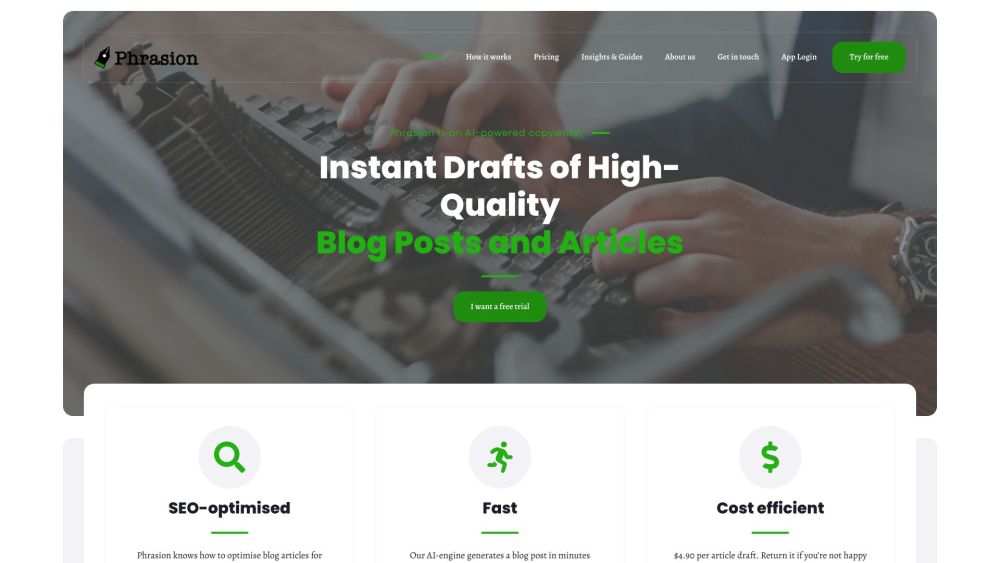
Phrasion is an AI blog writer and article generator designed to enhance content creation efficiency. It employs a hybrid human-AI approach, assisting users in producing more content daily while maintaining quality. Phrasion specializes in generating long-form content such as blog posts, articles, ebooks, and whitepapers, providing instant drafts optimized for SEO.
How to use Phrasion?
To use Phrasion, you research your topic, identify keywords, and create an outline with reference links. Then, provide these instructions to Phrasion, specifying the desired readability score and word count per section. Phrasion generates a first draft, which you then edit to ensure consistency, optimal keyword usage, and creativity.
Phrasion's Core Features
AI-powered content generation
SEO optimization
Long-form content creation
Draft generation in minutes
Phrasion's Use Cases
Generating blog posts and articles quickly
Creating ebooks and whitepapers
Improving content creation workflow
FAQ from Phrasion
What is Phrasion?
How does Phrasion help with SEO?
Why was Phrasion created?
Phrasion Reviews (0)
Phrasion Pricing
Per Article Draft
$4.90
Pay per article draft. Return it if you’re not happy with it.
Analytic of Phrasion
Phrasion Website Traffic Analysis
Phrasion Launch embeds
Use website badges to drive support from your community for your Toolify Launch. They're easy to embed on your homepage or footer.



Alternative of Phrasion

Social Listening