


SamaritanAI




What is SamaritanAI?
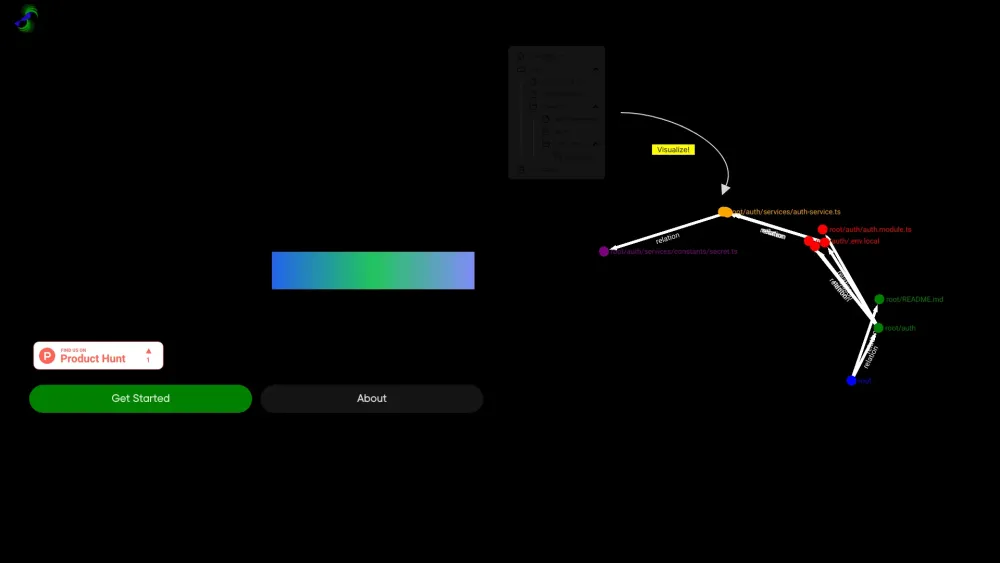
SamaritanAI is a tool designed to help users visualize large, complex codebases as network graphs. It assists with open-source contributions by providing AI-assisted approaches to tackle GitHub issues and identify probable files requiring changes. It converts hierarchical file systems into graph file systems and uses RAG to highlight files that need changes for a particular issue.
How to use SamaritanAI?
To use SamaritanAI, provide a GitHub repository URL. The tool then converts the hierarchical file system into a graph file system and uses RAG to highlight files needing changes for specific issues. This helps users understand the codebase and identify areas for contribution.
SamaritanAI's Core Features
Codebase visualization as network graphs
AI-assisted issue tackling
Identification of files requiring changes
Conversion of hierarchical file systems to graph file systems
RAG-based file highlighting
SamaritanAI's Use Cases
Visualizing complex codebases for better understanding
Identifying relevant files for addressing GitHub issues
Streamlining the open-source contribution process
FAQ from SamaritanAI
What does SamaritanAI do?
How does SamaritanAI work?
SamaritanAI Company
SamaritanAI Company name: SamaritanAI .
More about SamaritanAI, Please visit the about us page(https://www.samaritanai.xyz/about).
SamaritanAI Login
SamaritanAI Login Link: https://www.samaritanai.xyz/sign-in
SamaritanAI Sign up
SamaritanAI Sign up Link: https://www.samaritanai.xyz/sign-in
SamaritanAI Twitter
SamaritanAI Twitter Link: https://twitter.com/pranav_1227
SamaritanAI Reviews (0)
Analytic of SamaritanAI
SamaritanAI Website Traffic Analysis
SamaritanAI Launch embeds
Use website badges to drive support from your community for your Toolify Launch. They're easy to embed on your homepage or footer.




Social Listening