


Screenpipe
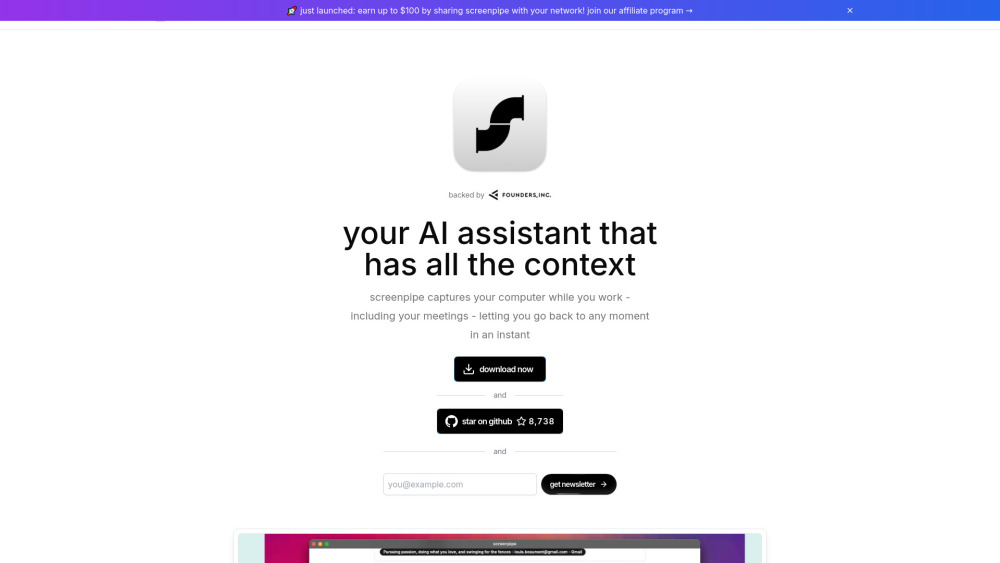


What is Screenpipe?
Screenpipe records screen and audio history locally, making past work searchable. Recall conversations, review how you spent your time across apps, and give AI assistants context through MCP and a local API. Scheduled workflows can turn captured history into meeting notes and work summaries. Screenpipe runs on macOS, Windows, and Linux. The source is available under the Screenpipe Commercial License. Cloud AI, transcription, sync, and integrations can send relevant context off-device when configured.
How to use Screenpipe?
Install Screenpipe, choose what to record, and grant the required capture permissions. Search the captured history in the app, or connect an AI assistant through Settings → Connections or the documented MCP setup. Choose local or cloud processing according to your needs.
Screenpipe's Core Features
Screen and audio capture with local history storage
Search captured screen text and audio transcripts
MCP and local API access for AI assistants
Scheduled workflows for meeting notes and work summaries
Accessibility text capture with OCR fallback and speech transcription
Controls for what you record and which AI services receive context
Screenpipe's Use Cases
Recall conversations and find information you saw earlier
Give coding assistants context from recent work through MCP
Review how you spent your time across apps and projects
Generate meeting notes from recorded context
Create daily work summaries with scheduled workflows
FAQ from Screenpipe
What is Screenpipe?
What can I do with Screenpipe?
Does all data stay on my computer?
Is Screenpipe open source?
How do I connect an AI assistant?
Screenpipe Support Email & Customer service contact & Refund contact etc.
More Contact, visit the contact us page()
Screenpipe Company
Screenpipe Company name: Screenpipe .
Screenpipe Company address: .
More about Screenpipe, Please visit the about us page().
Screenpipe Login
Screenpipe Sign up
Screenpipe Pricing
Screenpipe Pricing Link: https://screenpipe.com/pricing
Screenpipe Github
Screenpipe Github Link: https://github.com/screenpipe/screenpipe
Screenpipe Reviews (0)
Screenpipe Pricing
Free
$0
Free tier with limited history. See https://screenpipe.com/pricing for current limits.
Basic
See current pricing
Paid individual plan. Monthly and annual billing options are listed at https://screenpipe.com/pricing .
Business
See current pricing
Paid team plan priced per seat. See https://screenpipe.com/pricing for billing terms and included features.
For the latest pricing, please visit this link: https://screenpipe.com/pricing
Analytic of Screenpipe
Screenpipe Website Traffic Analysis
Geography
Top 1 Regions

Screenpipe Launch embeds
Use website badges to drive support from your community for your Toolify Launch. They're easy to embed on your homepage or footer.



Alternative of Screenpipe
 100.00%
Social Listening