


Trag


What is Trag?
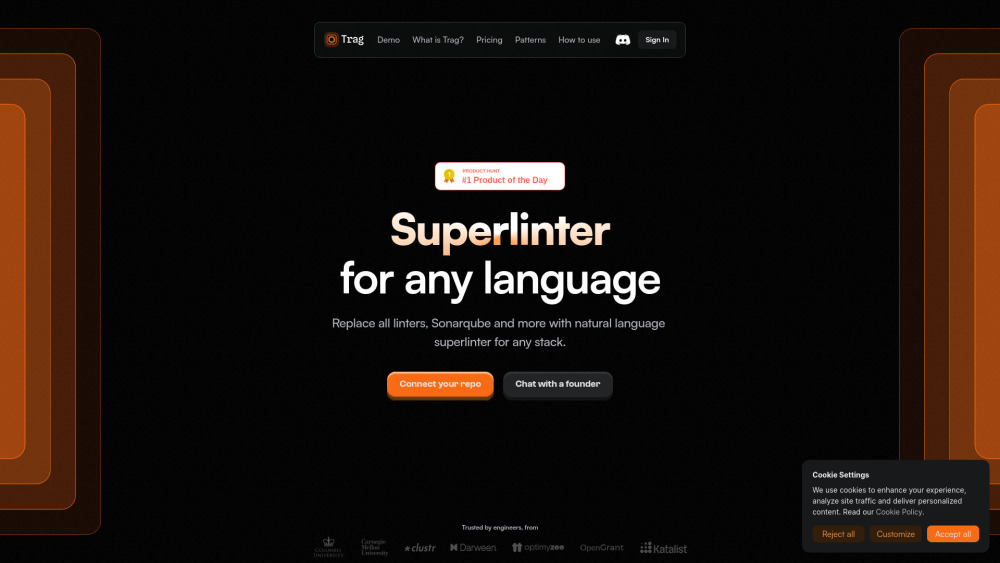
Trag is an AI code review companion that functions like a linter but can lint patterns. It takes plain English rules as input and reviews them on every pull request in seconds, automating code reviews. Trag enhances coding by simplifying development and ensuring quick and accurate online code reviews. It supports all languages and integrates with GitHub, GitLab, Bitbucket, and Azure DevOps.
How to use Trag?
Connect your code repository to Trag, define custom patterns or pick from templates, and then open a pull request. Trag will review the code, flag errors, and recommend fixes automatically.
Trag's Core Features
Automated code review
AI pull request review
Code checker across multiple languages
Customized rule-based reviews
Team collaboration
Language-agnostic support
PR integration
Real-time feedback via CLI
Context-aware analysis
Trag's Use Cases
Ensuring code adheres to DRY principles
Wrapping API calls with specific error handling modules
Automating checks for sensitive data logging
Verifying complex forms using NgRx dispatch actions only when values change
FAQ from Trag
What is a pattern in Trag?
Which pull request systems does Trag integrate with?
Can Trag work with any programming language?
How does Trag provide real-time feedback?
Trag Login
Trag Login Link: https://app.usetrag.com/
Trag Pricing
Trag Pricing Link: https://usetrag.com/?utm_source=toolify#pricing
Trag Linkedin
Trag Linkedin Link: https://www.linkedin.com/company/tragai
Trag Reviews (0)
Analytic of Trag
Trag Website Traffic Analysis
Trag Launch embeds
Use website badges to drive support from your community for your Toolify Launch. They're easy to embed on your homepage or footer.



Alternative of Trag


Social Listening