



Whoz LinkedIn Extension - Chrome Extension


What is Whoz LinkedIn Extension ai chrome extension?
The Whoz LinkedIn Extension allows users to capture LinkedIn profiles and automatically populate their Whoz talent pool. It streamlines the sourcing process by enabling users to add profiles of interest directly to their Whoz database, leveraging Whoz's AI-powered features for expertise detection, profile relevance assessment, recruitment process tracking, and interview annotation.
How to use Whoz LinkedIn Extension ai chrome extension?
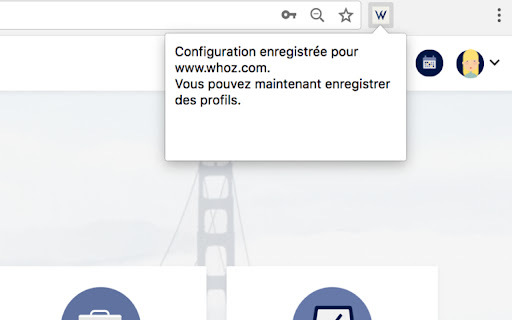
1. Install the extension. 2. Go to Whoz, log in, and navigate to your Whoz workspace (any page starting with https://www.whoz.com/workspace/...). 3. Click the extension icon; a message will confirm the configuration. 4. Go to LinkedIn, view a profile, and click the extension icon. A confirmation message will appear in your Whoz talent pool indicating the profile has been added.
Whoz LinkedIn Extension ai chrome extension's Core Features
Automatic profile capture from LinkedIn to Whoz
AI-powered expertise and skill detection
AI-driven profile relevance assessment
Recruitment process tracking
Interview annotation
Whoz LinkedIn Extension ai chrome extension's Use Cases
Quickly add promising LinkedIn profiles to your Whoz talent pool for further evaluation and recruitment.
FAQ from Whoz LinkedIn Extension
How do I get help with installation?
Where do I find my Whoz workspace?
