































Table of Contents
- Key Points
- AI-Assisted Refactoring: A Double-Edged Sword
- Strategies for Effective AI-Assisted Refactoring
- How to Use Cursor AI Assistant with Claude for Code Refactoring
- Weighing the Benefits and Drawbacks
- FAQ
- Related Questions


AI-Assisted Refactoring: A Double-Edged Sword
The Promise of AI in Code Refactoring
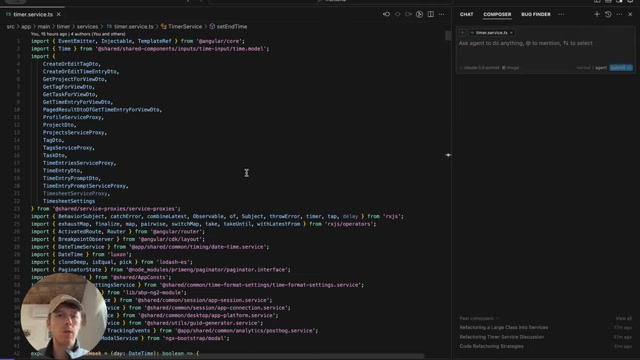
The allure of AI in Code Refactoring is undeniable. Imagine offloading tedious, repetitive tasks to a machine, freeing up valuable time for higher-level problem-solving and creative coding. AI promises to analyze code, identify areas for improvement, and implement changes with speed and precision. This has made more than one developer excited about the possibilities for using artificial intelligence
.
Indeed, for small-scale refactoring tasks, AI assistants can be remarkably effective. Renaming variables, extracting methods, and reformatting code are all examples of tasks where AI excels. These tools leverage pattern recognition and code analysis to automate changes that would otherwise consume significant time and effort. By automating these tasks, AI Tools can help developers significantly improve their productivity.
However, it's essential to recognize that AI's capabilities are not boundless. The current generation of AI assistants still struggles with the intricate logic and contextual understanding required for complex refactoring projects. Blindly trusting AI to restructure large portions of code can lead to disastrous results, introducing bugs, breaking functionality, and ultimately creating more work than it saves. This is especially true for changes that affect software architecture .
The Pitfalls of Large-Scale AI Refactoring
While AI shines in streamlining smaller tasks, it often stumbles when tackling substantial refactoring endeavors
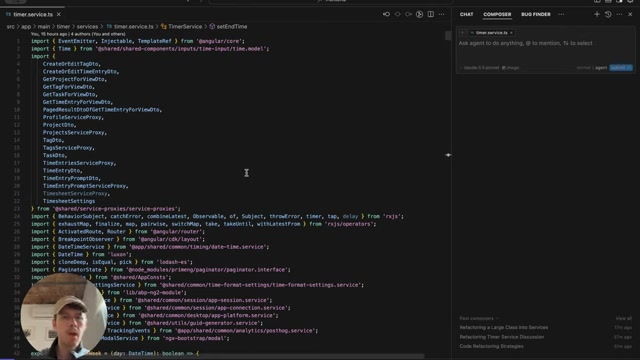
. The core issue lies in the AI's limited grasp of the code's overall purpose and the subtle dependencies between different modules. Asking an AI to perform sweeping changes without proper context is akin to handing a novice a scalpel and asking them to perform open-heart surgery.
One common problem is overzealous decomposition. AI might identify opportunities to break down a large class into smaller, more manageable units. However, without understanding the underlying relationships and design principles, it can create an excessive number of files and components, resulting in a fragmented and difficult-to-navigate codebase. The AI does not always properly name the files or update references accordingly .
Another challenge is inconsistent application of changes. An AI might rename a function in one part of the codebase but fail to update all references to that function in other modules, leading to compiler errors and broken functionality. These inconsistencies can be difficult to track down, requiring manual inspection and correction, adding significant time to the refactoring process.
Furthermore, AI often struggles with semantic understanding. It can identify syntactic patterns but may fail to recognize the intent behind the code. This can lead to refactoring that, while syntactically correct, fundamentally alters the behavior of the code, introducing subtle bugs that are difficult to detect through automated testing. This struggle with semantic understanding makes AI large refactoring difficult and requires careful user direction.
A Real-World Example: Refactoring a Large Service Class
To illustrate these challenges, consider a scenario involving a large service class in a complex application
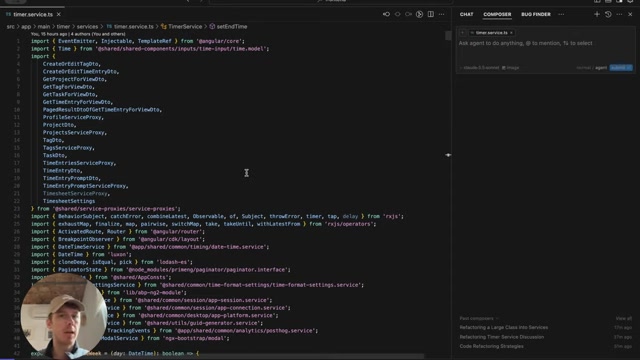
. This class, spanning over 1400 lines of code, has accumulated a multitude of responsibilities over time, making it difficult to understand and maintain. The goal is to refactor this monolith into smaller, more focused services, each responsible for a specific set of tasks.
When an AI assistant is tasked with this refactoring, it might identify opportunities to extract various methods and move them into separate service classes . However, without proper guidance, the AI might make the following mistakes:
- Create too many services: The AI might break down the class into an excessive number of small services, making the codebase more fragmented and difficult to manage.
- Fail to update dependencies: The AI might move methods into new services but fail to update the dependencies in the original class, leading to runtime errors.
- Introduce circular dependencies: The AI might create dependencies between the new services that were not present in the original class, making the codebase more complex and fragile.
- Compromise naming conventions: The AI often struggles with the nuances of code naming. In the example , the AI doesn't rename things properly when refactoring, which leads to confusion.
These errors highlight the importance of human oversight and careful planning when using AI for large-scale refactoring. While AI can automate certain tasks, it cannot replace the need for experienced developers to understand the code's purpose and guide the refactoring process.
Strategies for Effective AI-Assisted Refactoring
Step-by-Step Approach for AI assisted Refactoring
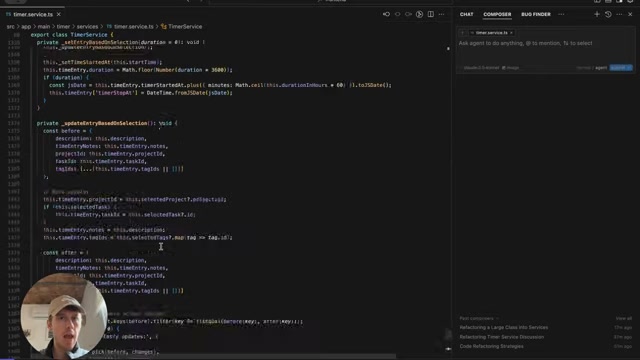
To harness the power of AI while mitigating its risks, a step-by-step, guided approach is crucial. This involves breaking down the refactoring project into smaller, more manageable tasks, providing the AI with clear instructions and constraints, and carefully reviewing the AI's proposed changes
.
Here's a recommended workflow:
-
Define clear goals: Before engaging AI, clearly define the objectives of the refactoring. What problems are you trying to solve? What improvements are you hoping to achieve?
-
Break down the project: Divide the large-scale refactoring into smaller, independent tasks that can be tackled individually. For example, you might start by extracting a specific module into a separate service class.
-
Provide specific instructions: Give the AI clear and concise instructions for each task. Specify the code to be refactored, the desired outcome, and any constraints or limitations.
-
Review the changes: Carefully review the AI's proposed changes before committing them. Use code review tools to compare the original code with the refactored code, paying close attention to potential errors and regressions.
-
Test thoroughly: After committing the changes, run comprehensive tests to ensure that the code still functions as expected. Pay particular attention to edge cases and boundary conditions.
-
Iterate and refine: Based on the test results, iterate on the refactoring, making adjustments and refinements as needed. This iterative process helps to identify and correct errors early on, minimizing the risk of introducing significant problems into the codebase.
Choosing the Right Tasks for AI Assistance
Not all refactoring tasks are created equal. Some tasks are well-suited for AI assistance, while others are best left to human developers
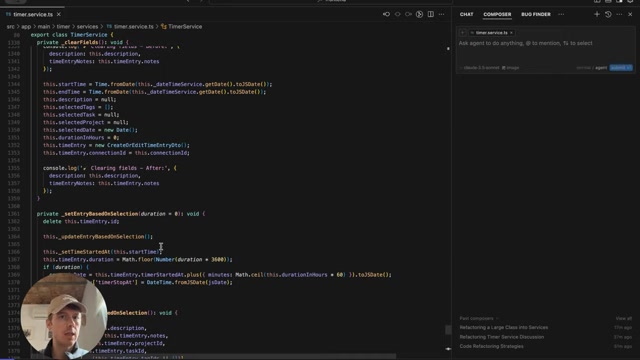
. Here's a general guideline:
- AI-friendly tasks:
- Renaming variables and methods
- Extracting methods and classes
- Reformatting code
- Applying consistent coding styles
- Human-centric tasks:
- Restructuring complex logic
- Introducing new design patterns
- Addressing performance bottlenecks
- Refactoring code with intricate dependencies
By focusing AI on the tasks where it excels and reserving the more complex tasks for human developers, you can maximize the benefits of AI assistance while minimizing the risks of introducing errors.
The Importance of Human Oversight and Expertise
Despite the advances in AI, human oversight remains essential for ensuring the success of any refactoring project
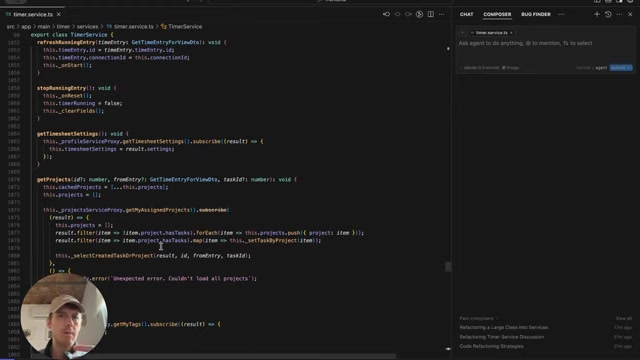
. AI is a tool, not a replacement for skilled developers. Experienced developers bring a wealth of knowledge, intuition, and judgment that AI cannot replicate.
Human developers are crucial for:
- Understanding the code's purpose: Developers have a deep understanding of the code's business logic, its intended behavior, and its role in the overall system.
- Identifying subtle dependencies: Developers can recognize dependencies and relationships between different parts of the code that AI might miss.
- Making informed decisions: Developers can weigh the tradeoffs between different refactoring options and make informed decisions based on their experience and judgment.
- Validating the results: Developers can thoroughly test the refactored code to ensure that it functions correctly and meets the desired performance goals.
By combining AI assistance with human expertise, you can create a powerful synergy that unlocks the full potential of code refactoring.
How to Use Cursor AI Assistant with Claude for Code Refactoring
Selecting Code Block
The first step is to select the code that you want to refactor. You can select the code by dragging your mouse over the code or by using the keyboard shortcuts. Once you have selected the code, you can right-click on the code and select 'Cursor Chat'
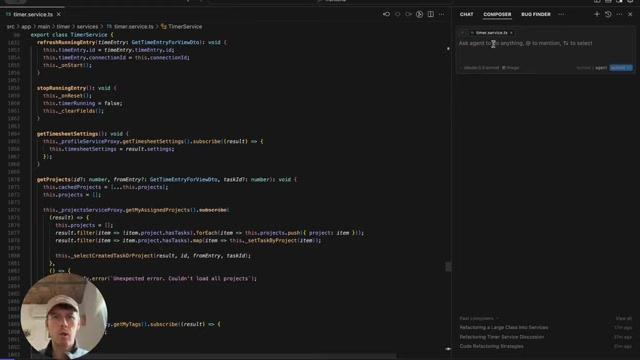
.
Crafting the Prompt
After selecting the code, you will want to describe to Claude what changes you'd like made to the code block. Here are some example prompts:
- Rewrite this in a functional style
- Make this code more efficient
- Document this code block
Remember to be specific in the Prompt so the AI can properly perform the way you want
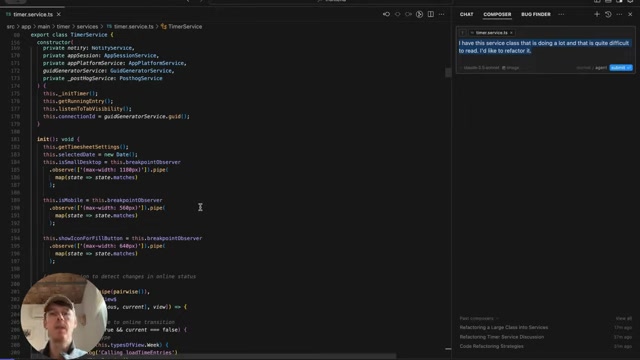
.

















Most people like
































Report
Please select a reason for reporting
- 13 Reasons to Switch from Snapchat to Text Messaging
- 7 Powerful Speech to Text Apps to Boost Productivity
- 10 Best Speech to Text Tools for Effortless Transcription
- 13 Free Tools to Easily Transcribe Audio to Text
- 15 Surprising Ways Google's Speech-to-Text Boosts Productivity
- 7 Best Free Online Audio to Text Transcription Tools
- 9 Tips to Transcribe Speech to Text Faster and Better
- 13 Best Speech to Text Software for Windows 10 in 2023
- 7 Tips for Choosing the Best Transcriber for Audio to Text
- 11 Reasons Why Dragon Speech-to-Text Apps are Game-Changers
- 6 Secrets to Enhance Your Speech to Text Transcription
- 6 Brilliant Ways to Boost Productivity with Talk-to-Text on Your MacBook
- 6 Ways Transcription Software Converts Audio to Text
- 8 Tips to Transcribe Speech to Text Like a Pro
- 6 Reasons IBM Watson Speech to Text is a Game-Changer
- 14 Powerful Ways Talk-to-Text Improves Your Workflow
- 12 Top Windows Speech-to-Text Software for Efficient Transcription
- 12 Game-Changing Benefits of Apple's Speech to Text Technology
- 9 Powerful Use Cases for AWS Speech to Text Technology
- 10 Easy Steps to Transcribe YouTube Videos to Text
- transcription audio en texte
- online audio transcription
- free audio file transcription
- free ai audio transcription
- audio transcription service
- audio transcription online free
- audio transcription free online
- audio to transcription software
- audio and transcript
- ai audio transcription free
- voice recording to text converter
- translate voice recording to text
- record voice to text
- audio recording to text converter
- voice recording and transcription
- chatgpt voice to text
- gmail voice to text
- speech to text reader
- speech to text ai free
- speech to talk
- 2026别再为 Claude多花冤枉钱了,ClaudeAPI.com国内直连让我每月省下 ¥780
- 5 Best AI Chat Apps for Mac in 2026
- What Makes Happy Horse 1.0 Different from Basic AI Video Tools
- Key Features of Happy Horse 1.0 AI Video Generator You Should Know
- 爱翻译功能全面解析:核心优势及主要功能
- Best AI Humanizers for SEO Content Writers in 2026
- Seedance 2.0 Prompting 101: The 6 Parameters You Need to Master (by Topview)
- Top 5 AI Text-to-Video Generators: A 2025 Review
- Create Professional UGC Videos with AI: Introducing Magic Ads
- Top 5 Browsers for Managing Multiple Accounts in 2026: What Actually Works
- AI Dropshipping in 2026: How Automation Is Changing Ecommerce
- Mastering Meeting Minutes: A Comprehensive Guide for Efficiency
- The Dangers of Deepfake for K-Pop: From Idol to Porn Star
- Key Metrics Used in AI Benchmarking for Enterprise Systems
- Top Free AI Video Generators: Latest Tools Compared!
- Top 5 Free AI Video Generators: Unlimited Options in 2025
- Top AI Video Generators: Ranking the Best Tools for 2025
- Top AI Video Generators: Create Stunning Videos Effortlessly
- Top AI Video Generators for Stunning Animations in 2024
- Free AI Video Generators: Unlimited & No Watermarks in 2025

Copyright ©2026 toolify