































Table of Contents
- Key Points
- Understanding Argparse Basics in Python
- Creating and Parsing Arguments with Argparse
- Steps on How to Use Argparse
- Pricing
- Advantages and Disadvantages of Argparse
- Core Features of Argparse
- Argparse Use Cases
- Frequently Asked Questions About Argparse
- Related Questions


Understanding Argparse Basics in Python
What is Argparse?
The argparse module is Python’s recommended way to handle command-line arguments. It is more powerful and flexible than manually parsing sys.argv. By using argparse, you ensure that your scripts are easily callable from the command line with clear instructions on how to use them. The module takes care of generating help messages and issuing errors when users supply invalid arguments. This makes your scripts more robust and user-friendly.
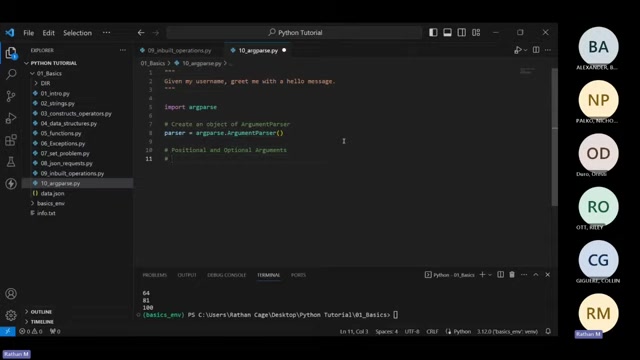
To begin, you need to import the argparse module:
import argparseNext, you create an ArgumentParser object, which will hold the information about the arguments your program expects:
parser = argparse.ArgumentParser()This initializes an argument parser that you can then populate with argument definitions. The ArgumentParser object is the core of your command-line interface definition.
Positional vs. Optional Arguments
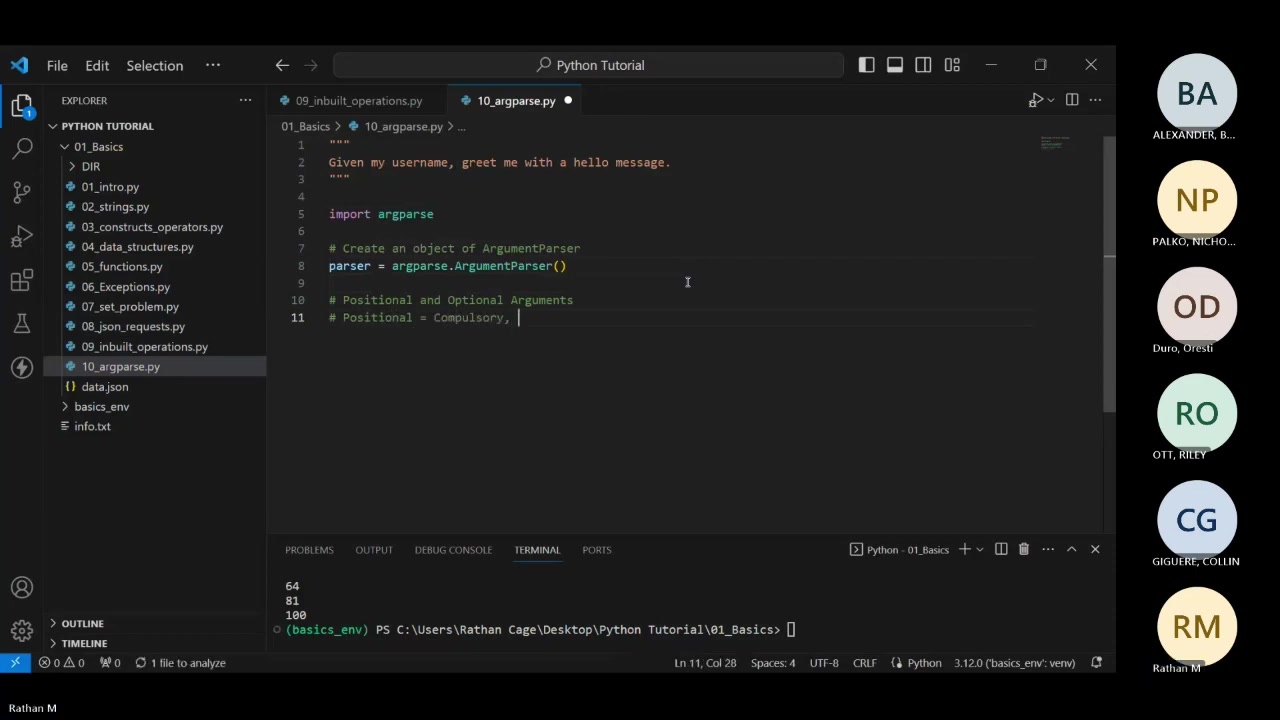
Argparse distinguishes between two primary types of arguments: positional and optional. Understanding the difference is crucial for designing effective command-line interfaces.
-
Positional Arguments: These are arguments that the user must provide. The order in which they are given matters. If a positional argument is not provided,
argparsewill generate an error. -
Optional Arguments: These arguments are not required. They are typically specified with a flag (e.g.,
--verbose). Optional arguments can have default values, and the user can choose whether or not to include them when running the script.
To define arguments, the add_argument() method is used. This method takes several parameters, including the argument name, help text, and other options. Here’s how you can define both types of arguments.
Creating and Parsing Arguments with Argparse
Defining Positional and Optional Arguments
Let's create a basic script that uses both positional and optional arguments to demonstrate how argparse works.
First, we’ll define a positional argument for the user's name. This argument is mandatory, meaning the script will not run without it.
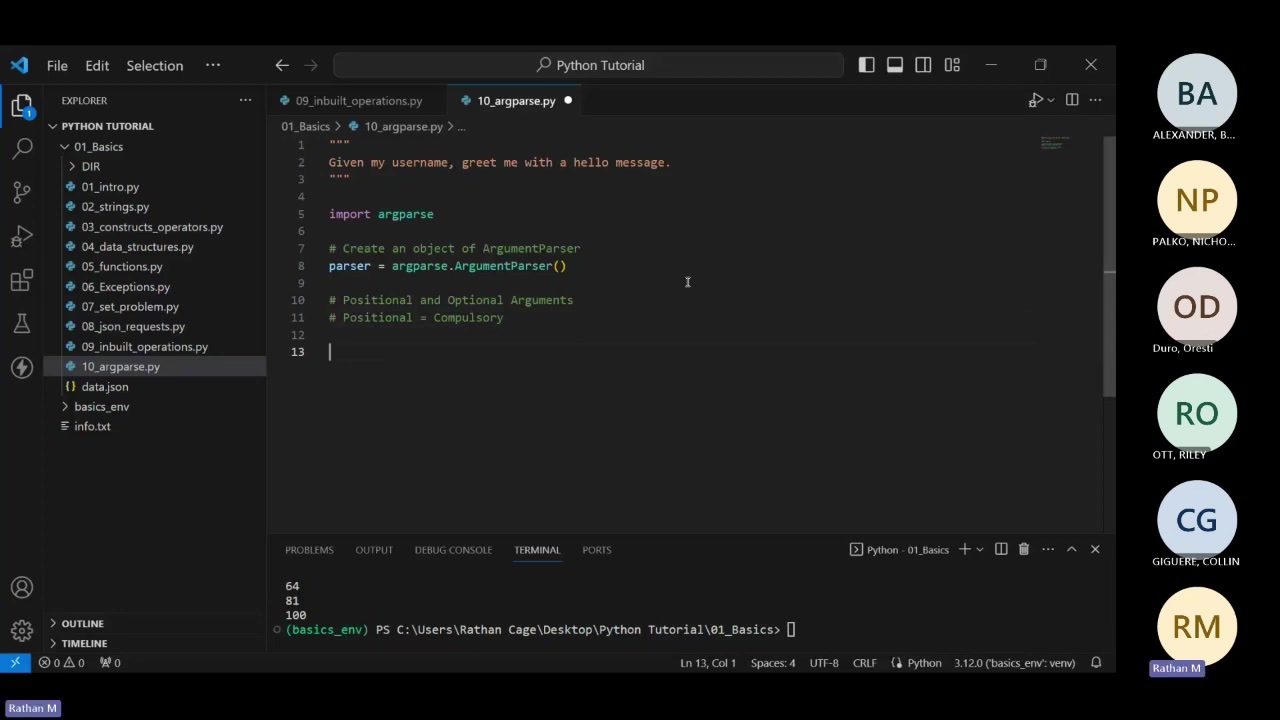
parser.add_argument("name", help="Enter your name to be greeted")Here, "name" is the name of the argument, and help provides a brief description that will be displayed in the help message.
Next, let's add an optional argument that allows the user to specify whether they want a sarcastic greeting. This argument is not mandatory and has a flag associated with it.
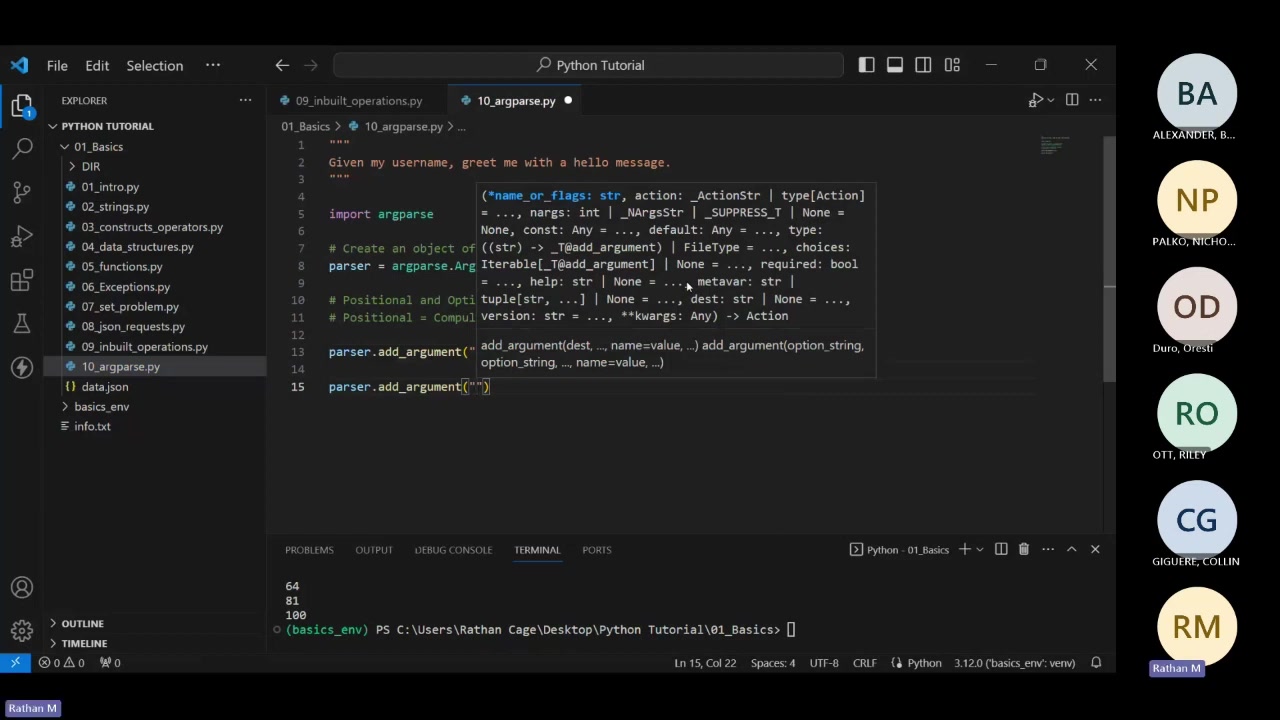
parser.add_argument("--sarcastic", help="Specify this if you want a sarcastic greeting")In this example, "--sarcastic" is the flag that users can use to specify the argument.
Retrieving Argument Values
After defining the arguments, you need to retrieve their values when the program is run. This is done using the parse_args() method:
args = parser.parse_args()This line parses the arguments and stores them in the args object. You can then access the values of the arguments using their names:
print(args.name)
print(args.sarcastic)
This prints the value of the name and sarcastic arguments, respectively. If a user doesn't provide an optional argument, its value will be None by default.
Running the Script and Providing Arguments
To run the script, you need to provide the positional arguments and optional flags from the command line. Here’s how:
python your_script_name.py YourName --sarcastic ValueIn this command:
your_script_name.pyis the name of your Python script.YourNameis the value provided for thenamepositional argument.--sarcastic Valueis the optional flag, which you could enter 'yes' or 'no', providing a value for thesarcasticargument.
If you run the script without providing the name, argparse will display an error message, reminding you that the name argument is required.
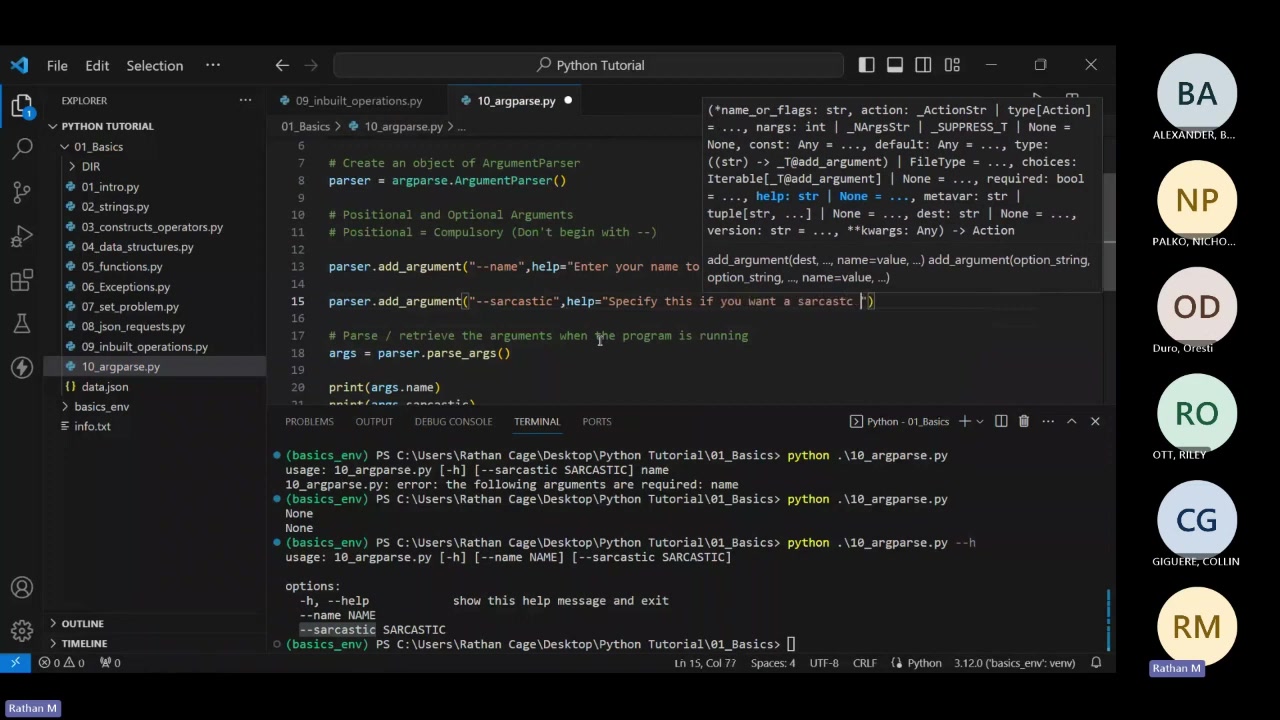
To view the help message, you can use the -h or --help flag:
python your_script_name.py -hThis will display a formatted help message that includes the descriptions you provided for each argument.
Steps on How to Use Argparse
Setting Up Argparse
Step 1: Import the Argparse Module
Begin by importing the argparse module in your Python script. This module provides the tools necessary for creating command-line argument parsers. This line makes all the argparse functionalities available.
Step 2: Create an ArgumentParser Object
Create an instance of the ArgumentParser class. This object will hold all the arguments your script can accept. When creating the parser, you can provide a description of what the script does.
parser = argparse.ArgumentParser(description='A script to greet users.')
How to Add Positional and Optional Arguments
Step 3: Add Positional Arguments
Define positional arguments using parser.add_argument(). Positional arguments are required inputs that the user must provide, and their order matters. This setup ensures that if a user forgets to include the name, the script will Prompt them with an error.
Step 4: Add Optional Arguments
Add optional arguments using parser.add_argument() with flags like --option_name. Optional arguments can have default values and help messages to guide users.
Retrieving and Using Argument Values
Step 5: Parse Arguments
Call parser.parse_args() to parse the command-line arguments. This function processes the arguments and stores them in an object that you can access. Here is where the parser analyzes the arguments provided by the user and prepares them for use in your script.
Step 6: Access Argument Values
Access the values of the arguments using the attributes of the parsed arguments object. Now, you can use the user-provided values in your script.
Remember to test your script with different arguments to ensure it behaves as expected and provides helpful feedback to the user. Now, you can adapt and expand it to fit more complex needs.







Most people like































Report
Please select a reason for reporting
- 13 Reasons to Switch from Snapchat to Text Messaging
- 7 Powerful Speech to Text Apps to Boost Productivity
- 10 Best Speech to Text Tools for Effortless Transcription
- 13 Free Tools to Easily Transcribe Audio to Text
- 15 Surprising Ways Google's Speech-to-Text Boosts Productivity
- 7 Best Free Online Audio to Text Transcription Tools
- 9 Tips to Transcribe Speech to Text Faster and Better
- 13 Best Speech to Text Software for Windows 10 in 2023
- 7 Tips for Choosing the Best Transcriber for Audio to Text
- 11 Reasons Why Dragon Speech-to-Text Apps are Game-Changers
- 6 Secrets to Enhance Your Speech to Text Transcription
- 6 Brilliant Ways to Boost Productivity with Talk-to-Text on Your MacBook
- 6 Ways Transcription Software Converts Audio to Text
- 8 Tips to Transcribe Speech to Text Like a Pro
- 6 Reasons IBM Watson Speech to Text is a Game-Changer
- 14 Powerful Ways Talk-to-Text Improves Your Workflow
- 12 Top Windows Speech-to-Text Software for Efficient Transcription
- 12 Game-Changing Benefits of Apple's Speech to Text Technology
- 9 Powerful Use Cases for AWS Speech to Text Technology
- 10 Easy Steps to Transcribe YouTube Videos to Text
- transcription audio en texte
- online audio transcription
- free audio file transcription
- free ai audio transcription
- audio transcription service
- audio transcription online free
- audio transcription free online
- audio to transcription software
- audio and transcript
- ai audio transcription free
- voice recording to text converter
- translate voice recording to text
- record voice to text
- audio recording to text converter
- voice recording and transcription
- chatgpt voice to text
- gmail voice to text
- speech to text reader
- speech to text ai free
- speech to talk
- How to Use AI Tools to Find Internal Linking Opportunities Across a Business Website
- Discover Your Perfect Haircut with AI Hairstyle Apps
- Free Reputation Calculator Tools: How They're Adapting to Score AI Visibility, Not Just Rankings
- Design Professional Flyers for Free on Your Phone
- Best Free Flyer Maker Apps for Android: Design Like a Pro
- How to Know If Your Business Is Ready for an AI Customer Service Agent
- Revolutionizing Storytelling: From Novels to Screenplays with AI
- Create Engaging Animated Explainer Videos with a Free AI Tool
- Stop Multi-Subscribing: Benchmark Top AI Visual Models in One Canvas
- Best Seedance 2.5 API Provider: Every Price on the Market, Checked at Source
- Top AI Social Media Management Tools: Automate Your Content Strategy
- Free AI Text to Video Generator: Create Stunning Videos from Text
- Discover 17 ChatGPT Alternatives: A Comprehensive Comparison
- Character.AI vs. Janitor AI: Which AI Chat Platform Reigns Supreme?
- Top Virtual Assistant Companies in 2026: Reviews, Pricing, and Plans Compared
- Unveiling FaceCheck.ID: Revolutionizing Reverse Image Searches with AI
- 11 Best AI Dialers in 2026: Features, Pricing, Pros and Cons
- How I Direct Consistent AI Clips: A Hands-On Guide to Multi-Model Generation
- A Realistic Review of the Photo Generator Image Tool
- Playwright MCP Server: Automated Web Testing with Agent Mode

Copyright ©2026 toolify