































Table of Contents
- Key Points
- Introduction to AI Face Swapping with PixelDojo
- Understanding LORA Models
- Performing a Face Swap with PixelDojo: Step-by-Step
- PixelDojo Pricing Plans
- Pros and Cons of Using PixelDojo
- Core Features of PixelDojo AI Tools
- Use Cases: Who Can Benefit from PixelDojo?
- Frequently Asked Questions
- Related Questions


Introduction to AI Face Swapping with PixelDojo
What is PixelDojo?
PixelDojo.ai is a comprehensive platform designed to empower users with cutting-edge AI Tools for image and video generation.
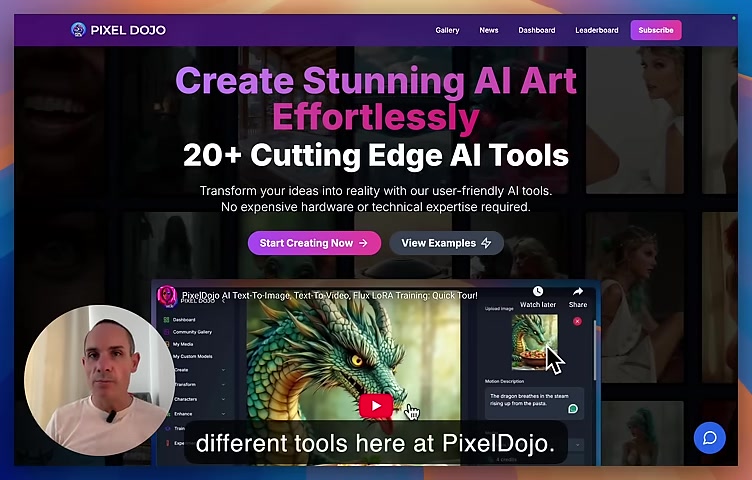
With access to over 20 generative AI tools, PixelDojo simplifies the creation of stunning visual content. It caters to both seasoned artists and newcomers alike, offering features like text-to-image, text-to-video, and advanced image editing capabilities. While a monthly subscription unlocks the full potential of the site, PixelDojo also acknowledges the possibility of achieving similar results with robust local hardware. This flexibility ensures accessibility for diverse user setups, making AI-driven creativity available to a wide audience. The platform continually updates its offerings, providing users with the latest advancements in AI art. By providing intuitive tools and a supportive community, PixelDojo fosters an environment of innovation and creativity, allowing everyone to transform their ideas into captivating reality. PixelDojo is not just a tool; it’s a gateway to the future of digital art and content creation, promising ease, quality, and endless possibilities.
Understanding Face Swapping
Face swapping is an innovative technique that involves seamlessly replacing a face in one image with that of another.
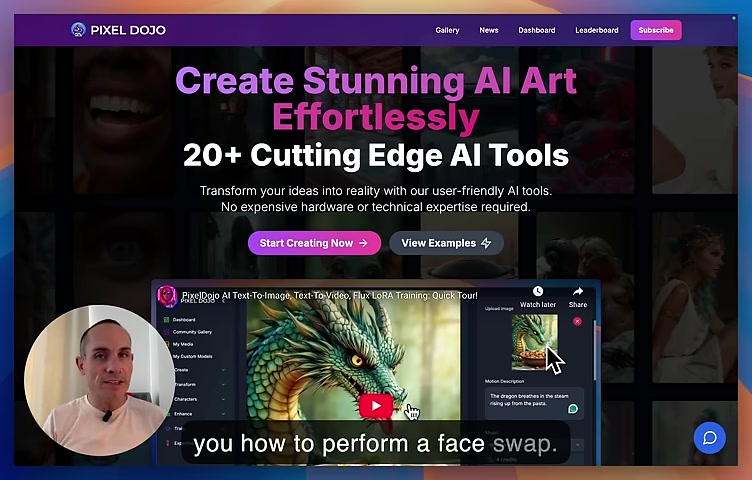
This process, traditionally complex and time-consuming, has been simplified through AI. AI algorithms analyze facial features, expressions, and lighting to accurately transfer one face onto another. The goal is to ensure a realistic and coherent integration that maintains the integrity of the original image while incorporating the distinct characteristics of the new face. Effective face swapping enhances the emotional impact of a photo, generating a new narrative by re-contextualizing the scene. AI face swapping can also be used in a more artistic way. From creating humorous parodies to generating unique artistic concepts, face swapping offers a playground for creative exploration. With the accessibility of AI tools, face swapping has emerged as an engaging form of content creation, blending technology and art in exciting ways.
Performing a Face Swap with PixelDojo: Step-by-Step
Method 1: Using Image to Image Transformation
The first method involves using PixelDojo’s Image to Image transformation tool, which leverages AI to modify existing images based on provided prompts and models.
Step 1: Access the Dashboard
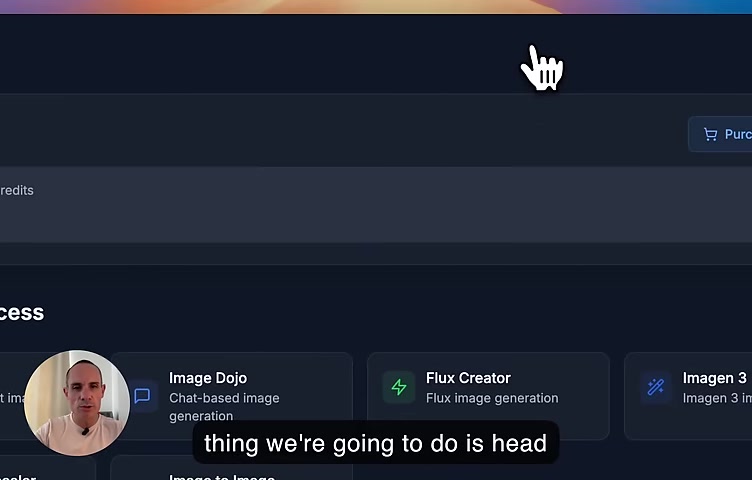
- Navigate to the PixelDojo dashboard and access the 'Transform' tab.
Step 2: Select Image to Image
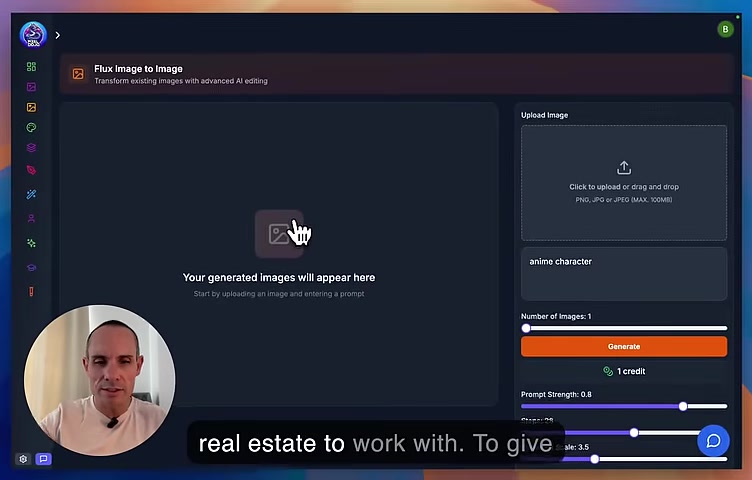
- Choose the 'Image to Image' option to load the transformation interface.
Step 3: Upload a Base Image
- Upload an image from your computer or select one from the 'My Media' section. This serves as the base for the face swap.
Step 4: Add a Custom LORA
- In the right panel, choose a LORA model. For a face swap, select a LORA model trained on the target face. If there is not a model available then you can train one.
Step 5: Configure Generation Settings
- Adjust settings like the number of images to generate and prompt strength. The Prompt strength slider will determine how much the original image is affected.
Step 6: Initiate Image Generation
- Click ‘Generate’ and let the AI create the new image with the face swap. Step 7: Review and Save the Image
- Once generated, preview the new image and save it to your gallery if satisfied.
Method 2: Using Inpainting with LORA Support
The Inpainting with LORA Support tool is a more hands-on method that allows for precise control over facial replacements by masking specific areas.
Step 1: Access the Enhance Tab
- From the PixelDojo dashboard, go to the 'Enhance' tab.
Step 2: Select Inpainting with LORA Support
- Choose the 'Inpainting with LORA Support' option.
Step 3: Upload an Image
- Upload an image where you want to perform the face swap.
Step 4: Mask the Face
- Use the brush tool to carefully mask the face area you want to replace. The zoom feature helps in creating a precise mask. You can also change the mask size to help get better detail.
Step 5: Add a Custom LORA
- Add a LORA of the face you want to put on the base image.
Step 6: Generate the New Image
- Generate the image.
Step 7: Refine Settings
- Iterate your image generation, improving the model until your satisified.



Most people like


































Report
Please select a reason for reporting
- 13 Reasons to Switch from Snapchat to Text Messaging
- 7 Powerful Speech to Text Apps to Boost Productivity
- 10 Best Speech to Text Tools for Effortless Transcription
- 13 Free Tools to Easily Transcribe Audio to Text
- 15 Surprising Ways Google's Speech-to-Text Boosts Productivity
- 7 Best Free Online Audio to Text Transcription Tools
- 9 Tips to Transcribe Speech to Text Faster and Better
- 13 Best Speech to Text Software for Windows 10 in 2023
- 7 Tips for Choosing the Best Transcriber for Audio to Text
- 11 Reasons Why Dragon Speech-to-Text Apps are Game-Changers
- 6 Secrets to Enhance Your Speech to Text Transcription
- 6 Brilliant Ways to Boost Productivity with Talk-to-Text on Your MacBook
- 6 Ways Transcription Software Converts Audio to Text
- 8 Tips to Transcribe Speech to Text Like a Pro
- 6 Reasons IBM Watson Speech to Text is a Game-Changer
- 14 Powerful Ways Talk-to-Text Improves Your Workflow
- 12 Top Windows Speech-to-Text Software for Efficient Transcription
- 12 Game-Changing Benefits of Apple's Speech to Text Technology
- 9 Powerful Use Cases for AWS Speech to Text Technology
- 10 Easy Steps to Transcribe YouTube Videos to Text
- transcription audio en texte
- online audio transcription
- free audio file transcription
- free ai audio transcription
- audio transcription service
- audio transcription online free
- audio transcription free online
- audio to transcription software
- audio and transcript
- ai audio transcription free
- voice recording to text converter
- translate voice recording to text
- record voice to text
- audio recording to text converter
- voice recording and transcription
- chatgpt voice to text
- gmail voice to text
- speech to text reader
- speech to text ai free
- speech to talk
- Meshy AI: How to Create 3D Models from Text and Images
- How SEO and Marketing Dashboards Empower Agencies to Drive Results
- How to Use AI Tools to Find Internal Linking Opportunities Across a Business Website
- Discover Your Perfect Haircut with AI Hairstyle Apps
- Free Reputation Calculator Tools: How They're Adapting to Score AI Visibility, Not Just Rankings
- Design Professional Flyers for Free on Your Phone
- Best Free Flyer Maker Apps for Android: Design Like a Pro
- How to Know If Your Business Is Ready for an AI Customer Service Agent
- Revolutionizing Storytelling: From Novels to Screenplays with AI
- Create Engaging Animated Explainer Videos with a Free AI Tool
- Automate Lead Generation: A Comprehensive Guide with AI Agents
- Revideo.io: The Future of Reverse Video Search Technology
- Revolutionizing Email Marketing Agency with AI
- Breaking the Character Drift Dilemma: A Practical Test of Smart Shot
- Meshy AI: How to Create 3D Models from Text and Images
- ASOMobile Helps Teams Benchmark App Store Screenshots Against Competitors
- How to Match LMS Software With Your Organization's Training Plan
- How to Convert BTC to HNT
- Unleashing the Power of AI: Cognizant's Roadmap for Transformation
- Frame to Video Review: A Practical Look at Turning Two Still Frames Into Motion

Copyright ©2026 toolify