































Table of Contents
- Key Points
- Unlocking AI Potential for YouTube Thumbnails
- Creating Thumbnails with PicLumen: From Text to Visual Masterpiece
- Step-by-Step Thumbnail Creation Guide
- ChatGPT for Thumbnail Prompt Generation: Weighing the Pros and Cons
- FAQ
- Related Questions


Unlocking AI Potential for YouTube Thumbnails
Why Thumbnails Matter: The Key to More Views
In the competitive landscape of YouTube, a compelling thumbnail is your video's first, and often only, chance to grab a viewer's attention. Think of it as your video's billboard – it needs to be informative, intriguing, and visually appealing enough to entice someone to click. A well-designed thumbnail can dramatically improve your click-through rate (CTR), which is the percentage of people who see your video and then choose to watch it. Higher CTR directly translates to more views, increased watch time, and ultimately, a more successful YouTube channel.
It doesn’t matter if you have the most valuable content in your niche – if your thumbnails don't catch the eye, your videos will get lost in the noise. This is where the strategic use of AI comes in, offering tools to create thumbnails that are not only visually appealing but also strategically designed to maximize engagement. Don't underestimate the power of a great thumbnail – it's the key to unlocking your video's potential.
Think about what makes you click on a YouTube video. Chances are, it was the thumbnail! The image, the text, and the overall composition all played a role in your decision. Now, imagine being able to consistently design images that have that same effect on others. That's the promise of using an AI-powered
The Power of ChatGPT: Generating Creative Thumbnail Prompts
ChatGPT, a powerful language model, is your secret weapon for brainstorming thumbnail ideas. Instead of staring at a blank canvas, let ChatGPT generate a variety of prompts tailored to your video's content. The trick is to provide ChatGPT with clear instructions and relevant details about your video's topic, style, and target audience.
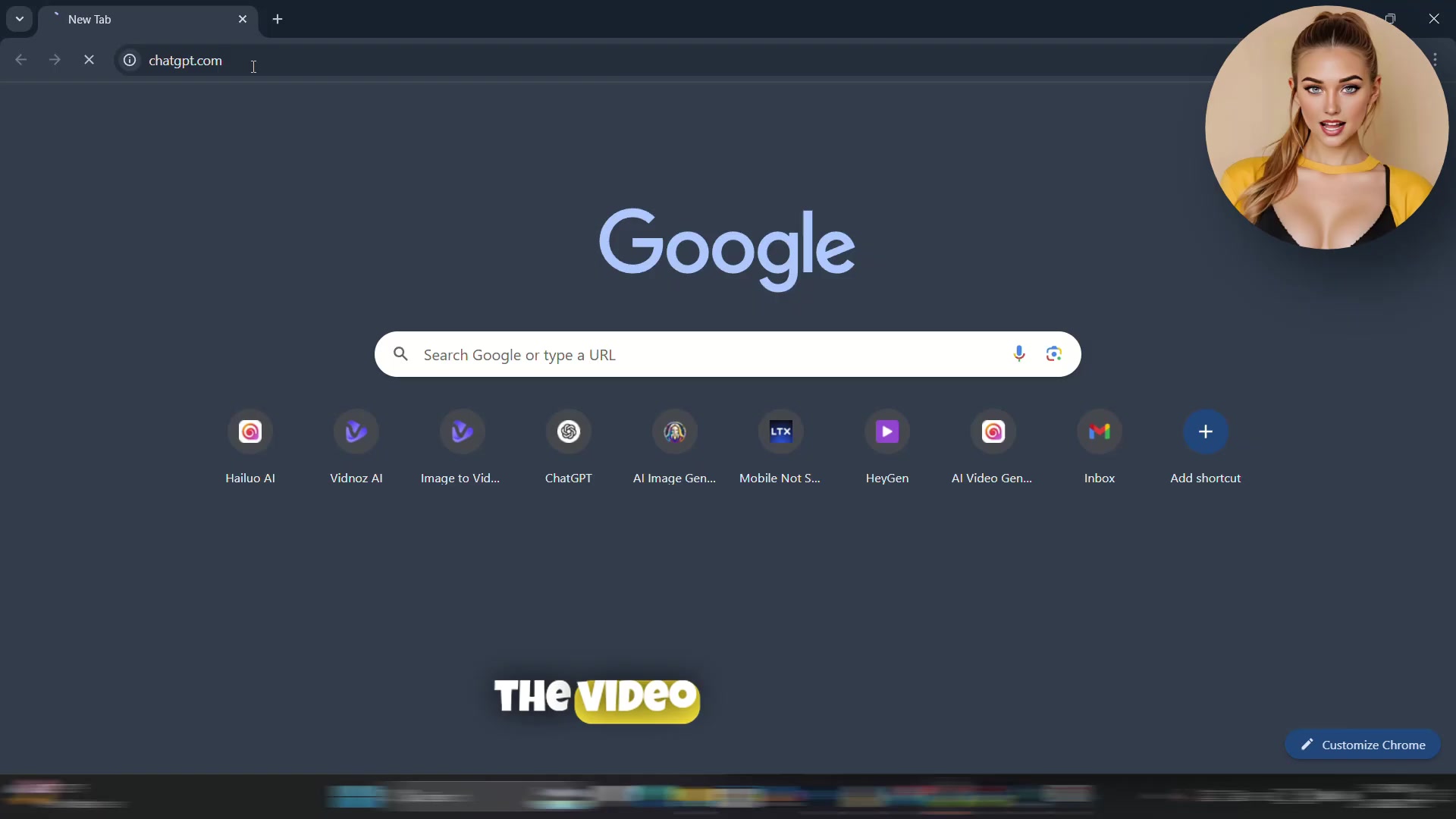
For example, if you're creating a video about the history of ancient Rome, you might provide ChatGPT with the following prompt:
"I created a video on YouTube with the topic: ['The Rise and Fall of the Roman Empire'] and I want to create a thumbnail for it. Please design five thumbnails according to your style, thumbnails should include relevant text and send me their prompts. Just keep in mind that I want to give these prompts to an AI to convert the text into images and design the thumbnails for me."
Remember to replace ['The Rise and Fall of the Roman Empire'] with the actual title of your video.
By providing this prompt, you're instructing ChatGPT to generate five different thumbnail concepts, each with a specific visual style and text element that aligns with the video's content. These prompts will serve as the foundation for creating your thumbnails in the next step.
To streamline this process, a specific prompt template is available on the creator's Telegram channel (@NovaAi_Free) and in the video description. Copying and adapting this template makes it faster to create effective thumbnail concepts with ChatGPT.
Refining Your Prompts: Getting the Best Results from ChatGPT
While ChatGPT can generate great starting points, refining the prompts is crucial to get thumbnails that truly capture your video's essence. After receiving the initial prompts, ask ChatGPT to make them more detailed.
This will give the AI a clearer understanding of what you're looking for, resulting in more accurate and visually appealing thumbnail designs.
For instance, if ChatGPT suggests a thumbnail with 'A Roman soldier standing guard,' you could refine this by adding 'A Roman soldier in full armor, standing guard before the Colosseum, with a dramatic sunset in the background.' The more details you provide, the better the AI can translate your vision into a compelling thumbnail.
The goal is to provide enough context so that the AI can create a thumbnail that is both visually appealing and relevant to your video's content. Don't be afraid to experiment with different phrasing and descriptive elements to see what works best. This iterative process will help you discover the optimal balance between creativity and clarity in your thumbnail prompts.
Creating Thumbnails with PicLumen: From Text to Visual Masterpiece
Introducing PicLumen: Your AI Thumbnail Design Partner
Now that you have refined thumbnail prompts, it's time to bring them to life with PicLumen, a powerful AI image generator designed to transform text descriptions into visually stunning images.

PicLumen simplifies the thumbnail creation process, allowing you to quickly generate multiple design options based on your ChatGPT prompts.
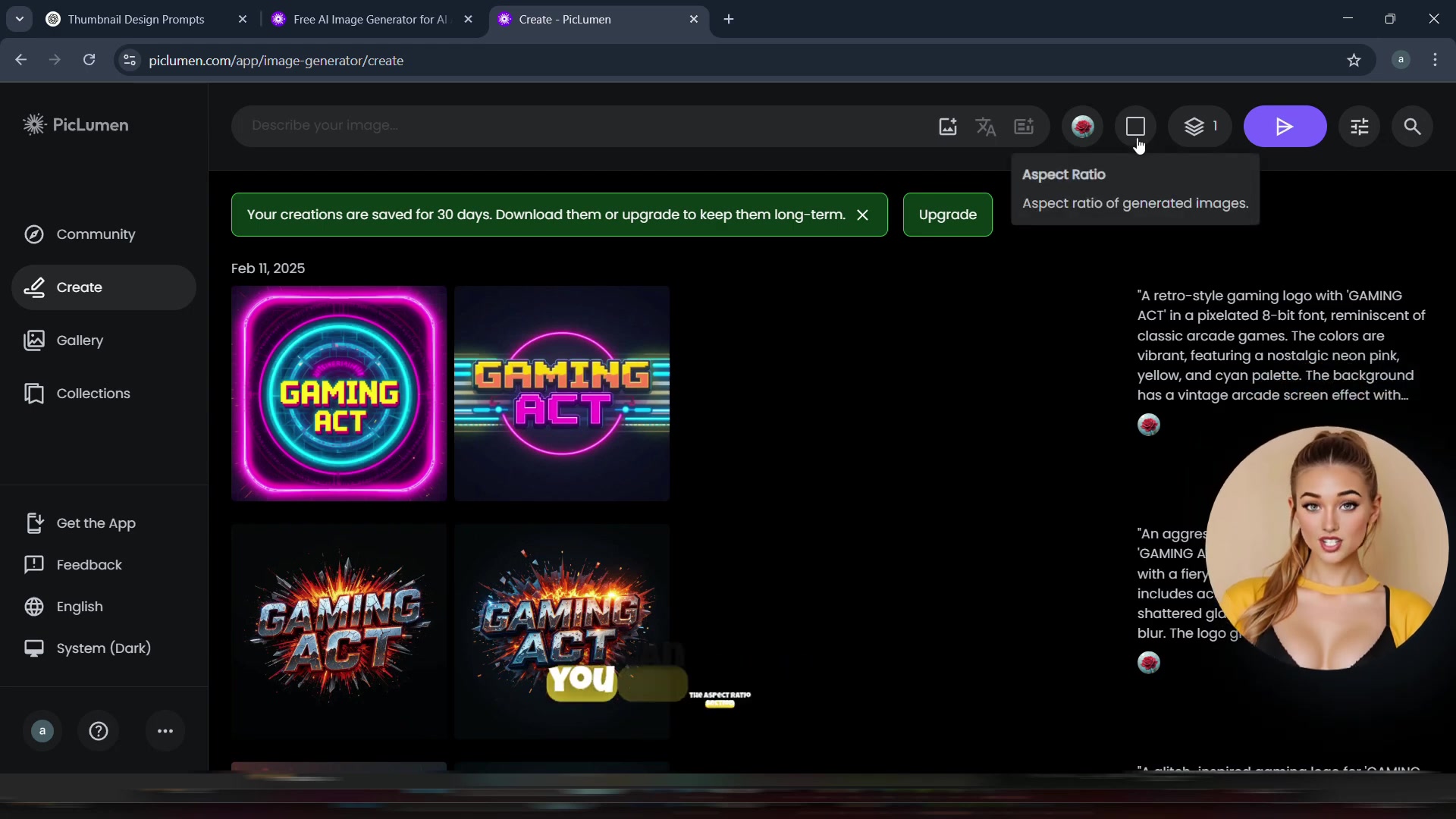
To get started, visit the PicLumen website (piclumen.com) and sign up for a free account. Once you're logged in, navigate to the 'Create' section. Here, you'll find a simple interface where you can paste your ChatGPT prompts and customize various settings to control the final look of your thumbnail.
Step-by-Step Guide: Using PicLumen to Generate Thumbnails
Follow these steps to create amazing thumbnails with PicLumen:
- Access PicLumen: Go to piclumen.com and log in.
- Navigate to the Create Section: On the left-hand side, click on the ‘Create’ option.
- Paste Your Prompt: Copy one of the refined prompts from ChatGPT and paste it into the description box within PicLumen.
- Adjust Settings (Optional):
- Model Selection: You can choose a model, but the default selection often works well.
- Aspect Ratio: Set the aspect ratio to 16:9 for YouTube thumbnails .
- Batch Image Count: Set the batch image count to 2 to generate two thumbnails per prompt .
- Generate Thumbnails: Click the generate button. PicLumen will use the prompt to produce two different thumbnail options.
- Review and Download: Examine the generated thumbnails. If you’re happy with them, download your favorite. If you'd like more variations, you can re-run the prompt or tweak it slightly and try again.
- Repeat: Repeat steps 3-6 for each of the prompts generated by ChatGPT . This will give you a diverse range of thumbnails to choose from.
Website: piclumen.com
Tips for Success with PicLumen
To get the best possible thumbnails from PicLumen, keep these tips in mind:
- Be Specific: The more detailed your prompt, the better the results.
- Experiment with Styles: Try different keywords to alter the aesthetic of your thumbnails.
- Iterate and Refine: Don't be afraid to re-run prompts with slight variations to get the perfect image.
- Consider Your Brand: Ensure your thumbnails align with your channel’s overall branding and visual style.
- Test and Optimize: Track the performance of your thumbnails and adjust your strategies accordingly.





Most people like





























Report
Please select a reason for reporting
- 13 Reasons to Switch from Snapchat to Text Messaging
- 7 Powerful Speech to Text Apps to Boost Productivity
- 10 Best Speech to Text Tools for Effortless Transcription
- 13 Free Tools to Easily Transcribe Audio to Text
- 15 Surprising Ways Google's Speech-to-Text Boosts Productivity
- 7 Best Free Online Audio to Text Transcription Tools
- 9 Tips to Transcribe Speech to Text Faster and Better
- 13 Best Speech to Text Software for Windows 10 in 2023
- 7 Tips for Choosing the Best Transcriber for Audio to Text
- 11 Reasons Why Dragon Speech-to-Text Apps are Game-Changers
- 6 Secrets to Enhance Your Speech to Text Transcription
- 6 Brilliant Ways to Boost Productivity with Talk-to-Text on Your MacBook
- 6 Ways Transcription Software Converts Audio to Text
- 8 Tips to Transcribe Speech to Text Like a Pro
- 6 Reasons IBM Watson Speech to Text is a Game-Changer
- 14 Powerful Ways Talk-to-Text Improves Your Workflow
- 12 Top Windows Speech-to-Text Software for Efficient Transcription
- 12 Game-Changing Benefits of Apple's Speech to Text Technology
- 9 Powerful Use Cases for AWS Speech to Text Technology
- 10 Easy Steps to Transcribe YouTube Videos to Text
- transcription audio en texte
- online audio transcription
- free audio file transcription
- free ai audio transcription
- audio transcription service
- audio transcription online free
- audio transcription free online
- audio to transcription software
- audio and transcript
- ai audio transcription free
- voice recording to text converter
- translate voice recording to text
- record voice to text
- audio recording to text converter
- voice recording and transcription
- chatgpt voice to text
- gmail voice to text
- speech to text reader
- speech to text ai free
- speech to talk
- Revolutionizing Storytelling: From Novels to Screenplays with AI
- Create Engaging Animated Explainer Videos with a Free AI Tool
- Stop Multi-Subscribing: Benchmark Top AI Visual Models in One Canvas
- Best Seedance 2.5 API Provider: Every Price on the Market, Checked at Source
- AI OnlyFans: How to Generate $30,000/Month (Legally)
- Transform Your Script into an Engaging Video with AI Video Maker!
- AI Marketing Automation: A Comprehensive Guide for Small Businesses
- Midjourney Alternative for Anime Art Creators: Why PixAI May Be Better for Character Workflows
- 10 Things Most People Get Wrong About AI Image Search
- AI Girlfriend Apps: Top Choices Redefining Relationships 2025
- Python Random Name Generator Tutorial
- Generate Unique Names with Python Random Name Generator
- Code a JavaScript Name Generator
- Create a Fun Name Generator App - Easy JavaScript Project!
- Experience Roblox's Avatar Creation for Karl Jacobs!
- May TBR Game: How a Letter Generator Chooses My Reads
- AI Celebrity Chat: Hilarious Pick-Up Lines & Chatbot Chaos!
- Embrace Chaos with the Random Makeup Challenge
- Boost Audience Engagement with the Wheel of Names
- Engage Your Audience with the Wheel of Names!

Copyright ©2026 toolify