































Table of Contents
- Key Points
- Essential Concepts in Java Web Development
- Additional Considerations for Web App Development
- Steps to Implement User Management
- Pros and Cons of a Well Managed Application
- FAQ
- Related Questions


Essential Concepts in Java Web Development
Understanding Error Handling in Java Web Applications
Robust error handling is crucial for preventing application crashes and providing meaningful feedback to users. Java offers several mechanisms for handling exceptions and errors.
Exception Handling:
- Try-Catch Blocks: Wrap potentially problematic code within a
tryblock and catch any resulting exceptions in acatchblock. This allows you to handle the exception gracefully, log the error, and potentially redirect the user to an error page. - Finally Block: The
finallyblock ensures that code is executed regardless of whether an exception occurred or not. This is often used to release resources like database connections. - Custom Exceptions: Create your own exception classes to represent specific error conditions within your application. This improves code clarity and maintainability.
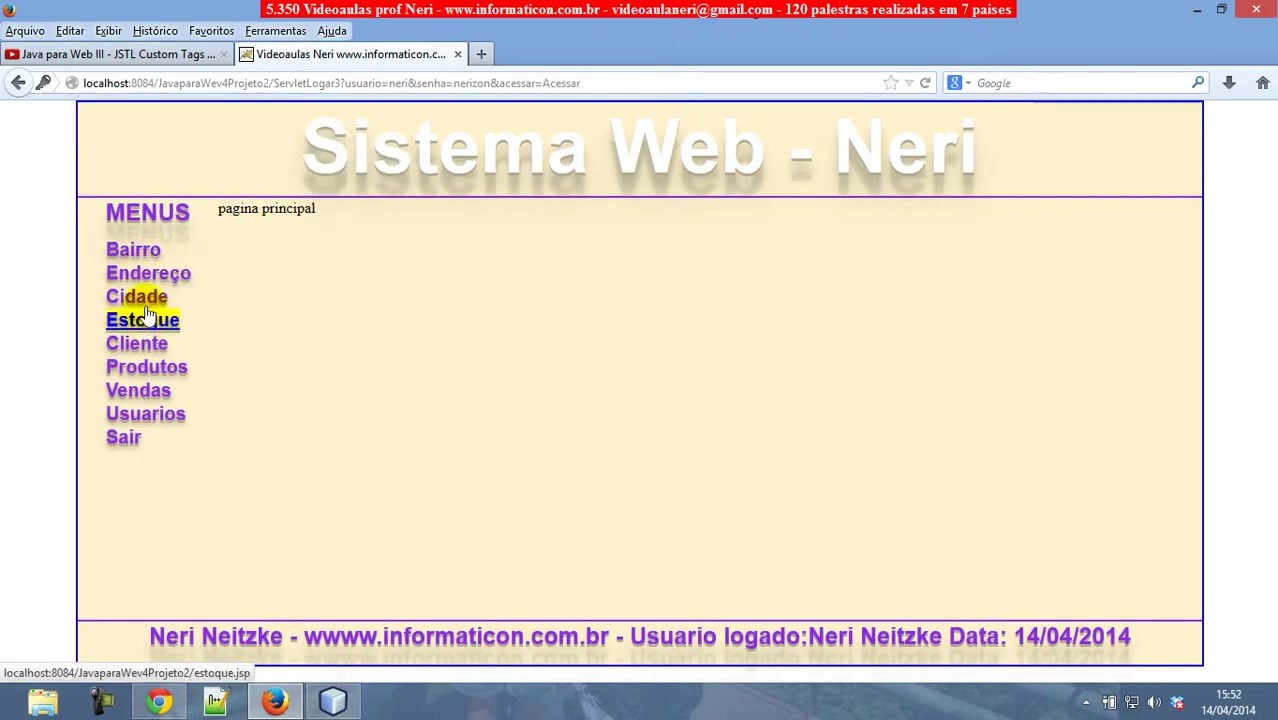
Example Error Scenario: Imagine a user attempts to access a city that doesn't exist. Instead of displaying a generic error, you can catch the exception and present a user-friendly message indicating that the city was not found. This provides a better user experience and helps them understand what went wrong. Implementing this correctly avoids exposing the complexities of the underlying code.
Contact Support: The user sees a pre-written message from the support team in case the user encounters errors. This message is customized for the end-user, and if they see it, they are instructed to contact the support team for resolution. You could provide the contact information directly on the error page, offering immediate assistance.
Effective error handling isn't just about preventing crashes; it's about creating a resilient and user-friendly application.
Securing User Authentication and Authorization
User authentication and authorization are paramount for protecting sensitive data and restricting access to specific functionalities. Java provides several methods for implementing secure user management.
Authentication:
- Login Forms: Create login forms where users can enter their username and password.
- Password Hashing: Never store passwords in plain text. Instead, use strong hashing algorithms like bcrypt or Argon2 to securely store password hashes.
- Session Management: After successful authentication, create a session to track the user's login status. Sessions allow you to maintain state between multiple requests from the same user.
- Logout Functionality: Provide a logout function to terminate the user's session when they are finished using the application.
Authorization:
- Role-Based Access Control (RBAC): Assign roles (e.g., administrator, user, guest) to users and grant permissions based on their roles. This allows you to control access to different parts of the application.
- Access Control Lists (ACLs): Use ACLs to define granular permissions for specific resources. This provides more fine-grained control over access rights.
It is important to properly authenticate users to prevent unauthorized access.
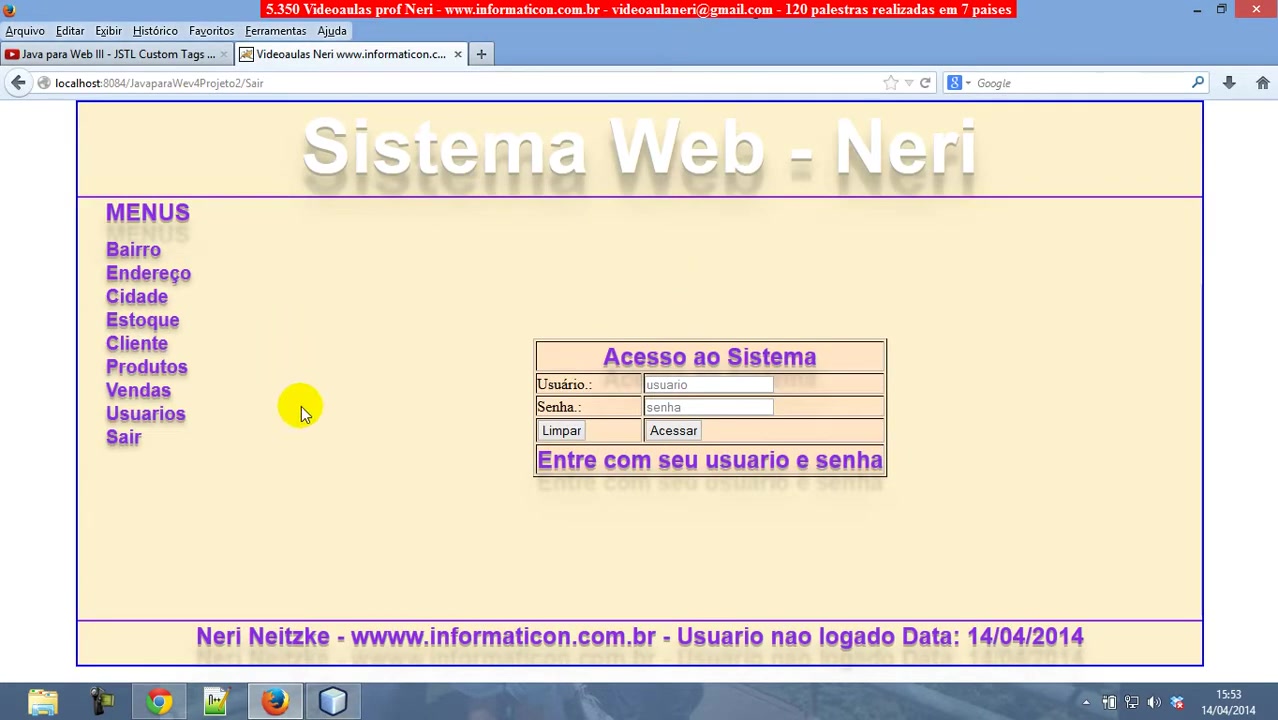
The login is working as expected with the ability to login successfully. Showing Login State and Error Handling:
The system shows you whether or not the user has successfully logged in. If the user has not logged in, the system gives the error that is shown on the screen, to allow the support team to resolve. This can provide a seamless experience for your end-users and help avoid confusion.
Database Interaction with JDBC and Connection Pools
Java Database Connectivity (JDBC) is the standard API for connecting to and interacting with databases. Connection pools enhance performance by reusing database connections.
JDBC Basics:
- DriverManager: Use the
DriverManagerclass to establish a connection to the database. Specify the JDBC URL, username, and password. - Connection Object: The
Connectionobject represents the connection to the database. Use it to create statements and execute queries. - Statement Object: The
Statementobject is used to execute SQL statements. There are three types of statements:Statement: For simple SQL statements.PreparedStatement: For parameterized SQL statements, which prevent SQL injection attacks.CallableStatement: For executing stored procedures.
- ResultSet Object: The
ResultSetobject contains the results of a query. Use it to iterate over the rows and retrieve data.
Connection Pools:
- Acquire Connections: Obtain connections from the pool instead of creating new connections for each request.
- Release Connections: Return connections to the pool when they are no longer needed. This allows other requests to reuse them.
- Connection Pooling Libraries: Utilize connection pooling libraries like Apache Commons DBCP or HikariCP. These libraries simplify the management of connection pools and provide advanced features like connection testing and automatic reconnection.
The system uses Postgresql as the database
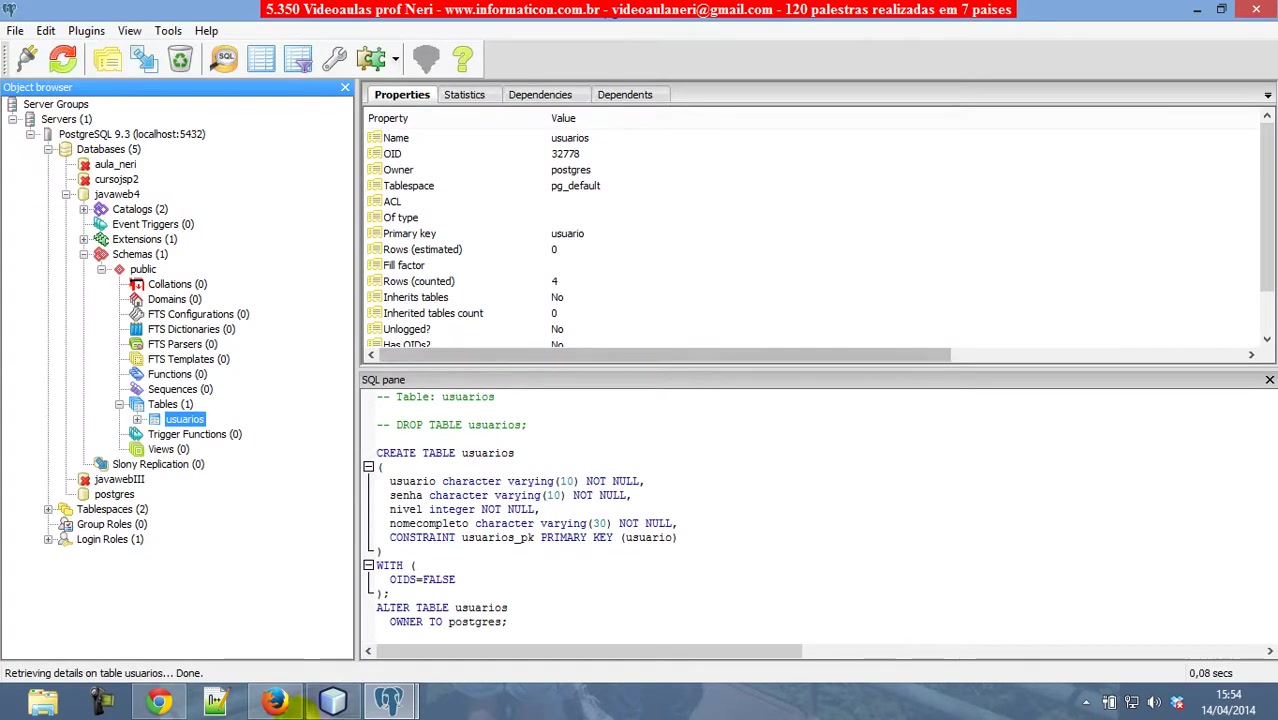
and requires that the pgAdmin, or similar database management tool, to be up and running before running the application. It is important to use an active database to ensure the application can retrieve information effectively.
By using these components, your program can successfully retrieve all active users from the database. Having a database that is functional allows you to create robust and dynamic web applications with Java.
Steps to Implement User Management
Steps to Implement
Here is a list of steps to follow to successfully implement user management functionality for a java web application.
-
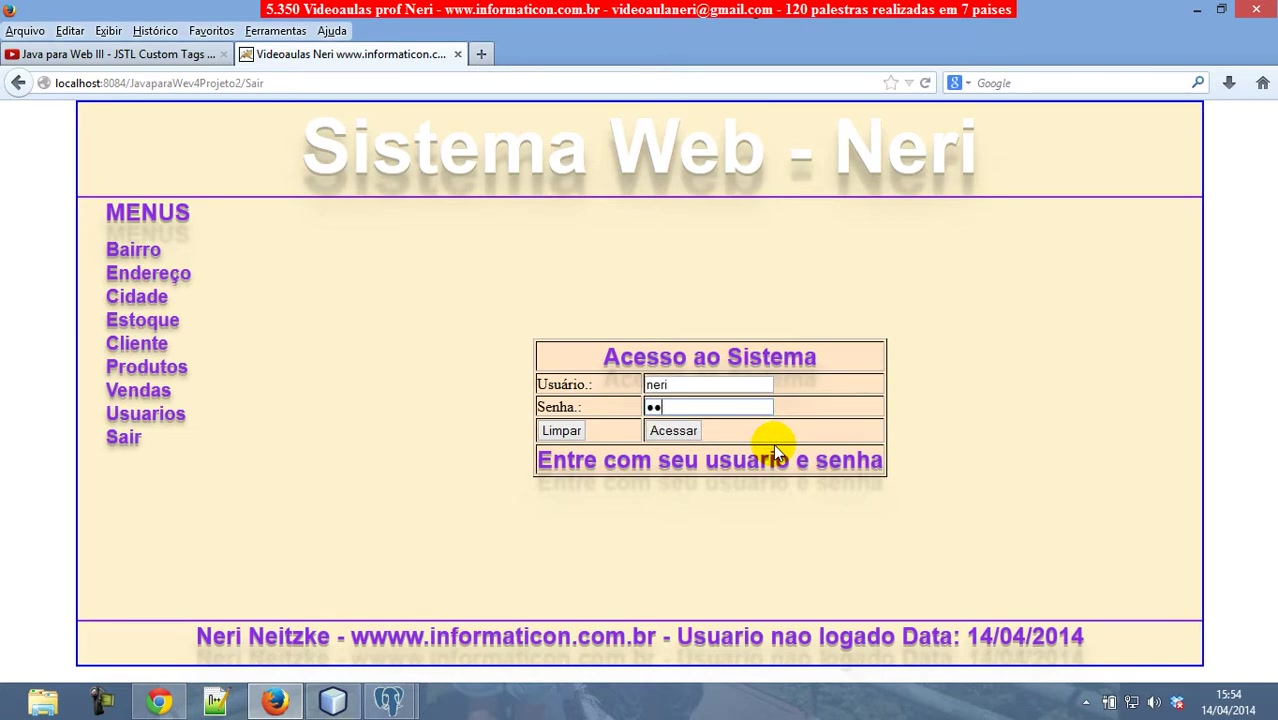
Create Tables in Postgresql Database
-
Set up pgAdmin to connect to the database.
-
Ensure Java has the correct jar files to run with Postgresql.
-
Verify the database connection string.
-
Set up Authentication.
-
Set up Authorization and different access levels.





Most people like

































Report
Please select a reason for reporting
- 13 Reasons to Switch from Snapchat to Text Messaging
- 7 Powerful Speech to Text Apps to Boost Productivity
- 10 Best Speech to Text Tools for Effortless Transcription
- 13 Free Tools to Easily Transcribe Audio to Text
- 15 Surprising Ways Google's Speech-to-Text Boosts Productivity
- 7 Best Free Online Audio to Text Transcription Tools
- 9 Tips to Transcribe Speech to Text Faster and Better
- 13 Best Speech to Text Software for Windows 10 in 2023
- 7 Tips for Choosing the Best Transcriber for Audio to Text
- 11 Reasons Why Dragon Speech-to-Text Apps are Game-Changers
- 6 Secrets to Enhance Your Speech to Text Transcription
- 6 Brilliant Ways to Boost Productivity with Talk-to-Text on Your MacBook
- 6 Ways Transcription Software Converts Audio to Text
- 8 Tips to Transcribe Speech to Text Like a Pro
- 6 Reasons IBM Watson Speech to Text is a Game-Changer
- 14 Powerful Ways Talk-to-Text Improves Your Workflow
- 12 Top Windows Speech-to-Text Software for Efficient Transcription
- 12 Game-Changing Benefits of Apple's Speech to Text Technology
- 9 Powerful Use Cases for AWS Speech to Text Technology
- 10 Easy Steps to Transcribe YouTube Videos to Text
- transcription audio en texte
- online audio transcription
- free audio file transcription
- free ai audio transcription
- audio transcription service
- audio transcription online free
- audio transcription free online
- audio to transcription software
- audio and transcript
- ai audio transcription free
- voice recording to text converter
- translate voice recording to text
- record voice to text
- audio recording to text converter
- voice recording and transcription
- chatgpt voice to text
- gmail voice to text
- speech to text reader
- speech to text ai free
- speech to talk
- How to Use AI Tools to Find Internal Linking Opportunities Across a Business Website
- Discover Your Perfect Haircut with AI Hairstyle Apps
- Free Reputation Calculator Tools: How They're Adapting to Score AI Visibility, Not Just Rankings
- Design Professional Flyers for Free on Your Phone
- Best Free Flyer Maker Apps for Android: Design Like a Pro
- How to Know If Your Business Is Ready for an AI Customer Service Agent
- Revolutionizing Storytelling: From Novels to Screenplays with AI
- Create Engaging Animated Explainer Videos with a Free AI Tool
- Stop Multi-Subscribing: Benchmark Top AI Visual Models in One Canvas
- Best Seedance 2.5 API Provider: Every Price on the Market, Checked at Source
- Top AI Social Media Management Tools: Automate Your Content Strategy
- Free AI Text to Video Generator: Create Stunning Videos from Text
- Discover 17 ChatGPT Alternatives: A Comprehensive Comparison
- Character.AI vs. Janitor AI: Which AI Chat Platform Reigns Supreme?
- Top Virtual Assistant Companies in 2026: Reviews, Pricing, and Plans Compared
- Unveiling FaceCheck.ID: Revolutionizing Reverse Image Searches with AI
- 11 Best AI Dialers in 2026: Features, Pricing, Pros and Cons
- How I Direct Consistent AI Clips: A Hands-On Guide to Multi-Model Generation
- A Realistic Review of the Photo Generator Image Tool
- Playwright MCP Server: Automated Web Testing with Agent Mode

Copyright ©2026 toolify