































Table of Contents
- Key Points
- Understanding OpenAI's Computer-Using Agent
- Diving Deeper into AI Education
- Accessing and Using the Computer-Using Agent
- Futurepedia Pricing
- Weighing the Potential: Pros and Cons of CUA
- Frequently Asked Questions
- Related Questions


Understanding OpenAI's Computer-Using Agent
What is the Computer-Using Agent?
OpenAI's Computer-Using Agent (CUA) represents a significant leap forward in artificial intelligence.
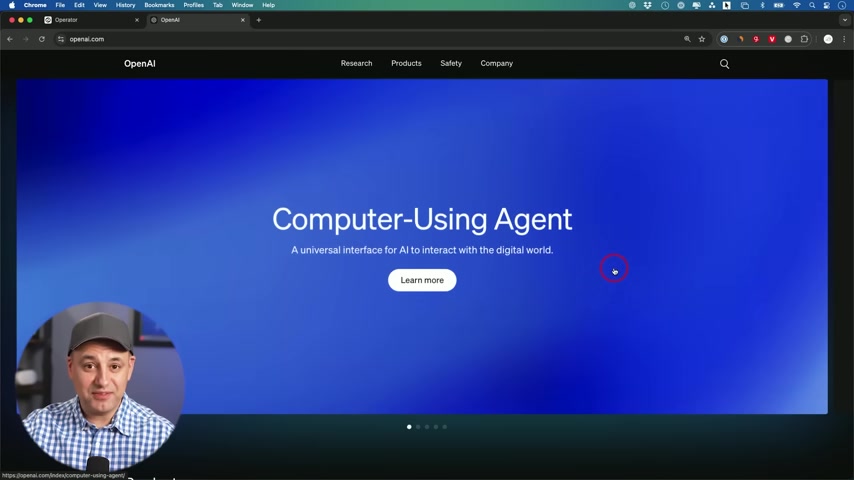
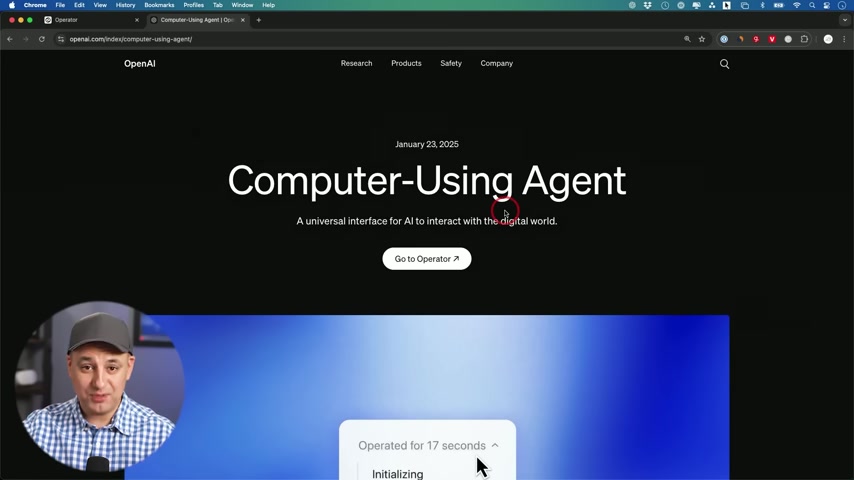
It's designed as a universal interface that enables AI to interact with the digital world in a more human-like way. This AI agent can navigate the internet and perform tasks, much like a person would, potentially automating a wide range of online activities.
CUA combines GPT-4o's vision capabilities with advanced reasoning through reinforcement learning. This allows it to interact with graphical user interfaces (GUIs) effectively, understanding and manipulating buttons, menus, and text fields on a screen.
Think of it as having a digital assistant that can browse the web and complete tasks for you, This could include anything from booking travel to ordering food or conducting research.
The Operator: An AI Agent for Web Tasks
OpenAI is calling the CUA a research preview of an ‘Operator,’ an AI agent designed to perform tasks for you on the web.
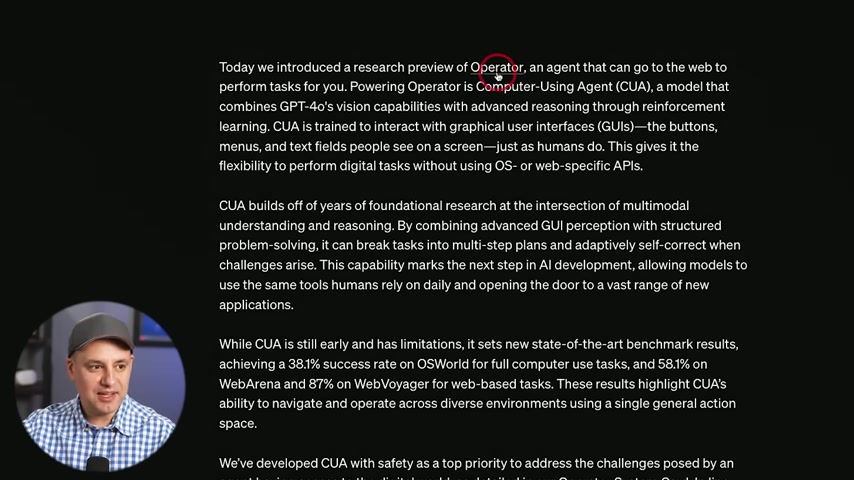
It can be used on the web to perform tasks. CUA’s abilities allow it to navigate and operate across diverse environments using a single general action space. It gives the flexibility to perform digital tasks without using OS or web-specific APIs.
This technology can break tasks into multi-step plans and adaptively self-correct, aligning models to use digital tools like humans rely on daily.
Early benchmark results show that CUA achieved a 38.1% success rate on OSWorld for full computer use tasks and 58.1% on WebArena and 87% on WebVoyager for web-based tasks. CUA is still early and has limitations, but has state-of-the-art benchmark results.
To address the challenges posed by an agent having access to the digital world, OpenAI has developed CUA with safety as a top priority.
Diving Deeper into AI Education
Skill Leap and Futurepedia Join Forces
In an effort to provide a more comprehensive AI education platform, Skill Leap has joined forces with Futurepedia.
Futurepedia’s already strong user base is now enhanced with Skill Leap’s AI courses, tutorials, and community. This collaboration aims to provide users with a more robust learning environment, offering access to a wider range of AI resources.
Features of the combined platform include:
Accessing and Using the Computer-Using Agent
Requirements and Access
Currently, access to the Computer-Using Agent is limited to ChatGPT Pro users located in the US.
Specifically, it's available to those on the ChatGPT Pro plan, which costs $200 per month. This limited access is part of OpenAI's research phase, allowing them to gather feedback and improve the agent's performance before a wider release.
To check if you have access, navigate to operator.chatgpt.com, or check the left panel inside of ChatGPT Pro, to see if operator shows up.
Currently only available in the US.
It's expected that OpenAI will expand access to more users and regions as the technology matures.
Initial Impressions and Practical Examples
According to practical example in the video,
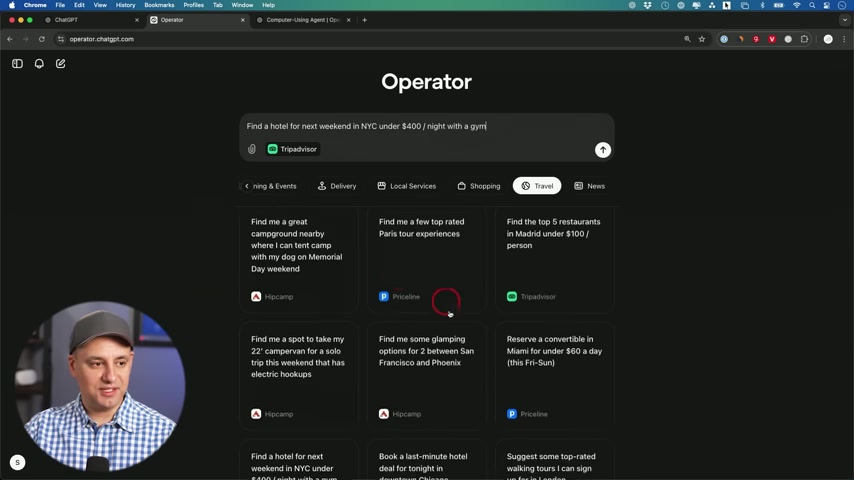
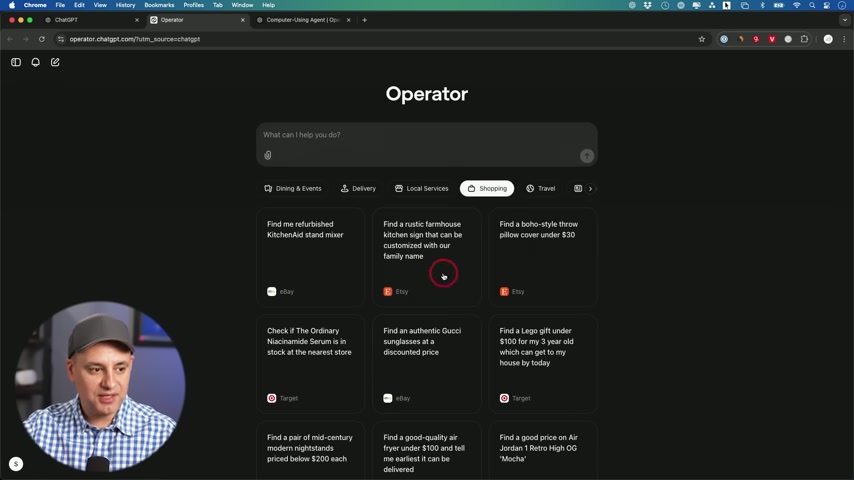
CUA is pretty buggy, as it is in a research phase. It is noted, however, that it acts a lot like a human. CUA has some categories as examples of prompts such as Dining and Events, Delivery, Local Services, Shopping, Travel and News.
The demonstrator in the video does not select pre-written prompts, however, to show exactly what CUA does, adding, that CUA works in an interesting way.
One test to see what would happen: Find a hotel for next weekend in NYC under $400/ night with a gym.
CUA went to work, opening a browser to work. It should be noted, the user took control back when the system looked stuck.
In other tests, it was noted that CUA gets to the right page, but skips the checkout. The user, once again, had to take over to fix the problem.






Most people like
































Report
Please select a reason for reporting
- 13 Reasons to Switch from Snapchat to Text Messaging
- 7 Powerful Speech to Text Apps to Boost Productivity
- 10 Best Speech to Text Tools for Effortless Transcription
- 13 Free Tools to Easily Transcribe Audio to Text
- 15 Surprising Ways Google's Speech-to-Text Boosts Productivity
- 7 Best Free Online Audio to Text Transcription Tools
- 9 Tips to Transcribe Speech to Text Faster and Better
- 13 Best Speech to Text Software for Windows 10 in 2023
- 7 Tips for Choosing the Best Transcriber for Audio to Text
- 11 Reasons Why Dragon Speech-to-Text Apps are Game-Changers
- 6 Secrets to Enhance Your Speech to Text Transcription
- 6 Brilliant Ways to Boost Productivity with Talk-to-Text on Your MacBook
- 6 Ways Transcription Software Converts Audio to Text
- 8 Tips to Transcribe Speech to Text Like a Pro
- 6 Reasons IBM Watson Speech to Text is a Game-Changer
- 14 Powerful Ways Talk-to-Text Improves Your Workflow
- 12 Top Windows Speech-to-Text Software for Efficient Transcription
- 12 Game-Changing Benefits of Apple's Speech to Text Technology
- 9 Powerful Use Cases for AWS Speech to Text Technology
- 10 Easy Steps to Transcribe YouTube Videos to Text
- transcription audio en texte
- online audio transcription
- free audio file transcription
- free ai audio transcription
- audio transcription service
- audio transcription online free
- audio transcription free online
- audio to transcription software
- audio and transcript
- ai audio transcription free
- voice recording to text converter
- translate voice recording to text
- record voice to text
- audio recording to text converter
- voice recording and transcription
- chatgpt voice to text
- gmail voice to text
- speech to text reader
- speech to text ai free
- speech to talk
- How to Use AI Tools to Find Internal Linking Opportunities Across a Business Website
- Discover Your Perfect Haircut with AI Hairstyle Apps
- Free Reputation Calculator Tools: How They're Adapting to Score AI Visibility, Not Just Rankings
- Design Professional Flyers for Free on Your Phone
- Best Free Flyer Maker Apps for Android: Design Like a Pro
- How to Know If Your Business Is Ready for an AI Customer Service Agent
- Revolutionizing Storytelling: From Novels to Screenplays with AI
- Create Engaging Animated Explainer Videos with a Free AI Tool
- Stop Multi-Subscribing: Benchmark Top AI Visual Models in One Canvas
- Best Seedance 2.5 API Provider: Every Price on the Market, Checked at Source
- Top AI Social Media Management Tools: Automate Your Content Strategy
- Free AI Text to Video Generator: Create Stunning Videos from Text
- Discover 17 ChatGPT Alternatives: A Comprehensive Comparison
- Character.AI vs. Janitor AI: Which AI Chat Platform Reigns Supreme?
- Top Virtual Assistant Companies in 2026: Reviews, Pricing, and Plans Compared
- Unveiling FaceCheck.ID: Revolutionizing Reverse Image Searches with AI
- 11 Best AI Dialers in 2026: Features, Pricing, Pros and Cons
- How I Direct Consistent AI Clips: A Hands-On Guide to Multi-Model Generation
- A Realistic Review of the Photo Generator Image Tool
- Playwright MCP Server: Automated Web Testing with Agent Mode

Copyright ©2026 toolify