































Table of Contents
- Key Points
- Understanding Spec-Driven Development with OpenSpec
- Alternative Spec-Driven AI Development Tools to OpenSpec
- Using OpenSpec: A Practical Guide
- OpenSpec Pricing
- Weighing the Pros and Cons of OpenSpec
- Key Features of OpenSpec
- Practical Applications of OpenSpec
- Frequently Asked Questions About OpenSpec
- Related Questions About OpenSpec


Understanding Spec-Driven Development with OpenSpec
What is Spec-Driven Development?
Spec-driven development (SDD) is a software development approach that prioritizes the creation and maintenance of detailed specifications to guide the entire development lifecycle. This methodology ensures that all stakeholders, from developers to project managers, share a clear understanding of the project's goals, features, and functionality. By transforming vague prompts into well-defined documents, SDD significantly reduces ambiguity and the potential for errors.
OpenSpec enhances this approach by providing tools that streamline the creation, review, and implementation of specifications, making it easier for AI agents to follow defined tasks and deliver high-quality results. The process inherently reduces bugs and errors.
The key to successful SDD lies in a few areas:
-
Clear Requirements: Defining what needs to be built in a way that everyone understands.
-
Task Management: Breaking down the overall goal into manageable and actionable tasks.
-
Collaboration: Ensuring continuous communication and alignment among team members and AI agents.

-
Reduced Bugs: Creating structured requirements reduces the amount of errors in the finished project.
The Problem OpenSpec Solves
Many existing specification tools often fall short by losing critical requirements within extensive chat histories or by consuming an excessive number of tokens, which can drive up development costs and slow down the process. OpenSpec addresses these pain points directly.
By providing a lightweight, streamlined environment for managing specifications, OpenSpec ensures that requirements are always accessible and that token usage is optimized. This leads to more efficient development cycles, reduced costs, and ultimately, a higher-quality end product.
The benefits include:
- Avoiding buried requirements within chat logs
- Efficiently manage tokens to optimize cost.
- Better overall results with fewer mistakes.
Why Choose OpenSpec Over Other Tools?
While numerous specification-driven development tools exist, such as Amazon’s Kiro and GitHub's Spec Kit, OpenSpec distinguishes itself through its simplicity and ease of use. The platform narrows the entire development process down to three major steps:
- Drafting a Change Proposal: Clearly outlining the desired changes or additions to the project.
- Reviewing and Aligning Tasks: Refining the specifications and tasks to ensure they meet the project's goals.
- Implementing Tasks: Executing the tasks as defined in the approved specifications.
This streamlined approach allows developers to quickly define and manage specifications, minimizing the learning curve and maximizing productivity. Although other spec-driven tools may have a higher usage among users, the simplicity of OpenSpec is enough to make it worth a users time.

Using OpenSpec: A Practical Guide
Step 1: Initializing OpenSpec in Your Project
To begin using OpenSpec, first initialize it within your project. This process involves selecting an AI Tool that OpenSpec will integrate with.
-
Start with a simple Vite React Project.
-
Use the command 'openspec init' in the project.
-
Select which AI tool to use, for this example, the AI tool used is OpenCode.
-
After hitting enter, a few new files should be created, specifically an agent.md file and an OpenSpec folder.
These files will form the foundation for managing specifications and tasks within your project.
Step 2: Populating Project Details with OpenCode
After initializing OpenSpec, populate your project details using OpenCode.
-
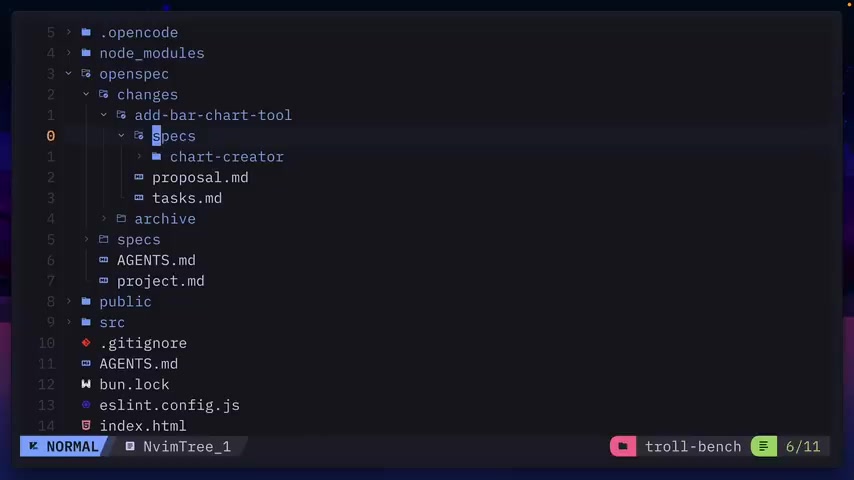
Following the instructions, start by asking OpenCode to fill out the project details.
-
Here, you can see it's updated the OpenSpec Project MD file with the purpose of the project.
-
Update the tech stack conventions, and more.
Step 3: Adding a Change Proposal
The next step is to add a change proposal, which outlines the desired changes or additions to your project. It might include adding a new feature or modifying an existing one.
-
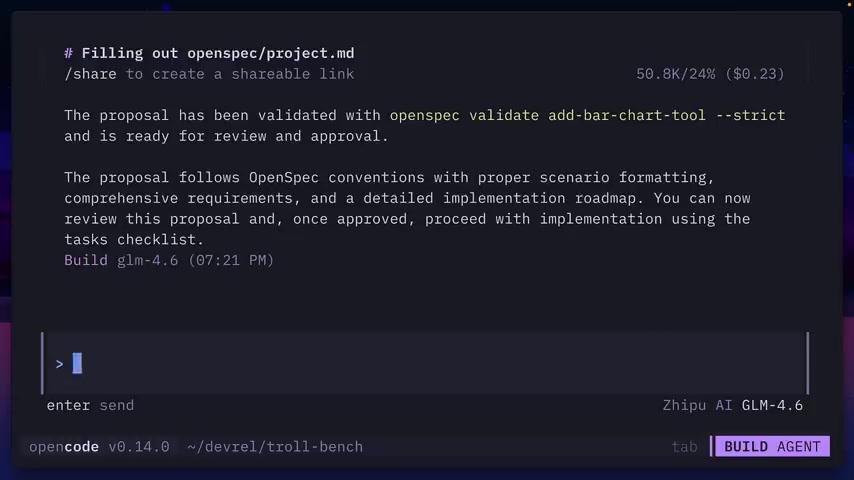
Add a change proposal, which will be a tool that users can use to create their own bar charts, edit the legends, bar colors, and toggle between light and dark mode.
-
The change proposal will be called “add-bar-chart-tool” and placed in the changes OpenSpec directory.
Step 4: Examining the Change Proposal
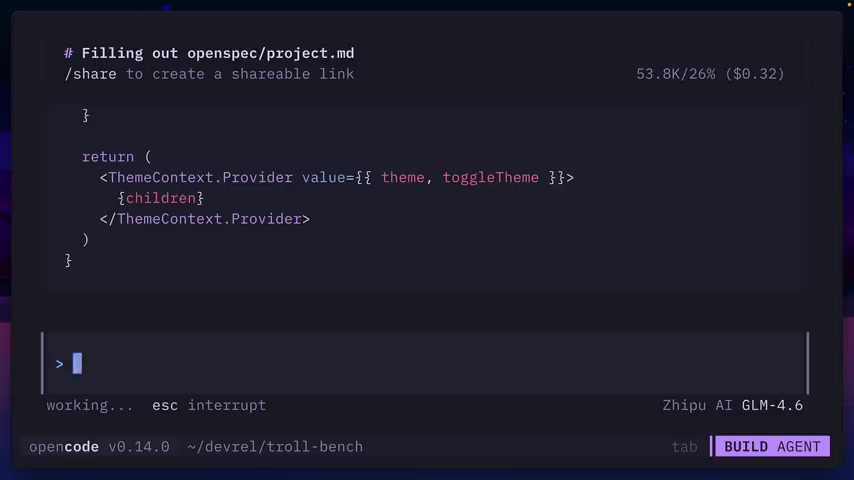
Examine the files located inside the change proposal.
-
Inside of this folder, the specs, including a chart creator, are included.
-
A proposal and all related tasks are also outlined in this folder.
Step 5: Listing Changes with OpenSpec
List changes to see how many tasks have been completed.
- Using the command, run 'openspec list' to see the changes and the number of tasks that have been completed.
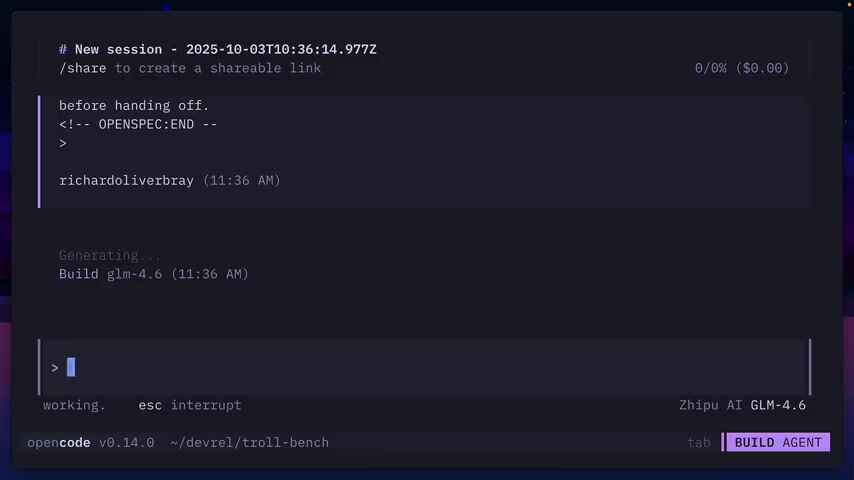
Step 6: Modifying Tasks
It's possible to modify tasks using OpenSpec. Here is an example.
-
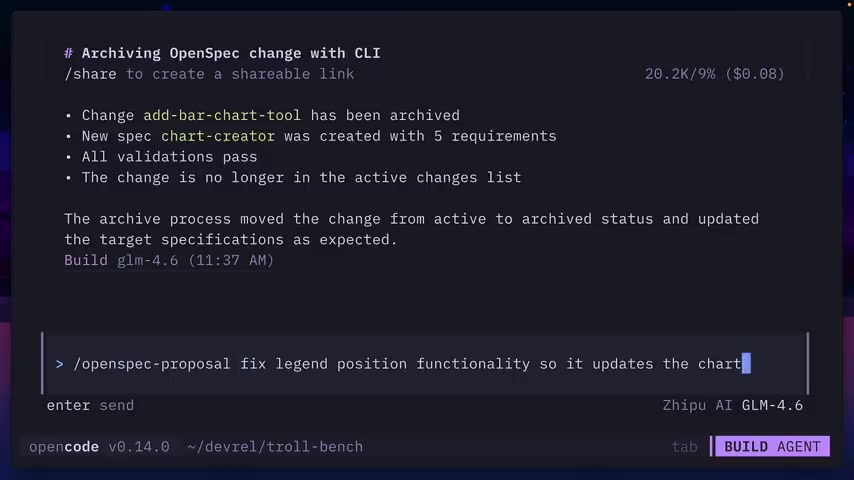
The Prompt 'Do not run any unit or integration tests, this is a simple project.' will modify the tasks to remove the running of any tests.
-
Use the 'openspec list' command again to see that the task count is lower.
Step 7: Applying Changes
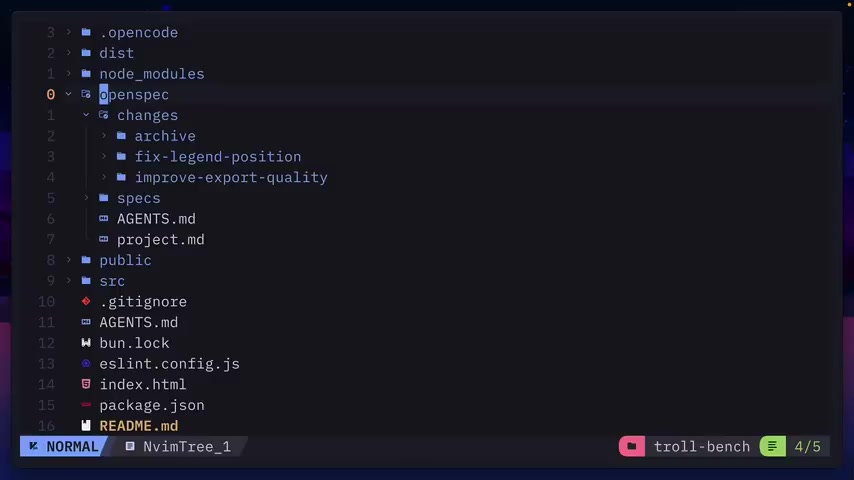
After reviewing the task, the project can be updated. Note, there are a few errors that occur in the video example.
- Use the command '/openspec-apply' to begin going through the tasks.
Step 8: Visualizing the Progress
Check on the progress of the task by using a visual representation.
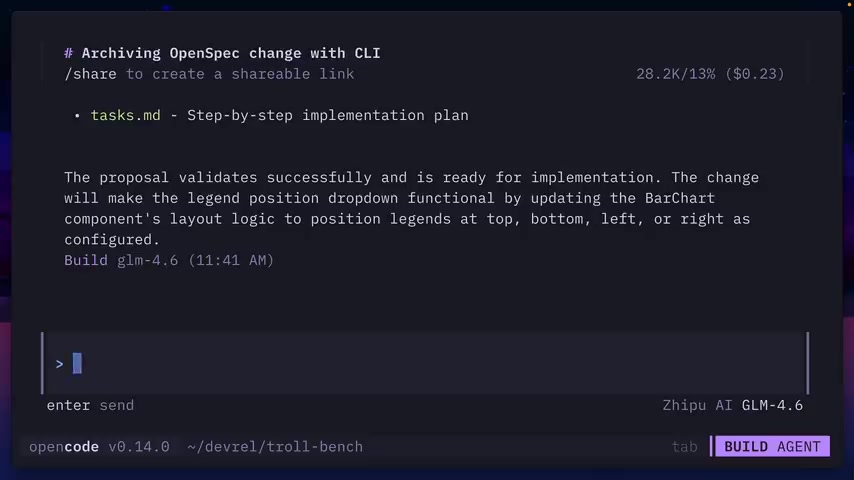
- Use the command 'openspec view' to view how much of the active task is complete.
Step 9: Archiving Tasks
To archive a task, use the OpenSpec archive slash command. Once the command is used, the files move into the archive folder and remain there for future use.







Most people like































Report
Please select a reason for reporting
- 13 Reasons to Switch from Snapchat to Text Messaging
- 7 Powerful Speech to Text Apps to Boost Productivity
- 10 Best Speech to Text Tools for Effortless Transcription
- 13 Free Tools to Easily Transcribe Audio to Text
- 15 Surprising Ways Google's Speech-to-Text Boosts Productivity
- 7 Best Free Online Audio to Text Transcription Tools
- 9 Tips to Transcribe Speech to Text Faster and Better
- 13 Best Speech to Text Software for Windows 10 in 2023
- 7 Tips for Choosing the Best Transcriber for Audio to Text
- 11 Reasons Why Dragon Speech-to-Text Apps are Game-Changers
- 6 Secrets to Enhance Your Speech to Text Transcription
- 6 Brilliant Ways to Boost Productivity with Talk-to-Text on Your MacBook
- 6 Ways Transcription Software Converts Audio to Text
- 8 Tips to Transcribe Speech to Text Like a Pro
- 6 Reasons IBM Watson Speech to Text is a Game-Changer
- 14 Powerful Ways Talk-to-Text Improves Your Workflow
- 12 Top Windows Speech-to-Text Software for Efficient Transcription
- 12 Game-Changing Benefits of Apple's Speech to Text Technology
- 9 Powerful Use Cases for AWS Speech to Text Technology
- 10 Easy Steps to Transcribe YouTube Videos to Text
- transcription audio en texte
- online audio transcription
- free audio file transcription
- free ai audio transcription
- audio transcription service
- audio transcription online free
- audio transcription free online
- audio to transcription software
- audio and transcript
- ai audio transcription free
- voice recording to text converter
- translate voice recording to text
- record voice to text
- audio recording to text converter
- voice recording and transcription
- chatgpt voice to text
- gmail voice to text
- speech to text reader
- speech to text ai free
- speech to talk
- How SEO and Marketing Dashboards Empower Agencies to Drive Results
- How to Use AI Tools to Find Internal Linking Opportunities Across a Business Website
- Discover Your Perfect Haircut with AI Hairstyle Apps
- Free Reputation Calculator Tools: How They're Adapting to Score AI Visibility, Not Just Rankings
- Design Professional Flyers for Free on Your Phone
- Best Free Flyer Maker Apps for Android: Design Like a Pro
- How to Know If Your Business Is Ready for an AI Customer Service Agent
- Revolutionizing Storytelling: From Novels to Screenplays with AI
- Create Engaging Animated Explainer Videos with a Free AI Tool
- Stop Multi-Subscribing: Benchmark Top AI Visual Models in One Canvas
- ASOMobile Helps Teams Benchmark App Store Screenshots Against Competitors
- How to Match LMS Software With Your Organization's Training Plan
- Revolutionizing Email Marketing Agency with AI
- How to Convert BTC to HNT
- Unleashing the Power of AI: Cognizant's Roadmap for Transformation
- Frame to Video Review: A Practical Look at Turning Two Still Frames Into Motion
- NVIDIA NIM: Revolutionizing Supply Chain Data Analysis with AI
- Top AI Tools That Help Brands Stand Out Offline (Not Just Online)
- Top 5 Cold Email Software: Maximize Your Outreach in 2025
- Magic School AI: Revolutionizing Quiz & Assessment Generation

Copyright ©2026 toolify