































Table of Contents
- Key Points
- Essential Concepts in Pixel Art
- Advanced Pixel Art Concepts
- Tips and Tricks
- Tools for Pixel Art
- Dithering: Pros and Cons
- Artists Profiles to study
- Retro Games that uses Dithering
- FAQ
- Related Questions


Essential Concepts in Pixel Art
Understanding Clusters in Pixel Art
Clusters are a foundational element in modern Pixel Art, often used by artists to achieve better textures. Newer pixel artists use this technique to enhance the overall aesthetic of their work. By organizing pixels into intentional groups, artists can better define the textures of their subject matters.
For example, clusters can be used in a series to depict realistic, stone-like features with shadows. A seemingly random distribution of clustered pixels can enhance the impression of complex surfaces, but there are varying levels of textures. The art style ranges from clean to gritty, so the methods differ to achieve this effect.
Different styles have different requirements, and it's worth practicing to improve on either. Some art is made using a lot of clusters to express more details. The terminology surrounding it can be daunting, so having a more accessible resource would be ideal for beginners. It's generally a common thing to use in art, and can be achieved in different levels. The WORD cluster itself is very broad, so you may be doing it already. This can be applied with brushes and many more applications, so its an easy concept to grasp, and more complex to master.
Reducing Visual Noise with Pixel Clusters
Clusters are also effective for reducing visual noise in pixel art
. Visual noise refers to inconsistent or off-pattern pixels that can make an image appear chaotic or difficult to understand. By grouping pixels strategically, you create more consistent shapes and orderly Patterns, making the image easier to visually process.
Noisy Shading: It’s slightly harder to understand, but good for gritty styles. Noisy shading introduces inconsistent shading and off-patterns, which can be visually distracting. It's useful for more grit and grime, but should be avoided when clean and smooth shading is desired.
Cluster Shading: This technique is much easier to understand and promotes more consistent shapes with orderly patterns. Cluster shading simplifies the image, so that the brain recognizes its patterns.
The aim is to reduce the noise in the image by organizing different colored pixels or off-patterns to create easy visual comprehension.
It’s worth practicing and improving upon these points:
Variety of Cluster Shapes
Clusters come in every Shape and form, which you can use to your advantage
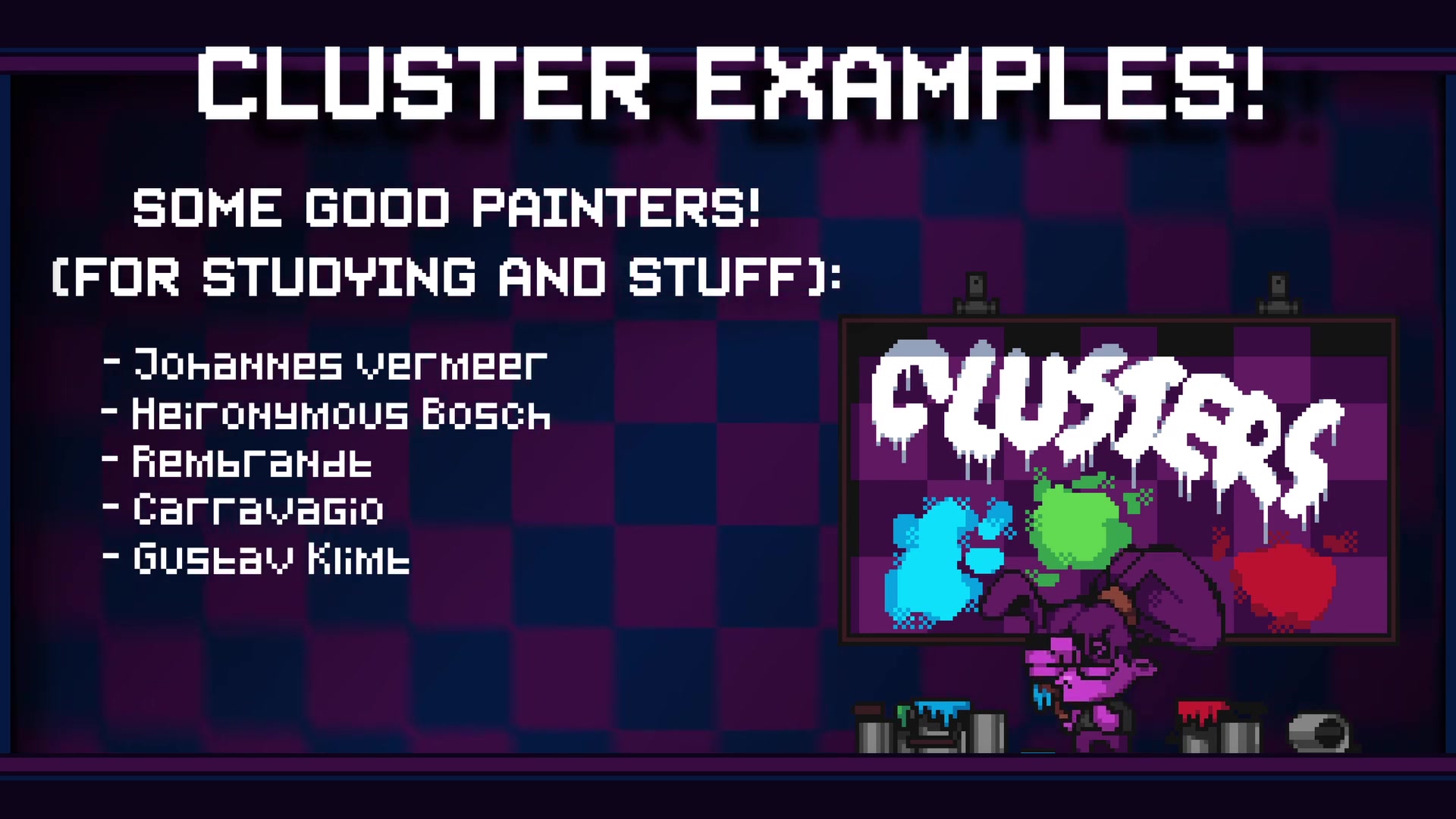
. The shape can be anything that helps convey the details or texture needed. Try to create many shapes that the mind would associate with the subject matter. It is the combination of each shape that comes together to form the image itself.
Here are some things to consider:
- Shape: Consider the shapes that reflect the item you are depicting.
- Form: Similar to shape, also consider that clusters change in form and orientation.
- Color: The color can assist in providing greater detail to your style.
The shape and form of these clusters will combine to give greater detail to the art. These suggestions can be easily used as a base, or can be adapted to your tastes. As you work through more and more pieces, this process will speed up immensely.
Following Artists Styles in Pixel Art
Different artists will have different styles that they like to follow
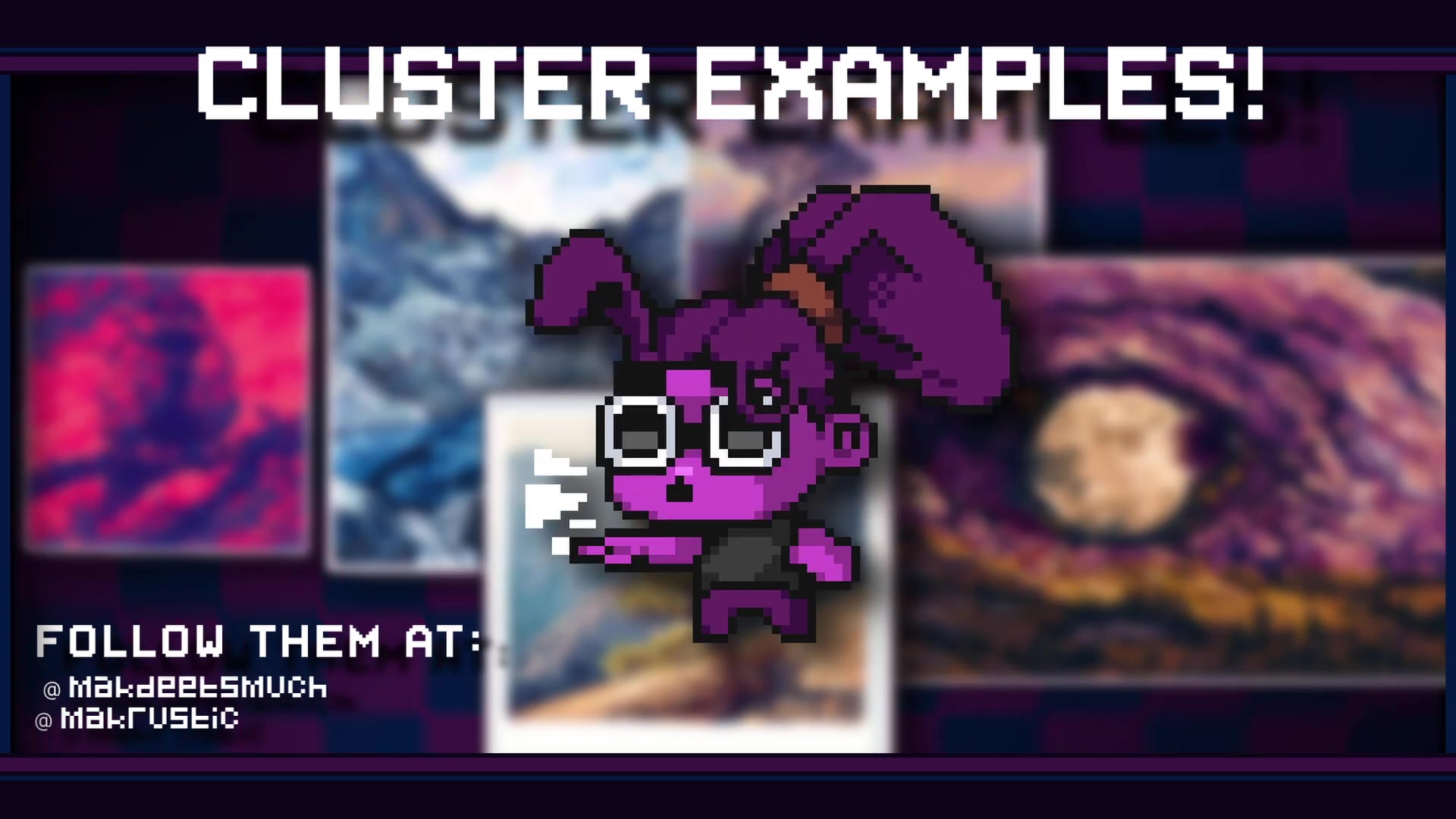
. This will lead to different shapes and forms of clusters when making pixel art. The shading, color, form, noise, will be different on a per case basis. What may be consistent will be the quality of the art itself.
Studying from artists is a great way to expand knowledge and increase the rate of improving personal pieces. These artists usually have a great grip on pixel art and the use of clusters.
Advanced Pixel Art Concepts
Anti-Aliasing in Pixel Art
Anti-aliasing is used to make pixel art softer and easier on the eyes
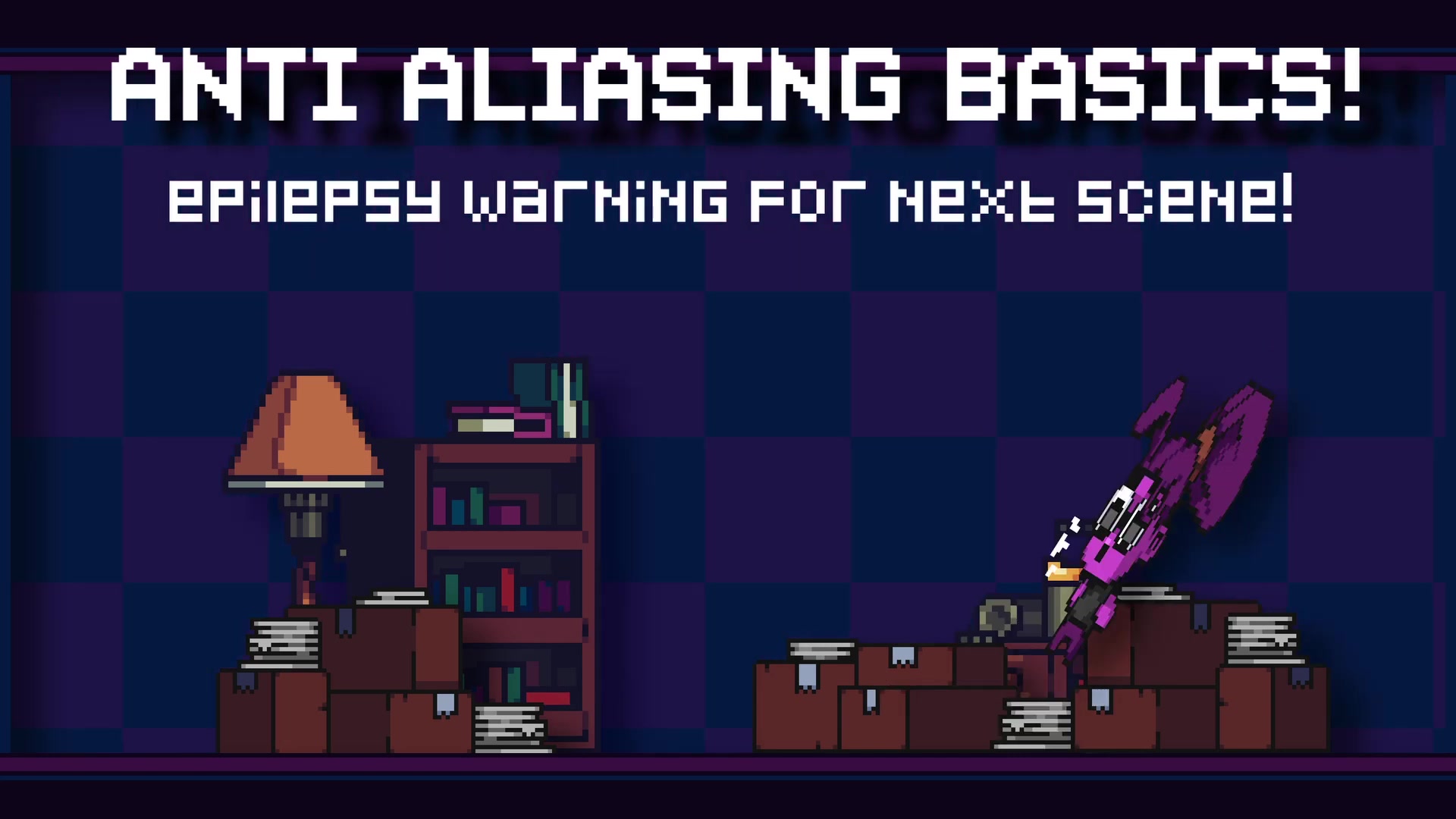
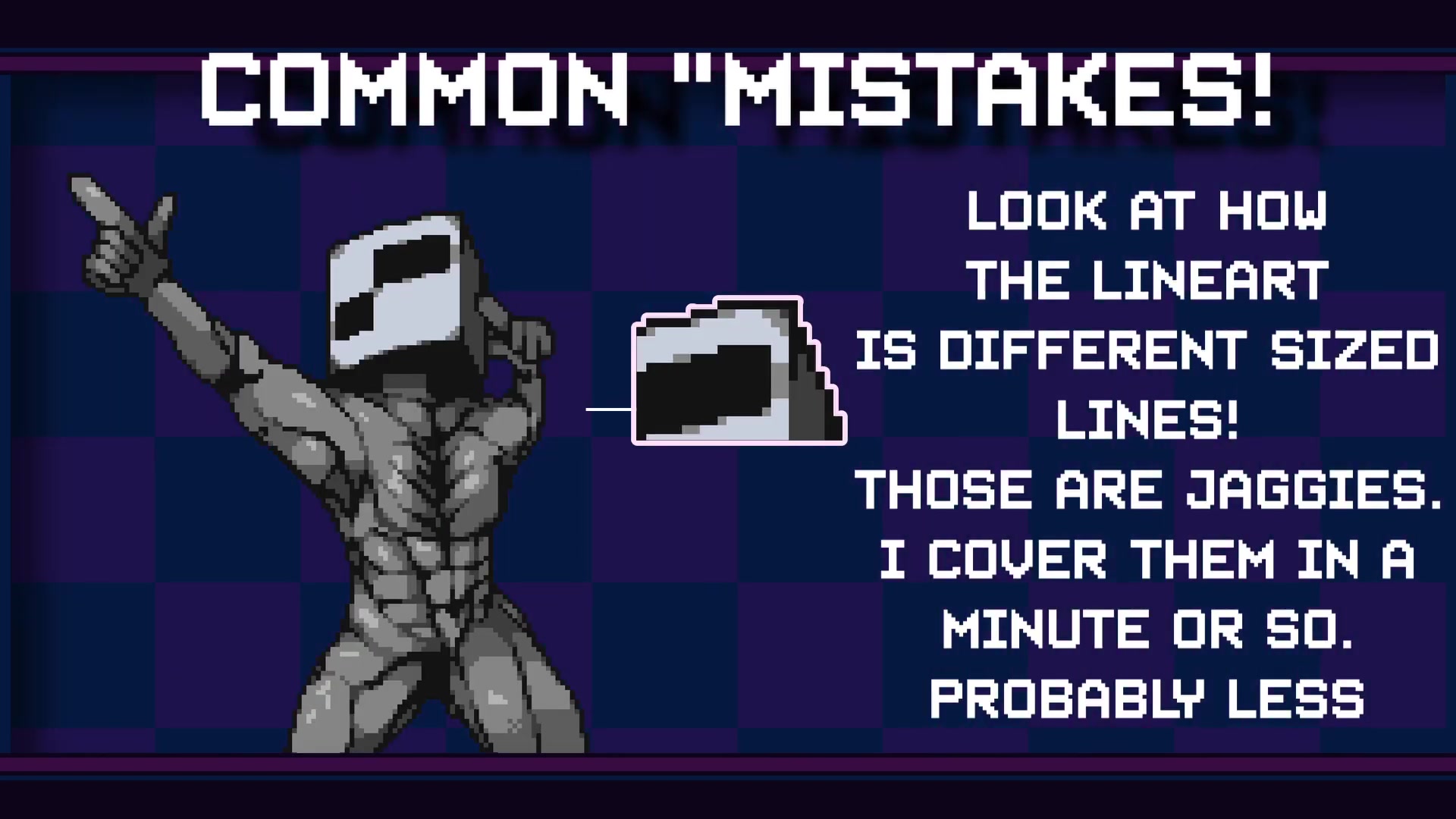
. It helps to smooth out the jagged edges that naturally occur in pixelated images. The goal is to reduce the harshness of the transition from one pixel to another, creating a more visually appealing result.
However, anti-aliasing can introduce problems with readability. Using anti-aliasing introduces odd pixels and colors to smooth things out. These pixels can also be confusing, so use with care.
It’s also tricky to do in small spaces, since it takes up a lot of room to add this effect. It becomes more difficult to comprehend if the sprite has too many colors already. However, all of these can be fixed, and it’s an amazing tool to use to enhance texture and give it a more comprehensive look.
How to Add Anti-Aliasing
When adding anti-aliasing, remember to use a mid-tone color between two colors, as this makes the effect Blend seamlessly
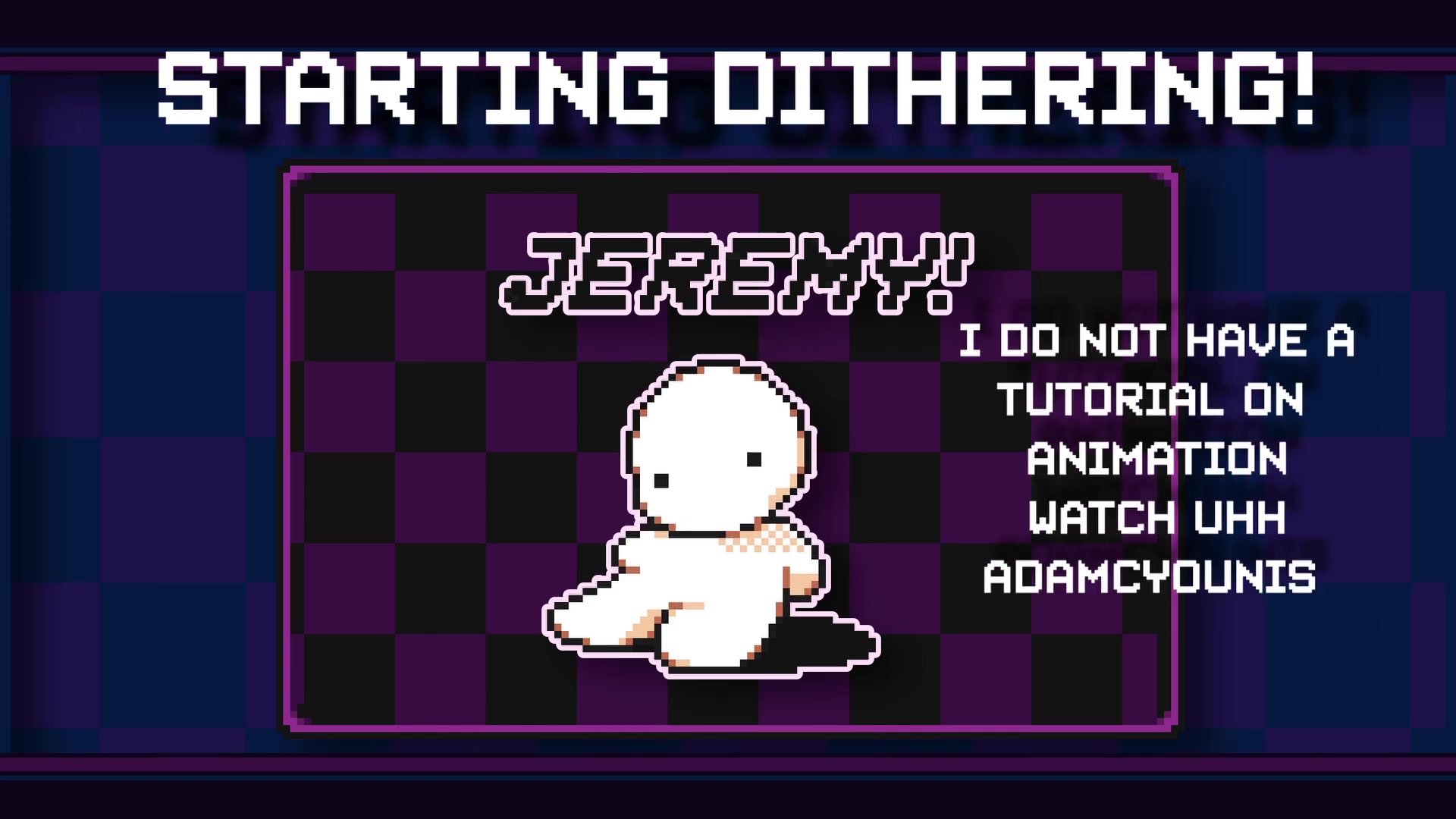
. This color acts as a visual bridge, smoothing the sharp contrast. Many newer pixel artists put little dabs on corners, but you need to add the midtone. For this, consider this:
- Remember anti-aliasing smooths the transition and isn't too noisy on the border.
- Don't add too much to distract from the main image.
Some artists do the mistake of adding random colors that don’t really work. With the wrong combination of colors, this effect becomes very hard to read. Overall, pay close attention to what this is trying to accomplish as you begin doing this more and more.
Understanding Subpixel Animation
Subpixel animation involves moving pixels less than a full pixel increment, creating a smoother motion
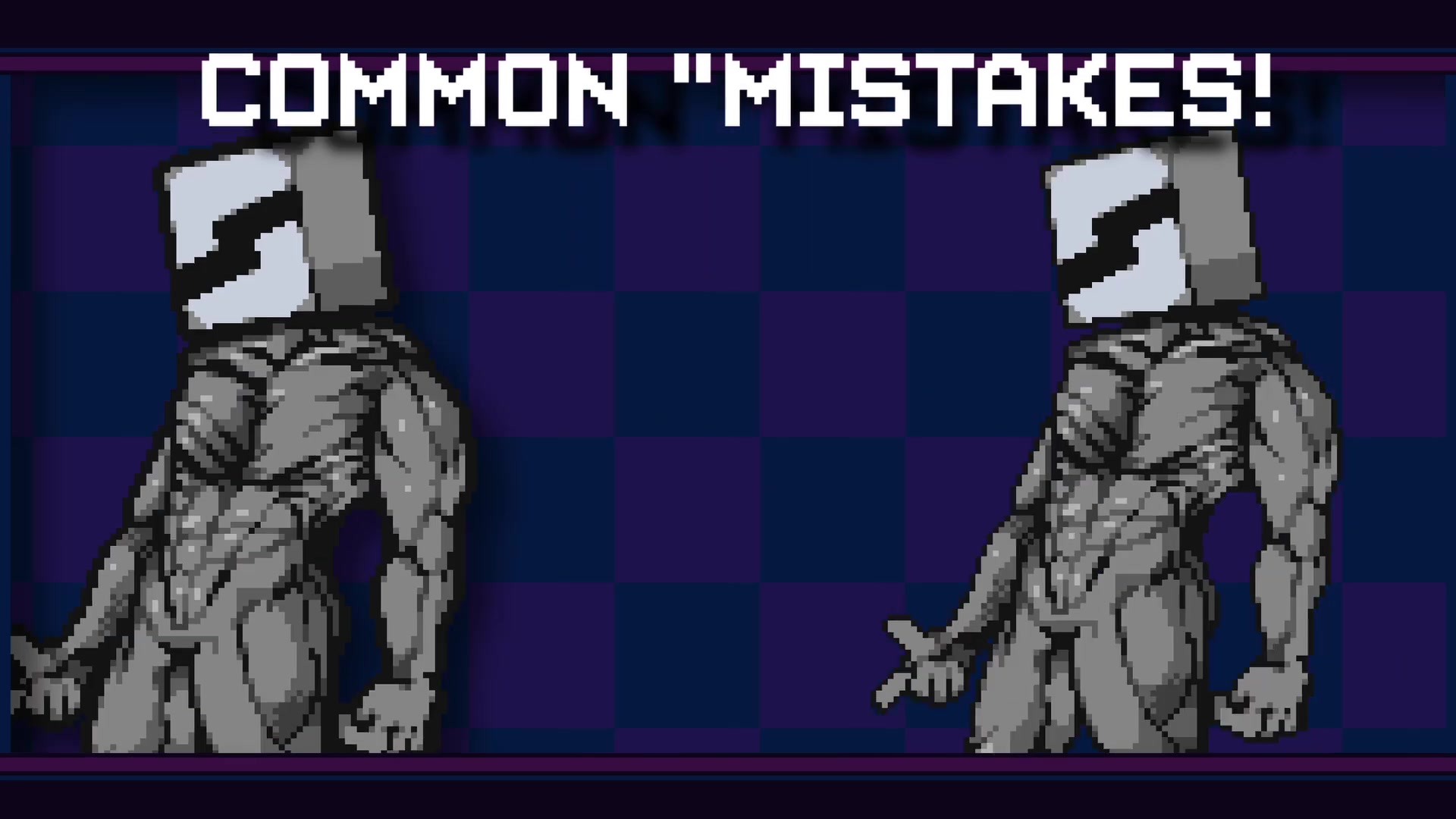
. This technique makes movement appear more fluid and natural. Anti-aliasing is often a key factor, as it makes the action that much more clean. However, it requires skill and expertise to pull off.
By doing this, it helps sell the action that something is moving in the image. Subpixel animation can greatly benefit the action by showing the subject material moving along a path. All of this contributes to making the pixel art more readable and visually appealing.
Dithering Techniques in Pixel Art
Dithering is used to make the pixel art softer and easier on the eyes
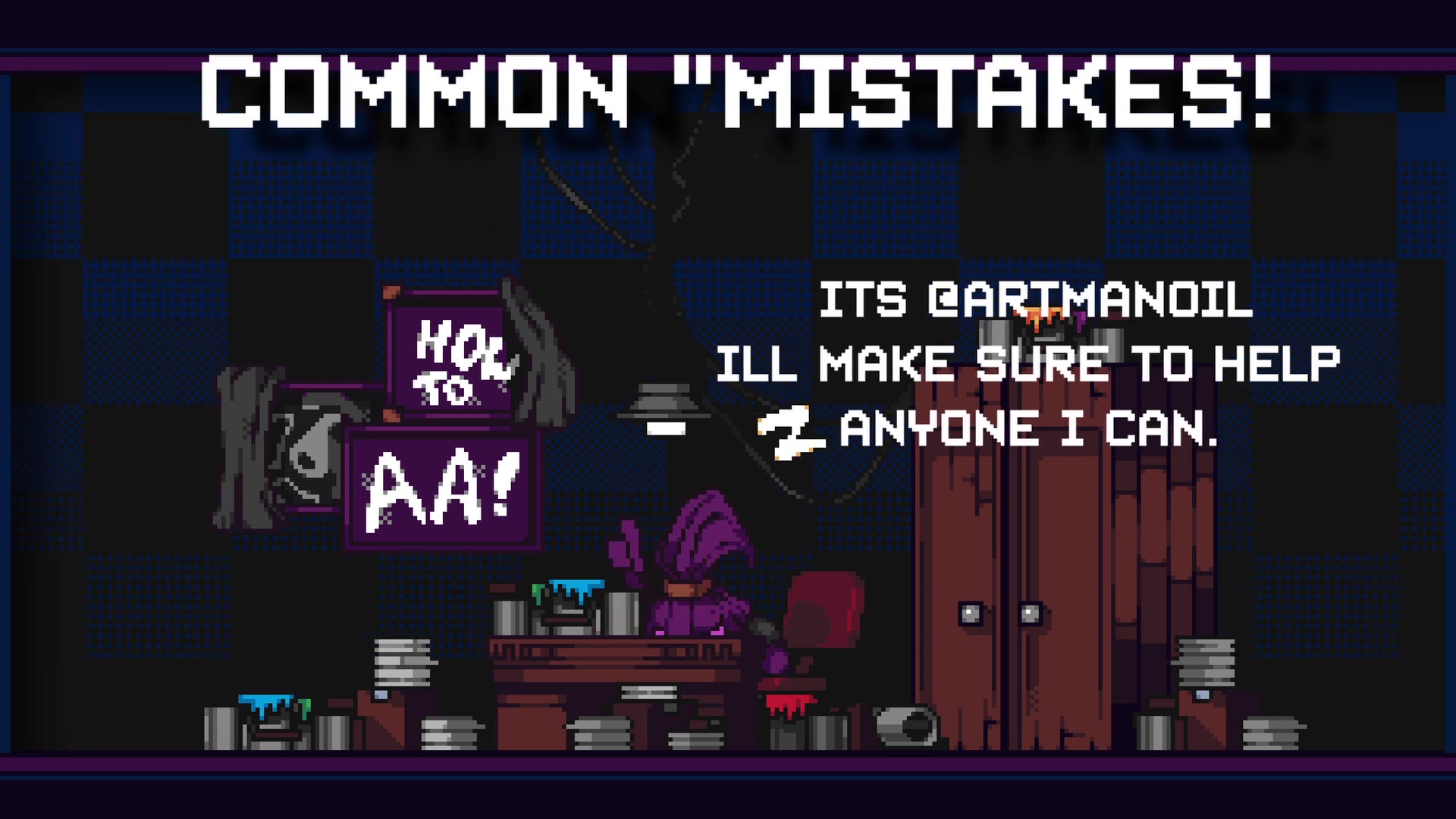
. It is the combination of colors to create unique patterns. Dithering increases the overall color count by the use of patterns, and can be visually interesting to look at. This has a bit of visual noise, so you can be creative with it to give texture.
The visual noise can be too much however, and you can consider a more restricted palette. This will require creativity and visual acuity to get the exact look and feel you desire.
Tools for Pixel Art
Lospec
Lospec is a website to find low color count palettes. This is incredibly useful to pick palettes to create consistent and well-made work
. It’s an ideal tool for those experimenting and practicing with pixel art.
Retro Games that uses Dithering
Dithering in Games
Games back in the day used dithering due to a lack of colors in the image
. In many cases, some used it intentionally to enhance details. There are many games that use dithering, such as the following:
- Silent Hill (PS1)
- Metal Warriors (SNES)
- Sonic 2 (SNES).
Studying what worked at the time can greatly impact the level of visual acuity when creating pixel art. This is a good practice to undertake if you can find the time to do so.


Most people like





































Report
Please select a reason for reporting
- 13 Reasons to Switch from Snapchat to Text Messaging
- 7 Powerful Speech to Text Apps to Boost Productivity
- 10 Best Speech to Text Tools for Effortless Transcription
- 13 Free Tools to Easily Transcribe Audio to Text
- 15 Surprising Ways Google's Speech-to-Text Boosts Productivity
- 7 Best Free Online Audio to Text Transcription Tools
- 9 Tips to Transcribe Speech to Text Faster and Better
- 13 Best Speech to Text Software for Windows 10 in 2023
- 7 Tips for Choosing the Best Transcriber for Audio to Text
- 11 Reasons Why Dragon Speech-to-Text Apps are Game-Changers
- 6 Secrets to Enhance Your Speech to Text Transcription
- 6 Brilliant Ways to Boost Productivity with Talk-to-Text on Your MacBook
- 6 Ways Transcription Software Converts Audio to Text
- 8 Tips to Transcribe Speech to Text Like a Pro
- 6 Reasons IBM Watson Speech to Text is a Game-Changer
- 14 Powerful Ways Talk-to-Text Improves Your Workflow
- 12 Top Windows Speech-to-Text Software for Efficient Transcription
- 12 Game-Changing Benefits of Apple's Speech to Text Technology
- 9 Powerful Use Cases for AWS Speech to Text Technology
- 10 Easy Steps to Transcribe YouTube Videos to Text
- transcription audio en texte
- online audio transcription
- free audio file transcription
- free ai audio transcription
- audio transcription service
- audio transcription online free
- audio transcription free online
- audio to transcription software
- audio and transcript
- ai audio transcription free
- voice recording to text converter
- translate voice recording to text
- record voice to text
- audio recording to text converter
- voice recording and transcription
- chatgpt voice to text
- gmail voice to text
- speech to text reader
- speech to text ai free
- speech to talk
- ChatGPT Knows Ford. It Just Doesn't Quote Ford
- Meshy AI: How to Create 3D Models from Text and Images
- How SEO and Marketing Dashboards Empower Agencies to Drive Results
- How to Use AI Tools to Find Internal Linking Opportunities Across a Business Website
- Discover Your Perfect Haircut with AI Hairstyle Apps
- Free Reputation Calculator Tools: How They're Adapting to Score AI Visibility, Not Just Rankings
- Design Professional Flyers for Free on Your Phone
- Best Free Flyer Maker Apps for Android: Design Like a Pro
- How to Know If Your Business Is Ready for an AI Customer Service Agent
- Revolutionizing Storytelling: From Novels to Screenplays with AI
- Your Business Data Could Be Worth Up to $4M. Find Out Without Uploading a Single File.
- Can an eSIM Plan Save You Time During Travel Setup?
- AI Video Editor Review: A Hands-On Look at Prompt-Based Video Editing
- Keep Characters Consistent Across Scenes With Image-to-Video AI
- How to Convert BTC to HNT
- ProxyWing DuckDuckGo Proxy Review: Plans, Setup and Who It Is For
- ChatGPT Knows Ford. It Just Doesn't Quote Ford
- Automate Lead Generation: A Comprehensive Guide with AI Agents
- Revideo.io: The Future of Reverse Video Search Technology
- Revolutionizing Email Marketing Agency with AI

Copyright ©2026 toolify