































Table of Contents
- Key Points
- Introduction to OCR in Recruitment
- Setting up the STTL OCR Recruitment Module
- Utilizing the STTL OCR Recruitment Module: A Step-by-Step Guide
- Pros and Cons of Implementing the STTL OCR Recruitment Module
- Core Features of the STTL OCR Recruitment Module
- Use Cases for the STTL OCR Recruitment Module
- Frequently Asked Questions
- Related Questions



Introduction to OCR in Recruitment
What is OCR?
Optical Character Recognition (OCR) is a technology that converts images of text into machine-readable text. In the context of recruitment, OCR software scans resumes and extracts key information such as candidate names, contact details, skills, education, and work experience. This eliminates the need for manual data entry, saving recruiters significant time and effort. By automating the Resume processing workflow, organizations can focus on more strategic aspects of recruitment, such as candidate engagement and interview management.
The goal is to improve efficiency and accuracy in the recruitment process, reducing manual workload for recruitment teams and HR staff. By extracting data from resumes into structured formats, OCR facilitates data-driven decision-making in recruitment processes.
Benefits of Using OCR for Resume Processing
Implementing OCR in resume processing provides several benefits, including:
- Time Savings:
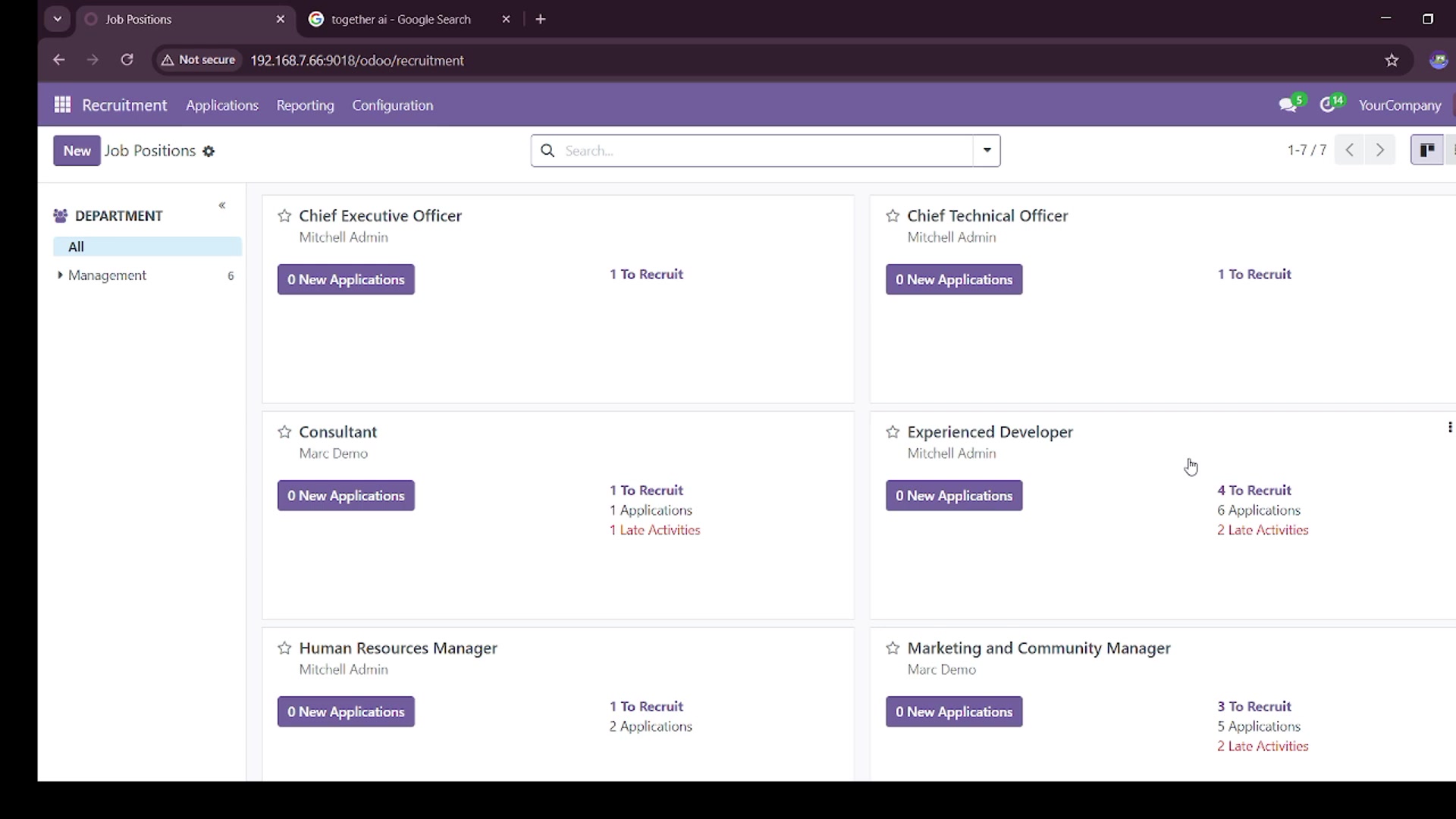
Automates Data Extraction, reducing the time spent on manual data entry.
- Improved Accuracy: Minimizes errors associated with manual data entry.
- Enhanced Efficiency: Allows recruiters to focus on strategic tasks such as candidate screening and interviewing.
- Cost Reduction: Reduces labor costs associated with manual data processing.
- Better Data Management: Facilitates easy storage, retrieval, and analysis of candidate data.
- Streamlined Workflow: Accelerates the entire recruitment cycle from application to hiring.
In summary, OCR enhances efficiency, accuracy, and cost-effectiveness, while enabling recruiters to concentrate on critical tasks. The technology is beneficial for companies looking to streamline their recruitment processes.
Introducing the STTL OCR Recruitment Module
The STTL OCR Recruitment module is designed to simplify the integration of OCR technology into recruitment workflows. This module provides a user-friendly interface for uploading resumes, extracting data, and managing candidate information. It is built to be compatible with various resume formats, including PDF, WORD documents, and images. With the STTL OCR Recruitment module, organizations can quickly implement OCR without requiring extensive technical expertise or custom development.
By installing and configuring the STTL OCR Recruitment module, companies can effectively streamline their recruitment processes, reduce manual efforts, and improve overall efficiency. It's a straightforward way to boost data management and enhance decision-making during the recruitment cycle.
Setting up the STTL OCR Recruitment Module
Installation and Activation
To begin using the STTL OCR Recruitment module, follow these steps:
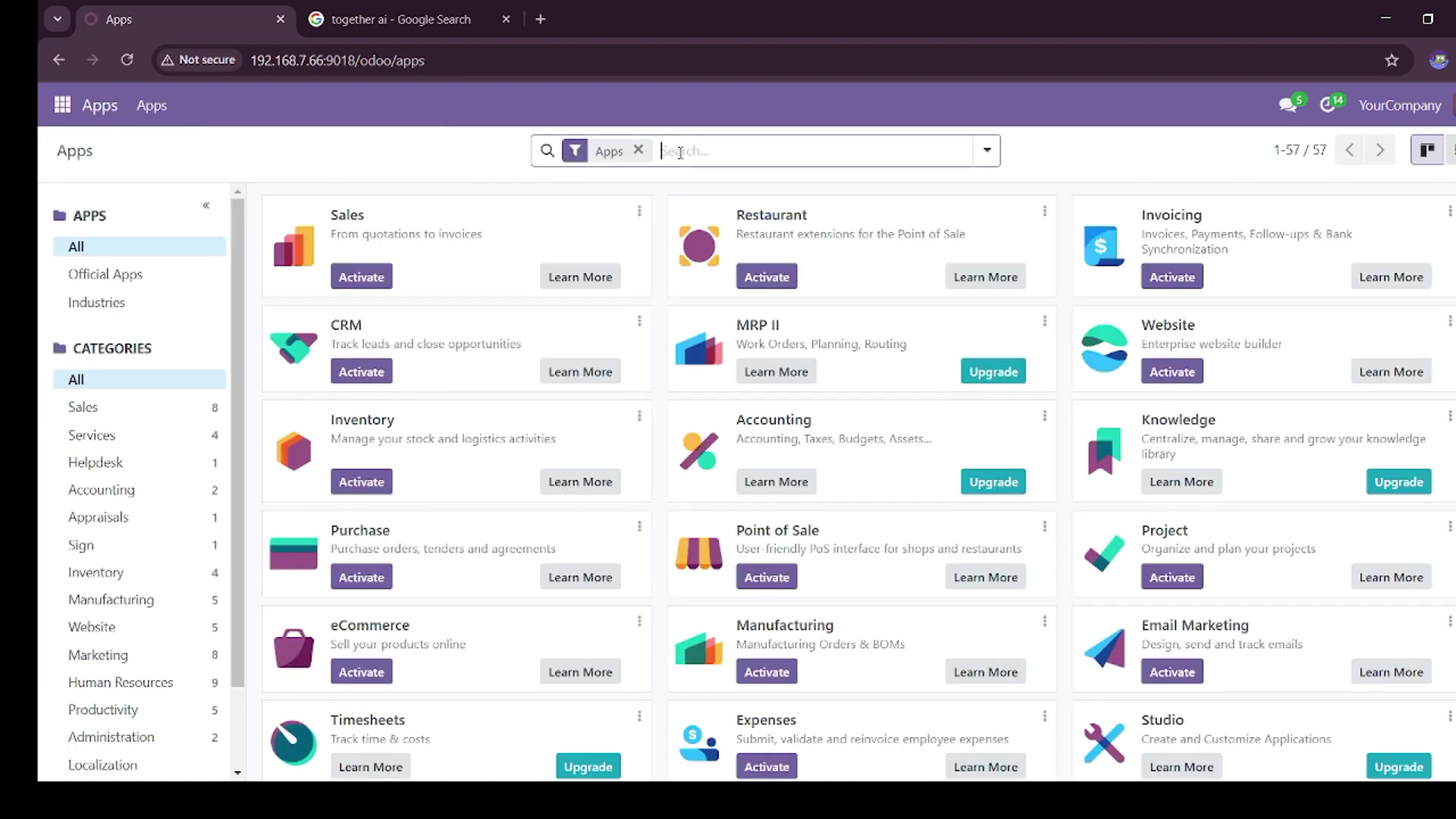
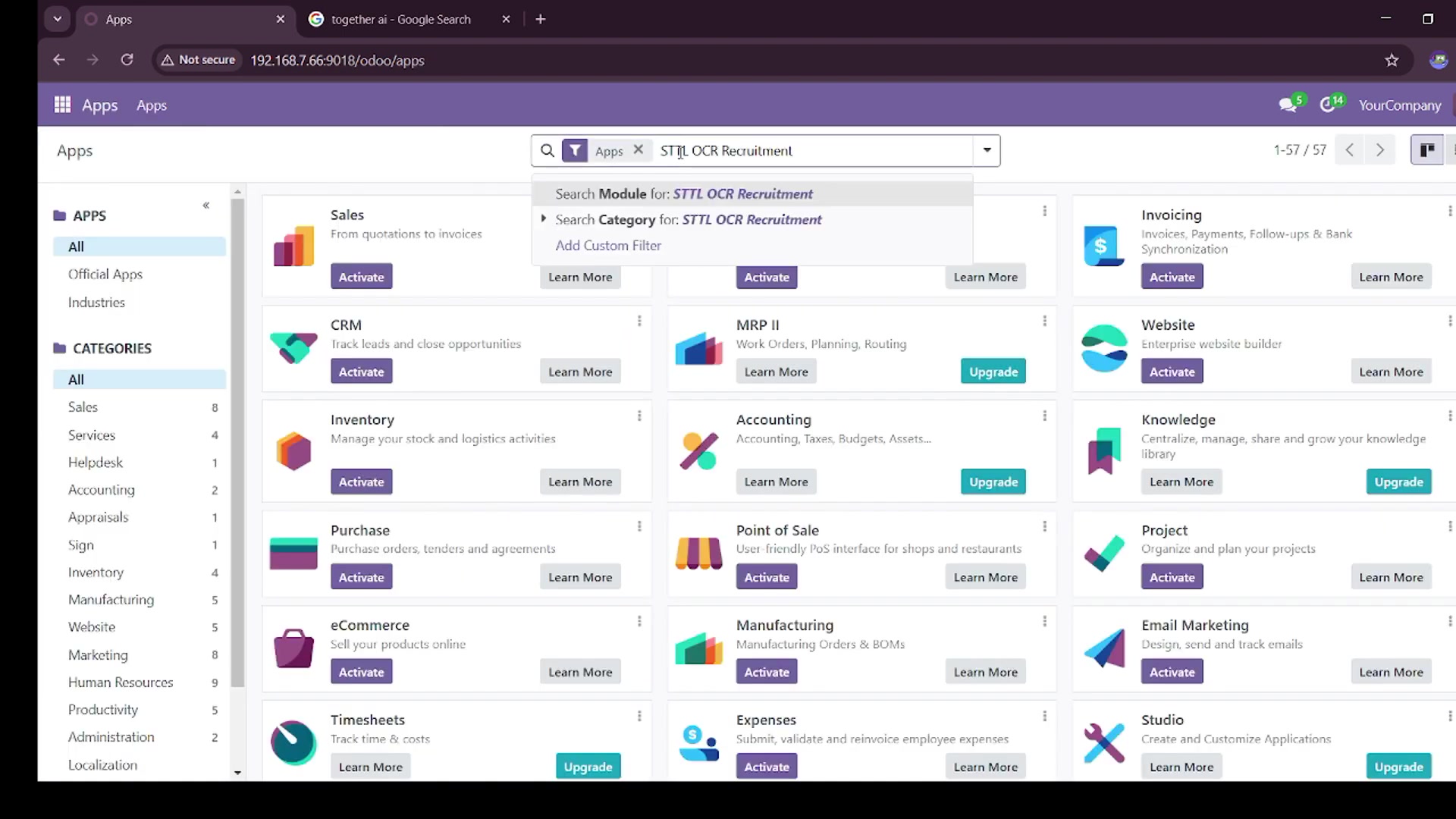
- Access the Apps Module:
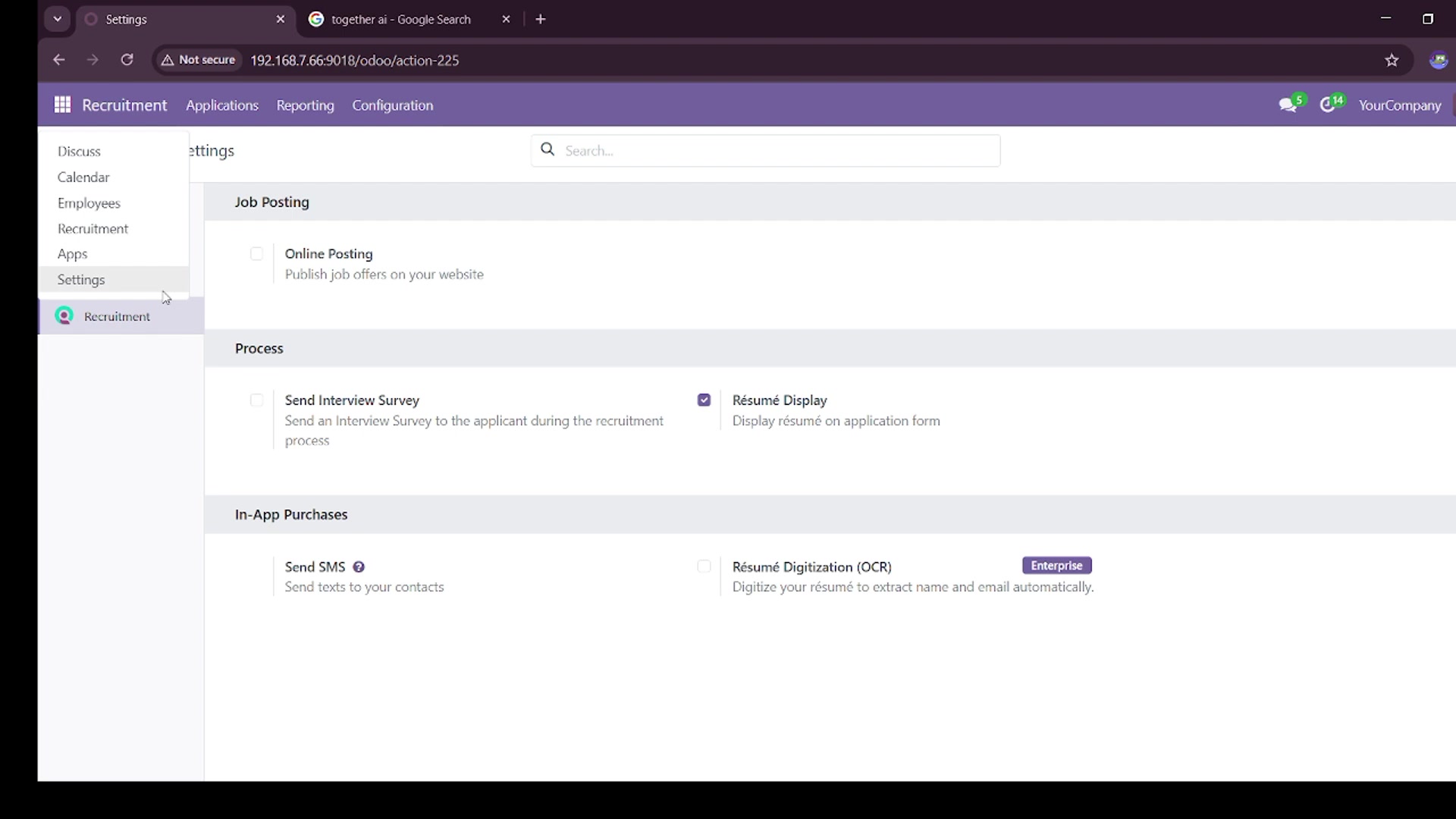
Navigate to the Apps module in your Odoo instance.
- Search for the Module: In the search bar, type STTL OCR Recruitment.
- Activate the Module: Once you find the module, click the Activate button.
Activating this module enhances Odoo's recruitment capabilities and prepares the system for OCR integration.
Acquiring a Together AI API Key
The STTL OCR Recruitment module requires an API key from Together AI to function properly. Here’s how to obtain the API key:
- Go to the Together AI Website:
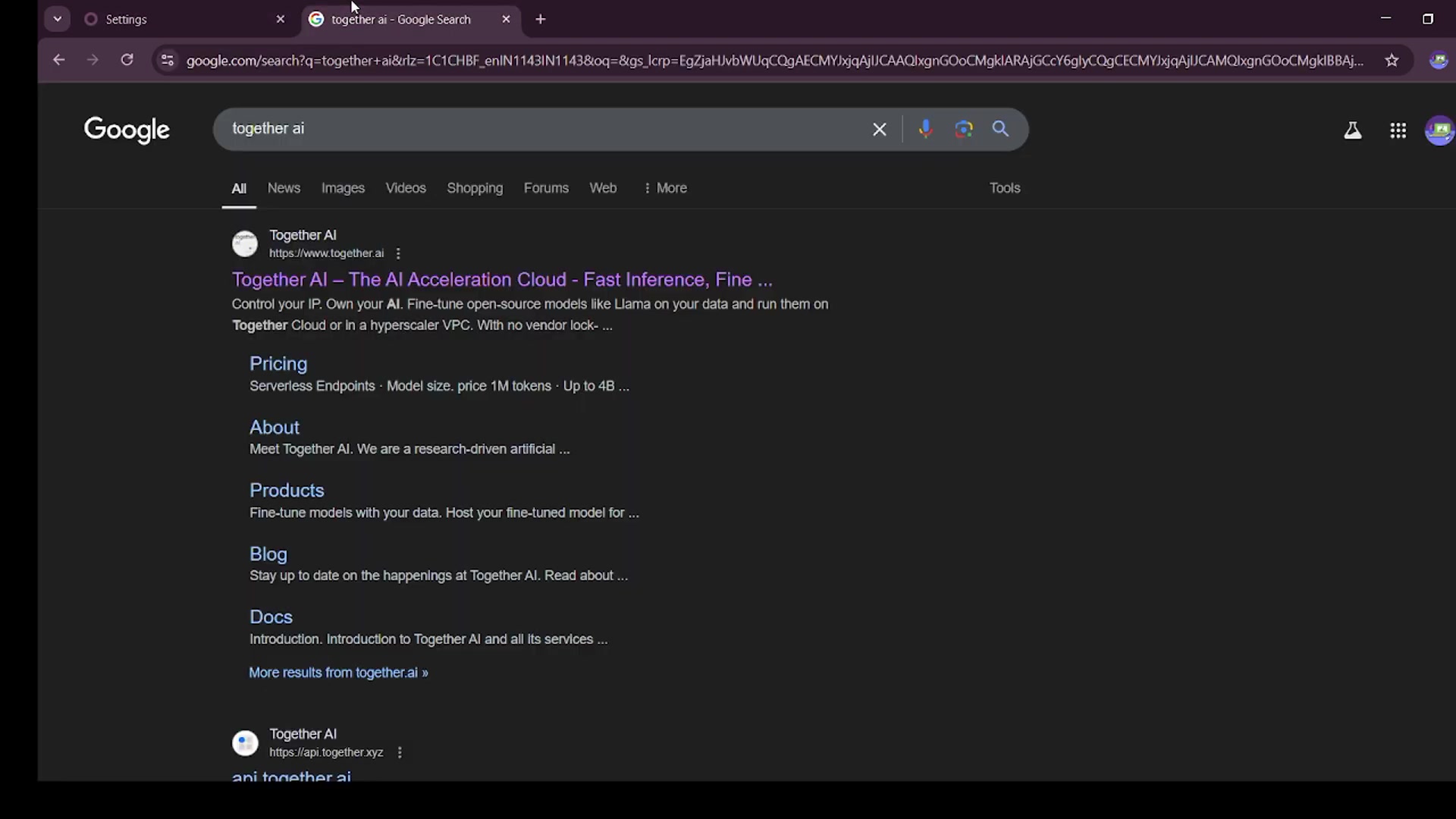
Visit the Together AI website.
- Sign Up or Log In: Create a new account or log in to your existing account.
- Navigate to the API Section: Look for a section dedicated to API keys or developer settings.
- Create a New API Key: Generate a new API key following the instructions provided.
- Copy the API Key: Make sure to copy the API key for use in the STTL OCR Recruitment module.
Note: Be sure to keep your API key secure. It is essential to safeguard your Together AI API key to maintain the security and functionality of your integration.
Configuring the Module with the API Key
After obtaining the API key from Together AI, you need to configure the STTL OCR Recruitment module with this key. Follow these steps:
- Navigate to Recruitment Settings:
Go to the Recruitment module in your Odoo instance, then navigate to Configuration > Settings.
- Find the Qwen API Key Field: Locate the field labeled Qwen API Key.
- Enter the API Key: Paste the API key you copied from Together AI into this field.
- Save the Settings: Click the Save button to apply the changes.
After completing these steps, the STTL OCR Recruitment module will be configured with the Together AI API key, enabling you to use OCR for resume processing.
Utilizing the STTL OCR Recruitment Module: A Step-by-Step Guide
Uploading Resumes
- Access the New Application Tab:
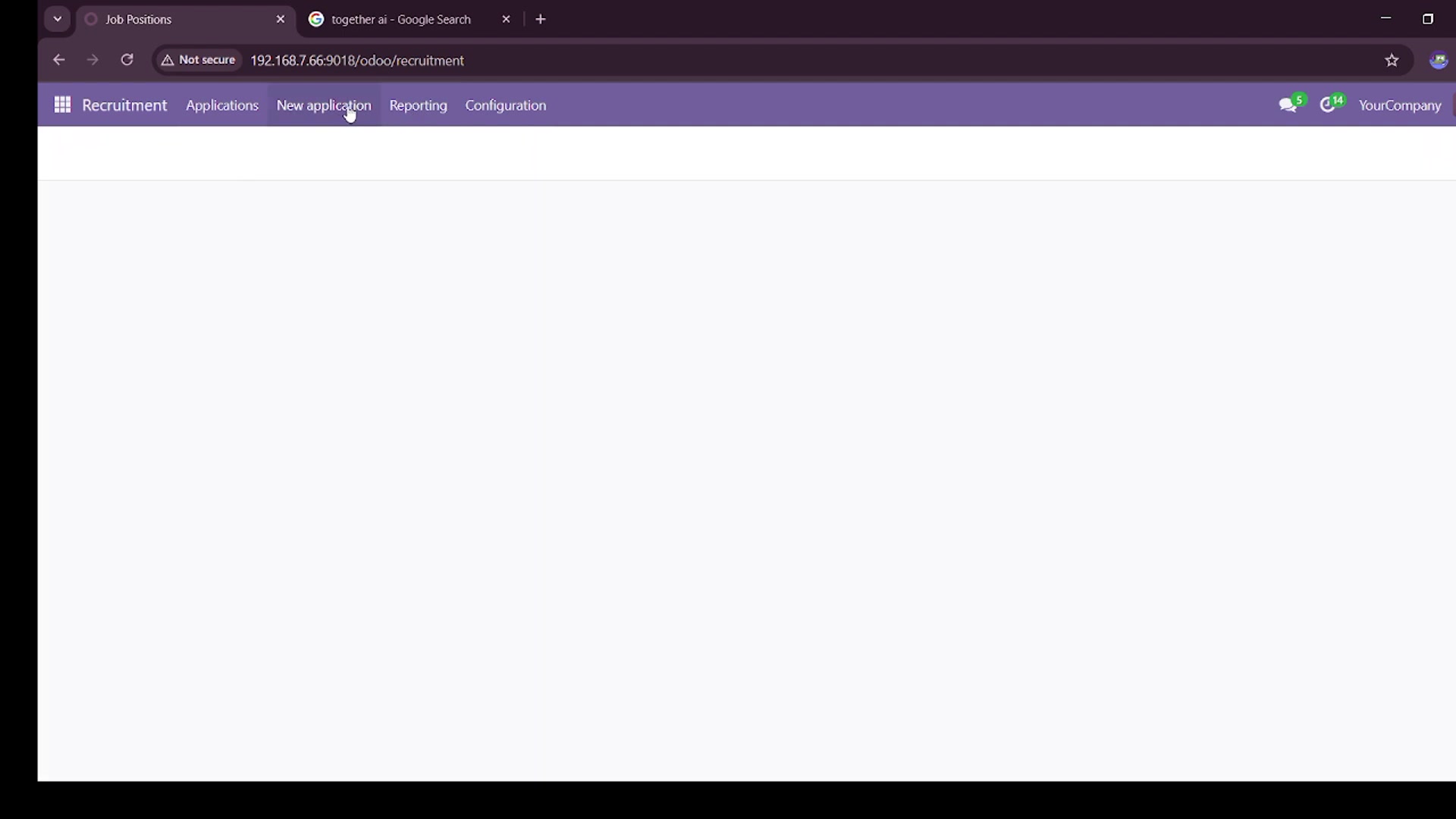
Navigate to the New Application tab within the Recruitment module.
- Click Upload Resumes: Find and click the Upload Resumes button.
- Select Resumes: Choose the resume files you wish to upload from your computer. The module supports various formats, including PDF, Word documents, and images.
- Confirm Upload: Confirm the upload to add the resumes to the system.
Once the resumes are uploaded, the STTL OCR Recruitment module automatically processes them to extract Relevant data.
Extracting Application Data
- Select the Resumes:
Choose the uploaded resumes from which you want to extract data.
- Go to Actions: Click the Actions button, which provides a dropdown menu of options.
- Extract Application Data: Select Extract Application Data from the dropdown menu.
- Process Extraction: Allow the module to process the resumes and extract key information automatically.
This feature extracts details from each resume. You can also extract multiple resumes at once.
Creating Candidate Applications
- Select Resumes for Application Creation: Select the processed resumes for which you want to create candidate applications.
- Go to Actions: Click the Actions button again.
- Create Applications:
Choose the Create Applications option from the dropdown menu.
- View Created Applications: Navigate to the created applications to review the extracted data.
After completing these steps, candidate applications will be automatically created with the extracted data from the resumes.





Most people like
































Report
Please select a reason for reporting
- 13 Reasons to Switch from Snapchat to Text Messaging
- 7 Powerful Speech to Text Apps to Boost Productivity
- 10 Best Speech to Text Tools for Effortless Transcription
- 13 Free Tools to Easily Transcribe Audio to Text
- 15 Surprising Ways Google's Speech-to-Text Boosts Productivity
- 7 Best Free Online Audio to Text Transcription Tools
- 9 Tips to Transcribe Speech to Text Faster and Better
- 13 Best Speech to Text Software for Windows 10 in 2023
- 7 Tips for Choosing the Best Transcriber for Audio to Text
- 11 Reasons Why Dragon Speech-to-Text Apps are Game-Changers
- 6 Secrets to Enhance Your Speech to Text Transcription
- 6 Brilliant Ways to Boost Productivity with Talk-to-Text on Your MacBook
- 6 Ways Transcription Software Converts Audio to Text
- 8 Tips to Transcribe Speech to Text Like a Pro
- 6 Reasons IBM Watson Speech to Text is a Game-Changer
- 14 Powerful Ways Talk-to-Text Improves Your Workflow
- 12 Top Windows Speech-to-Text Software for Efficient Transcription
- 12 Game-Changing Benefits of Apple's Speech to Text Technology
- 9 Powerful Use Cases for AWS Speech to Text Technology
- 10 Easy Steps to Transcribe YouTube Videos to Text
- transcription audio en texte
- online audio transcription
- free audio file transcription
- free ai audio transcription
- audio transcription service
- audio transcription online free
- audio transcription free online
- audio to transcription software
- audio and transcript
- ai audio transcription free
- voice recording to text converter
- translate voice recording to text
- record voice to text
- audio recording to text converter
- voice recording and transcription
- chatgpt voice to text
- gmail voice to text
- speech to text reader
- speech to text ai free
- speech to talk
- How to Use AI Tools to Find Internal Linking Opportunities Across a Business Website
- Discover Your Perfect Haircut with AI Hairstyle Apps
- Free Reputation Calculator Tools: How They're Adapting to Score AI Visibility, Not Just Rankings
- Design Professional Flyers for Free on Your Phone
- Best Free Flyer Maker Apps for Android: Design Like a Pro
- How to Know If Your Business Is Ready for an AI Customer Service Agent
- Revolutionizing Storytelling: From Novels to Screenplays with AI
- Create Engaging Animated Explainer Videos with a Free AI Tool
- Stop Multi-Subscribing: Benchmark Top AI Visual Models in One Canvas
- Best Seedance 2.5 API Provider: Every Price on the Market, Checked at Source
- Top AI Social Media Management Tools: Automate Your Content Strategy
- Free AI Text to Video Generator: Create Stunning Videos from Text
- Discover 17 ChatGPT Alternatives: A Comprehensive Comparison
- Character.AI vs. Janitor AI: Which AI Chat Platform Reigns Supreme?
- Top Virtual Assistant Companies in 2026: Reviews, Pricing, and Plans Compared
- Unveiling FaceCheck.ID: Revolutionizing Reverse Image Searches with AI
- 11 Best AI Dialers in 2026: Features, Pricing, Pros and Cons
- How I Direct Consistent AI Clips: A Hands-On Guide to Multi-Model Generation
- A Realistic Review of the Photo Generator Image Tool
- Playwright MCP Server: Automated Web Testing with Agent Mode

Copyright ©2026 toolify