































Table of Contents
- Key Points
- The Evolution of AI: From Concept to Production
- Understanding the AI Workflow: From Data to Deployment
- How to Use RAPIDS, Pytorch, Tensorflow, and Triton Inference Server
- Pricing
- Pros and Cons of AI Workflows
- Core Features of Key AI Software
- Real-World Use Cases of AI Workflows
- Frequently Asked Questions (FAQ)
- Related Questions


The Evolution of AI: From Concept to Production
What is Artificial Intelligence?
Artificial Intelligence (AI) is a vast field dedicated to employing computers to perform tasks that typically require human intelligence
. This encompasses a wide array of capabilities, including learning, problem-solving, and decision-making. AI aims to replicate or simulate human cognitive functions to automate processes and enhance efficiency. The primary goal is to create systems that can reason, learn, and act autonomously.
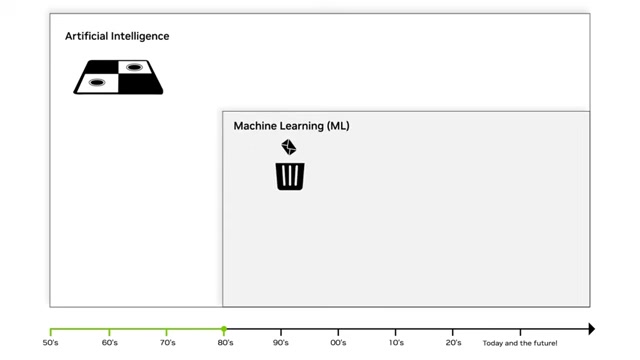
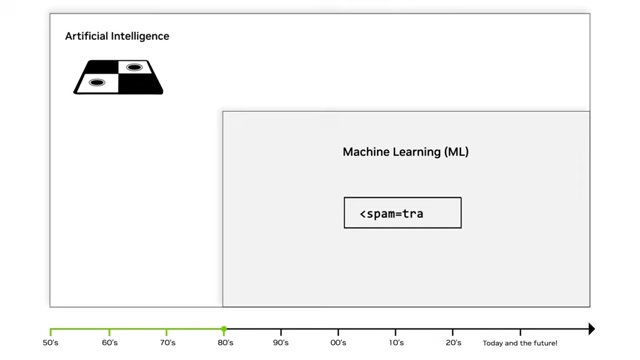
AI has been around since the 1950s, with early applications in games like Tic-Tac-Toe and Checkers, as well as inspiring the movie industry. Early AI had limited applications, which has vastly increased over the years.
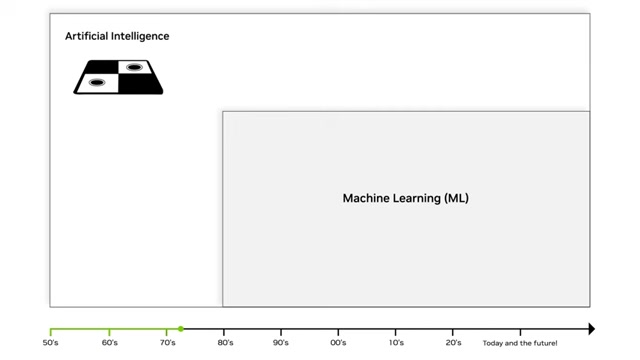
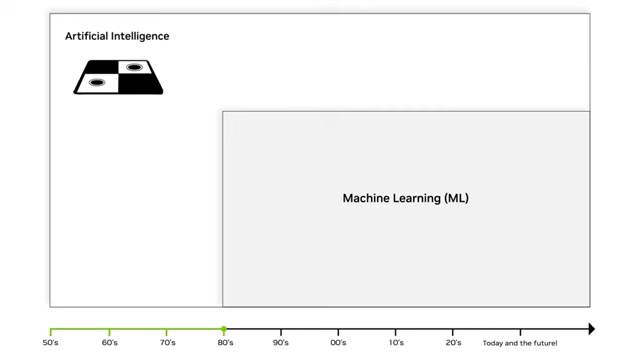
The journey of AI can be divided into several key phases. The initial phase focused on rule-based systems and symbolic AI, where knowledge was explicitly programmed into the system. However, the practical applications were limited. This eventually gave way to machine learning (ML). Machine learning is a subset of AI that focuses on algorithms that allow computers to learn from data without explicit programming. Within machine learning came deep learning (DL). Deep learning uses neural networks, which are algorithms with a structure inspired by the human brain, with many layers (hence the 'deep' in deep learning). Finally, there is Generative AI, the current step, which allows machines to generate text, images, and more based on the data they have been fed.
This journey has led to the current stage of AI, known as generative AI. Here AI can produce entirely new outputs. As AI has evolved, so has its relevance and application in industries and people's daily lives.
Machine Learning (ML): A Statistical Approach
Machine Learning (ML) emerged in the 1980s as a transformative approach within AI. It employs statistical techniques to construct models from observed data
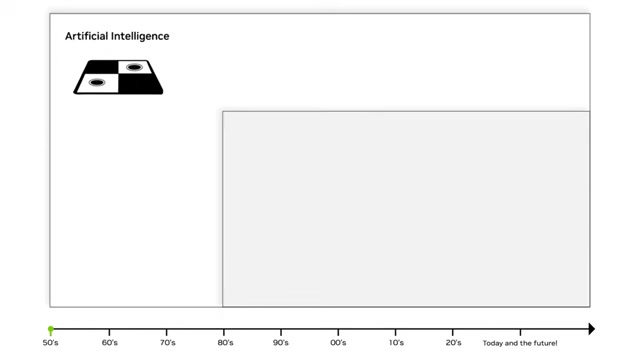
. Unlike traditional programming, ML enables computers to learn from data without explicit instructions. The models adapt and improve as they are exposed to more data, making predictions and decisions based on patterns identified.
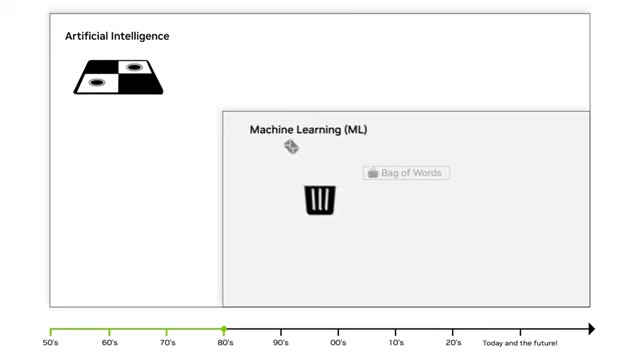
ML relies heavily on human-defined classifiers or feature extractors. These classifiers can range from simple linear regressions to more complex techniques, such as the 'bag of words' analysis used for email spam filters. Linear regression is a straightforward method that models the relationship between variables to predict outcomes.
Bag of words analysis is more sophisticated, analyzing the frequency and occurrence of words in documents to categorize emails as spam or not spam. This technique significantly improved email filtering and became widely adopted.
Although machine learning has provided benefits to AI, there were still issues. The need to understand and extract insights from big data presented a new challenge, eventually leading to a new step: Deep Learning.
Deep Learning (DL): Unlocking Complex Data
Deep Learning (DL) came about in 2010. Deep Learning is a breakthrough in AI that stems from machine learning. It is driven by advancements in hardware, the availability of extensive datasets, and refinements in training algorithms
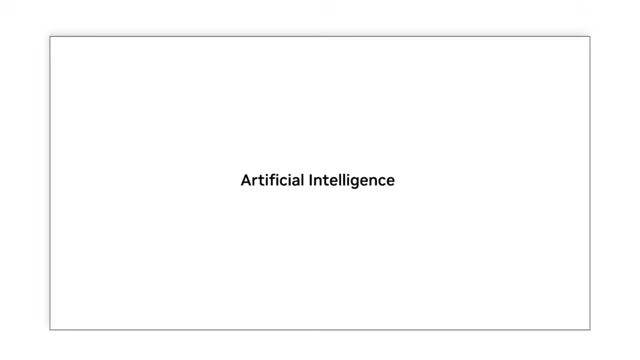
. DL automates the creation of feature extractors using vast amounts of data to train complex deep neural networks (DNNs).
Deep Neural Networks (DNNs) are multi-layered neural networks that automatically learn features from data, eliminating the need for manual feature engineering. This approach is particularly effective for complex tasks, such as Image Recognition and natural language processing.
There are several factors that contributed to the rise of Deep Learning:
- Hardware Advances: Modern GPUs have significantly increased the efficiency and speed of DL training.
- Availability of Big Data: The proliferation of smartphones, webcams, social media, and sensors has generated vast amounts of data, providing ample material for training DL models.
- Improved Training Algorithms: Algorithmic advancements have made training very deep networks faster and more efficient.
DL has led to systems that are human-like in their intelligence. Applications such as chatbots, virtual assistants, and translation services are impacting industries.
Generative AI: The Future of Creation
Generative AI represents the new era of AI, characterized by systems that can generate new content, images, and data similar to what they have learned
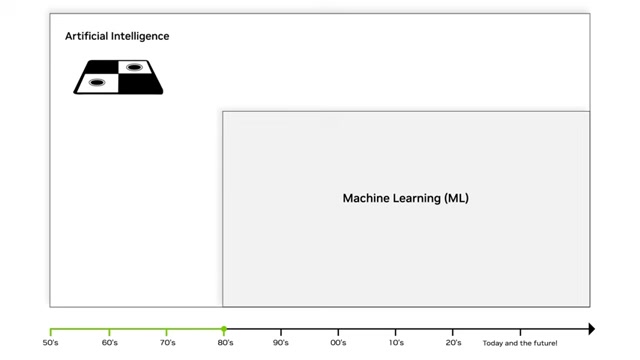
. This field builds upon the principles of deep learning, but focuses on enabling AI models to create original outputs rather than just classify or predict.
Large Language Models (LLMs) are at the core of generative AI. LLMs are trained on massive amounts of text data and can generate human-like text for various applications, including chatbots, content creation, and language translation.
Some of the applications of Generative AI:
- Chatbots: Creating more natural and intuitive conversational agents.
- Virtual Assistants: Enhancing virtual assistants with more human-like interactions.
- Content Creation: Automating the generation of articles, images, and videos.
- Translation Services: Improving the accuracy and fluency of automated translations.
Understanding the AI Workflow: From Data to Deployment
AI Workflow Overview
An AI workflow, also known as a machine learning workflow or data science workflow, is a structured sequence of tasks and processes followed by data scientists, ML engineers, and AI practitioners
. This workflow ensures the development, training, deployment, and maintenance of AI models are systematic, well-documented, and effective. A well-defined workflow helps organizations leverage AI technologies efficiently and achieve optimal results.
These workflows typically encompass the data preparation, model development, deployment, and maintenance stages. Each of these steps are crucial for turning a concept into a real, usable AI model.
Data Preparation: Laying the Foundation for Success
Data preparation involves several critical steps to transform raw data into a usable format for model training
. This phase includes data cleaning, feature augmentation, standardization, and deduplication. The quality, diversity, and relevance of the data are as important as the data set size. Ensuring that the data is representative and free from bias helps build robust and reliable AI models.
Data preparation is an essential step because the quality of the model depends on the quality of the data. Garbage in, garbage out. That's why data quality is so important to any model.
The sub steps of Data Preparation include:
- Collecting Raw Data
- Cleaning Data: Address missing values, outliers, and inconsistencies to improve data quality. Use techniques such as imputation, outlier removal, and data smoothing.
- Feature Augmentation: Create new features from existing ones to provide additional insights. This can involve combining variables, performing mathematical transformations, or extracting relevant attributes.
- Standardization: Ensures that all data is in a consistent and usable format. Inconsistencies in format can affect AI and therefore, standardization is a crucial step.
- Deduplication: Identify and remove duplicate entries to avoid biasing the model.
Model Training: Teaching the AI to Learn
The model training step of an AI workflow uses machine learning or deep learning models to learn patterns and relationships within a labeled dataset
. This step involves feeding prepared data into a selected model and allowing it to adjust its parameters to minimize errors and maximize predictive accuracy.
Model Selection: Choosing the right model architecture for the task at hand is essential. Various algorithms, such as decision trees, support vector machines, and neural networks, offer different strengths and weaknesses.
Training relies on mathematical algorithms to process and learn from data. Supervised learning algorithms use labeled data to learn the mapping from inputs to outputs, while unsupervised learning algorithms identify patterns in unlabeled data. Reinforcement learning algorithms learn through trial and error, optimizing actions based on feedback.
This is a critical step as the entire AI is taught here. The AI must be taught how to properly make predictions. Many experiments are typically ran, and the AI model trained multiple times before the correct outcome is reached.
Model Optimization: Fine-Tuning for Peak Performance
Model optimization is a crucial step involving fine-tuning and enhancing the performance of the AI model to make it accurate, efficient, and suitable for its intended use case
. It is an iterative process where adjustments are made based on evaluation results, and the model is fine-tuned until it meets the desired performance criteria for deployment.
Hyperparameter tuning: Adjust hyperparameters, such as learning rates and batch sizes, to optimize the model’s learning process.
Model Pruning: Remove less important connections and parameters to reduce model size and computational requirements.
Quantization: Convert model parameters from floating-point numbers to integers to reduce memory usage and improve inference speed.
Distillation: Train a smaller, more efficient model to mimic the behavior of a larger, more complex model.
With proper optimization, the model can have the maximum performance for its use case, providing the best product possible.
Inference/Deployment: Putting the AI to Work
Once an AI model is trained, it needs to be deployed. This means getting the model ready for a real production environment
. This involves using the trained machine learning or deep learning model to make predictions, decisions, or generate outputs based on new, unseen data.
There are a few considerations to consider in inference:
- Inference Latency: The time it takes for the model to generate a prediction, is a critical consideration.
- Throughput: The number of predictions the model can generate per unit of time is another important consideration.
Scalability: The ability of the model to handle increasing volumes of inference requests is a critical aspect of deployment.
Inference is the core of AI applications, is also the step where AI meets the real world.





Most people like



































Report
Please select a reason for reporting
- 13 Reasons to Switch from Snapchat to Text Messaging
- 7 Powerful Speech to Text Apps to Boost Productivity
- 10 Best Speech to Text Tools for Effortless Transcription
- 13 Free Tools to Easily Transcribe Audio to Text
- 15 Surprising Ways Google's Speech-to-Text Boosts Productivity
- 7 Best Free Online Audio to Text Transcription Tools
- 9 Tips to Transcribe Speech to Text Faster and Better
- 13 Best Speech to Text Software for Windows 10 in 2023
- 7 Tips for Choosing the Best Transcriber for Audio to Text
- 11 Reasons Why Dragon Speech-to-Text Apps are Game-Changers
- 6 Secrets to Enhance Your Speech to Text Transcription
- 6 Brilliant Ways to Boost Productivity with Talk-to-Text on Your MacBook
- 6 Ways Transcription Software Converts Audio to Text
- 8 Tips to Transcribe Speech to Text Like a Pro
- 6 Reasons IBM Watson Speech to Text is a Game-Changer
- 14 Powerful Ways Talk-to-Text Improves Your Workflow
- 12 Top Windows Speech-to-Text Software for Efficient Transcription
- 12 Game-Changing Benefits of Apple's Speech to Text Technology
- 9 Powerful Use Cases for AWS Speech to Text Technology
- 10 Easy Steps to Transcribe YouTube Videos to Text
- transcription audio en texte
- online audio transcription
- free audio file transcription
- free ai audio transcription
- audio transcription service
- audio transcription online free
- audio transcription free online
- audio to transcription software
- audio and transcript
- ai audio transcription free
- voice recording to text converter
- translate voice recording to text
- record voice to text
- audio recording to text converter
- voice recording and transcription
- chatgpt voice to text
- gmail voice to text
- speech to text reader
- speech to text ai free
- speech to talk
- Meshy AI: How to Create 3D Models from Text and Images
- How SEO and Marketing Dashboards Empower Agencies to Drive Results
- How to Use AI Tools to Find Internal Linking Opportunities Across a Business Website
- Discover Your Perfect Haircut with AI Hairstyle Apps
- Free Reputation Calculator Tools: How They're Adapting to Score AI Visibility, Not Just Rankings
- Design Professional Flyers for Free on Your Phone
- Best Free Flyer Maker Apps for Android: Design Like a Pro
- How to Know If Your Business Is Ready for an AI Customer Service Agent
- Revolutionizing Storytelling: From Novels to Screenplays with AI
- Create Engaging Animated Explainer Videos with a Free AI Tool
- Automate Lead Generation: A Comprehensive Guide with AI Agents
- Revideo.io: The Future of Reverse Video Search Technology
- Revolutionizing Email Marketing Agency with AI
- Breaking the Character Drift Dilemma: A Practical Test of Smart Shot
- Meshy AI: How to Create 3D Models from Text and Images
- ASOMobile Helps Teams Benchmark App Store Screenshots Against Competitors
- How to Match LMS Software With Your Organization's Training Plan
- How to Convert BTC to HNT
- Unleashing the Power of AI: Cognizant's Roadmap for Transformation
- Frame to Video Review: A Practical Look at Turning Two Still Frames Into Motion

Copyright ©2026 toolify