































Table of Contents
- Key Points
- Asynchronous JavaScript: Promises and Fetch
- Refactoring JavaScript Code for Asynchronous Operations
- Practical Tips for Using Async, Promises, and Fetch API
- Understanding the Costs
- Advantages and Disadvantages
- Essential Functionalities
- Real-World Scenarios
- Frequently Asked Questions
- Related Questions



Asynchronous JavaScript: Promises and Fetch
What is Asynchronous JavaScript?
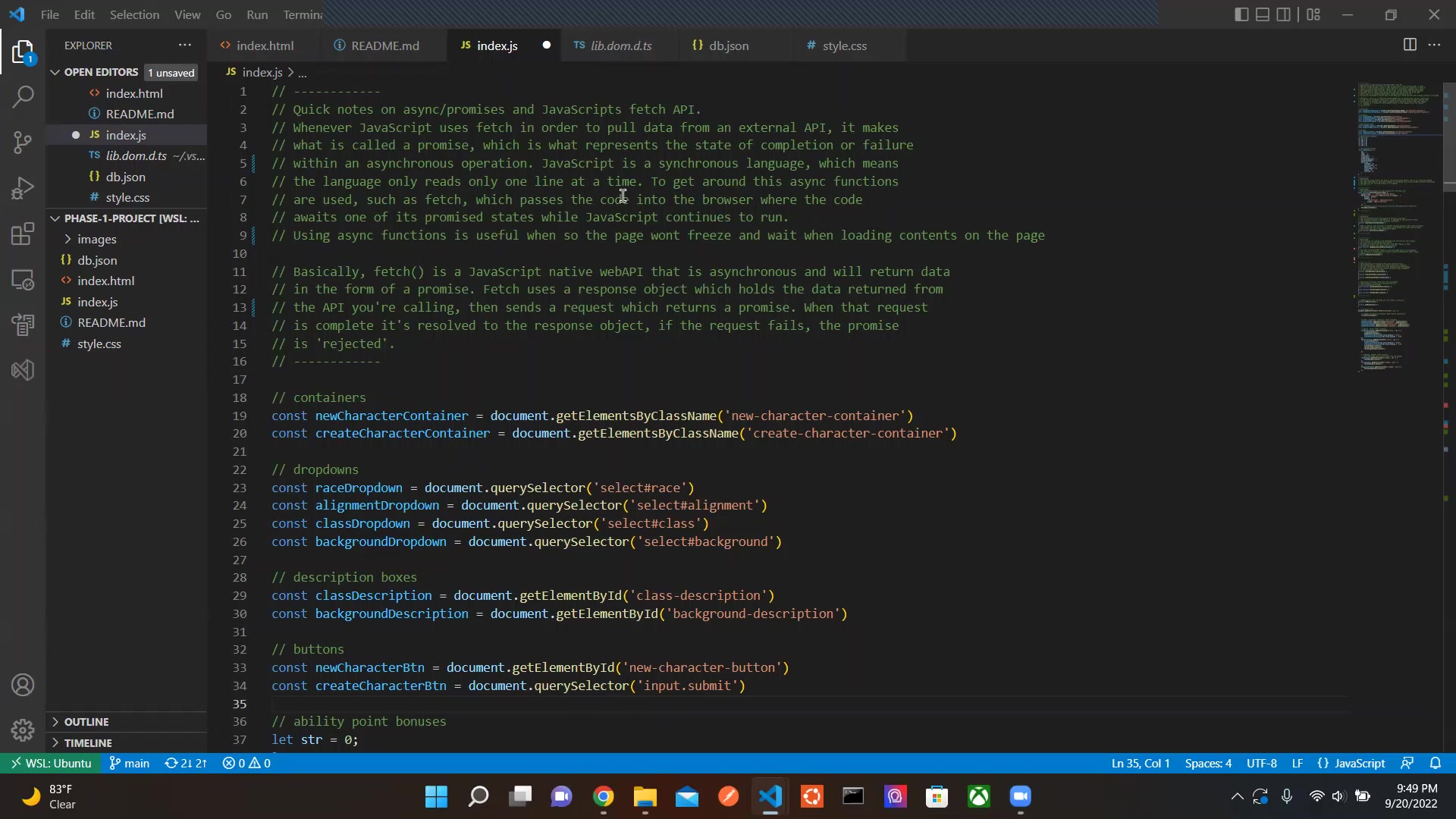
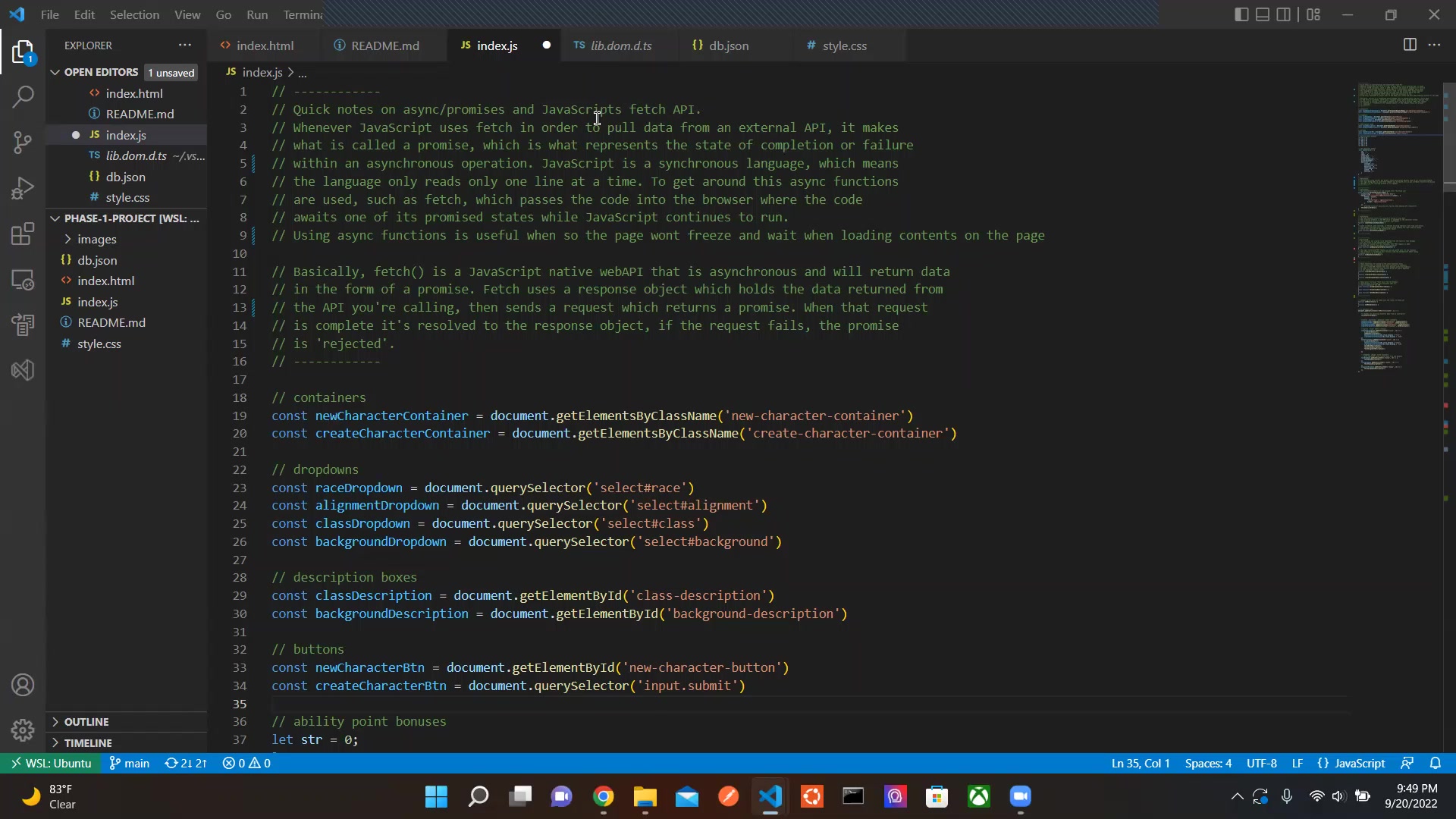
JavaScript, by default, is a single-threaded, synchronous language, meaning it executes code sequentially, one line at a time. This can cause performance bottlenecks when dealing with long-running operations, such as fetching data from an API. If the JavaScript code waited for the API to return the information synchronously, the browser might freeze, and the UI would be unresponsive. Asynchronous JavaScript solves this problem by allowing the program to initiate a task that runs in the background.
Using asynchronous functions is useful, so the page won't freeze and wait when loading contents on the page. The page remains responsive, and users can continue interacting with it while the data is being fetched.
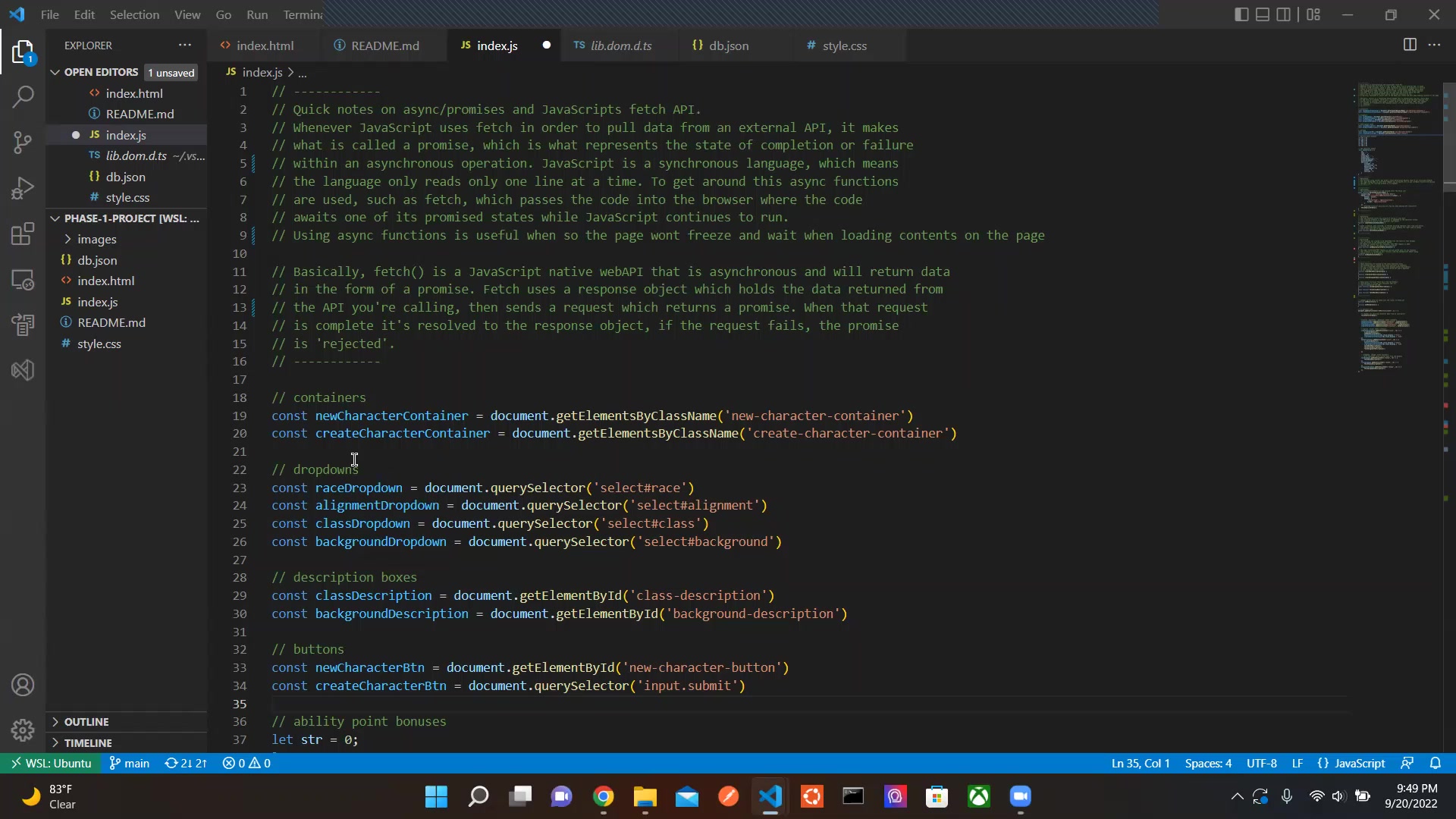
The fundamental concept behind asynchronous JavaScript is the callback function. Callbacks are functions passed as arguments to other functions and are executed when the asynchronous operation completes. However, excessive use of callbacks can lead to what is known as 'callback hell,' making the code difficult to read and maintain. This is where promises come into play. Promises offer a more structured way to handle asynchronous operations, improving code readability and maintainability.
Understanding Promises in JavaScript
A promise is an object that represents the eventual completion (or failure) of an asynchronous operation and its resulting value. A promise can be in one of three states:
- Pending: The initial state; the operation has not completed yet.
- Fulfilled: The operation completed successfully, and the promise has a value.
- Rejected: The operation failed, and the promise has a reason for the failure.
Promises provide a more manageable way to handle asynchronous code compared to callbacks. They allow you to chain operations together using .then() for successful results and .catch() for error handling, making the code cleaner and easier to follow.
Here's a basic example of creating and using a promise:
const myPromise = new Promise((resolve, reject) => {
  // Asynchronous operation
  setTimeout(() => {
    const success = true; // Simulate success or failure
    if (success) {
      resolve('Operation completed successfully!');
    } else {
      reject('Operation failed!');
    }
  }, 2000); // Simulate a 2-second delay
});

myPromise
  .then(result => {
    console.log(result); // Handle successful result
  })
  .catch(error => {
    console.error(error); // Handle errors
  });
In this example, the Promise constructor takes a function with two arguments: resolve and reject. Inside this function, an asynchronous operation (simulated using setTimeout) is performed. If the operation is successful, resolve() is called with the result; otherwise, reject() is called with an error message. The .then() method is used to handle the resolved value, and the .catch() method is used to handle any errors.
The JavaScript Fetch API: A Modern Approach to Network Requests
The Fetch API provides a modern and powerful interface for making network requests. It replaces the older XMLHttpRequest (XHR) object and offers a cleaner, promise-based approach. The Fetch API is natively asynchronous, which ensures that the main thread remains responsive while data is being retrieved from a server.
To perform a basic GET request using the Fetch API:
fetch('https://api.example.com/data')
  .then(response => response.json())
  .then(data => {
    console.log(data); // Process the retrieved data
  })
  .catch(error => {
    console.error('Error fetching data:', error);
  });
In this example, fetch() is called with the URL of the API endpoint. The .then() method is used to handle the response, which is converted to JSON using response.json(). The next .then() method processes the data. The .catch() method handles any errors that occur during the request.
The Fetch API returns a response object, which includes the response headers and status. The response.json() method is used to parse the body of the response as JSON. If the API returns data in a different format, other methods like response.text() or response.blob() can be used.
Async/Await: Simplifying Asynchronous Code
The async and await keywords provide a more concise and readable way to work with promises. The async keyword is used to define an asynchronous function, which can contain one or more await expressions. The await keyword pauses the execution of the function until the promise is resolved, allowing you to write asynchronous code that looks and behaves more like synchronous code.
Here's how to use async/await with the Fetch API:
async function fetchData() {
  try {
    const response = await fetch('https://api.example.com/data');
    const data = await response.json();
    console.log(data); // Process the retrieved data
  } catch (error) {
    console.error('Error fetching data:', error);
  }
}

fetchData();
In this example, the fetchData() function is defined as an async function. Inside the function, the await keyword is used to pause execution until the fetch() promise resolves and then again until the response.json() promise resolves. This makes the code easier to read and understand compared to using .then() chains. The try...catch block is used for error handling, providing a clean way to handle any errors that occur during the asynchronous operations.
Error Handling in Asynchronous JavaScript
Error handling is a critical aspect of asynchronous JavaScript. When working with promises and the Fetch API, it's important to handle potential errors gracefully to prevent unexpected behavior. The .catch() method is used to handle errors in promise chains, and the try...catch block is used to handle errors in async/await functions. Proper error handling can help to recover errors.
Here's an example of error handling with promises:
fetch('https://api.example.com/data')
  .then(response => {
    if (!response.ok) {
      throw new Error(`HTTP error! Status: ${response.status}`);
    }
    return response.json();
  })
  .then(data => {
    console.log(data); // Process the retrieved data
  })
  .catch(error => {
    console.error('Error fetching data:', error);
  });
In this example, a check is added to ensure the response is successful (response.ok). If the response status indicates an error, an error is thrown, which is then caught by the .catch() method.
And here’s an example of error handling in async functions.
async function fetchData() {
  try {
    const response = await fetch('https://api.example.com/data');
    if (!response.ok) {
      throw new Error(`HTTP error! Status: ${response.status}`);
    }
    const data = await response.json();
    console.log(data); // Process the retrieved data
  } catch (error) {
    console.error('Error fetching data:', error);
  }
}

fetchData();
With async functions, a try...catch block provides a structured way to handle the errors. All the code that may throw an error goes into the try block, and the error handling logic goes into the catch block.
Practical Tips for Using Async, Promises, and Fetch API
Use Async/Await for Cleaner Code
To enhance code readability and maintainability, employ async/await when working with promises. This syntax simplifies asynchronous operations, making them Resemble synchronous code and reducing the complexity of promise chains. Async/await leads to more intuitive and less error-prone JavaScript.
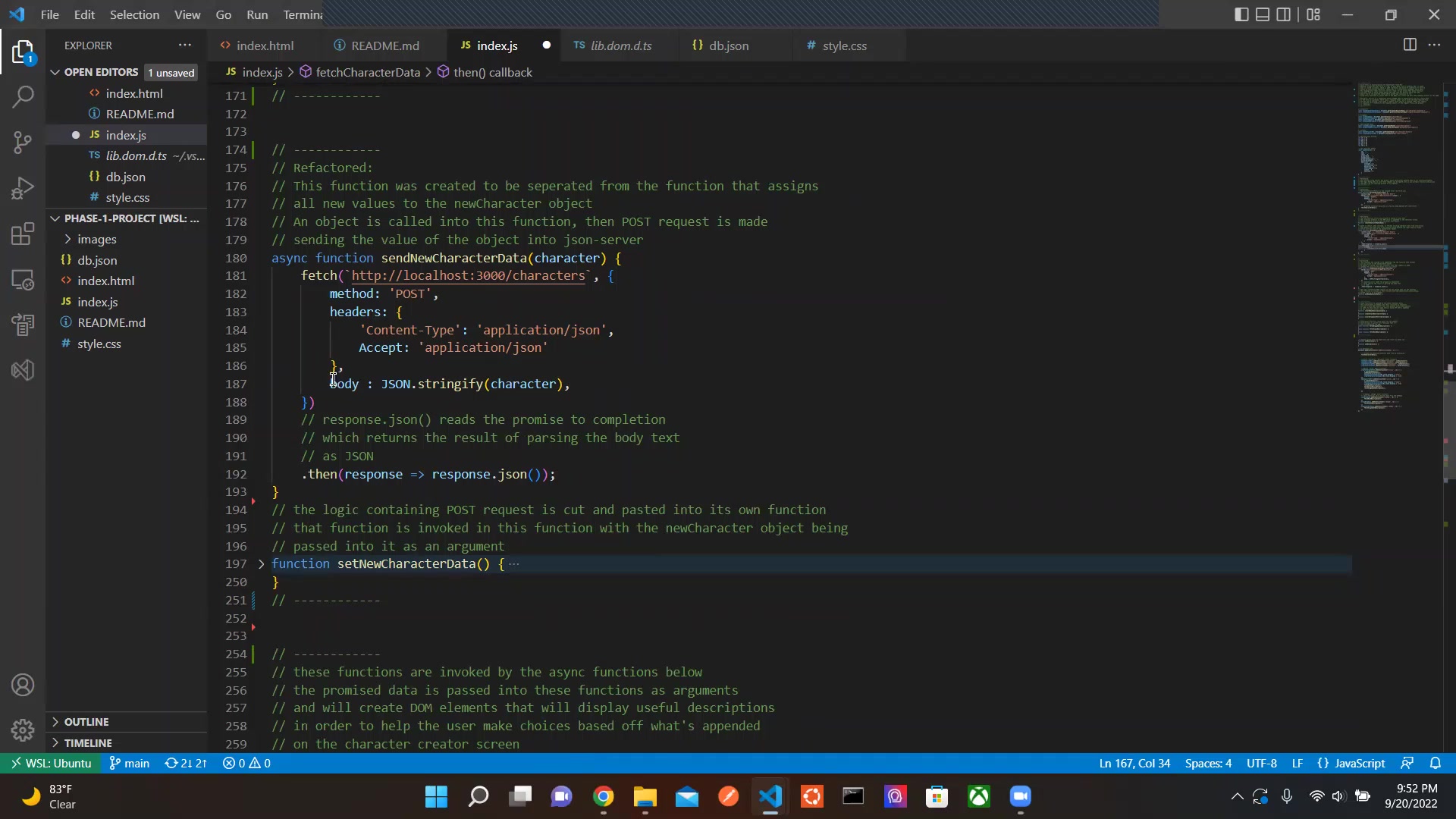
Use HTTP headers to define content type
Configuring HTTP headers, such as 'Content-Type', in your fetch requests is crucial for proper data handling between the client and the server. For example, setting 'Content-Type' to 'application/json' ensures the server interprets the data correctly as JSON. This practice is essential for smooth and reliable communications in web applications. Proper configuration of headers can result in increased speed and fewer errors.






Most people like

































Report
Please select a reason for reporting
- 13 Reasons to Switch from Snapchat to Text Messaging
- 7 Powerful Speech to Text Apps to Boost Productivity
- 10 Best Speech to Text Tools for Effortless Transcription
- 13 Free Tools to Easily Transcribe Audio to Text
- 15 Surprising Ways Google's Speech-to-Text Boosts Productivity
- 7 Best Free Online Audio to Text Transcription Tools
- 9 Tips to Transcribe Speech to Text Faster and Better
- 13 Best Speech to Text Software for Windows 10 in 2023
- 7 Tips for Choosing the Best Transcriber for Audio to Text
- 11 Reasons Why Dragon Speech-to-Text Apps are Game-Changers
- 6 Secrets to Enhance Your Speech to Text Transcription
- 6 Brilliant Ways to Boost Productivity with Talk-to-Text on Your MacBook
- 6 Ways Transcription Software Converts Audio to Text
- 8 Tips to Transcribe Speech to Text Like a Pro
- 6 Reasons IBM Watson Speech to Text is a Game-Changer
- 14 Powerful Ways Talk-to-Text Improves Your Workflow
- 12 Top Windows Speech-to-Text Software for Efficient Transcription
- 12 Game-Changing Benefits of Apple's Speech to Text Technology
- 9 Powerful Use Cases for AWS Speech to Text Technology
- 10 Easy Steps to Transcribe YouTube Videos to Text
- transcription audio en texte
- online audio transcription
- free audio file transcription
- free ai audio transcription
- audio transcription service
- audio transcription online free
- audio transcription free online
- audio to transcription software
- audio and transcript
- ai audio transcription free
- voice recording to text converter
- translate voice recording to text
- record voice to text
- audio recording to text converter
- voice recording and transcription
- chatgpt voice to text
- gmail voice to text
- speech to text reader
- speech to text ai free
- speech to talk
- How SEO and Marketing Dashboards Empower Agencies to Drive Results
- How to Use AI Tools to Find Internal Linking Opportunities Across a Business Website
- Discover Your Perfect Haircut with AI Hairstyle Apps
- Free Reputation Calculator Tools: How They're Adapting to Score AI Visibility, Not Just Rankings
- Design Professional Flyers for Free on Your Phone
- Best Free Flyer Maker Apps for Android: Design Like a Pro
- How to Know If Your Business Is Ready for an AI Customer Service Agent
- Revolutionizing Storytelling: From Novels to Screenplays with AI
- Create Engaging Animated Explainer Videos with a Free AI Tool
- Stop Multi-Subscribing: Benchmark Top AI Visual Models in One Canvas
- AI & Elections: Defending Democracy Against Misinformation
- Navigating Political Discourse: AI, Deepfakes, and Reality Checks
- Detecting Political Bias in News Articles: A Powerful AI Algorithm
- AI Bias Unveiled: Political Leanings in ChatGPT & Beyond
- Revolutionize Learning: Discover Quizzes AI for Engaging Interactive Quizzes
- From AI-Generated to Audience-Ready: How Quillbot Humanize AI Is Changing the Content Editing Process
- Building an AI Writing Stack in 2026: LLMs, Detectors, and Humanizers
- 7 Top AI-Powered Database Assistant Platforms
- An Objective Look at Modern Web-Based Visual Modifications
- My Honest Experience with VideoAI: The Secret Weapon for Creators Who Need Character Voices

Copyright ©2026 toolify