































Table of Contents
- Key Points
- Introduction to AI-Assisted Coding with ChatGPT
- Creating Your First Python Game: A Step-by-Step Guide
- Step-by-Step Guide to Playing Tic-Tac-Toe in Replit
- Pricing for ChatGPT and Replit: Accessing Powerful Tools
- Pros and Cons of Using ChatGPT and Replit for Coding
- Core Features of ChatGPT and Replit: Enhancing Your Coding Experience
- Use Cases for ChatGPT and Replit: Real-World Applications
- Frequently Asked Questions
- Related Questions



Introduction to AI-Assisted Coding with ChatGPT
What is ChatGPT and How Does It Simplify Coding?
ChatGPT is an advanced AI language model that can generate code, answer questions, and provide explanations on various topics. Its ability to understand natural language makes it a powerful tool for programmers, especially beginners, by helping with code generation and debugging. In this Tutorial, we will use ChatGPT to generate the code for a classic Tic-Tac-Toe Game in Python, showcasing how it can significantly simplify the coding process.
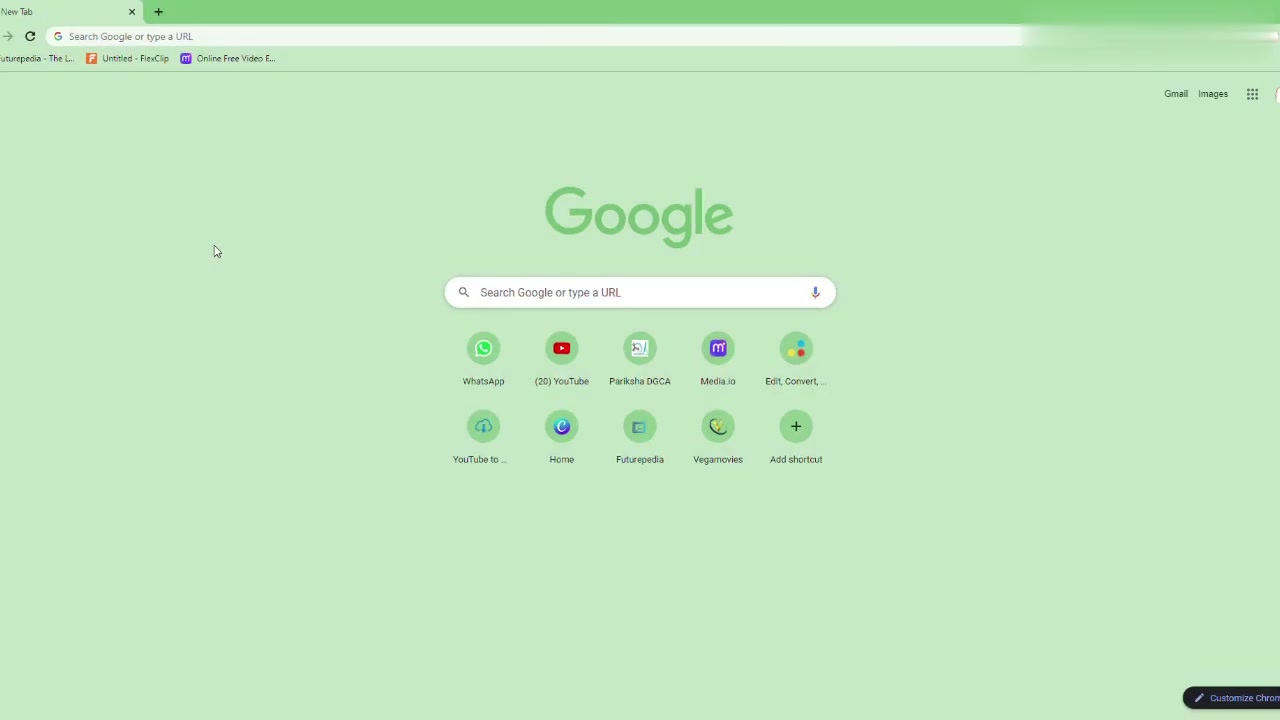
ChatGPT can understand complex requests and generate code snippets that would typically take hours to write manually. The AI’s ability to adapt to various coding styles and languages makes it invaluable for both novice and experienced programmers looking to accelerate their workflow. When used thoughtfully, ChatGPT dramatically reduces the learning curve for new languages and can also aid in code translation, optimization, and even documentation. The power of ChatGPT lies in its ability to democratize coding, making it more accessible to a broader audience by handling much of the heavy lifting associated with coding tasks.
The future of programming involves leveraging AI Tools to augment human creativity and problem-solving abilities. It's not about replacing human coders but enabling them to be more productive and innovative. Coding with ChatGPT exemplifies this trend, providing a hands-on experience in utilizing AI for practical coding tasks. From generating basic game code to assisting in complex data analysis, ChatGPT presents a compelling glimpse into what the future of coding will look like. With ChatGPT, anyone can start to unlock the coding potential and create amazing things.
Creating Your First Python Game: A Step-by-Step Guide
Setting Up Your Coding Environment with Replit
Replit is an online integrated development environment (IDE) that allows you to write, run, and collaborate on code directly in your browser. It eliminates the need for local installations and configurations, making it an ideal platform for beginners and teams working together.
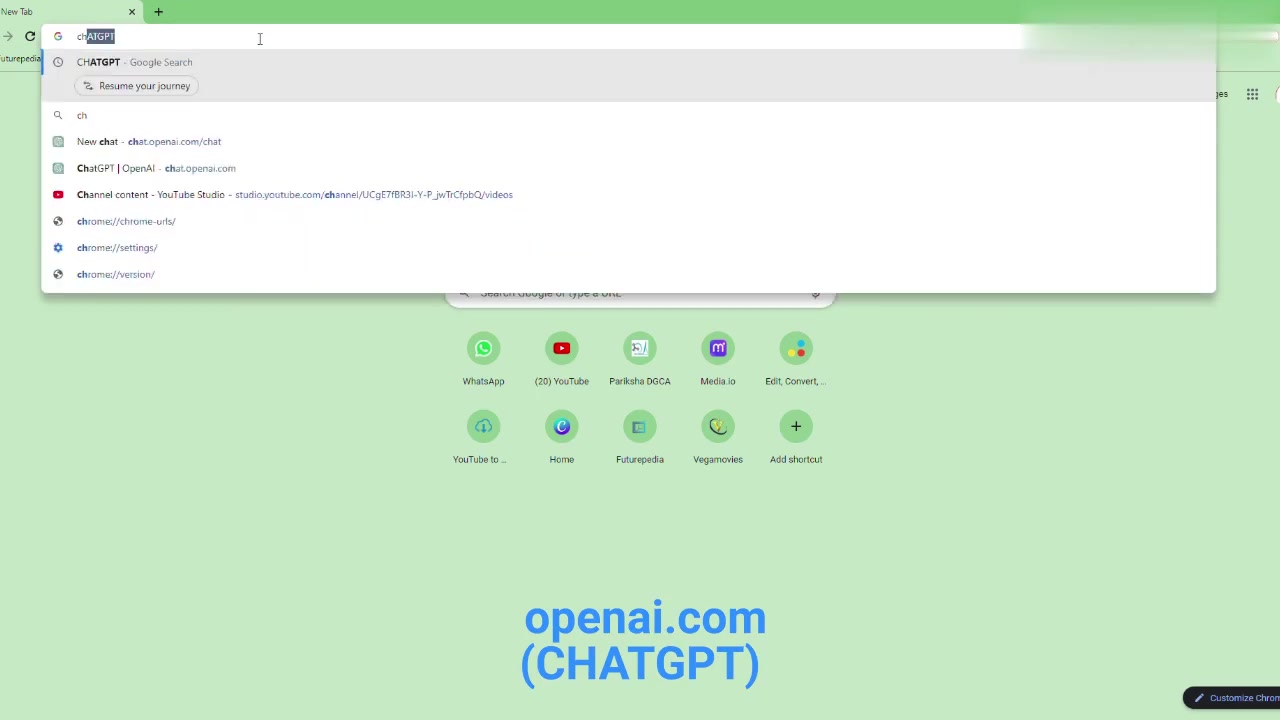
To get started, visit the Replit website and create a free account. Replit supports multiple programming languages, including Python, so it's perfect for this project. Here’s how to set up your environment:
- Sign Up/Log In: Navigate to the Replit website. If you’re a new user, sign up for a free account. Existing users can simply log in.
- Create a New Repl: Once you're logged in, click on the "Create" button. This will open a new window where you can choose your programming language and project settings.
- Choose Python: Select Python as your language. Replit offers a variety of templates, but for this project, a basic Python setup will suffice.
- Name Your Project: Give your project a descriptive name, like "Tic-Tac-Toe Game." This will help you easily identify and manage your project.
- Create Repl: Click the "Create Repl" button. Replit will then set up your coding environment, providing you with a code editor and a console for running your code.
After setting up your environment, you're ready to input the code generated by ChatGPT. The Replit interface is user-friendly, offering features like real-time collaboration and automatic saving. Whether you're coding alone or with a team, Replit provides an efficient platform to develop and test your projects. With Replit, you can focus on learning and coding without worrying about complex setups or installations. This setup allows you to easily share and deploy your projects, making it an excellent choice for educational purposes.
Generating the Python Code for Tic-Tac-Toe with ChatGPT
Now that you have your coding environment set up on Replit, it's time to generate the Python code for the Tic-Tac-Toe game using ChatGPT. Follow these steps:
-
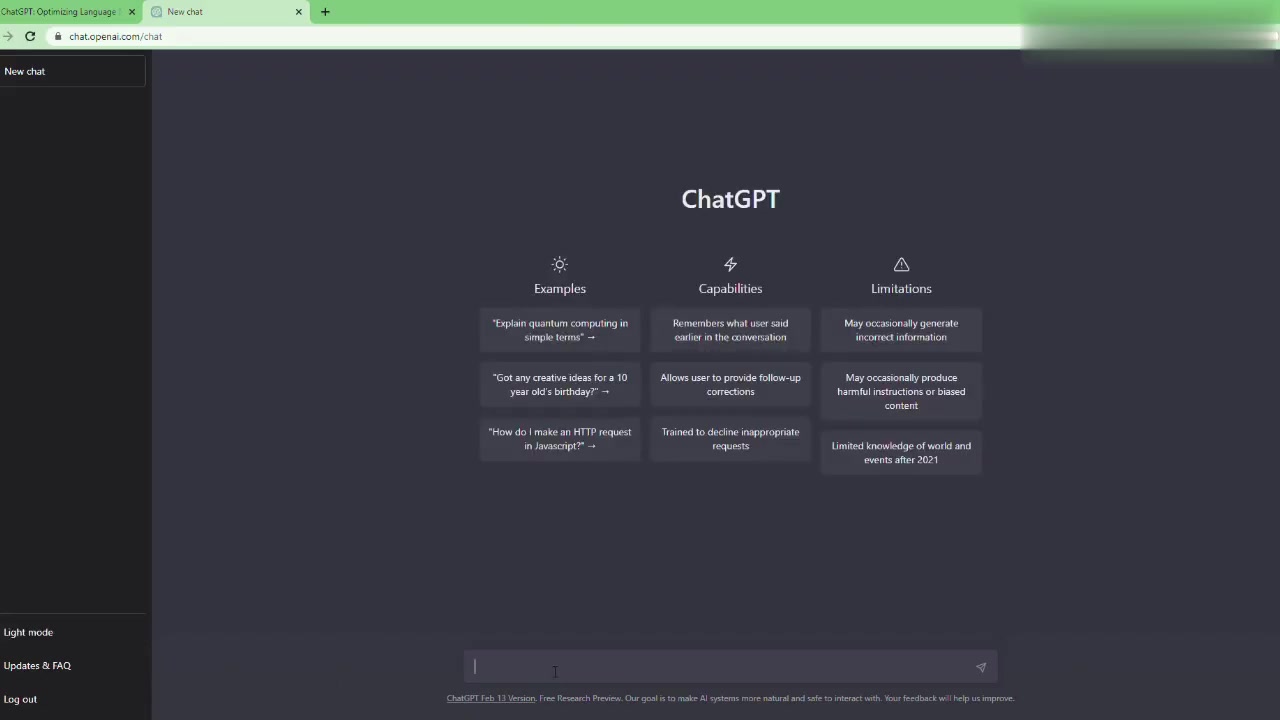
Access ChatGPT: Open your web browser and go to the OpenAI ChatGPT interface. If you don't have an account, you'll need to create one.
-
Enter Your Prompt: Type a clear and specific prompt in the ChatGPT input box. For example, you could use: 'Write Python code for a Tic-Tac-Toe game'. To improve your prompt even further, you can specify the programming language and the desired output, 'tic tac toe source code python'. ChatGPT will start generating the code based on your Prompt.
-
Review the Code: Carefully review the generated code to ensure it meets your expectations. While ChatGPT is generally accurate, it's always good to double-check for any errors or logical flaws.
-
Copy the Code: Once you're satisfied with the code, copy it to your clipboard. Select the entire code block and use the copy function (Ctrl+C or Cmd+C).
By using ChatGPT, you're leveraging AI to handle the code generation, enabling you to focus on understanding the logic and structure of the game. The code generated by ChatGPT will include the necessary functions to display the board, handle player turns, and check for a win or draw. This automated code generation is a significant time-saver, reducing the effort required to start coding your project. The ability to generate Python code using ChatGPT dramatically simplifies the initial coding process and makes it easier for beginners to start coding sophisticated games or programs.
Integrating ChatGPT's Code into Replit and Running Your Game
With the Python code for your Tic-Tac-Toe game now generated by ChatGPT, the next step is to integrate it into your Replit environment and run the game. Follow these simple instructions:
- Open Replit Editor: Go back to your Replit editor where you created your Python project.
- Paste the Code: Select the auto-generated boilerplate code that Replit generates by default (usually
main.py). Clear the existing code, then paste the code you copied from ChatGPT into the editor using Ctrl+V or Cmd+V. - Run the Code: Once the code is pasted, click the “Run” button located at the top of the Replit interface. This will execute your Python code.
- Interact with the Game: Watch the console output as the game starts. You'll be prompted to enter your moves according to the game’s instructions. The game will guide you through each step, displaying the board and asking for player input. This will provide the opportunity to test the game as both player 'x' and player 'o'.
By following these steps, you'll be able to seamlessly integrate ChatGPT-generated code into Replit, run your game, and interact with it in real-time. This hands-on approach not only makes learning more interactive but also helps you grasp the concepts more effectively. The quick iteration cycle of Replit allows you to test, debug, and refine your code continuously, turning theoretical knowledge into practical experience.






Most people like




























Report
Please select a reason for reporting
- 13 Reasons to Switch from Snapchat to Text Messaging
- 7 Powerful Speech to Text Apps to Boost Productivity
- 10 Best Speech to Text Tools for Effortless Transcription
- 13 Free Tools to Easily Transcribe Audio to Text
- 15 Surprising Ways Google's Speech-to-Text Boosts Productivity
- 7 Best Free Online Audio to Text Transcription Tools
- 9 Tips to Transcribe Speech to Text Faster and Better
- 13 Best Speech to Text Software for Windows 10 in 2023
- 7 Tips for Choosing the Best Transcriber for Audio to Text
- 11 Reasons Why Dragon Speech-to-Text Apps are Game-Changers
- 6 Secrets to Enhance Your Speech to Text Transcription
- 6 Brilliant Ways to Boost Productivity with Talk-to-Text on Your MacBook
- 6 Ways Transcription Software Converts Audio to Text
- 8 Tips to Transcribe Speech to Text Like a Pro
- 6 Reasons IBM Watson Speech to Text is a Game-Changer
- 14 Powerful Ways Talk-to-Text Improves Your Workflow
- 12 Top Windows Speech-to-Text Software for Efficient Transcription
- 12 Game-Changing Benefits of Apple's Speech to Text Technology
- 9 Powerful Use Cases for AWS Speech to Text Technology
- 10 Easy Steps to Transcribe YouTube Videos to Text
- transcription audio en texte
- online audio transcription
- free audio file transcription
- free ai audio transcription
- audio transcription service
- audio transcription online free
- audio transcription free online
- audio to transcription software
- audio and transcript
- ai audio transcription free
- voice recording to text converter
- translate voice recording to text
- record voice to text
- audio recording to text converter
- voice recording and transcription
- chatgpt voice to text
- gmail voice to text
- speech to text reader
- speech to text ai free
- speech to talk
- Revolutionizing Storytelling: From Novels to Screenplays with AI
- Create Engaging Animated Explainer Videos with a Free AI Tool
- Stop Multi-Subscribing: Benchmark Top AI Visual Models in One Canvas
- Best Seedance 2.5 API Provider: Every Price on the Market, Checked at Source
- AI OnlyFans: How to Generate $30,000/Month (Legally)
- Transform Your Script into an Engaging Video with AI Video Maker!
- AI Marketing Automation: A Comprehensive Guide for Small Businesses
- Midjourney Alternative for Anime Art Creators: Why PixAI May Be Better for Character Workflows
- 10 Things Most People Get Wrong About AI Image Search
- AI Girlfriend Apps: Top Choices Redefining Relationships 2025
- Dedicated Server vs Cloud Hosting: Which Works Best for Your Business
- AI Security 101, What Every Developer Should Know
- Top 5 AI Detector Tools: Ensuring Originality in Your Content
- 4 Best Motion Sync AI Tools: A Personal Testing Review of Audio-Video Synchronization
- Convert PDF to Audio: Free Urdu Text-to-Speech Tool
- Automatically Transcribe and Subtitle Audio and Video with Descript
- Revolutionize your video editing with AI-generated transcripts
- Mastering Wordpad: Essential Tips for Windows 10 Users
- AfirstSoft PDF Editor: The Ultimate PDF Solution of 2025
- UPDF: The Ultimate PDF Editor for iPadOS and macOS

Copyright ©2026 toolify