































Table of Contents
- Key Points
- Animation Techniques: Bringing Images to Life
- Image Manipulation Techniques: Transforming Reality
- Getting Started with Animation and Image Manipulation
- Pricing: Software Options for Every Budget
- Pros and Cons of Different Animation Styles
- Core Features: What to Look for in Animation and Image Manipulation Software
- Use Cases: Unleashing Creativity in Various Industries
- FAQ
- Related Questions


Animation Techniques: Bringing Images to Life
Traditional Animation: The Foundation
Traditional animation, often referred to as hand-drawn animation, is the classic technique that forms the backbone of many beloved animated films and shows. It involves drawing each frame of the animation by hand, creating the illusion of movement when the frames are played in sequence. This method allows for incredible detail and a unique artistic touch, but it's also incredibly time-consuming and labor-intensive.
Key steps in traditional animation include:
-
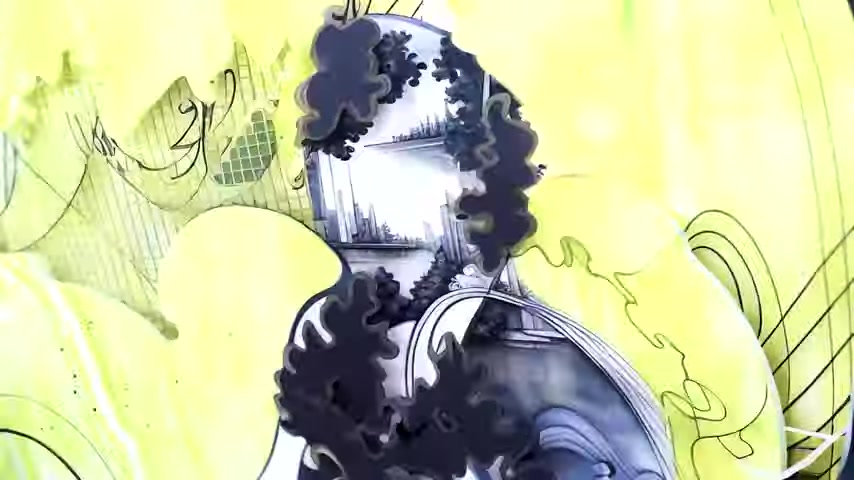
Conceptualization and Storyboarding: Defining the narrative and visualizing key scenes before drawing anything.
-
Creating Keyframes: Drawing the most important frames in a sequence, which define the main poses and actions.
-
Inbetweening: Filling in the frames between the keyframes to create smooth transitions and movement.
-
Line Art and Coloring: Refining the lines and adding color to each frame.
-
Compositing: Combining the individual frames and adding backgrounds, sound effects, and Music.
While digital tools have largely replaced physical paper and pencils, the underlying principles of traditional animation remain essential for understanding movement and timing. Even modern digital animators often start with hand-drawn sketches to plan out their animations.
Digital 2D Animation: Modernizing the Classic
Digital 2D animation builds upon the principles of traditional animation but utilizes software and digital tools to streamline the process. This approach allows animators to create animations more efficiently, with greater flexibility and control over the final product. Many software packages are available that caters to both professional and hobbyist animators
Popular software for digital 2D animation includes:
- Adobe Animate: An industry-standard software with powerful tools for creating vector-based animations.
- Toon Boom Harmony: A robust animation software used for producing high-quality animated series and films.
- Clip Studio Paint: While primarily known as a digital painting tool, Clip Studio Paint also offers excellent animation features.
Advantages of digital 2D animation:
- Efficiency: Streamlines the animation process, reducing production time.
- Flexibility: Allows for easy corrections, revisions, and experimentation.
- Accessibility: Offers affordable and user-friendly options for beginners.
Digital 2D animation is widely used in animated TV series, explainer videos, and interactive content. It offers a balance between the artistic control of traditional animation and the efficiency of digital tools.
3D Animation: Creating Depth and Realism
3D animation involves creating three-dimensional models and animating them within a virtual environment. This technique allows for realistic movements, complex camera angles, and intricate details that are difficult to achieve with 2D animation. 3D animation is often used in feature films, video games, and architectural visualizations.
The 3D animation process typically involves:
- Modeling: Creating 3D models of characters, objects, and environments.
- Rigging: Creating a skeletal structure for the models, allowing for controlled movement.
- Animation: Defining the movements and actions of the models over time.
- Texturing and Shading: Adding surface details, colors, and materials to the models.
- Lighting: Setting up lights to create realistic shadows and highlights.
- Rendering: Generating the final images or video from the 3D scene.
Popular software for 3D animation includes:
- Autodesk Maya: An industry-leading 3D animation software used for feature films, TV series, and video games.
- Blender: A free and open-source 3D creation suite with powerful animation tools.
- Cinema 4D: A user-friendly 3D animation software known for its motion graphics capabilities.
3D animation requires a significant investment in software, training, and computing power. However, it opens up a world of creative possibilities for creating immersive and visually stunning animations.
Stop Motion Animation: The Art of Patience
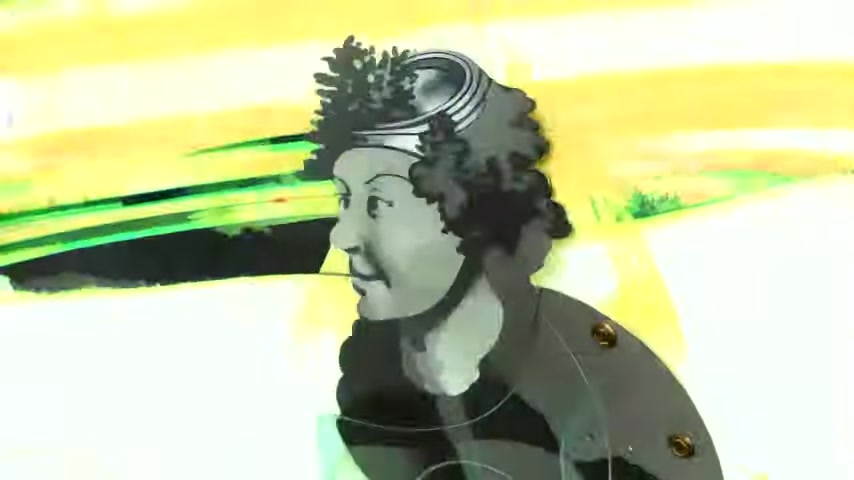
Stop motion animation is a technique that involves physically manipulating objects in small increments between individually photographed frames, so that they will appear to exhibit independent motion or change when the series of frames is played back. It is a time-consuming but rewarding technique that allows for unique tactile and handcrafted aesthetics.
Common materials used in stop motion animation:
- Clay: Claymation, using plasticine or similar materials, is one of the most popular forms of stop motion.
- Puppets: Character-based animation using puppets with articulated joints.
- Cutouts: Using flat paper or cardstock cutouts to create animation.
- Objects: Animating everyday objects like toys, food, or household items.
Steps in creating stop motion animation:
- Set up: Create the scene and set up your camera on a tripod.
- Photograph: Take a picture, making sure not to move anything.
- Animate: Manipulate the object slightly.
- Repeat: Take another picture and keep repeating until animation is complete
Stop motion animation has been used in numerous classic animated films and continues to be a popular technique for independent filmmakers and artists.
Image Manipulation Techniques: Transforming Reality
Photo Retouching: Enhancing and Correcting Images
Photo retouching involves editing images to enhance their appearance, correct flaws, and achieve a desired aesthetic. It is a fundamental skill for photographers, designers, and marketers. Retouching can range from subtle adjustments to drastic transformations.
Common photo retouching techniques include:
- Color Correction: Adjusting the colors and tones in an image to achieve a balanced and pleasing look.
- Blemish Removal: Removing spots, wrinkles, and other imperfections from skin.
- Sharpening and Smoothing: Enhancing details and reducing noise in an image.
- Object Removal: Removing unwanted objects or elements from a scene.
- Compositing: Combining multiple images to create a single composite image.
Software used for photo retouching includes:
- Adobe Photoshop: The industry-standard photo editing software with a comprehensive set of retouching tools.
- GIMP (GNU Image Manipulation Program): A free and open-source alternative to Photoshop.
- Affinity Photo: A professional-grade photo editing software that offers a cost-effective alternative to Photoshop.
Photo retouching is essential for creating professional-looking images for print, web, and social media. However, it is important to use retouching techniques ethically and avoid misrepresenting reality.
Image Compositing: Blending Multiple Images Seamlessly
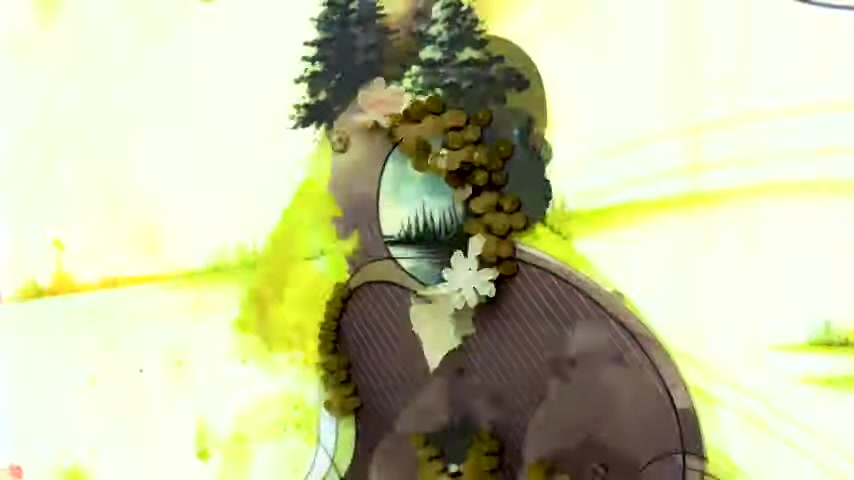
Image compositing is the process of combining two or more images into a single image, creating a seamless and believable result. It is a powerful technique for creating surreal scenes, adding special effects, and enhancing visual storytelling.
Key techniques in image compositing include:
- Masking: Selecting specific areas of an image to isolate and blend them with other images.
- Blending Modes: Using different blending modes to control how the colors and tones of the images interact.
- Perspective Correction: Adjusting the perspective of the images to match the composite scene.
- Color Grading: Applying color adjustments to create a unified and harmonious look.
- Layering: Combining the layers to build desired effects.
Applications of image compositing:
- Creating surreal scenes and fantasy art: Combining elements from different realities.
- Adding special effects to photos and videos: Enhancing visual impact.
- Creating realistic mockups and product visualizations: Showcasing products in captivating environments.
Image compositing requires a strong understanding of image editing software and a keen eye for detail. It allows artists to create imaginative and visually striking compositions that transcend the limitations of reality.
Digital Painting: Creating Art from Scratch
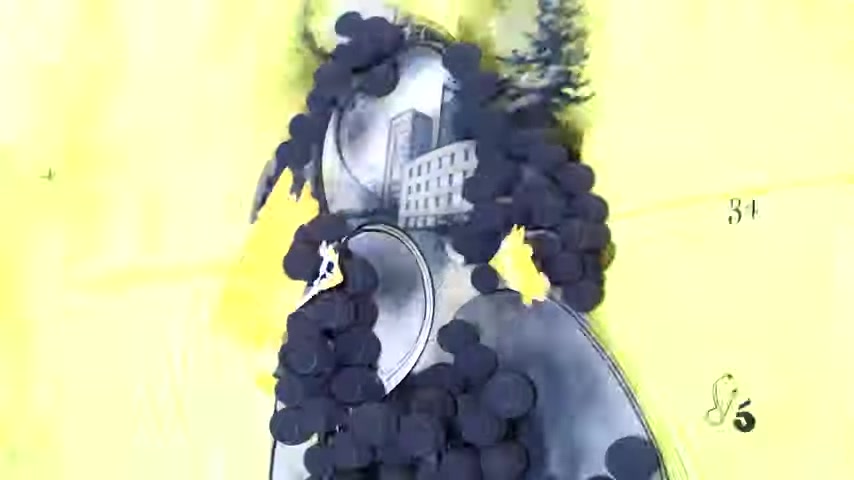
Digital painting is the art of creating paintings using digital tools, such as drawing tablets and painting software. It allows artists to replicate the look and feel of traditional painting techniques, while also offering the flexibility and convenience of digital media.
Advantages of digital painting:
- Flexibility: Allows for easy corrections, revisions, and experimentation.
- Versatility: Offers a wide range of brushes, textures, and effects.
- Portability: Eliminates the need for physical materials and equipment.
- Accessibility: Provides affordable options for beginners.
Popular software for digital painting includes:
- Adobe Photoshop: A versatile software with powerful painting and blending tools.
- Clip Studio Paint: A software specifically designed for illustrators and comic artists.
- Corel Painter: A software that emulates traditional painting techniques with remarkable realism.
Digital painting is used in a wide range of applications, from creating concept art and illustrations to designing characters and environments for video games. It allows artists to express their creativity with greater freedom and control.





Most people like

































Report
Please select a reason for reporting
- 13 Reasons to Switch from Snapchat to Text Messaging
- 7 Powerful Speech to Text Apps to Boost Productivity
- 10 Best Speech to Text Tools for Effortless Transcription
- 13 Free Tools to Easily Transcribe Audio to Text
- 15 Surprising Ways Google's Speech-to-Text Boosts Productivity
- 7 Best Free Online Audio to Text Transcription Tools
- 9 Tips to Transcribe Speech to Text Faster and Better
- 13 Best Speech to Text Software for Windows 10 in 2023
- 7 Tips for Choosing the Best Transcriber for Audio to Text
- 11 Reasons Why Dragon Speech-to-Text Apps are Game-Changers
- 6 Secrets to Enhance Your Speech to Text Transcription
- 6 Brilliant Ways to Boost Productivity with Talk-to-Text on Your MacBook
- 6 Ways Transcription Software Converts Audio to Text
- 8 Tips to Transcribe Speech to Text Like a Pro
- 6 Reasons IBM Watson Speech to Text is a Game-Changer
- 14 Powerful Ways Talk-to-Text Improves Your Workflow
- 12 Top Windows Speech-to-Text Software for Efficient Transcription
- 12 Game-Changing Benefits of Apple's Speech to Text Technology
- 9 Powerful Use Cases for AWS Speech to Text Technology
- 10 Easy Steps to Transcribe YouTube Videos to Text
- transcription audio en texte
- online audio transcription
- free audio file transcription
- free ai audio transcription
- audio transcription service
- audio transcription online free
- audio transcription free online
- audio to transcription software
- audio and transcript
- ai audio transcription free
- voice recording to text converter
- translate voice recording to text
- record voice to text
- audio recording to text converter
- voice recording and transcription
- chatgpt voice to text
- gmail voice to text
- speech to text reader
- speech to text ai free
- speech to talk
- How to Use AI Tools to Find Internal Linking Opportunities Across a Business Website
- Discover Your Perfect Haircut with AI Hairstyle Apps
- Free Reputation Calculator Tools: How They're Adapting to Score AI Visibility, Not Just Rankings
- Design Professional Flyers for Free on Your Phone
- Best Free Flyer Maker Apps for Android: Design Like a Pro
- How to Know If Your Business Is Ready for an AI Customer Service Agent
- Revolutionizing Storytelling: From Novels to Screenplays with AI
- Create Engaging Animated Explainer Videos with a Free AI Tool
- Stop Multi-Subscribing: Benchmark Top AI Visual Models in One Canvas
- Best Seedance 2.5 API Provider: Every Price on the Market, Checked at Source
- Top AI Social Media Management Tools: Automate Your Content Strategy
- Free AI Text to Video Generator: Create Stunning Videos from Text
- Discover 17 ChatGPT Alternatives: A Comprehensive Comparison
- Character.AI vs. Janitor AI: Which AI Chat Platform Reigns Supreme?
- Top Virtual Assistant Companies in 2026: Reviews, Pricing, and Plans Compared
- Unveiling FaceCheck.ID: Revolutionizing Reverse Image Searches with AI
- 11 Best AI Dialers in 2026: Features, Pricing, Pros and Cons
- How I Direct Consistent AI Clips: A Hands-On Guide to Multi-Model Generation
- A Realistic Review of the Photo Generator Image Tool
- Playwright MCP Server: Automated Web Testing with Agent Mode

Copyright ©2026 toolify